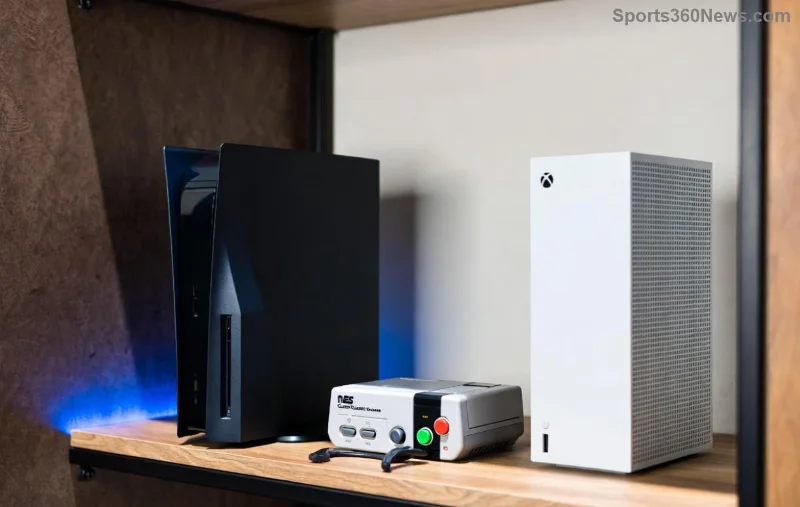
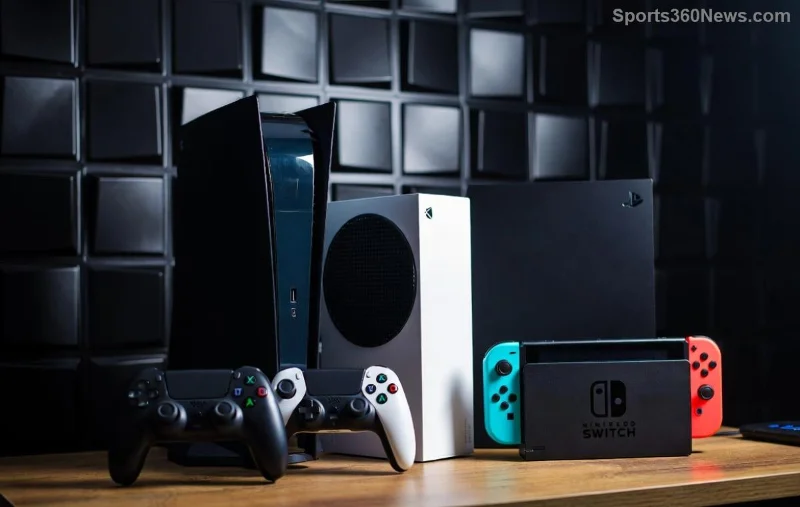
🚀 Ready to supercharge your gaming setup? If you're still rocking an Xbox One but dreaming of buttery-smooth 4K gameplay, ray tracing magic, and lightning-fast load times, it's time to upgrade from Xbox One to Xbox Series X. This beast of a console delivers unmatched power, and transitioning is easier than ever. We'll walk you through every step, so you can dive straight into next-gen adventures without missing a beat. Let's level up! 💥
Why Upgrade from Xbox One to Xbox Series X? The Game-Changing Benefits
Sticking with Xbox One means missing out on revolutionary features. The Xbox Series X isn't just faster—it's a total overhaul for immersive gaming. Here's what awaits:
- ✅ 8K Resolution & 120FPS: Crisp visuals and ultra-responsive action in titles like Forza Horizon 5.
- ⭐ 1TB Custom SSD: Load times slashed by up to 94% compared to Xbox One's HDD.
- ➡️ Quick Resume: Switch between 5 games in seconds—like pausing and picking up later.
- 🎮 Backward Compatibility: Play your entire Xbox One library, enhanced with Auto HDR and FPS Boost.
To see the difference clearly, check this quick comparison:
| Feature |
Xbox One (Original) |
Xbox Series X |
| CPU |
1.75 GHz 8-core Jaguar |
3.8 GHz 8-core Zen 2 |
| GPU |
1.31 TFLOPS |
12 TFLOPS RDNA 2 |
| Storage |
500GB-1TB HDD |
1TB NVMe SSD (expandable) |
| Max Resolution/Refresh |
4K/30FPS |
8K/120FPS |
| Ray Tracing |
No |
Yes |
Source: Official Xbox Comparison. Your old games will feel reborn—imagine Halo Infinite at peak performance! 😎
Before You Start: Prep Your Xbox One to Series X Upgrade
Don't rush in blind. A smooth transition starts with preparation:
- ✅ Update Your Xbox One: Ensure it's on the latest software for easy data transfer.
- ⭐ Back up saves to the cloud via Xbox Live Gold/Ultimate (free trial if needed).
- ➡️ Free up space: Uninstall unused games.
- 🎮 Check accessories: Most controllers, headsets, and external drives work seamlessly.
Pro tip: If you have physical discs, grab them—they're fully compatible. External SSDs? Plug and play for extra storage. You're set for success! 🌟
![Comparing Xbox One and Series X side-by-side]()
Step-by-Step: How to Upgrade from Xbox One to Xbox Series X
Time for the main event. Follow these foolproof steps:
Step 1: Unbox and Power Up Your New Console
Connect the Xbox Series X to your TV via HDMI 2.1 for full potential. Power on, sign in with your Microsoft account, and select "Copy from another console" during setup. Magic begins! ✨
Step 2: Transfer Games and Data – Zero Hassle Methods
Choose your path:
| Method |
Speed |
Best For |
| Local Network Transfer |
Fast (Gigabit Ethernet ideal) |
Full library move |
| USB External Drive |
Medium |
Games only (Series X optimized) |
| Cloud Sync |
Instant for saves/apps |
Saves & settings |
For network transfer: On Xbox One, go to Settings > System > Backup & transfer > Allow network transfer. On Series X, select the source console. Sit back—it's wireless wizardry! 📡
Smart Delivery shines here: Download optimized versions automatically. No redownloading everything!
Step 3: Customize and Optimize
- ➡️ Enable Quick Resume immediately.
- ⭐ Install Xbox Game Pass Ultimate for 100+ titles day one.
- ✅ Tweak fan curves for whisper-quiet operation.
Your setup is now elite. Fire up a game and feel the power surge! 🔥
Accessories, Storage, and Must-Know Tips
Wondering about your gear? 99% compatible—Xbox Elite controllers, Kinect (adapters needed), and Seagate drives plug right in. Expand storage with official 2TB cards for endless space.
Top tips to maximize your Xbox Series X upgrade:
- ⭐ Use Ethernet for stable online play.
- ➡️ Dolby Vision + Atmos for cinematic vibes.
- ✅ FPS Boost auto-enhances 1,000+ backward compat titles.
- 🎮 Velocity Architecture: Developers optimize for SSD speed.
Troubleshoot fast: Reset network settings or check Xbox Support for quick fixes. You're unstoppable now! 👏
![Gamer enjoying Xbox Series X with controller]()
FAQs: Your Xbox One to Series X Questions Answered
Q: Do I lose my games? A: Nope! Full backward compatibility + transfers keep everything intact.
Q: What's the cost of upgrading? A: Console starts around $500; trade-ins via GameStop or Microsoft save cash.
Q: Can I keep my Xbox Live progress? A: 100%—cloud saves sync across generations.
Q: Is Series S enough? A: Great budget option, but Series X rules for 4K power users.
Ready to Dominate? Your Next-Gen Journey Starts Now
Congrats—you're armed with everything for a flawless upgrade from Xbox One to Xbox Series X. This isn't just hardware; it's entering a new era of gaming bliss. Grab your console, follow the steps, and prepare for epic wins. What's your first game? Drop it in the comments! 🎮✨