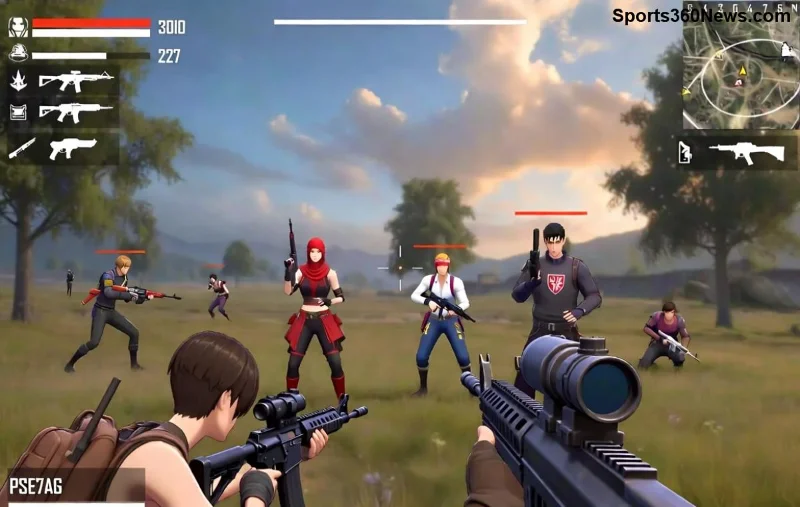
🚀 Dreaming of leading a powerhouse squad in Free Fire? Creating a high-level guild in Free Fire isn't just about starting one—it's about building an unstoppable force that crushes opponents in guild tournaments and climbs leaderboards. Whether you're a solo grinder or squad leader, this guide delivers proven steps to turn your vision into victory. Let's dive in and craft your legacy! 👑

1. Prerequisites: What You Need Before Launching Your Free Fire Guild
Before hitting that create button, ensure you're ready. Creating a guild in Free Fire demands commitment and resources. Here's the essentials:
- 👉 Player Level: Reach at least Level 10 (aim for 20+ for better start).
- ⭐ Gold Requirement: 1,000 Gold Coins to form the guild.
- 😎 Booyah Pass: Elite Pass holders get bonuses for faster growth.
- ⚡ Active account with strong squad connections for instant recruits.
Pro Tip: Grind ranked matches to hit these milestones quickly. Your guild's foundation starts with your strength! Ready? Let's create it.
2. Step-by-Step: How to Create a Guild in Free Fire
Follow these exact steps in the latest Free Fire update for seamless setup:
- 🔥 Open Free Fire and tap the Guild icon on the top-right lobby screen.
- 👆 Select "Create Guild" from the menu.
- ✏️ Enter a catchy name (max 12 characters), description highlighting your vision (e.g., "Elite Squad | Tourney Kings | Active Daily").
- 💰 Confirm with 1,000 Gold—boom, your guild is born!
- 📢 Set recruitment to public or invite-only via guild code.
Instant gratification? Your guild starts at Level 1 with 0 EXP. But for high-level guild status (Level 6+ unlocking tournaments), strategic grinding is key. Excited yet? The real fun begins now! 🎉
3. Level Up Fast: Strategies to Build a High-Level Guild in Free Fire
Achieving high-level guild means hitting Level 6+ for guild halls, custom rooms, and epic tournaments. Focus on EXP sources:
| Guild Level |
EXP Needed |
Unlocks |
Top Boost Method |
| 2 |
5,000 |
More slots (30 members) |
Daily logins |
| 3 |
20,000 |
Custom room creation |
Guild battles |
| 4 |
50,000 |
Advanced donation perks |
Tournament participation |
| 5 |
100,000 |
Guild shop access |
Weekly events |
| 6+ |
200,000+ |
High-level tournaments & hall |
Pro recruitment + max activity |
💥 Key EXP Generators:
- Daily Activities: Logins, donations (Gold/Diamonds), and battles award massive EXP.
- Guild Events: Host battle royales or join weekly guild wars for 10x boosts.
- Tournaments: Enter official guild leagues—top ranks skyrocket levels! Check official Free Fire site for schedules.
![High-level Free Fire guild tournament action with cheering members]()
4. Recruit Like a Pro: Assemble Your High-Level Free Fire Guild Dream Team
No guild thrives solo. Target power players for synergy:
- 👉 Post in-game ads: "LFG | Active Guild | Tourney Push | Min Rank Heroic 👑"
- ⭐ Use Discord/Reddit (r/FreeFire) for global recruits.
- 😤 Vet members: Require screenshots of rank, KD ratio >2.0, and activity proof.
- ⚡ Offer incentives: Exclusive emotes, diamond shares from wins.
Goal: 50 active members grinding daily. Kick inactives weekly to maintain EXP flow. Your squad will feel unstoppable! 🔥
5. Advanced Tips: Sustain and Dominate with Your High-Level Guild
Level 6 is just the start. Stay elite with these hacks:
- 🏆 Guild Hall Upgrades: Donate to unlock buffs like +10% damage in guild modes.
- 📈 Weekly Challenges: Assign roles—snipers, rushers—for balanced wins.
- 💎 Monetize Wins: Pool tournament prizes for member loyalty.
- 🚫 Avoid Pitfalls: Don't over-recruit noobs; ban rage-quitters instantly.
Track progress via guild stats. Celebrate milestones with custom room parties—morale skyrockets! 🎊
Common Mistakes to Dodge When Building Your Free Fire High-Level Guild
- ❌ Ignoring activity: Dead guilds die fast.
- ❌ Poor leadership: Communicate via guild chat/Discord daily.
- ❌ Skipping events: Tournaments are your EXP goldmine.
- ✅ Fix: Set rules, enforce them, reward stars. ⭐
Conclusion: Launch Your High-Level Guild in Free Fire Empire Today!
🎯 You've got the blueprint—now execute! Start small, grind smart, and watch your high-level guild in Free Fire conquer globals. Share your progress in comments below—what's your guild name? Lead, dominate, and Booyah! 💪 Who's ready to rank up? 👇
Stay tuned for more Free Fire mastery guides. Your next win awaits!