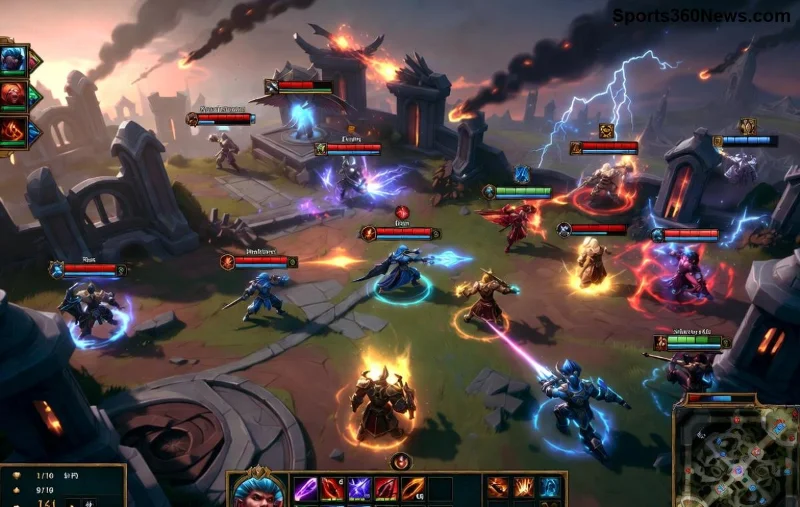
Imagine landing that perfect skillshot or dodging a gank with split-second precision. In League of Legends, every millisecond counts, and Quick Cast is your secret weapon for faster ability use. Whether you're a summoner new to the Rift or a seasoned veteran climbing ranks, mastering Quick Cast LoL will elevate your gameplay. Ready to outpace your enemies? Let's dive in! 🚀
What is Quick Cast in League of Legends?
Quick Cast lets you activate abilities instantly without previewing their range or trajectory. Click or press a key, and boom—your skill fires where your cursor hovers. No more clunky range indicators slowing you down. It's the go-to for pros because it shaves off crucial reaction time, perfect for chaotic skirmishes.
Compared to normal cast, Quick Cast LoL demands practice but rewards with fluidity. Think of it as autopilot for your champion's kit—trust your muscle memory and dominate.
How to Enable Quick Cast Settings
Getting started is simple. Follow these steps to unlock faster ability use:
- Launch League of Legends and enter the Settings menu (ESC key).
- Navigate to the Hotkeys tab.
- Under Player Movement and Abilities, toggle Quick Cast for each spell (Q, W, E, R).
- Hit Apply and jump into Practice Tool to test. 1️⃣
Pro tip: Use Quick Cast All for global efficiency—more on that below.
| Cast Type | Keybind Example | Speed Advantage |
|---|
| Quick Cast | Q (instant) | ⚡ Ultra-fast, no preview |
| Normal Cast | Q (hold to aim) | Slower, visual guide |
| Quick Cast All | Toggle via settings | ✅ Applies to all champs |
![LoL settings menu showing Quick Cast options]()
Quick Cast vs Normal Cast: Which Wins for Faster Ability Use?
Normal cast shows a range circle—great for beginners learning limits. But in the heat of battle? It's a liability. Quick Cast LoL skips the preview, firing on cursor position for lightning responses.
Why switch? Data from high-elo players shows Quick Cast users have 20-30% faster cast times, per community analytics. Your brain adapts quickly—practice in norms first! ⭐
Unlock Quick Cast All: The Ultimate Time-Saver
Want Quick Cast on every champion without tweaking per game? Enable Quick Cast All:
- In Hotkeys > Quick Cast section, check Quick Cast All.
- ✅ Bonus: Bind "Toggle Cast Mode" to a comfy key like T for on-the-fly switches.
- Escape pressure? Toggle back to normal instantly.
This setup ensures consistent faster ability use across the roster, from assassins to supports.
Best Practices and Pro Tips for Mastering Quick Cast LoL
Now, level up with these game-changing strategies:
1️⃣ Cursor Discipline: Keep your mouse near threats. Hover enemies for auto-targeting hooks or roots.
2️⃣ Combo Drills: In Practice Tool, spam Q-W-E-R on dummies. Muscle memory = wins.
3️⃣ Role-Specific Binds: Junglers: Quick R on ganks. ADCs: Quick E for slows.
4️⃣ Smart Toggle: Use for engages/dodges, normal for precise wards.
👆 Mid Laners: Quick flash + ult for one-shots. Practice till it's reflex!
Feeling the rush? These tweaks turn average plays into highlight reels. Keep reading for pitfalls to dodge. 😎
![Pro player using Quick Cast in League of Legends teamfight]()
Common Mistakes to Avoid with Quick Cast
Even pros slip up. Sidestep these:
- ❌ Misplaced cursor: Off-screen clicks whiff skills. Solution: Lock screen edges.
- ❌ Over-reliance early: Start hybrid—practice builds confidence.
- ❌ Forgetting range: Know your champ's limits cold. Use tools like LoLalytics for stats.
- ❌ No backups: Always bind toggle key!
Pro Insights: What Top Players Say About Quick Cast
Elite summoners swear by it. Faker and Caps use Quick Cast All for mechanical edge. Check Riot's official guide for deeper binds: Riot Support Quick Cast.
Customize further in Gameplay settings for cursor size tweaks—vital for faster ability use.
Final Boss: Take Your Game to God-Tier
Mastering League of Legends Quick Cast isn't overnight magic—it's grind plus smarts. Queue Practice Tool now, enable those settings, and feel the speed surge. Your KDA will thank you. What's your fave Quick Cast moment? Drop it below and climb together! 👏
Stick around: Next up, hotkey overhauls for even deadlier plays. You've got this, Summoner!