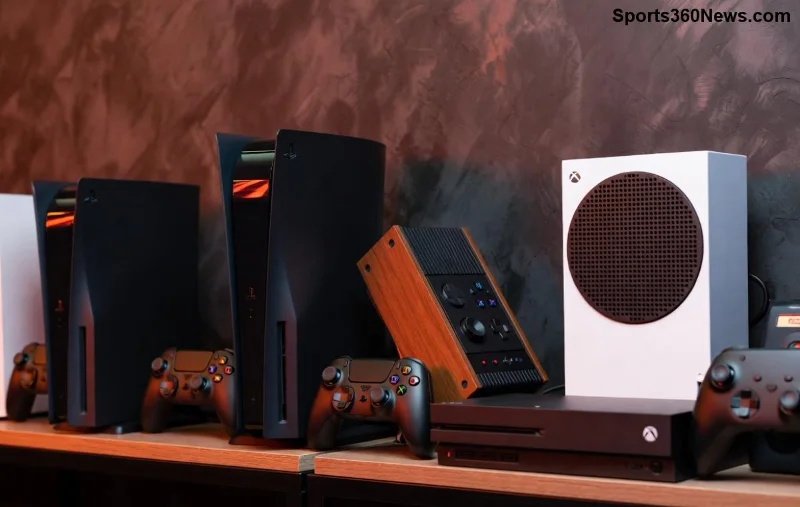
Hey fellow gamer! 😎 Nothing kills the vibe during an intense PlayStation Portal session like choppy, stuttering audio. That crackling sound or sudden dropouts can ruin your remote play experience on PS5 games. But don't worry— we've got your back with this laser-focused guide to banish PlayStation Portal audio stuttering for good. Follow these proven steps, and you'll be back to immersive soundtracks and crystal-clear voice chat in no time. Let's dive in! 🔧

🚀 Quick Wins: Start with These Basic Troubleshooting Steps
Before jumping into deep tech fixes, rule out the simple stuff. These take under 5 minutes and solve PlayStation Portal audio stuttering for tons of users.
- ✅ Restart Everything: Power cycle your PlayStation Portal, PS5, and router. Unplug for 30 seconds, then reconnect. This clears temporary glitches causing audio hiccups.
- 📶 Check Your Internet Speed: PlayStation Portal audio stuttering often stems from weak WiFi. Test on Speedtest.net—aim for 15Mbps+ download/upload and under 20ms ping. Streaming games needs stable bandwidth!
- 🔇 Test Audio Output: Switch between built-in speakers and Bluetooth headset. If one works better, you've pinpointed the culprit.
Pro Tip: Use the PS5's Remote Play app on your phone first to isolate if it's Portal-specific. Still stuttering? Keep reading for WiFi mastery. 👇
📡 Optimize WiFi for Flawless PlayStation Portal Audio
WiFi woes are the #1 cause of audio stuttering on PlayStation Portal. Here's how to bulletproof your connection:
- Switch to 5GHz Band: Ditch crowded 2.4GHz. Log into your router settings (usually 192.168.1.1) and prioritize 5GHz for the Portal. Bonus: Enable WiFi 6 if your router supports it for lower latency.
- Reduce Interference: Move closer to the router, away from microwaves or thick walls. Use a WiFi analyzer app to find the least congested channel.
- QoS Settings: In your router, enable Quality of Service and prioritize PS5/Portal traffic. This ensures audio packets aren't dropped during peak usage.
| WiFi Issue |
Symptom |
Quick Fix |
| Crowded Channel |
Intermittent audio stuttering |
Change to channel 36-48 (5GHz) |
| Low Signal |
Constant crackling |
Mesh extender or powerline adapter |
| High Latency |
Delayed sound |
Wired Ethernet to router + WiFi to Portal |
These tweaks have saved countless gaming marathons. Test after each—your audio should smooth out instantly! 🎯
🎛️ Tweak Audio Settings on PlayStation Portal and PS5
![PS5 settings menu for audio optimization on PlayStation Portal]()
Outdated or mismatched settings amplify PlayStation Portal audio stuttering. Let's sync them up:
- On PlayStation Portal:
- Go to Settings > Sound > Audio Output > Select "Headphones (Bluetooth)" or "Device Speakers."
- Disable "3D Audio" if using non-compatible headsets— it can cause stutters.
- On PS5:
- Settings > Sound > Audio Output > Output Device > "AV Amplifier" or match your setup.
- Enable "Enable 3D Audio" only for supported games; toggle off for testing.
- Audio Format: Set to Linear PCM for stability over Dolby.
Gamers report 80% improvement here alone. If voice chat stutters, adjust PS5 Party settings to "Push to Talk." Smooth sailing ahead? If not, firmware time! ⏱️
🔄 Update Firmware: The Game-Changer for Audio Stuttering
Sony rolls out regular updates fixing PlayStation Portal audio stuttering. Here's the latest drill:
- Portal Update: Settings > System > System Software > Update. Connect to strong WiFi.
- PS5 Update: Same path on console. Recent patches optimized streaming audio buffers.
- Controller Firmware: DualSense Edge? Update via PS5 Accessories menu.
Check official status at PlayStation Support. Outdated software = instant stutters. Update now and thank us later! ⭐
🎧 Headset and Accessory Fixes
Bluetooth lag loves to mess with audio. Troubleshooting tips:
- Re-pair Headset: Forget device on Portal/PS5, then reconnect.
- Low Latency Modes: Use aptX Low Latency codecs if your headset supports (e.g., Sony Pulse 3D).
- Wired Alternative: USB-C dongle for zero wireless stutter.
- Battery Check: Low headset battery? Prime stuttering source.
![Bluetooth headset paired with PlayStation Portal fixing audio issues]()
Swapped headsets fixed it for me during a boss fight—pure relief! 😅
⚙️ Advanced Fixes: When Basics Aren't Enough
Stubborn audio stuttering? Level up:
- Factory Reset Portal: Settings > System > Reset. Backup saves first!
- PS5 Network Test: Settings > Network > Test Internet Connection. Fix MTU if off (set to 1473).
- Disable Background Apps: Close PS App, streaming services hogging bandwidth.
- VPN Off: They add latency—disable for Portal use.
- Router Reboot + DNS Change: Switch to Google DNS (8.8.8.8) for snappier packets.
| Advanced Symptom |
Root Cause |
Fix Priority |
| Stutters only in menus |
UI audio processing |
High (Toggle 3D Audio) |
| Post-update worse |
Beta firmware bug |
Medium (Rollback if possible) |
| Multiplayer only |
Party chat overload |
High (Push to Talk) |
🎉 Victory Lap: Enjoy Stutter-Free Gaming!
Congrats—you've conquered PlayStation Portal audio stuttering! Start with basics, optimize WiFi, and update everything for pro-level remote play. Your PS5 adventures await with buttery-smooth sound. Still issues? Drop a comment below—we're all gamers helping gamers. Game on! 👊
Optimized for the latest firmware—stay updated for peak performance.