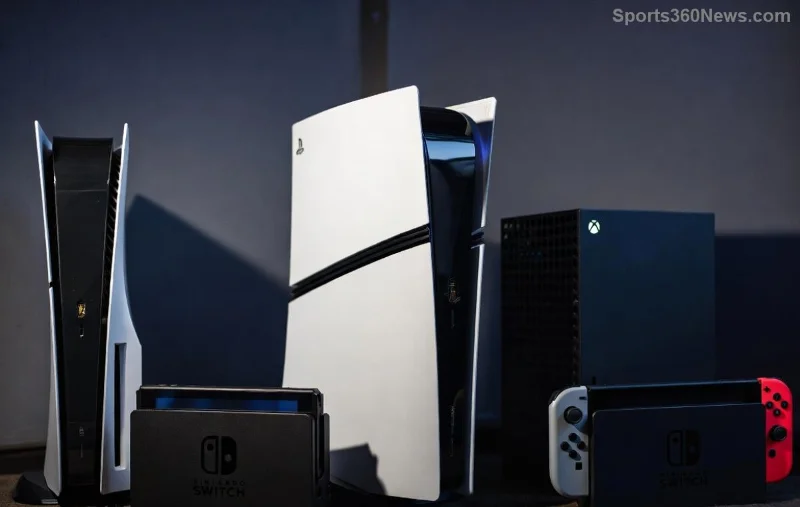
Hey, fellow gamer! 😎 Ever found yourself away from your PlayStation console but needing to deactivate a PlayStation account remotely? Maybe you're switching setups, sharing with friends, or just cleaning up your digital life. The good news? Yes, you can deactivate a PlayStation account remotely – and it's easier than you think. No more rushing home or losing sleep over license limits.
In this guide, we'll break it down simply: from deactivating PSN consoles remotely (the most common need) to fully closing an account. Stick around – you'll be back to gaming smoothly in minutes. Let's dive in!

What Does Deactivating a PlayStation Account Really Mean?
Before we get hands-on, let's clarify. Deactivating a PlayStation account remotely often refers to two things:
- Console Deactivation: Frees up your primary console slot so you can activate another device. Licenses for games/apps transfer to a new primary PS5 or PS4.
- Account Closure: Permanently deletes your PSN account, erasing data like trophies, friends, and purchases (with refunds possible in some cases).
🔥 Pro Tip: Console deactivation is fully remote and instant via web. Account closure needs Sony support but starts online. Both keep your gaming life flexible!
Can You Deactivate PSN Console Remotely? Absolutely – Here's Proof
Sony's official tools let you deactivate a PlayStation account remotely on all linked consoles with one click. No console access required. This is a game-changer for travelers or multi-setup gamers.
Why do it? PSN limits one primary console per account. Deactivate remotely to play your full library elsewhere. Recent updates make it seamless across PS5 and PS4.
| Action |
Remote Possible? |
Time Needed |
Best For |
| Deactivate All Consoles |
✅ Yes, via Web |
Instant |
Switching primaries |
| Single Console |
✅ Yes, via Web |
Instant |
Targeted cleanup |
| Full Account Delete |
✅ Starts Remote |
Days (Review) |
Permanent exit |
![PlayStation account management dashboard on computer screen]()
Step-by-Step: How to Deactivate a PlayStation Account Remotely
Ready to act? Follow these gamer-proof steps. You'll need your PSN sign-in ID and password. Do this from any browser on PC, phone, or tablet.
- 1️⃣ Visit the Official Site: Head to account.sony.com or playstation.com account management. Sign in securely.
- 2️⃣ Navigate to Devices: Click "Account Management" > "Devices" or "Console Management." See all linked PS4/PS5 consoles here.
- 3️⃣ Select Deactivate: Choose "Deactivate All Devices" for a full reset (resets primary status everywhere) or pick a specific console. Confirm – boom, done!
- 4️⃣ Verify: Sign into your new console. Licenses activate automatically. 🎉
💡 Bonus for PS5 Users: Recent enhancements allow remote management even if your console is offline. No more "console must be online" errors!
Deactivate PSN Account Completely Remotely: The Full Wipe Guide
If you're ditching PSN entirely, deactivate a PlayStation account remotely means closure. Sony reviews requests to protect against mistakes.
- 1️⃣ Log in at PlayStation Account Management.
- 2️⃣ Go to "Other Settings" > "Delete Account" or contact support via live chat/email.
- 3️⃣ Submit details: Prove ownership, request refunds for recent buys (within 14 days).
- 4️⃣ Wait for approval (usually quick). Account vanishes – trophies, purchases gone forever.
⚠️ Warning: Back up saves to cloud first. This is irreversible, but empowers you to start fresh.
![Happy gamer with remote PlayStation deactivation success]()
Troubleshooting: What If Remote Deactivation Fails?
Stuck? Common fixes:
- ❌ Password Issues: Reset at account.sony.com.
- ❌ Too Many Deactivations: Limited to once per year per account. Wait or contact support.
- ❌ 2FA Problems: Use backup codes from settings.
- ✅ Still Stuck?: Sony's support page has 24/7 chat. Gamers rave about quick resolutions.
Why Gamers Love Remote PSN Management – And You Will Too
Imagine lending your console to a buddy, then reactivating your license from a coffee shop. Or prepping a new PS5 before it arrives. This feature saves hours and headaches, letting you focus on what matters: epic wins! 👏
Pro gamers use it for LAN parties or travel tournaments. Share the power without limits.
Final Boss: Ready to Deactivate Your PlayStation Account Remotely?
You've got the full arsenal now. Deactivate a PlayStation account remotely today and level up your setup. Questions? Drop them below – we're all gamers here. Game on! 🎮✨