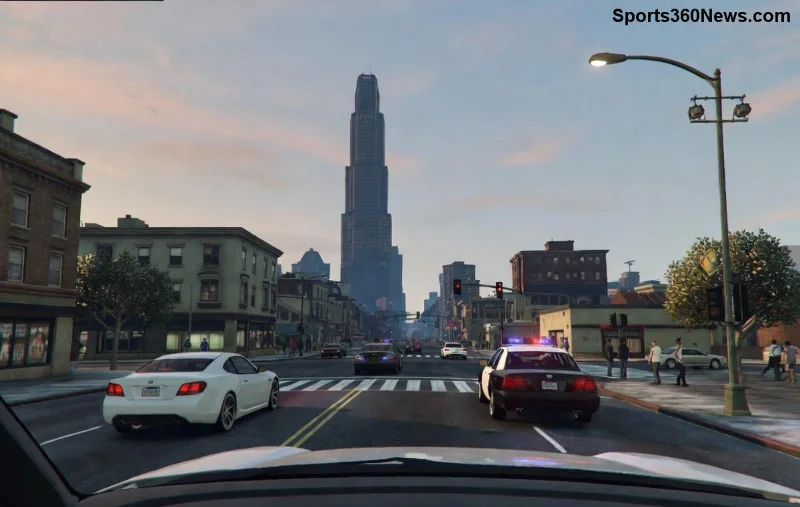
Ready to dive into the chaotic streets of GTA Online on PC? Whether you're a total newbie or just switching platforms, this guide makes downloading and installing GTA Online on PC for beginners a breeze. No tech headaches, no endless searches—just clear steps to get you racing, heisting, and dominating in Los Santos ASAP. Let's turn your PC into a GTA Online powerhouse! 💥
✅ System Requirements for Smooth GTA Online PC Gameplay
Before hitting download, check if your rig can handle the high-octane fun. Rockstar Games recommends these specs for the latest updates—ensuring GTA Online on PC runs buttery smooth at 60+ FPS.
| Component |
Minimum |
Recommended |
| OS |
Windows 10 64-bit |
Windows 10/11 64-bit |
| Processor |
Intel Core 2 Quad Q6600 @ 2.40GHz or AMD Phenom 9850 @ 2.5GHz |
Intel Core i5-3470 @ 3.2GHz or AMD X8 FX-8350 @ 4GHz |
| RAM |
4 GB |
8 GB |
| Graphics |
NVIDIA 9800 GT 1GB / AMD HD 4870 1GB (DX 10, 10.1, 11) |
NVIDIA GTX 660 2GB / AMD HD7870 2GB |
| Storage |
105 GB available space |
105 GB available space (SSD recommended) |
Pro Tip: Use an SSD for lightning-fast load times—your first heist will feel epic! If your PC falls short, consider upgrades for that immersive GTA Online PC experience. ⭐
1️⃣ Three Easy Ways to Download GTA Online on PC
GTA Online comes bundled with GTA V—no standalone download. Pick your platform: Rockstar's own launcher (best for exclusives), Steam (mods galore), or Epic Games Store (frequent sales). All legit, all secure.
Method 1: Rockstar Games Launcher (Recommended for Beginners) 👆
Rockstar's official hub gives seamless updates and Social Club integration. Perfect for installing GTA Online on PC.
- Download Rockstar Games Launcher: Head to rockstargames.com/launcher and grab the installer. Run it—it's lightweight!
- Create/Login to Rockstar Social Club: Sign up with email (free). Verify for bonuses.
- Purchase GTA V: In Launcher, search GTA V. Buy Premium Edition for extras (~$30-60, sales common). ✅
- Download & Install: Hit "Install." ~100GB, so grab coffee. Takes 1-4 hours on decent internet.
- Launch GTA Online: Log in, create character. Boom—you're in! 🎮
Method 2: Steam – Modder's Paradise
Steam overlays and community make it fun. Steps mirror Rockstar but via Steam app.
- Install Steam from steampowered.com.
- Buy/link GTA V in Library.
- Download/install—Steam handles verification automatically.
- Launch and select GTA Online mode. Easy peasy!
Method 3: Epic Games Store – Budget-Friendly
Frequent freebies and sales. Download Epic Launcher, buy GTA V, install. Links to Rockstar for Online play.
![GTA Online PC installation screen with Rockstar Launcher]()
🔧 Common Installation Issues & Quick Fixes for GTA Online PC Download
Hit a snag? Don't rage quit—here's your troubleshooting toolkit:
- Error 0x200 or Crashes: Run as admin, update DirectX/VCRedist from Rockstar support. ✅
- Slow Download: Pause/resume in launcher. Use wired internet.
- Launcher Won't Open: Delete cache folder (Documents\Rockstar Games\Launcher). Relaunch.
- Online Connection Fail: Check firewall—allow Rockstar ports. VPN off!
- Outdated Drivers: Update GPU via GeForce Experience or AMD Software.
For official fixes, visit Rockstar Support. Most issues solved in 5 mins!
⭐ Beginner Tips to Dominate GTA Online on PC Right Away
Installed? Level up fast:
- Join a crew via Social Club for free cash boosts. 🤑
- Grind Contact Missions first—easy money.
- Tweak graphics in settings for max FPS (use NVIDIA/AMD tools).
- Enable mods cautiously (single-player only to avoid bans).
- Daily logins = free rewards. Consistency wins!
Stick around for weekly updates—new cars, heists, and chaos keep GTA Online PC fresh forever. Your first yacht purchase awaits! 🛥️
🎉 Ready to Play? Your Los Santos Adventure Starts Now!
Congrats—you're set for endless GTA Online thrills on PC! Followed the steps? Drop in comments for your first wins. Share this guide with fellow newbies and let's build epic stories together. Game on! 🚀