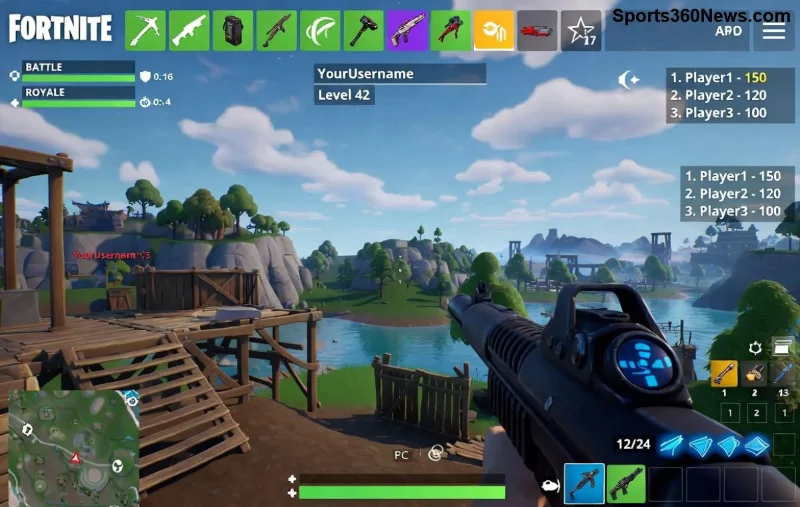
Ready to drop into the ultimate Fortnite action? Whether you're a squad newbie or a Victory Royale veteran, getting Fortnite on PC set up in 2026 is smoother than ever. This step-by-step guide covers everything from downloading Fortnite via the Epic Games Launcher to launching your first match. No fluff—just pure, actionable steps to get you building, battling, and boogieing ASAP. Let's squad up! 💥
✅ Quick Fortnite PC System Requirements Check
Before diving in, ensure your rig is Battle Bus-ready. Fortnite 2026 runs buttery smooth on most modern PCs, but here's the latest scoop:
| Component |
Minimum |
Recommended |
| OS |
Windows 10 64-bit (Version 1703 or later) |
Windows 11 64-bit |
| Processor |
Intel Core i3-3225 3.3 GHz or AMD equivalent |
Intel Core i5-7300U 3.5 GHz or better |
| RAM |
8 GB |
16 GB or more |
| Graphics |
Intel HD 4000 or AMD Radeon Vega 8 |
NVIDIA GTX 960 / AMD R9 280 or better |
| Storage |
80 GB available space |
SSD with 100+ GB |
| DirectX |
Version 11 |
Version 12 |
⭐ Pro Tip: If you're on the fence, run the Epic Games PC check tool during install—it'll flag any issues instantly. Most laptops from the last few years crush it!
1️⃣ Step 1: Download the Epic Games Launcher
The gateway to Fortnite PC glory is the free Epic Games Launcher. Here's how:
- Head to the official Epic site (avoid shady third-party sites—safety first! 🚫).
- Click the massive "Get Epic Games" button. Your download starts automatically (~60MB).
- Run the .exe file. Follow the installer wizard—it's a breeze, taking under 2 minutes.
Done? Launcher installed and shining on your desktop. Feeling the hype build? Keep reading for the fun part. 😎
2️⃣ Step 2: Create or Log Into Your Epic Account
No account? No problem—Fortnite links everything seamlessly.
- Launch Epic Games Store.
- Hit "Sign In" or "Sign Up" (email, Google, PSN, Xbox—pick your poison).
- Verify your email if new. Boom—you're in the ecosystem with cross-play ready across consoles.
🔥 Insider Hack: Enable 2FA right away for account security. Protects your skins and V-Bucks like a fort!
3️⃣ Step 3: Search, Download, and Install Fortnite
Now the main event—grabbing Fortnite Battle Royale (free forever!):
- In the Launcher, search "Fortnite" or browse the featured tab.
- Select the free Fortnite game tile.
- Click "Get" → It queues up (80GB+, so grab a snack ☕).
- Hit Install—choose your drive (SSD = god-tier load times).
- Launcher handles updates automatically. Patience pays off!
![Installing Fortnite on PC via Epic Launcher 2026]()
Install time? 30-90 minutes depending on your net (fiber optic dreams). Once greenlit, launch and patch to the latest Chapter (zero downtime in 2026).
🎮 Step 4: Launch, Optimize, and Play Fortnite on PC
Launcher → Fortnite → Play. Customize settings for max FPS:
- Graphics: Medium/High for 1080p 144Hz glory.
- Keybinds: Default rocks, but remap for your style.
- Performance Mode: Toggle for buttery frames on mid-tier PCs.
👆 Quick Win: In-game, hit the settings gear → Video → NVIDIA/AMD Reflex for zero input lag.
❌ Common Fortnite PC Install Issues & Fixes
Stumbles happen—here's your troubleshoot toolkit:
| Issue |
Solution |
| Download stuck |
Clear cache in Launcher Settings → Restart PC → VPN off. |
| "Outdated drivers" |
Update GPU via GeForce Experience or AMD Software. |
| Launcher crashes |
Run as Admin → Verify files in Library. |
| Low FPS post-install |
Close background apps → Set High Performance power plan. |
Still stuck? Epic's support is top-notch—chat them via the Launcher. 99% fixed in minutes. 👍
⭐ Pro Tips for Epic Fortnite PC Gameplay in 2026
Install done? Level up your experience:
- Hardware Boost: Dual monitors for maps + Discord squads.
- Free Cosmetics: Log in daily for rewards—never miss a glow-up!
- Cross-Progression: Your mobile/console progress carries over seamlessly.
- Mods/Cheats? Nope: Stick legit—Easy Anti-Cheat bans cheaters faster than a rocket ride.
Want more? Dive into Creative mode for custom islands or Zero Build for pure chaos. The metaverse awaits! 🌌
🏆 Ready to Dominate? Your Next Move
Congrats—you've mastered how to download and install Fortnite on PC in 2026! Drop hot, rack kills, and claim that Crown. Share your first win in comments below—what's your go-to landing spot? Squad up and see you on the island. GG! 🎉
Stay frosty—Fortnite updates drop weekly with new weapons, collabs, and maps. Bookmark this for refreshes!