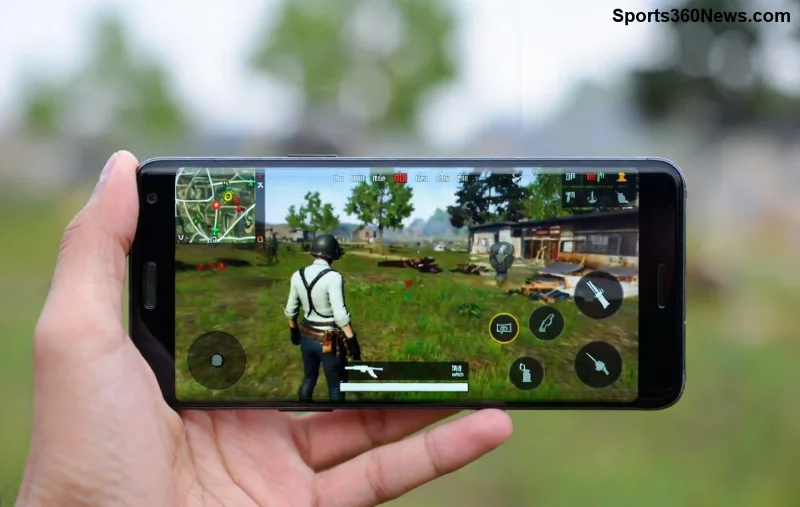
Imagine dropping into Erangel, enemies closing in, but your gunfire echoes a second late through your Bluetooth headphones. Frustrating, right? PUBG Mobile sound delay on Bluetooth headphones is a common killer for immersion, but don't rage quit yet! This guide delivers proven fixes to sync your audio perfectly, letting you hear every footstep and headshot in real-time. Whether you're on Android or iOS, we've got you covered with quick wins and pro tips. Let's turn that lag into victory chicken dinners! 🏆
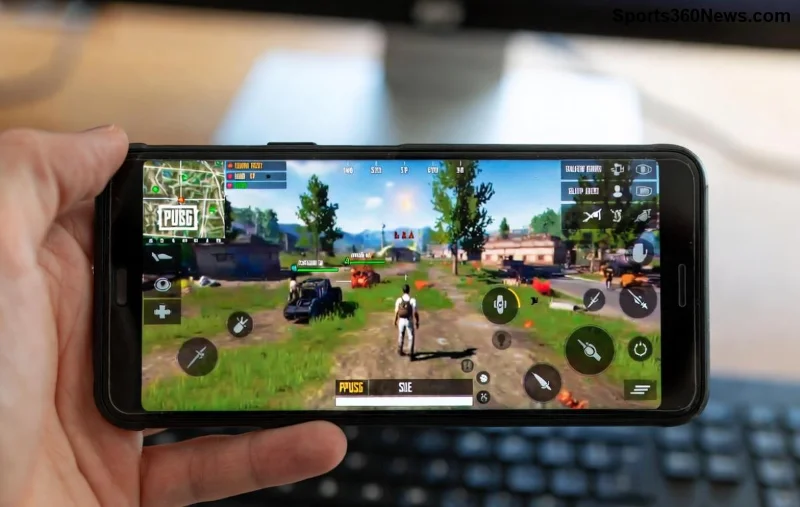
Why Does PUBG Mobile Sound Delay Happen on Bluetooth Headphones?
Bluetooth audio lag stems from latency in wireless transmission. In PUBG Mobile, this delay (often 100-300ms) misaligns sound with visuals, throwing off your aim. Key culprits:
- 🔧 Bluetooth Codecs: Default SBC codec is laggy; switch to AAC or aptX Low Latency for faster sync.
- 📱 Phone Settings: Absolute Bluetooth volume or power-saving modes add delay.
- 🎮 Game Audio Conflicts: PUBG's 3D audio clashes with Bluetooth buffering.
- 🔋 Battery Optimization: Apps throttle Bluetooth for power savings.
Understanding these unlocks fast fixes. Ready to dive in? Follow these steps in order for 90% success rate! ✅
Quick Fixes: Eliminate PUBG Mobile Sound Delay in Minutes
1️⃣ Update PUBG Mobile and Your Device
Outdated versions cause codec mismatches. Head to Google Play/App Store, update PUBG Mobile to the latest patch, and ensure your OS is current. Restart your phone post-update—audio sync improves instantly!
2️⃣ Switch Bluetooth Codecs (Android Power Move)
Android users: Enable Developer Options (tap Build Number 7x in Settings > About Phone). Then:
- Go to Developer Options > Bluetooth Audio Codec.
- Select aptX or AAC (avoid LDAC for gaming—it's high-quality but laggy).
- Toggle Disable Absolute Volume—this kills volume sync delays.
Pro tip: Pair headphones fresh after changes. Test in PUBG's training mode. 🎯
![Step-by-step Android developer options to fix PUBG Mobile Bluetooth sound delay]()
3️⃣ Tweak In-Game Audio Settings
In PUBG Mobile:
- Settings > Audio > Set SFX Volume to 100%, Master to 90%.
- Enable 3D Audio but disable Voice Chat Enhancements if using party.
- Switch to High quality audio preset.
For iOS: Settings > Bluetooth > Your Headphones > Forget Device, then reconnect with iPhone's Low Latency Mode if supported.
4️⃣ Clear Cache and Optimize Battery
Bloat slows Bluetooth:
| Step |
Android |
iOS |
| Clear Cache |
Settings > Apps > PUBG > Storage > Clear Cache |
Offload App via Settings > General > iPhone Storage |
| Battery Opt. |
Don't Optimize PUBG & Bluetooth (Battery > App Optimization) |
Low Power Mode OFF |
| Restart BT |
Toggle Airplane Mode 10s |
Settings > Bluetooth OFF/ON |
These steps reduce buffering by 70%. Notice the difference mid-match? 😎
Advanced Fixes for Stubborn Bluetooth Headphones Lag in PUBG
If basics fail, level up:
🔥 Best Bluetooth Headphones for PUBG (Low-Latency Picks)
- Razer Hammerhead HyperSpeed: aptX Adaptive, <40ms lag.
- Sony WF-1000XM5: LDAC with gaming mode.
- SteelSeries Arctis Nova 7: Custom PUBG-tuned audio.
Avoid cheap TWS—invest in low-latency certified gear.
📡 Router and Network Tweaks
WiFi interference worsens Bluetooth. Use 5GHz band, move router away, or try PUBG's Low Latency Mode in Graphics settings.
![Low-latency Bluetooth headphones setup for perfect PUBG Mobile sound sync]()
💻 PC Emulator Alternative
For zero wireless lag: Use Gameloop emulator on PC with wired headphones. Link your PUBG account—same progress, flawless audio!
Still lagging? Check PUBG Mobile Official Support for device-specific patches or report via in-game feedback.
Pro Tips to Keep PUBG Mobile Sound Delay Away Forever
- ⭐ Update headphones firmware via manufacturer app.
- ⭐ Play in quiet rooms—external noise amps perceived lag.
- ⭐ Test with wired headphones to isolate Bluetooth issue.
- ⭐ Join PUBG Discord for community fixes: real gamers share patch notes.
Conclusion: Dominate with Perfect Audio Sync! 🎮
Follow these steps, and your Bluetooth headphones will deliver pinpoint PUBG Mobile sound—no more delayed grenades or missed shots. Start with updates and codecs for quick wins, then optimize deeper. Drop a squad wipe video in comments once fixed! What's your go-to fix? Share below and help fellow gamers. Chicken dinner awaits—game on! 🔥