Hey, fellow Roblox warriors! 👋 Imagine crafting jaw-dropping avatars, slick custom clothing, and pro-level textures—all from your mobile device. No PC needed! Roblox mobile editing has exploded, letting you stand out in any game. Whether you're designing UGC-ready outfits or tweaking thumbnails, these best apps for Roblox mobile editing will supercharge your creativity. Ready to dominate the catalog? Let's dive in! 🚀
Why Choose Roblox Mobile Editing Apps? Quick Wins for Game Changers
Roblox mobile editing is a game-changer for on-the-go creators. Official Roblox tools handle basics like avatar tweaks, but third-party apps unlock advanced features: layer-based drawing for clothing templates, texture exports, and seamless uploads via the Roblox website. Pro tip: Always use templates from Roblox Creator Docs to ensure compatibility. You'll save hours and avoid bans. Feeling pumped? Here's the cream of the crop! ⭐
Our Handpicked Best Apps for Roblox Mobile Editing – Ranked for Power Users
We've tested dozens for ease, features, and Roblox integration. These shine for clothing design, face editing, and model previews. Each includes mobile-first tips to get you started fast. 1️⃣ Let's roll!
-
1. Roblox Official App – The Free Powerhouse ⭐⭐⭐⭐⭐
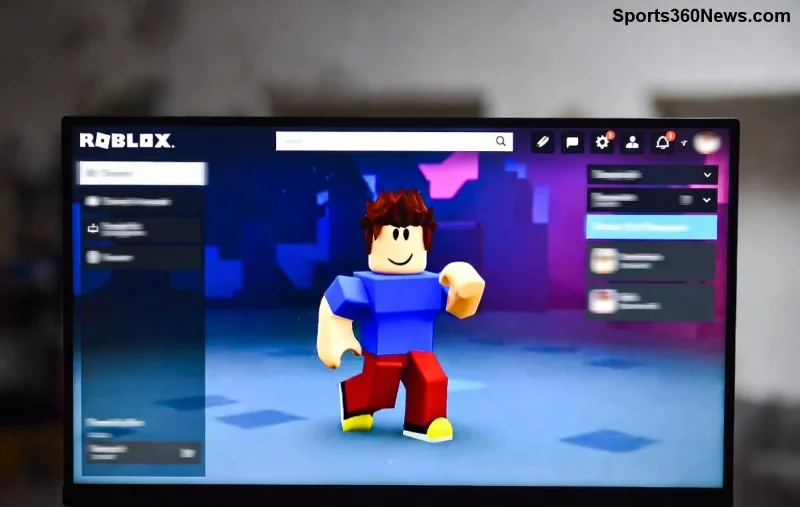
The king of Roblox mobile editing apps! Built-in Avatar Editor lets you mix outfits, try UGC, and preview in real-time. New updates boost layer previews and color pickers. Perfect for beginners—no extra downloads needed.
Pros: Free, seamless Roblox login, AR try-on. Cons: Limited to catalog items.
👍 Tip: Export outfits as codes to share with friends instantly!
-
2. ibis Paint X – Texture God for Clothing Pros 🎨
Top pick for custom shirts/pants! Draw on Roblox templates with 20,000+ brushes, stabilizers, and PNG exports. Ideal for Roblox clothing maker mobile workflows.
Key Features: Pressure sensitivity, animation for previews, cloud sync.
Download free (premium $9.99/year). Rated 4.8/5 on app stores.
![Creative Roblox clothing design in ibis Paint X on mobile]()
-
3. PicsArt – All-in-One Photo & Texture Editor ✨
Blast past basics with AI effects, sticker packs, and Roblox-sized canvas (512x512). Gold for thumbnails and face textures. Export transparent PNGs for instant uploads.
Pro Move: Use "Remove BG" for clean UGC layers. Free with ads (Gold $11.99/month).
-
4. Autodesk SketchBook – Precision Drawing Beast 📐
Free pro tool with infinite zoom and perspective guides. Nail those sharp Roblox logos and patterns. Supports PSD for desktop handoff.
⭐ Why it rules: No ads, haptic feedback on iOS.
-
5. Canva – UGC Thumbnail & Banner Wizard 🛠️
Not just graphics—Canva's Roblox templates speed up promo art and mockups. Drag-drop magic for non-artists. Free tier crushes it.
Bonus: Animate for video thumbnails!
-
6. MediBang Paint – Manga-Style Roblox Art 🔥
Cloud brushes, comic fonts, and team collab. Great for anime avatars. Free with massive asset library.
-
7. Pixlr – Quick Edits for Speed Demons ⚡
Browser-like mobile app with AI upscale. Fix lighting on textures in seconds. Free forever.
Quick Comparison: Best Apps for Roblox Mobile Editing at a Glance
| App |
Platform |
Key Roblox Feature |
Rating |
Price |
| Roblox App |
iOS/Android |
Avatar Editor |
4.7⭐ |
Free |
| ibis Paint X |
iOS/Android |
Clothing Templates |
4.8⭐ |
Free/Premium |
| PicsArt |
iOS/Android |
AI Textures |
4.6⭐ |
Free/Gold |
| Autodesk SketchBook |
iOS/Android |
Precision Layers |
4.5⭐ |
Free |
| Canva |
iOS/Android/Web |
Templates |
4.8⭐ |
Free/Pro |
![Comparison table of top Roblox mobile editing apps]()
Pro Workflow: From Sketch to Roblox Upload in 5 Steps ⏱️
1. Pick a template from Roblox DevForum. 2. Design in ibis/PicsArt (512x512 PNG). 3. Preview in Roblox app. 4. Upload via Creator Dashboard on mobile browser. 5. Test in-game! Boom—your creation lives. 😎
Warning: Stick to official guidelines to dodge moderation. No hacks!
Final Boss Tips to Master Roblox Mobile Editing
- Combine apps: ibis for draw, Canva for polish.
- Free alternatives first—upgrade if hooked.
- Join Roblox creator Discords for templates. 👥
- Backup to cloud; mobiles crash!
These best apps for Roblox mobile editing turn your phone into a studio. Start with Roblox app today, grab ibis next, and watch likes pour in. What's your first creation? Drop it below! 👇 Keep grinding, legends. You've got this! 🎉