Home
» ⚾ Baseball
»
How to Verify Local MLB Playoff Blackouts and Streaming Availability Before First Pitch
How to Verify Local MLB Playoff Blackouts and Streaming Availability Before First Pitch
The game is listed, your subscription is active, and then the stream says it is unavailable. That can happen because “MLB.TV,” a local television territory and a playoff broadcast are governed by different rights. In the United States, a postseason game may be carried by a national network or streaming partner even when a regular-season MLB.TV blackout checker shows the team as restricted.
The dependable way to avoid a first-pitch surprise is to check the exact game, your viewing location, the assigned broadcaster and the account or channel required to watch it. This guide covers the 2026 postseason rules verified on September 30, 2026. Schedules and distribution can change, so use the live MLB listings on game day.
First, separate a local blackout from playoff broadcast rights
A blackout is a rights restriction on a particular service in a particular location. It does not mean the game is unavailable everywhere. MLB says MLB.TV restrictions are based on geography and apply according to the viewer’s physical location, which may be determined from signals such as an IP address. The official blackout checker asks for a ZIP code to identify teams restricted from live viewing on MLB.TV.
That lookup is useful for MLB.TV, but it is not a complete list of every legal way to watch a postseason game. A playoff telecast can have a separate national rightsholder and a different streaming route. Treat the checker as one input, then confirm the actual game’s network and streaming service on MLB’s postseason schedule.
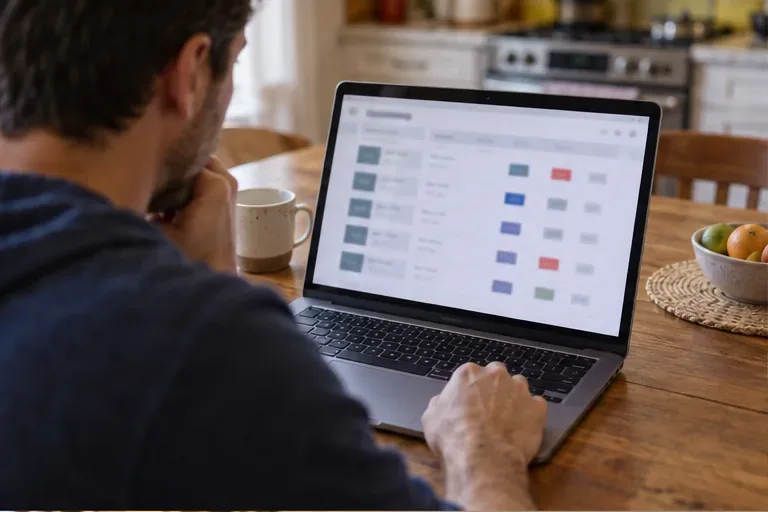
A viewer reviews a baseball schedule on a laptop before choosing where to watch.
Use this four-step check before first pitch
1. Match the date, series and game number
Start at MLB’s current postseason schedule. Confirm the two teams, round, game number and scheduled start time. Do not rely on an old bracket graphic, a search snippet or a saved calendar entry: postseason games can be listed as “if necessary,” and start times may move when earlier series end.
Check the time zone shown on the official listing before converting it. If you will watch while traveling, use the time at your current location and the current schedule’s time-zone label. The broadcast assignment can also be conditional on the day’s results, so revisit the listing if the scheduled game depends on a series reaching a deciding game.
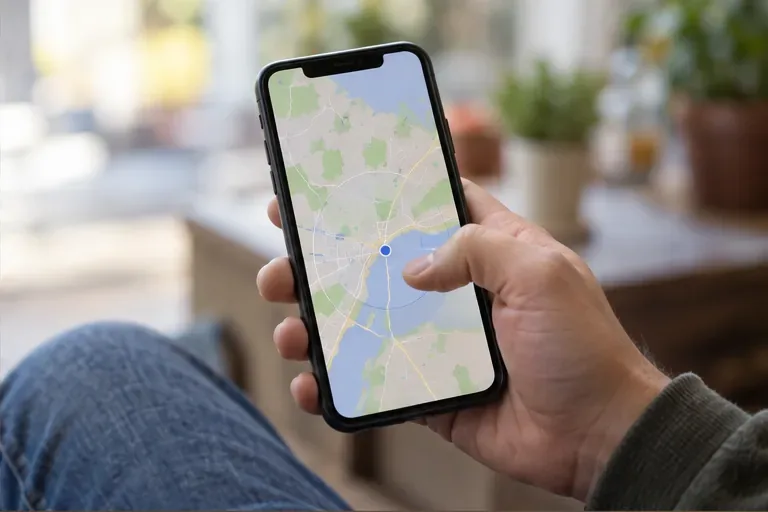
A phone shows a map and location marker as the viewer checks which local restrictions may apply.
2. Check the MLB.TV restriction for where you will watch
If MLB.TV is one of your options, use MLB’s local blackout checker with the ZIP code for the place you will actually be watching. A check made for home may not describe what the service permits when you are away. MLB notes that blackout determinations can use physical-location signals, including IP address, and that restrictions can change.
Read the result as “is this live game available on MLB.TV in this location?” It does not answer whether a national network, Peacock, or another authorized partner carries the same game. If you are outside the United States, use MLB’s international broadcaster list too; MLB.TV says live postseason games are available internationally except in Canada, where separate restrictions apply.
A viewer compares streaming choices on a television; the pictured tiles are not a specific provider interface.
3. Follow the game’s listed broadcaster, not last season’s pattern
Open the game’s row on the 2026 MLB.TV postseason schedule and note the named network or streaming partner. As of September 30, 2026, all Wild Card games are distributed across NBC platforms, including NBC, Peacock and NBC Sports Network. MLB’s 2026 Wild Card viewing guide says every Wild Card game is available on Peacock Premium or Premium Plus; some games also appear on NBC or NBC Sports Network. The exact channel can differ by matchup.
The later-round schedule lists games individually. The current schedule assigns Division Series games to FOX, FS1 or TBS, and lists the League Championship Series and World Series by game and network. Do not assume that a subscription that carried a Wild Card game will carry the next round. MLB’s 2026 distribution is different from the 2025 Wild Card arrangement, so an old article naming last year’s provider is not enough.
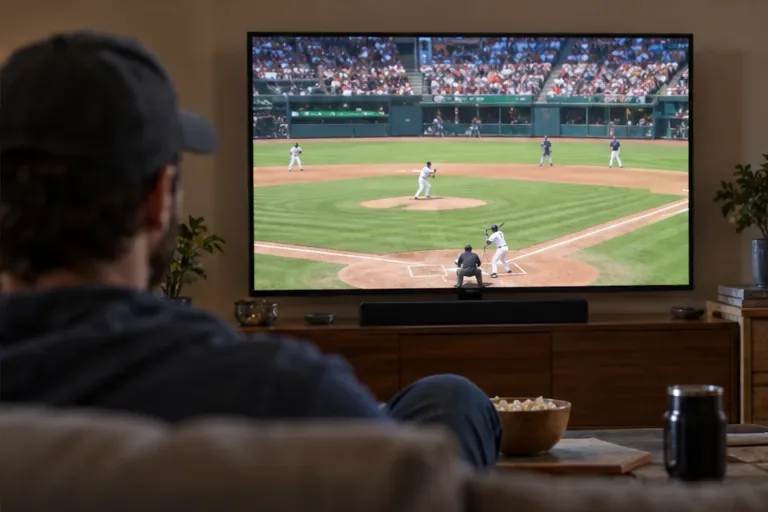
A baseball field appears on a living-room television as a viewer tests playback ahead of game time.
4. Verify the app, subscription and sign-in path
Once you know the rightsholder, check that your exact plan includes the game. A network may be available through a television package, an authenticated network app or a streaming bundle; the service’s channel lineup and terms determine which one works for your account. For a Peacock game, MLB’s 2026 guide specifies Peacock Premium or Premium Plus. For a game on another network, consult the provider’s current channel or live-event listing rather than assuming a basic subscription includes it.
MLB’s 2026 MLB.TV postseason page says live MLB.TV viewing in the United States requires authentication through a participating pay-TV provider. It also says Wild Card games broadcast by NBC or Peacock are not available for live viewing on MLB.TV; with a valid MLB.TV subscription, live audio is available and full-game archives appear 90 minutes after the game ends. This is a key distinction: an MLB.TV subscription alone does not make every playoff video stream live in the United States.
Before game day, sign in on the device you plan to use, confirm the provider account is recognized, open the game listing and test that the app or channel loads. Check whether the device is supported by the relevant service and update the app if needed. A successful sign-in on a phone does not guarantee that a smart TV or streaming box is signed into the same account.
Common assumptions to correct
Assumption
What the official information shows
Useful check
“An MLB.TV subscription includes every playoff game live in the U.S.”
U.S. postseason live video requires participating pay-TV authentication, and NBC/Peacock Wild Card games are not live on MLB.TV.
Check the exact game row and its authentication requirement.
“A local blackout result tells me whether I can watch the playoffs at all.”
The checker identifies restrictions on MLB.TV based on location; playoff games can have separate network rights.
Look up the game’s named broadcaster separately.
“The same service carries every round.”
MLB’s 2026 schedule lists networks by game; the Wild Card distribution and later-round assignments differ.
Recheck at each round and before each game.
“If the channel appears in my app, I can watch it.”
Streaming access can depend on the service tier, provider authentication, location and device.
Test playback while signed into the account you will use.
What is confirmed, and what still depends on your setup?
Confirmed for the 2026 postseason: MLB’s current schedule identifies the broadcaster for each listed game. The Wild Card Series is on NBC platforms, including Peacock; MLB.TV’s 2026 page excludes NBC/Peacock Wild Card telecasts from live MLB.TV viewing. U.S. MLB.TV postseason video requires a participating pay-TV authentication, while MLB describes international live availability outside Canada.
Depends on your situation: whether a ZIP code falls inside a team’s MLB.TV blackout territory; whether your package includes the required network; whether your provider credentials authenticate; and which app or device can play that stream. These are account-, location- and service-specific. Confirm them using the exact location and credentials you plan to use.
Not settled by a general guide: the future rights assignment for a later game that has not yet been scheduled, a last-minute schedule change, or an individual provider’s temporary outage. The official listings are the source to recheck as those details become available.
A quick pregame checklist
Confirm the exact matchup, game number, start time and time zone on MLB.com.
Check the MLB.TV blackout lookup for your current viewing location if you plan to use MLB.TV.
Read the game’s listed network and streaming partner; do not infer the provider from last year or from the blackout map.
Confirm your subscription tier or participating pay-TV authentication is valid for that stream.
Sign in and test the correct app or channel on the device you will use before first pitch.
Refresh the official schedule close to game time in case the start time, game status or distribution has changed.
The practical goal is to identify both the restriction and the route around it: which service cannot show the live game from your location, and which authorized broadcaster can. If those two answers and the sign-in test agree, you have a much stronger indication of availability than a subscription label alone.