Looking for where to find Industrial Batteries in ARC Raiders? This electrical crafting component powers a lot of your mid-game recipes and workbench upgrades, so knowing exactly which machines, vehicles, and zones to raid will keep your stash topped up. Below you'll find the best loot spots, the maps worth running, and a reliable recycling method so you're never short of batteries again.
Industrial Batteries sit a notch above basic scrap, so they don't drop quite as freely as common parts — but they're far from rare once you know the pattern. They come from anything that stores or generates power, which means a few smart detours per raid can net you a solid pile. Here's everything that matters, broken into clear sections.
What you need before you start
- A loadout you're comfortable losing — ARC Raiders is an extraction shooter, so anything you carry can be lost if you die.
- Enough free inventory space to scoop up bulky electrical salvage as you go.
- Access to your hideout workshop and a recycler for breaking down spare power gear.
Where to find Industrial Batteries in ARC Raiders
-
Step 1: Know what Industrial Batteries are and why you need them
Industrial Batteries are an electrical salvage component recovered from the powered machinery scattered across the surface. They sit in the mid-tier of the rarity scale, so they're worth picking up whenever you see one. You'll spend them on crafting recipes and workbench upgrades, and some quests and merchant orders ask for them too — so keeping a healthy stack back at base is always smart.
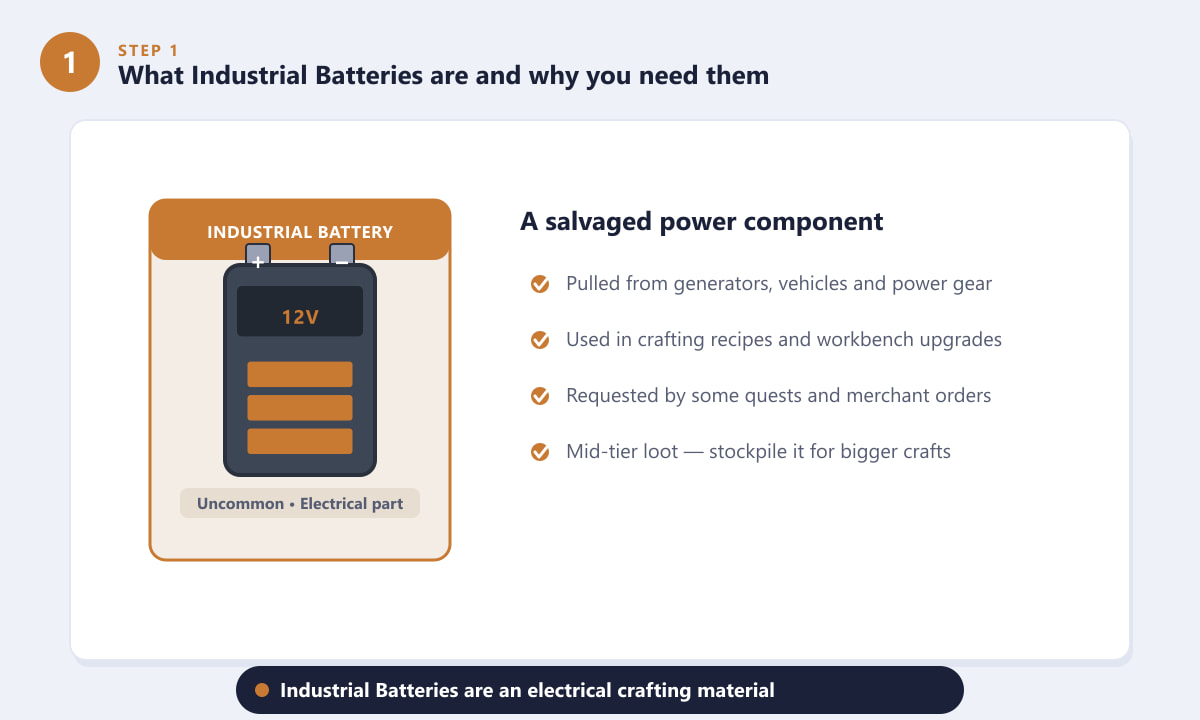
The Industrial Battery is a mid-tier electrical part used in crafting and upgrades. -
Step 2: Search generators, fuse boxes, and vehicles
The most reliable way to find Industrial Batteries is to loot anything that stores or makes power. The component is pulled from electrical hardware, so it tends to spawn inside or around generators and backup power units, fuse boxes and breaker panels, abandoned vehicles, and dedicated battery cabinets. Walk up to any of these, hold the interact prompt, and grab what's inside.
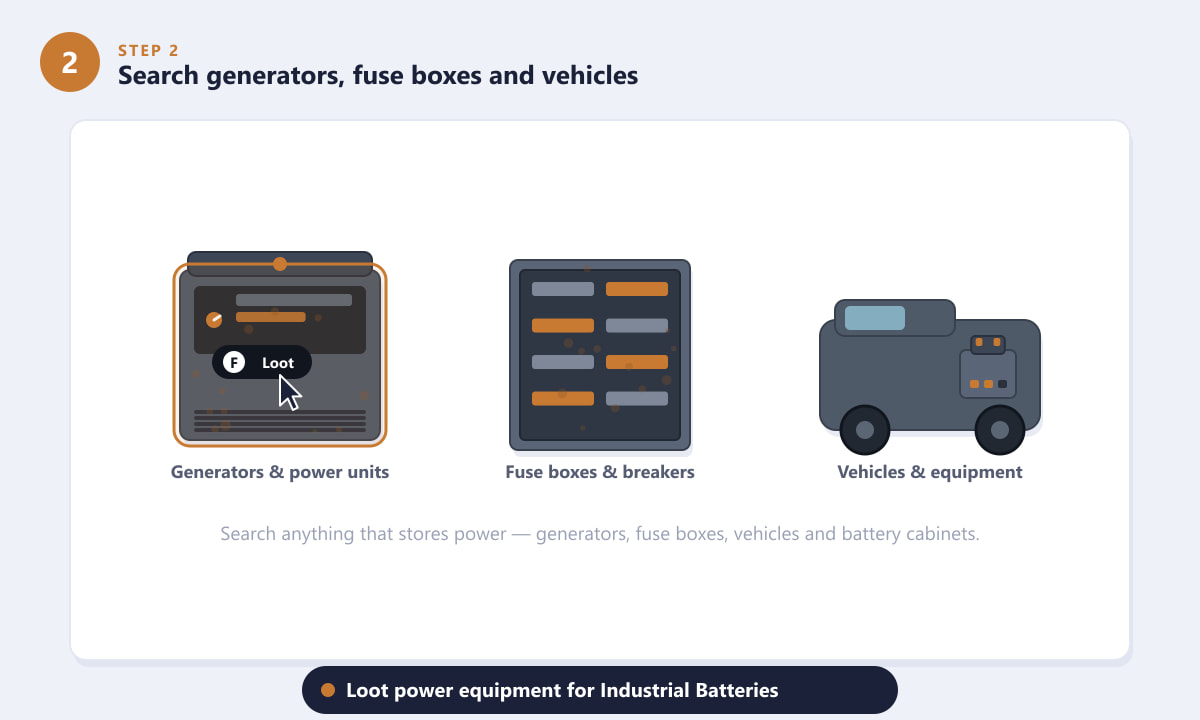
Generators, fuse boxes, vehicles, and battery cabinets are your best loot sources. Make it a habit to check every power source on your route. Because batteries are bulkier loot, a single utility room can comfortably fill several inventory slots.
-
Step 3: Head to power and industrial points of interest
Industrial Batteries naturally concentrate where power infrastructure is dense. Steer toward industrial and power-heavy areas — dam and power-plant zones, old factories and warehouses, scrapyards, and large structures like the Spaceport. These points of interest are packed with generators, electrical rooms, and broken equipment, so the density of batteries is far higher than out in the open wilderness.
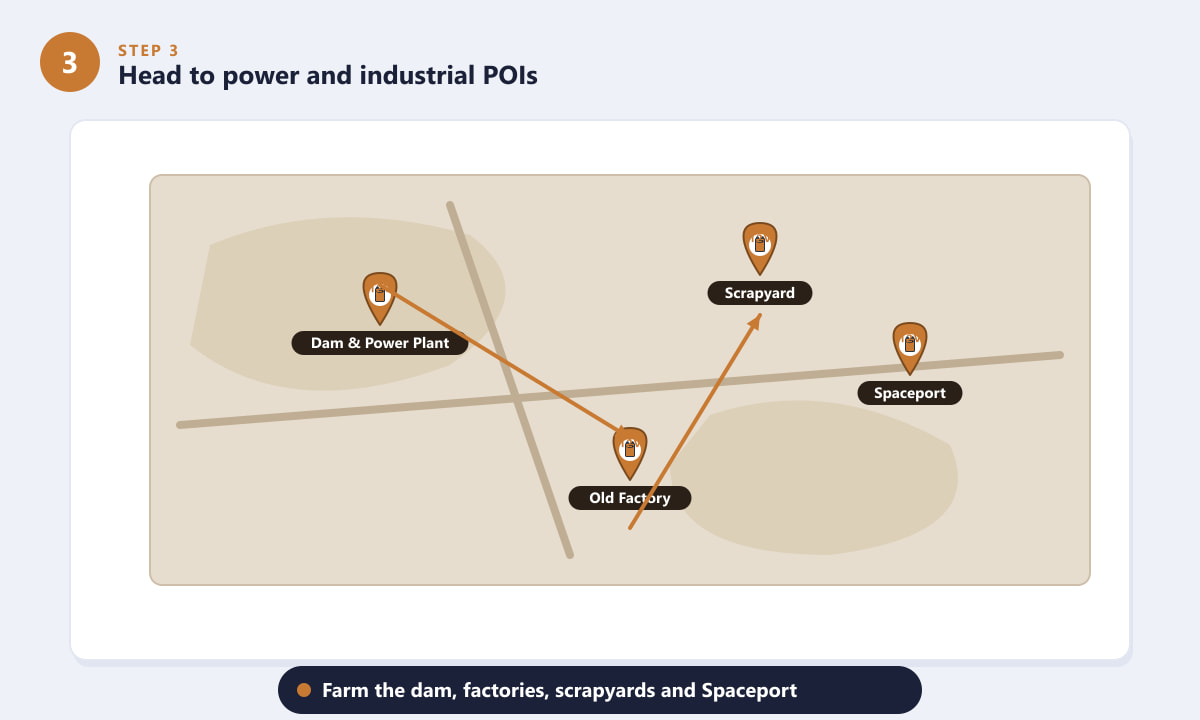
Prioritise the dam, factories, scrapyards, and large industrial POIs on the map. Plan a loop that strings together two or three of these locations, loot your way through, and head for an extraction point before you get overloaded or run into trouble.
-
Step 4: Recycle power junk into Industrial Batteries
If you're still short, you don't always have to find batteries directly — you can often reclaim them. Many power tools, dead battery packs, and electrical items can be dismantled at the recycler, breaking them down into their base components. Drop unwanted power gear and duplicate salvage into the recycler instead of leaving it behind, and you'll steadily convert clutter into useful cells.
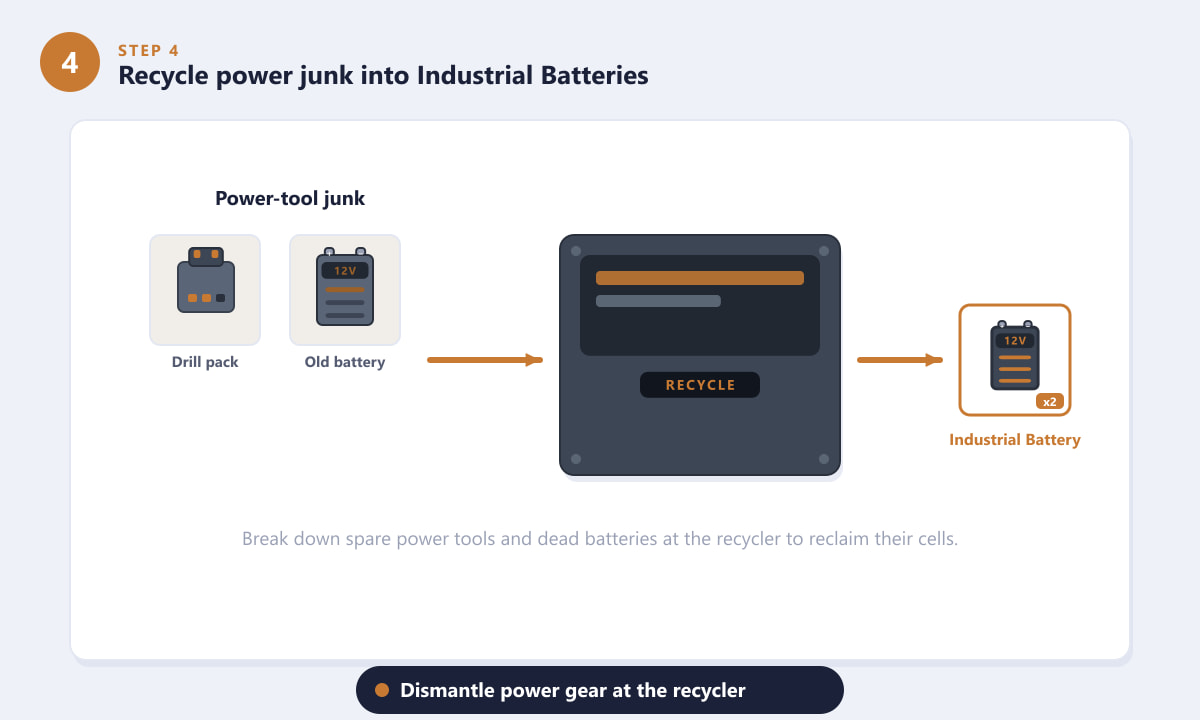
Break down spare power tools and dead batteries at the recycler to recover cells. -
Step 5: Farm them efficiently and extract safely
Finding Industrial Batteries is easy; keeping them is the real challenge. Since this is an extraction shooter, anything in your bag is gone if you don't make it out. Sweep the utility and power rooms first, loot wide rather than deep, make shorter runs, and prioritise getting to an exit once your inventory is comfortably full.
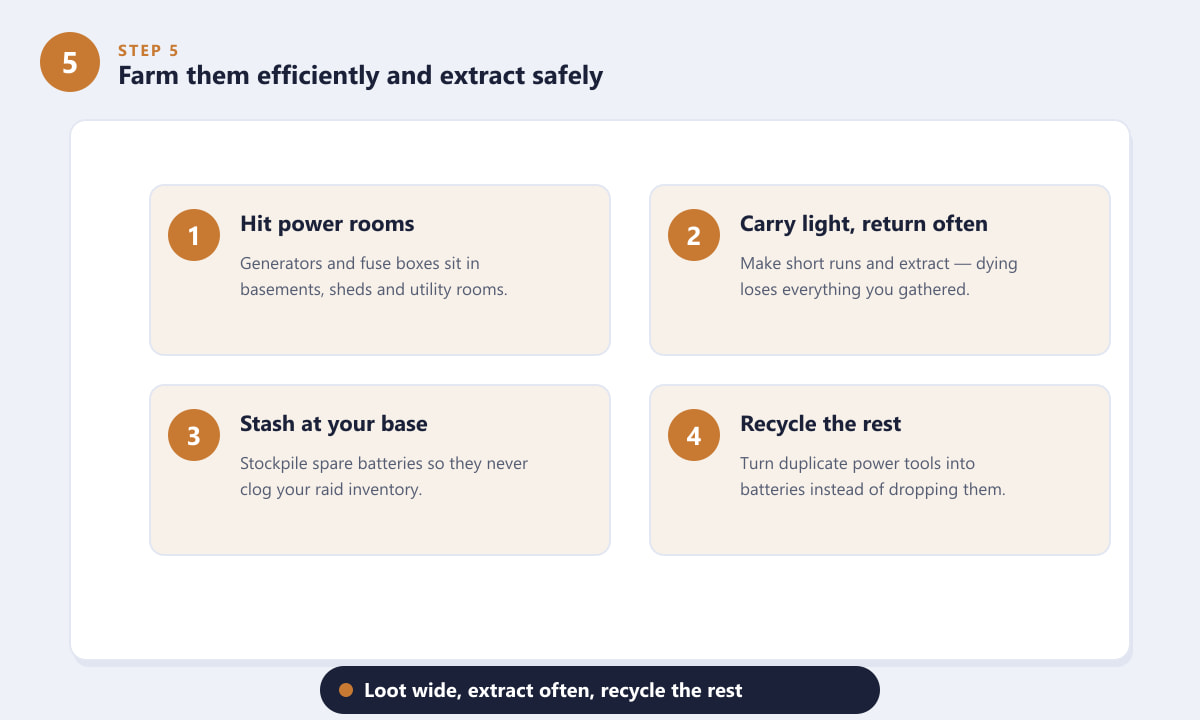
Hit power rooms, loot wide, return often, stockpile at base, and recycle the rest.
Tips for stockpiling Industrial Batteries
- Chase the power. Head straight for generators, electrical rooms, and fuse panels rather than sweeping every residential cupboard.
- Carry light, return often. Batteries are bulky — frequent short runs beat one greedy run that ends with you dying fully loaded.
- Stash it at base. Move spare batteries into storage so they never clog your raid inventory.
- Recycle duplicates. Turn power tools and dead packs you don't need into components instead of dropping them.
Troubleshooting
I keep looting but barely find any Industrial Batteries
You're probably spending too long in open or residential areas. Reroute toward power and industrial points of interest, and make sure you're actually opening generators, fuse boxes, vehicles, and battery cabinets rather than only grabbing floor loot.
I find plenty but keep losing them
Shorten your runs. Decide on an extraction point in advance and leave once your bag is full. Losing a heavy haul of batteries to a single bad fight is far more costly than making two safer trips.
I have no power gear left to recycle
Hang on to power tools, dead battery packs, and electrical items you'd normally discard during a raid. Once you're back at the hideout, feed them into the recycler to top up your component stocks.
Frequently asked questions
Where is the best place to find Industrial Batteries in ARC Raiders?
Power and industrial zones — dam and power-plant areas, factories, scrapyards, and large structures like the Spaceport — have the highest density of generators and electrical equipment, which makes them the best places to farm Industrial Batteries.
Are Industrial Batteries rare in ARC Raiders?
They're mid-tier rather than common, so they don't drop as freely as basic scrap, but they're easy to gather consistently if you focus on power equipment and industrial POIs.
Can you craft or recycle to get Industrial Batteries?
Yes. You can often break down power tools, dead battery packs, and electrical items at the recycler to recover base components, including batteries, instead of finding them directly.
What are Industrial Batteries used for?
They're a crafting and upgrade material used in mid-game recipes and workbench upgrades, and they're sometimes requested by quests and merchants, which is why it's worth keeping a steady supply on hand.
Final thoughts
Industrial Batteries are plentiful in ARC Raiders once you know the pattern: loot every power source, focus on industrial and power-heavy zones, and recycle whatever electrical junk you bring home. Build the habit of checking generators and fuse boxes on every run and extracting before you overload, and you'll never have to think twice about whether you've got enough for your next craft. For more on the game itself, check the official ARC Raiders website.









