Double Up mode in TFT is Teamfight Tactics' co-op format, where you and a partner team up against three other duos in a 2v2v2v2 battle. Instead of fighting alone, you each run your own board but share a single team health pool, swap items and units back and forth, and win or lose together. This guide walks through exactly how to play Double Up mode in TFT, from queuing up to closing out the lobby in first place.
If you already know how to play standard TFT, Double Up will feel familiar. The core loop of buying champions, building traits, and rolling for upgrades is unchanged. What is different is everything that revolves around your partner: shared health, the Assist Armory, and the ability to send help across the lanes. Master those extras and you will climb the Double Up ranked ladder much faster.
What you need before you start
- TFT installed on PC or mobile, logged into your Riot account.
- A teammate (optional) — a friend to invite, or you can queue solo and be auto-matched with a partner.
- A basic grip on the fundamentals — economy, leveling, and positioning all still matter in Double Up.
How to play Double Up mode in TFT
-
Step 1: Pick Double Up from the game-mode menu
From the TFT home screen, open the Play menu and select the Double Up queue from the list of game modes. Double Up has its own Normal and Ranked playlists, so choose whichever fits your goal, then hit Confirm. The mode is a standing fixture rather than a limited-time event, so it is almost always available.
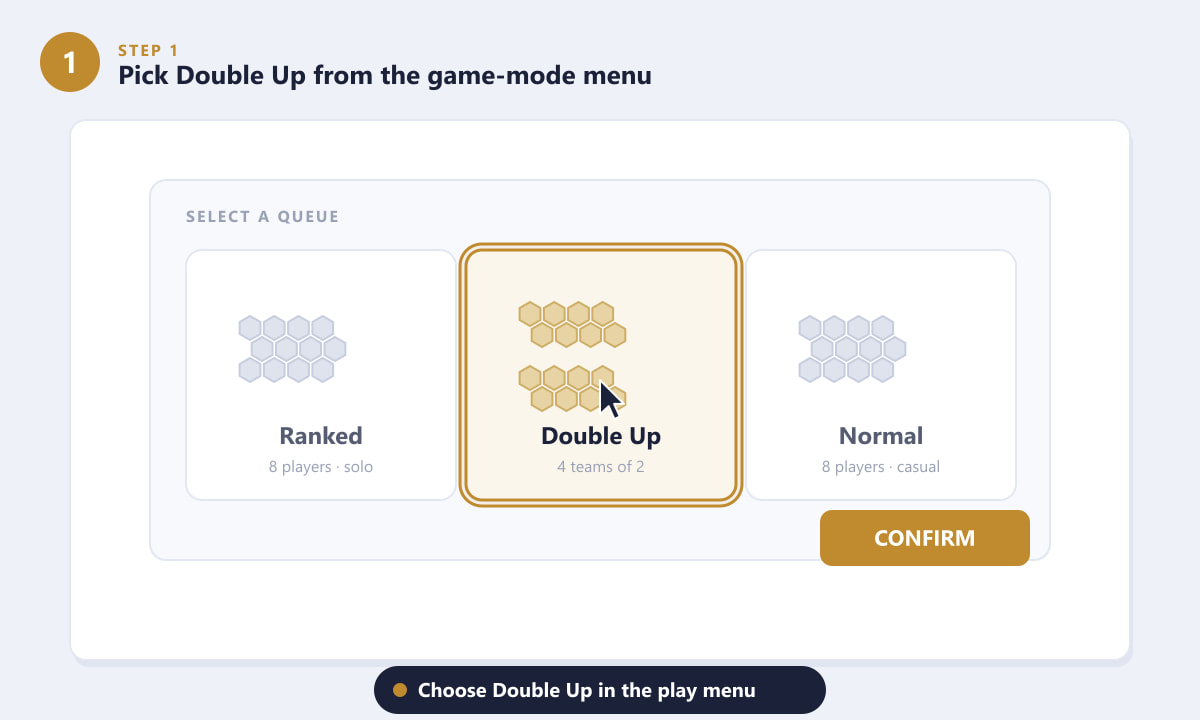
Choose the Double Up queue in the play menu to start a co-op game. -
Step 2: Invite a friend or let the game pair you
Double Up is built around duos. Invite a friend into your lobby so the two of you play as one team, or simply queue alone and the matchmaker will auto-assign you a partner. Playing with someone you can talk to is a big advantage, but solo queue is perfectly viable if no friend is online.
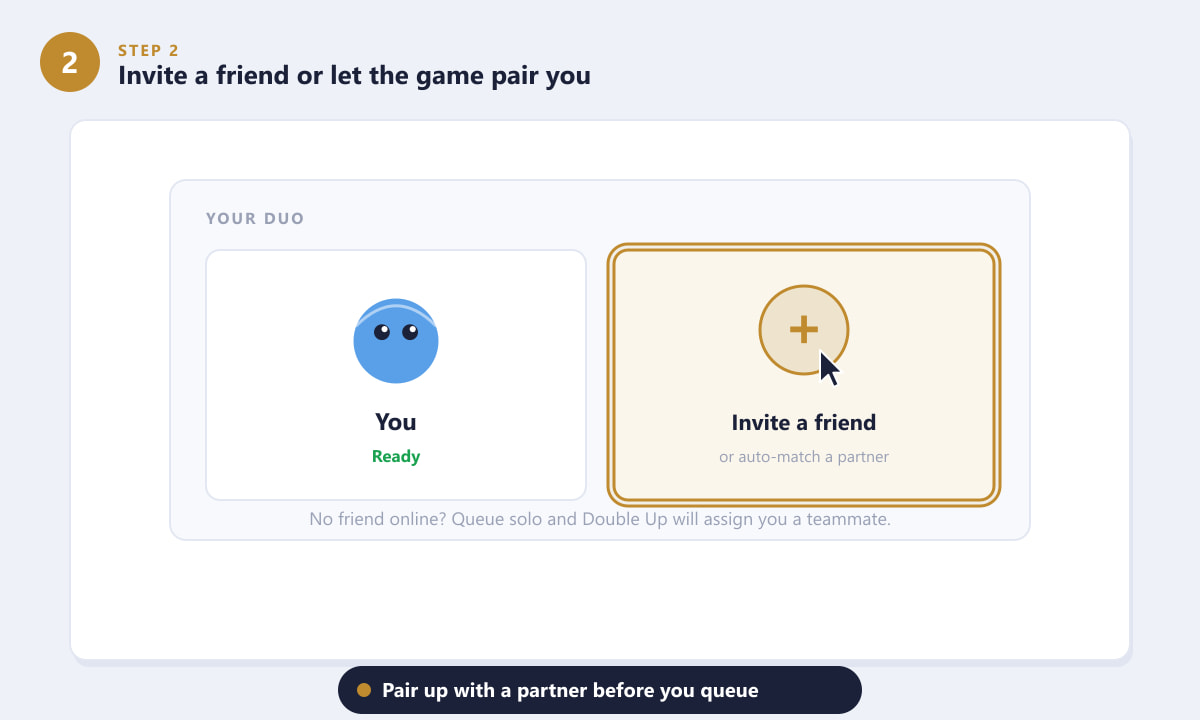
Pair up with a friend, or get matched with a teammate automatically. -
Step 3: Understand the shared team setup
Once the game starts, you and your partner each play your own board with your own gold, shop, and units. The twist is that your results are pooled: every fight you both win or lose feeds a single shared team health bar. If your partner is taking heavy damage, your wins help keep the team alive, so you are never truly on your own.
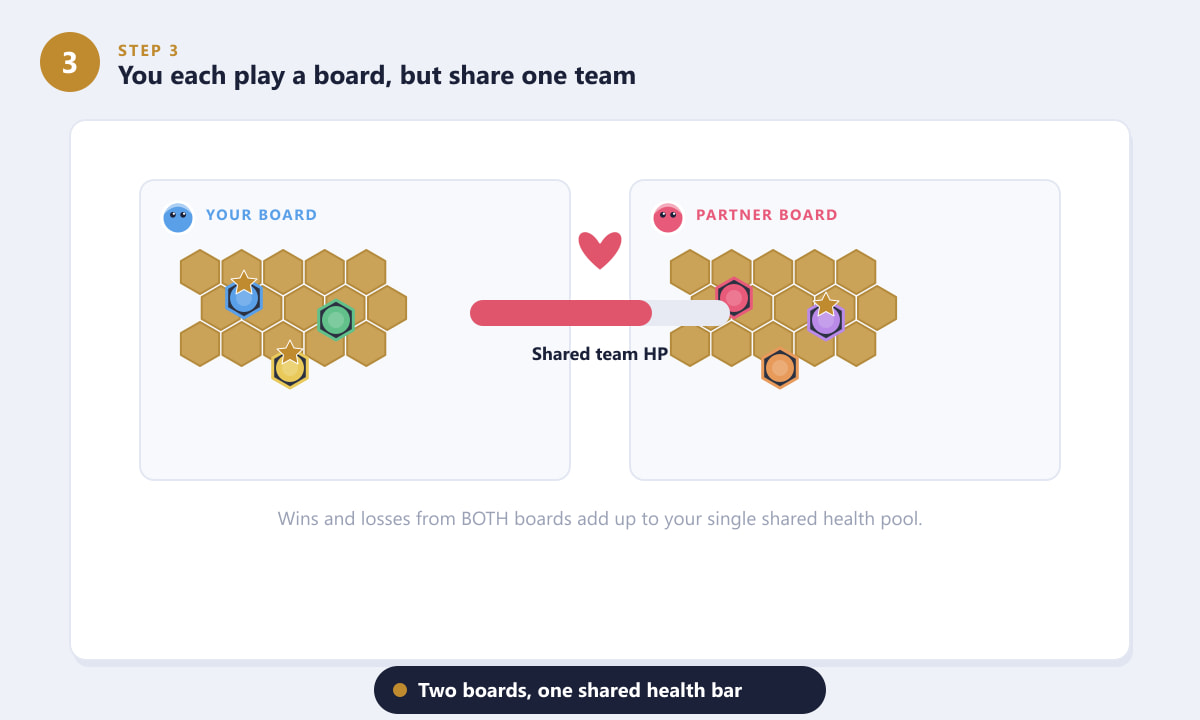
You each control a board, but both contribute to one shared health pool. -
Step 4: Grab gear from the shared Assist Armory
At certain stages, Double Up opens an Assist Armory — a special round where powerful items, components, or other rewards appear on pedestals. Both you and your partner get to pick from it, so coordinate who takes what. Grabbing complementary gear (for example, one defensive item and one for the carry) lets your team punch above its weight far earlier than in standard TFT.
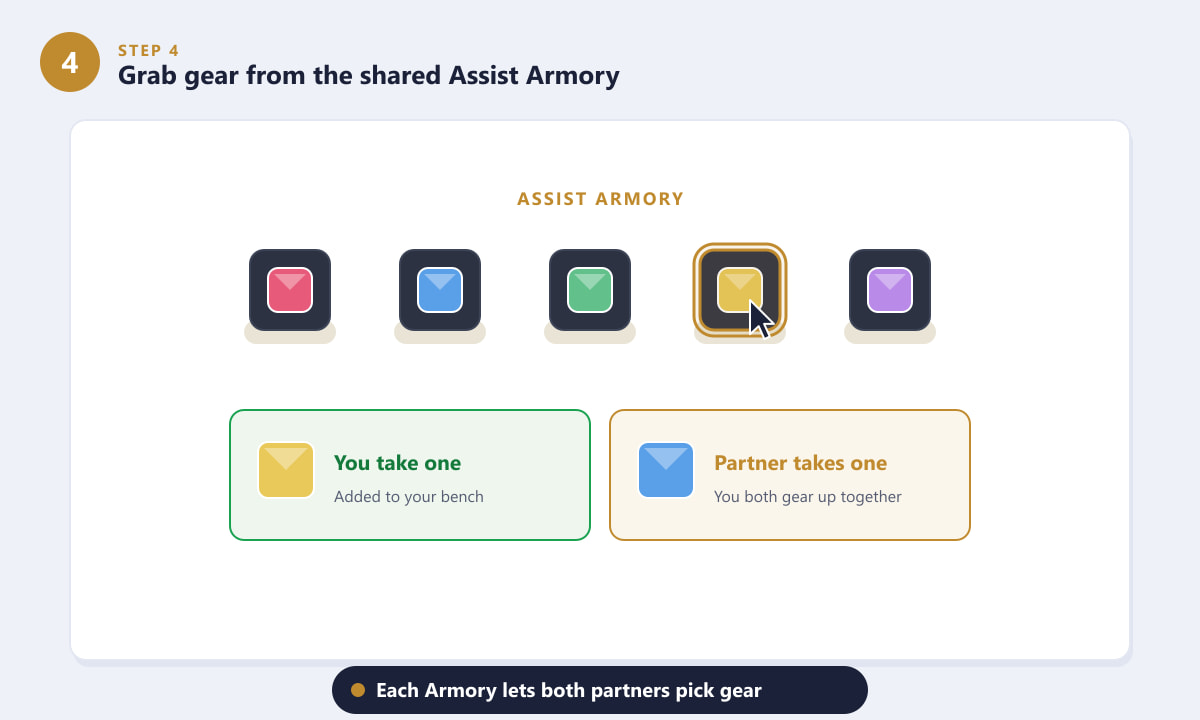
The Assist Armory lets both partners pick gear to power up the team. -
Step 5: Send units, gold and items to your partner
This is the mechanic that defines Double Up. A reinforcement portal sits on your board, and you can drop a champion, an item, or gold onto it to send it across to your partner. Use it to hand off a unit you do not need, ship spare components, or bail out a struggling teammate. There is a short cooldown between sends, so plan your reinforcements rather than spamming them.
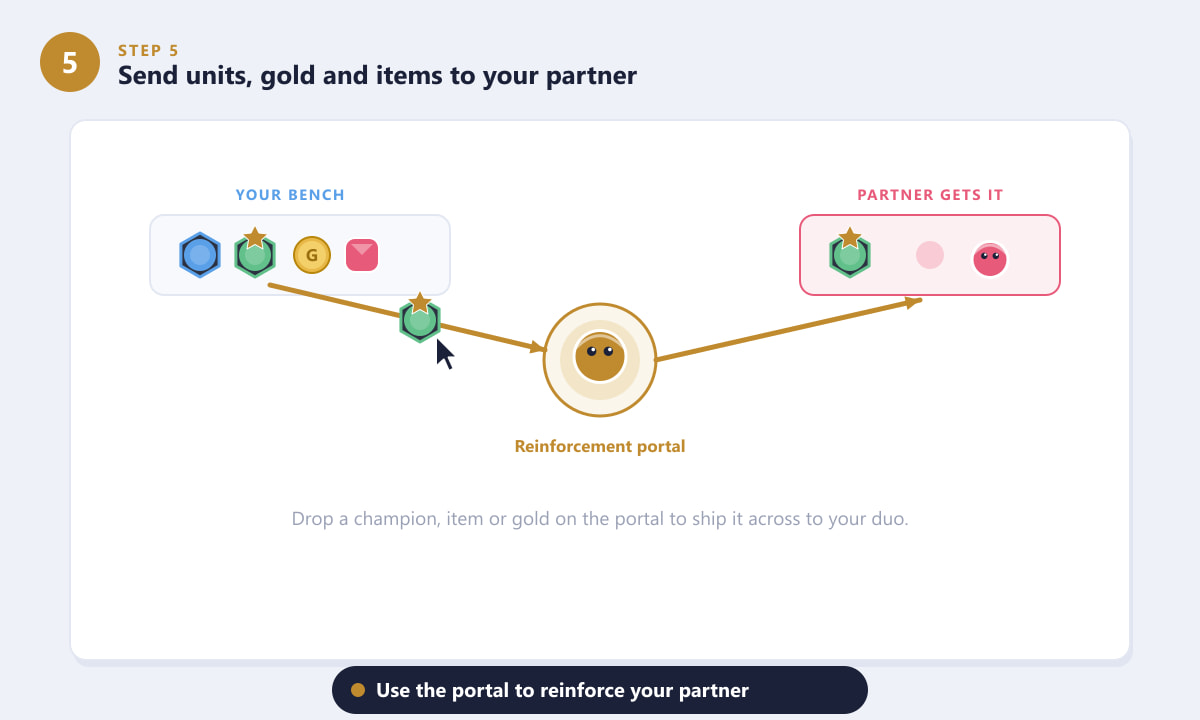
Drop a unit, item, or gold on the portal to reinforce your partner. -
Step 6: Coordinate comps and close out the game
The best duos talk constantly. Decide who contests which carry, avoid both chasing the same trait, and pass spare pieces to whoever can use them best. Because you share health, even an early lead is hard to lose if you keep reinforcing each other. Stay alive until the final duos fall, and both of you place first together.
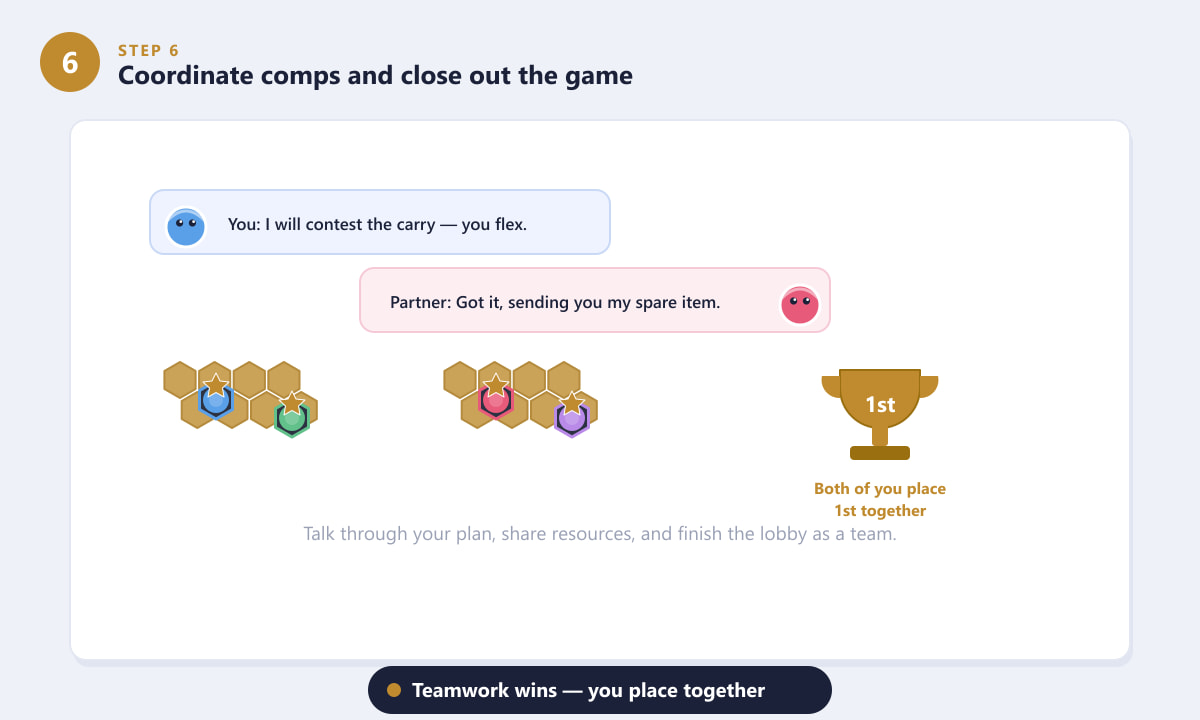
Plan together, share resources, and you place as a team.
Tips for winning Double Up
- Split your contests. If you and your partner both force the same units, you starve each other. Agree on different comps so you do not fight over the same shop.
- Send help early, not just in panic. A spare upgraded unit or a key item handed off in the mid-game can swing your partner's board before they ever fall behind.
- Plan the Assist Armory in advance. Talk about who needs which component before the pedestals appear so you do not both grab the same thing.
- Use the shared health as a buffer, not a crutch. One strong board can carry a weaker one for a while, but two stable boards always beat one stacked board and one dying one.
- Communicate. Even a quick ping or call about your plan beats two players quietly drafting in isolation.
Troubleshooting
I can't find the Double Up queue
Make sure your TFT client is fully updated and that you are looking under the Play menu's mode selector. Availability can vary slightly by region during patch rollouts, so check again after the client finishes updating.
The reinforcement portal isn't letting me send anything
Sending has a cooldown, and you can only ship one thing at a time. Wait for the portal to recharge, and confirm you are dragging a valid unit, item, or gold onto it rather than onto an empty bench slot.
My partner left or disconnected
If a teammate drops, the game may provide an AI placeholder or adjusted rules depending on the situation. You can still play out the lobby, so focus on stabilizing your own board until they reconnect.
Frequently asked questions
What is Double Up mode in TFT?
Double Up is Teamfight Tactics' co-op mode where two players team up against three other duos in a 2v2v2v2 lobby. Each player runs their own board, but the pair shares one health pool and can send units, items, and gold to each other.
Can I play Double Up solo without a friend?
Yes. You can queue alone and the matchmaker will pair you with a partner automatically. Inviting a friend you can communicate with is ideal, but solo queue works fine.
Does Double Up have ranked?
Yes, Double Up has its own ranked ladder separate from standard TFT ranked, so you can climb specifically in the co-op mode with a partner or in solo queue.
How do you send units to your partner in Double Up?
Drop a champion, item, or gold onto the reinforcement portal on your board. It travels across to your partner after a short cooldown, letting you reinforce their team when they need it.
Is Double Up the same as standard TFT?
The core gameplay — buying units, building traits, rolling, and positioning — is the same. Double Up adds shared health, the Assist Armory, and the ability to send resources to a teammate.
Final thoughts
Double Up is one of the most approachable and rewarding ways to enjoy Teamfight Tactics, especially with a friend. Remember the essentials: queue into the Double Up mode, pair up with a partner, share the Assist Armory, use the reinforcement portal to send help, and coordinate your comps so you place first together. For official details and the latest patch notes, see the official Teamfight Tactics website.