Downloading Tom Clancy's Rainbow Six Siege is quick once you know where to get it. Ubisoft's tactical 5v5 shooter is available on PC through Steam, the Epic Games Store, and Ubisoft Connect, plus PlayStation and Xbox consoles. This guide walks you through the whole process — from checking your system to pressing Play for the first time.
No matter which platform you choose, the basic flow is the same: open a store, find the official listing, get the game, download it, and launch. Below we break it into six clear steps.
What you'll need before you start
- A supported device — a Windows 10/11 PC, a PlayStation 4/5, or an Xbox One/Series X|S.
- Free storage space — set aside roughly 85 GB or more, as the install size grows with updates.
- A store account — Steam, Epic, Ubisoft, PlayStation Network, or Xbox, depending on platform.
- A Ubisoft account — required to play, since Siege launches through Ubisoft Connect even on other stores.
- A stable internet connection for the download and for online matches.
How to download Rainbow Six Siege step by step
-
Step 1: Check your platform and system requirements
First, decide where you want to play and confirm your hardware can handle it. On PC, Rainbow Six Siege runs on Windows 10 or 11 and is forgiving on older machines, but you should still reserve about 85 GB of free space. Console players can grab it on PlayStation 4/5 or Xbox One/Series X|S. Knowing your platform upfront tells you which store to use.
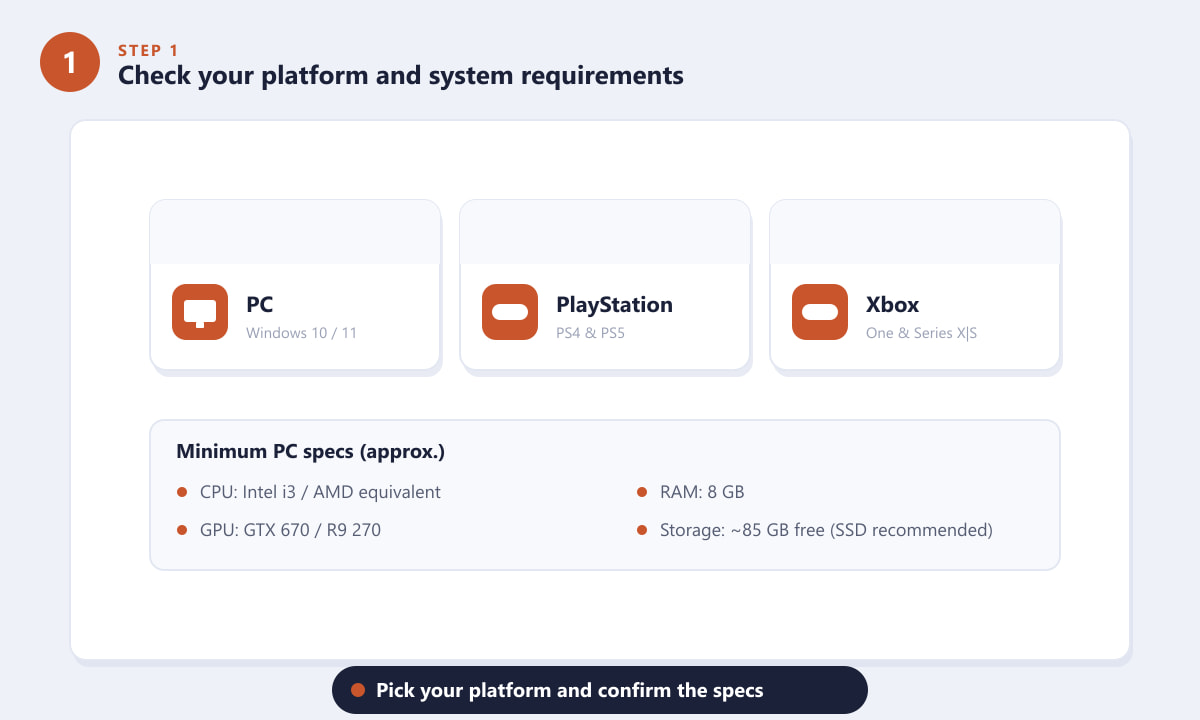
Pick PC, PlayStation, or Xbox and confirm you have the space and specs. -
Step 2: Open a storefront for your platform
On PC, you can buy and download Siege from Steam, the Epic Games Store, or Ubisoft Connect (the publisher's own launcher). On console, open the built-in PlayStation Store or Microsoft Store. All of these are official and safe — avoid third-party "key" sites you don't recognise. Since Siege ultimately runs through Ubisoft Connect, getting it directly from Ubisoft can be the simplest route.
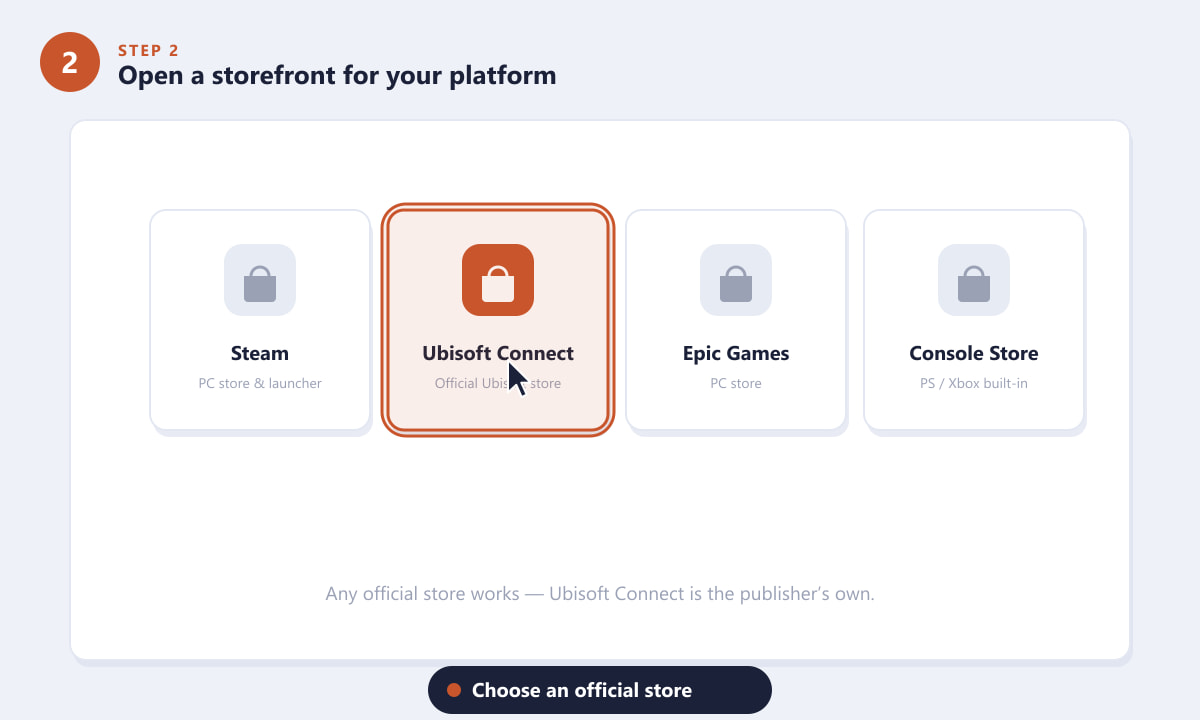
Use an official store like Steam, Epic, Ubisoft Connect, or your console's marketplace. -
Step 3: Search for the game and pick an edition
Type "Rainbow Six Siege" into the store's search bar and open the official listing from Ubisoft. You'll usually see a few options: the Standard Edition (the base game), higher tiers such as Operator or Deluxe editions that bundle extra operators and boosters, and often a free trial that lets you try the game before paying. Choose the edition that suits you.
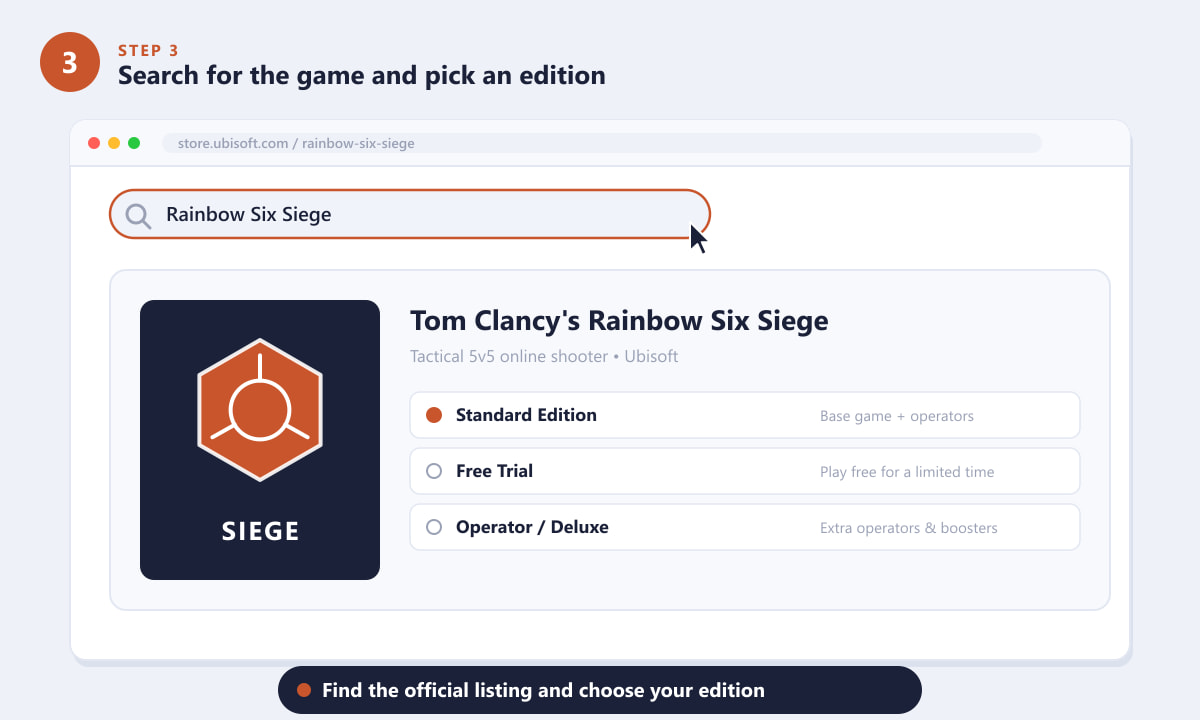
Open the official Ubisoft listing and select the edition you want. -
Step 4: Get the game and click Install
If you're buying, add the game to your cart and complete checkout; if you're using the free trial, simply claim it. Once the game is attached to your account, press Install (or Download on console). Already own Siege from a past sale or a bundle? You'll still see the Install button on its product page — just click it to begin.
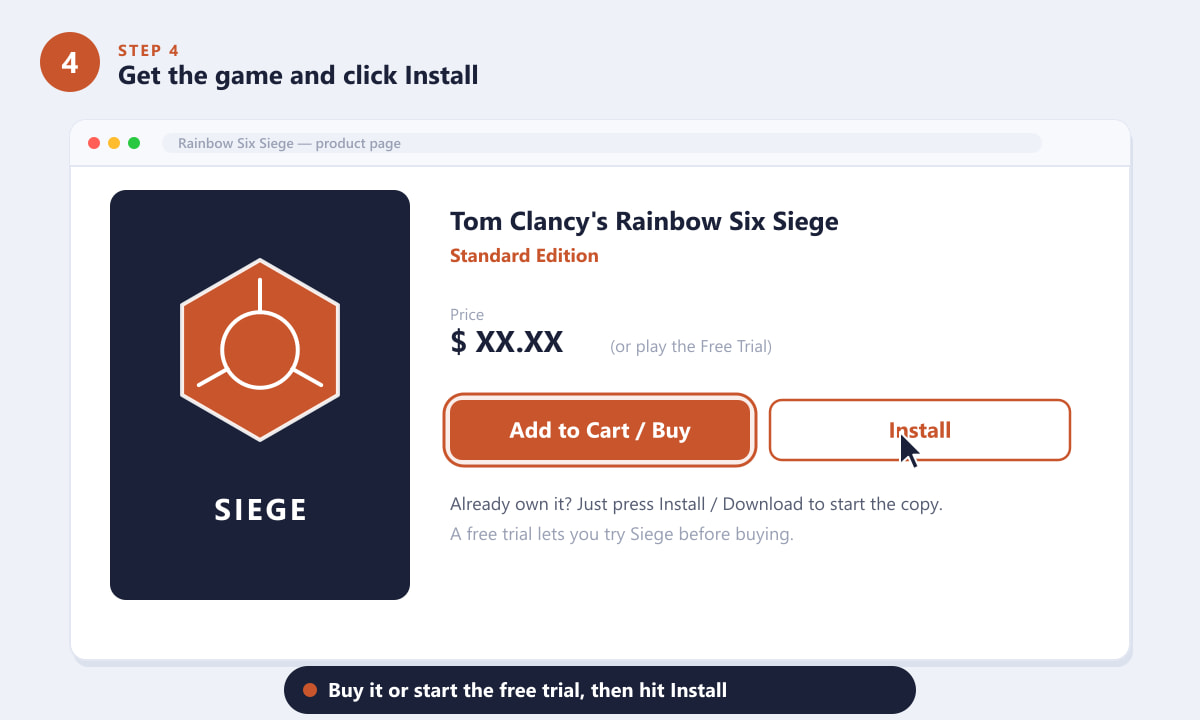
Buy the game or start the free trial, then hit Install to begin the download. -
Step 5: Choose a location and let it download
On PC, the installer asks where to put the game — keep the default folder or click Browse to choose another drive with enough room (an SSD loads maps faster). Confirm you have the required space, then let the download run. Siege is a large game, so the download can take a while depending on your connection. Keep the launcher open and your device awake until it finishes.
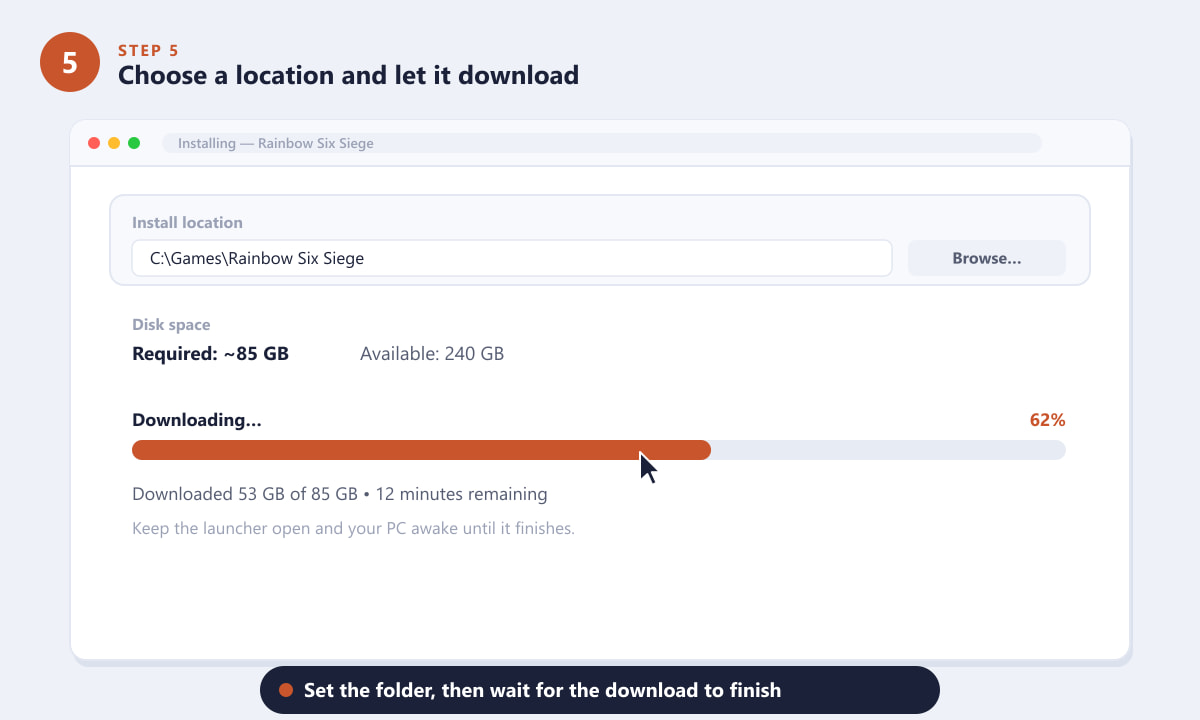
Pick an install folder, check your free space, and wait for the download to complete. -
Step 6: Launch through Ubisoft Connect and play
When the install finishes, launch the game. On every platform, Rainbow Six Siege opens through Ubisoft Connect, so you'll be asked to sign in or create a free Ubisoft account and link it the first time. After that, press Play, finish any first-time setup, and you're ready to jump into a match.
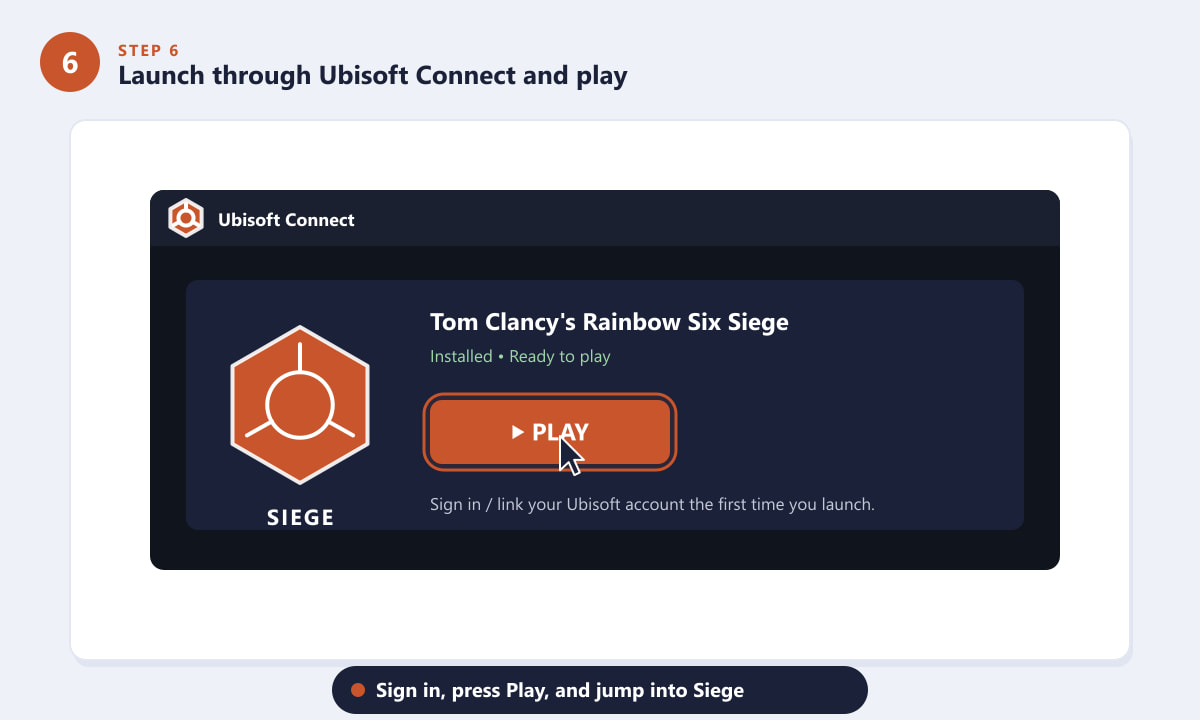
Sign in to Ubisoft Connect, press Play, and load into Siege.
Tips for a smoother install
- Install on an SSD. Faster storage shortens load times between rounds.
- Try the free trial first. It's a no-risk way to see whether Siege is for you before you buy.
- Pre-download updates. Let the game finish patching before you queue for a match.
- Use a wired connection. It speeds up the big download and reduces lag online.
Troubleshooting
The download is stuck or very slow
Pause and resume the download, restart the launcher, or check your internet. Closing other bandwidth-heavy apps and switching to a wired connection usually helps.
It says I don't have enough space
Free up storage or choose a different drive during the install step. Remember to leave extra room beyond the base size for future updates.
The game won't launch after installing
Make sure Ubisoft Connect is installed, signed in, and up to date, since Siege runs through it. Verifying or repairing the game files in your launcher fixes most launch issues.
Frequently asked questions
Is Rainbow Six Siege free to download?
The full game is a paid title, but Ubisoft frequently offers a free trial and occasional free weekends so you can download and play for a limited time before buying.
Which store should I use to download Rainbow Six Siege on PC?
Any official store works — Steam, the Epic Games Store, or Ubisoft Connect. Because the game launches through Ubisoft Connect regardless, buying it directly from Ubisoft is a straightforward choice.
How big is the Rainbow Six Siege download?
Plan for roughly 85 GB or more of free space. The exact size varies as the game receives updates, so always leave some extra headroom.
Do I need a Ubisoft account to play?
Yes. Even when you buy on Steam, Epic, or console, you'll link a free Ubisoft account the first time you launch the game.
Can I download it on PlayStation and Xbox?
Absolutely. Search for the game in the PlayStation Store or Microsoft Store on your console, then download and install it just like any other game.
Final thoughts
Getting into Rainbow Six Siege is simply a matter of choosing your platform, downloading from an official store, and signing in through Ubisoft Connect. Reserve enough storage, consider the free trial if you're new, and you'll be defusing bombs and breaching walls in no time. For the latest editions and details, check the official Rainbow Six Siege website.