Looking for where to find Cooling Fans in ARC Raiders? This salvaged electronics part shows up in crafting recipes, workbench upgrades, and the occasional quest, so knowing exactly where it hides saves you a lot of wasted raids. The short version: search anything with a fan inside it — computers, appliances, and ventilation gear — and lean toward tech-heavy buildings. Below we break down every reliable source, the best zones to farm, and how to recycle junk into more fans.
What you need to know first
Cooling Fans are a common loot material, not a rare drop, which means consistency beats luck. You will find them by hand-searching containers and electronic objects during a raid, and you can also produce them at your base by recycling spare electronics. Bring a little spare backpack space, plan a route through indoor points of interest, and extract before you get greedy. Here is everything in five quick sections.
-
Step 1: Know what Cooling Fans are and why you need them
A Cooling Fan is a salvaged electronics part used as a crafting ingredient. It feeds into a range of gear and gadget recipes, helps with workbench and equipment upgrades, and is sometimes requested directly by quests or merchant orders. Because it is common, the goal is to build a steady stockpile rather than hunt for a single lucky drop.
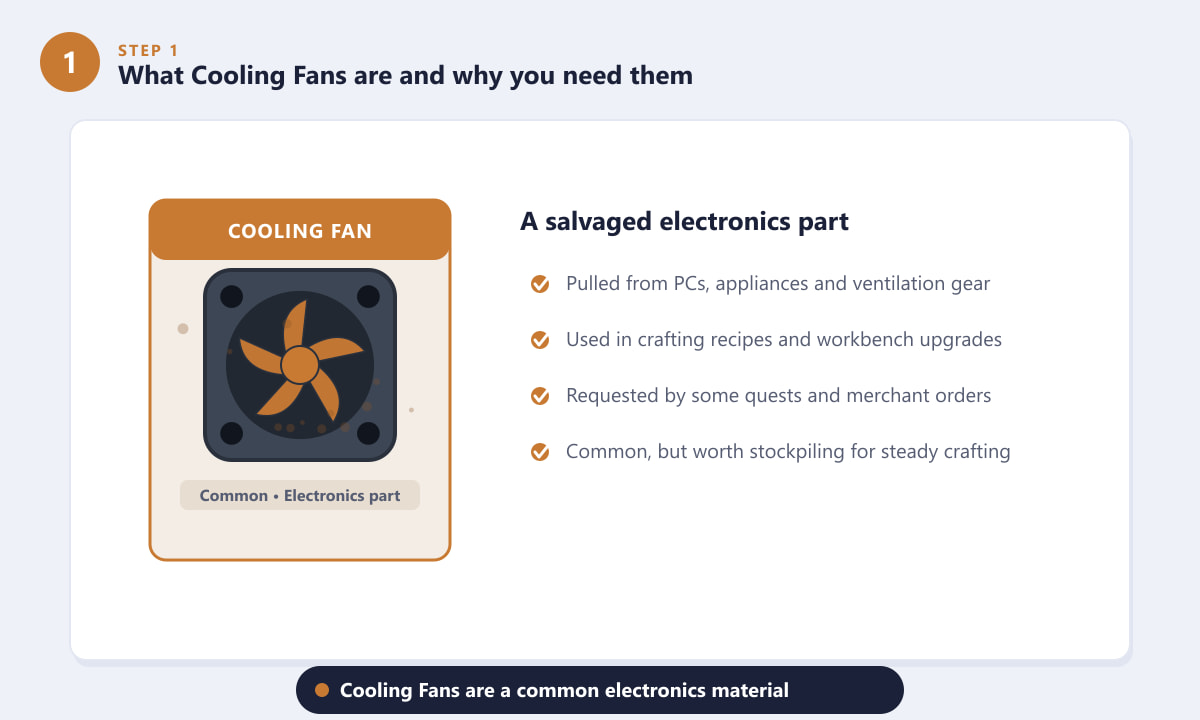
Cooling Fans are a common electronics material worth keeping on hand for crafting. -
Step 2: Search PCs, appliances, and ventilation
The most dependable way to find Cooling Fans is to loot objects that physically contain a fan. Walk up to desktop PCs and computer towers, air-conditioning units and wall vents, server racks, and electronics consoles, then hold the interact button to search them. Don't ignore household items either — fridges, microwaves, and other appliances can yield electronics parts too. If it looks like it would hum or whir, it is worth a quick search.
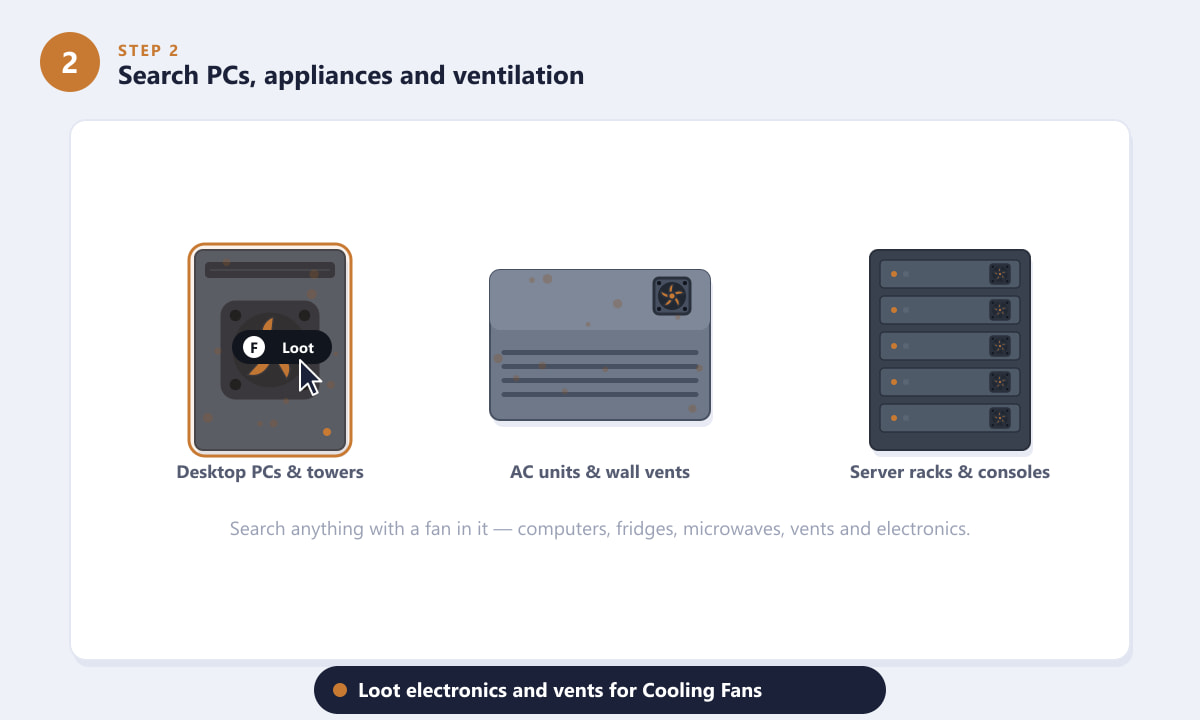
Loot computers, AC units, and server racks — anything with a fan in it is fair game. -
Step 3: Head to tech-heavy buildings and POIs
Cooling Fans concentrate wherever electronics do, so prioritise indoor, tech-dense locations. Office blocks, old factories, the Spaceport, and data-center style interiors are packed with computers, control panels, and ventilation hardware. Plan a loop that strings several of these together, clearing rooms as you go, instead of running across open ground between single objectives. The denser the building, the more fans per minute you collect.
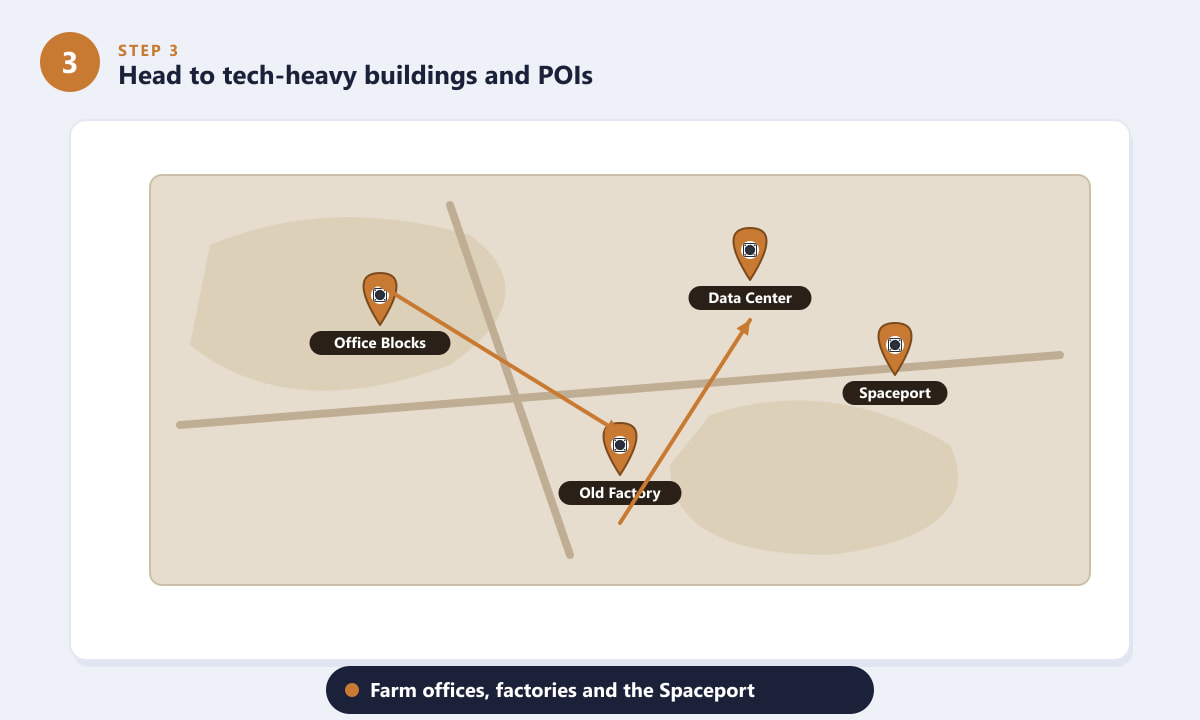
Route through offices, factories, and the Spaceport to chain electronics-rich rooms together. -
Step 4: Recycle electronic junk into Cooling Fans
You don't only have to find finished fans — you can make them at the recycler. Spare electronics and broken appliances you pick up, such as old consoles or dead radios, can be dismantled back at your base into their component parts, including Cooling Fans. This turns "useless" loot into a renewable supply and stops duplicate junk from clogging your stash. Hold on to electronics you don't otherwise need and break them down between raids.
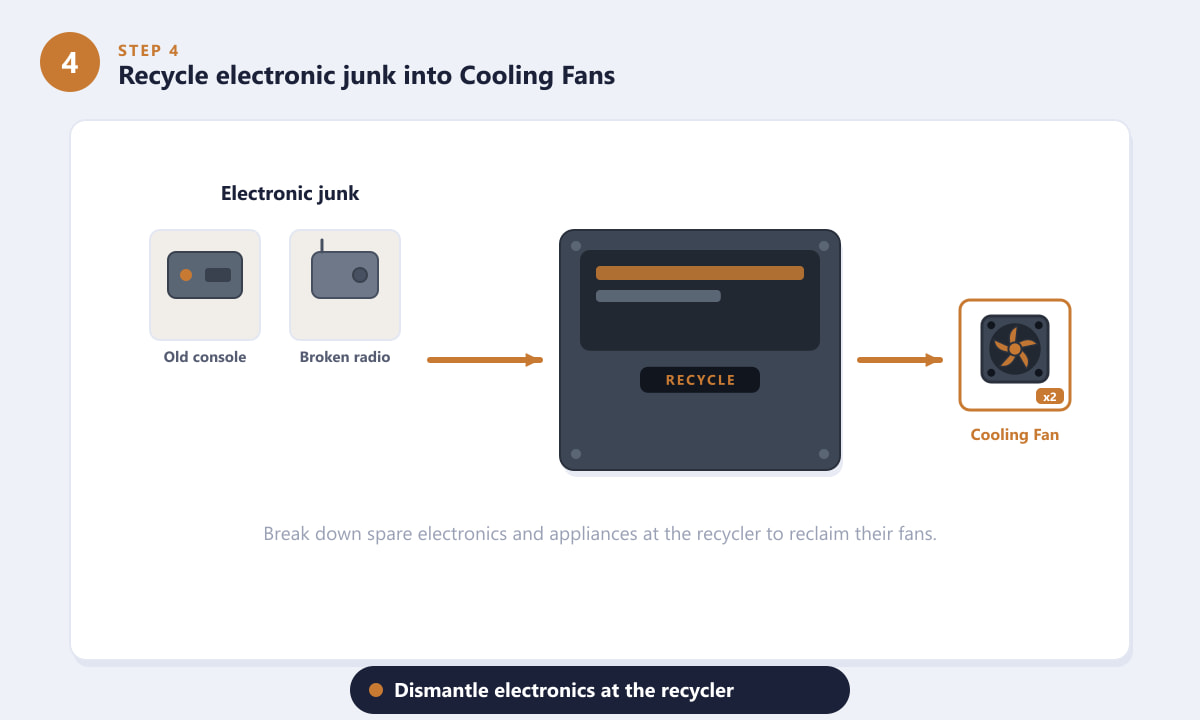
Dismantle spare electronics at the recycler to reclaim their Cooling Fans. -
Step 5: Farm them efficiently and extract safely
Good farming is about survival as much as searching. Sweep every room in an indoor POI, keep your loadout light so you can move and bail quickly, and extract often — dying in a raid means losing everything you gathered. Stash your spare fans at base so your raid inventory stays clear, and recycle any duplicate electronics you don't want to carry. Short, repeatable runs beat one long greedy push.
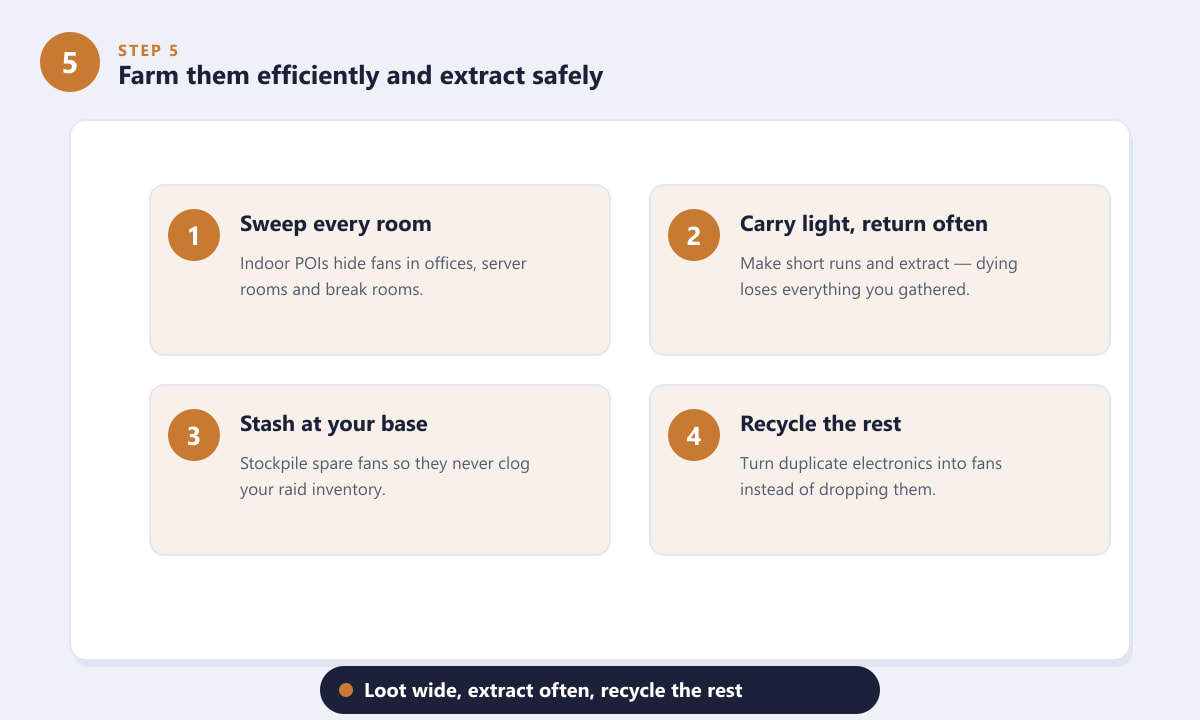
Loot wide, extract often, and recycle the rest to keep a steady flow of Cooling Fans.
Quick farming tips
- Search the obvious sources first. Computers, server racks, and AC units have the highest hit rate, so clear those before sifting through general containers.
- Go indoors. Open-world spots are slower for electronics; buildings packed with rooms reward you faster.
- Keep your spare electronics. Anything you might recycle is potential Cooling Fans later — don't drop junk you can break down.
- Stockpile at base. Move fans into your stash after each run so a wipe never costs your whole crafting reserve.
Troubleshooting
I'm not finding any Cooling Fans
You are probably searching the wrong objects or the wrong zones. Focus on electronics specifically — PCs, server hardware, consoles, and ventilation — inside tech-heavy interiors rather than outdoor crates and random debris.
My inventory keeps filling up before I extract
Carry a lighter loadout and prioritise high-value parts. Anything bulky and low-value can be recycled at base later, so grab the fans and electronics first and leave the bulk.
I have spare electronics but no fans
Take them to the recycler at your base. Breaking down old electronics is a reliable way to convert leftover loot into Cooling Fans and other components.
Frequently asked questions
Where do Cooling Fans spawn in ARC Raiders?
They spawn inside electronic and ventilation objects — desktop PCs, computer towers, server racks, AC units, wall vents, and similar appliances — most densely in tech-heavy buildings like offices, factories, and the Spaceport.
Are Cooling Fans rare in ARC Raiders?
No. Cooling Fans are a common crafting material. The challenge is collecting them efficiently and extracting safely, not finding a rare drop.
Can I craft or recycle Cooling Fans?
You can obtain them by recycling spare electronics and broken appliances at your base. Dismantling junk you don't need is a great renewable source of fans.
What are Cooling Fans used for?
They are a crafting ingredient for various gear and gadget recipes, contribute to workbench and equipment upgrades, and are occasionally requested by quests or merchants.
Final thoughts
Finding Cooling Fans in ARC Raiders comes down to a simple habit: search every piece of electronics you pass, favor tech-dense indoor POIs, and recycle the junk you don't keep. Build a short, repeatable loop, stash your haul between runs, and you'll never be short of fans when a recipe calls for them. For official details and updates, check the official ARC Raiders website.









