Where to Buy Rainbow Six Siege Skins Safely in 2026
The safest place to buy Rainbow Six Siege skins is the in-game Shop. You can also get cosmetics through the seasonal Battle Pass, event collections, Alpha Packs, and occasional official Twitch Drops. One important update: the official Siege Marketplace is currently closed. Ubisoft said on June 30, 2026, that it would remain closed while the company rebuilds its security and economy systems. This guide reflects the status checked on October 16, 2026.
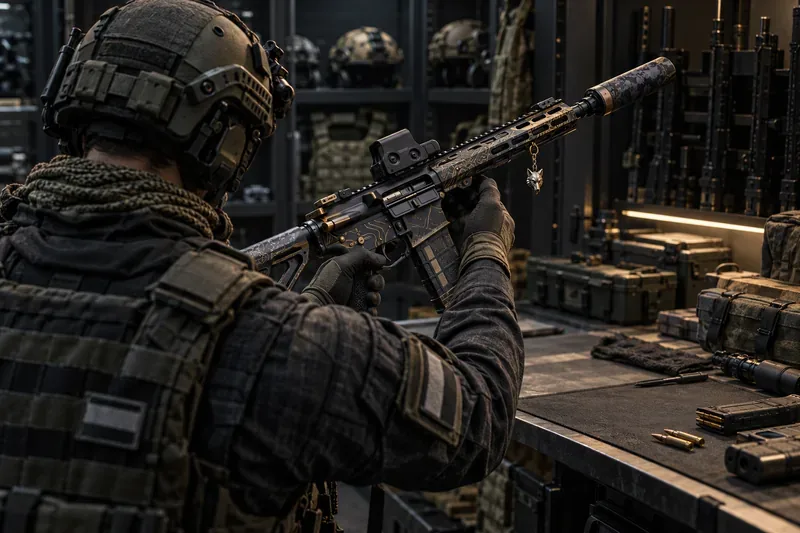
Official ways to buy or earn Rainbow Six Siege skins
Siege uses two main currencies. Renown is earned by playing; R6 Credits are premium currency that you buy with real money. What you can use depends on the item, so check its price in the game before spending. These are the current legitimate routes:
- In-game Shop: choose individual weapon skins, uniforms, headgear, charms, and featured offers.
- Battle Pass: earn rewards on its free track or unlock the premium track with R6 Credits.
- Event collections and packs: look for limited-time cosmetics in the active event menu.
- Alpha Packs and other rewards: receive randomized cosmetics through packs, matches, seasonal rewards, and progression.
- Official promotions: claim a Twitch Drop only when Ubisoft announces an active campaign and eligible stream.
1. In-game Shop: the best place for a specific skin
If you know the weapon, Operator, or style you want, start in the official Siege Shop or browse the Shop in the game client. The Shop lists featured offers and cosmetics for weapons and Operators. A listing shows whether it costs Renown or R6 Credits, so you can compare the price before confirming. Availability can rotate: a skin that is not listed today may not be purchasable until Ubisoft brings it back.
Use Renown when the item allows it and save R6 Credits for cosmetics that require premium currency. If you are buying a bundle, check its contents and compare them with the items you actually want; a larger bundle is not automatically a better value if you will not use most of it. Ubisoft’s Renown and R6 Credits guide explains how the two currencies work and where Credits can be purchased.
2. Battle Pass: seasonal cosmetics and progression rewards
The Battle Pass is a good route if you want several cosmetics and plan to play during the season. The free track offers rewards as you progress. Premium rewards require the pass, which you can buy with R6 Credits, and you still need to earn Battle Pass progress and unlock the reward tiles.
As of October 16, 2026, the Operation Split Fire Battle Pass runs from September 1 through December 1, 2026. Ubisoft lists its Premium Pass at 1,200 R6 Credits, with weapon skins, Operator bundles, packs, boosters, and 600 R6 Credits among the rewards. Check the current Battle Pass page for the exact reward track and availability before purchasing. Battle Pass cosmetics are seasonal, and the pass cannot be progressed or bought after it ends.
3. Event collections: check the event dates and currency
Limited-time events can bring themed uniforms, weapon skins, charms, and collection packs. Open the event page in Siege and review the item preview, currency, and end date before buying. Ubisoft’s 2026 economy update says new event packs from Season 3 use R6 Credits, while returning older collections may have dual-currency options. It also says event Masterpieces can be purchased directly with R6 Credits from Season 3 onward.
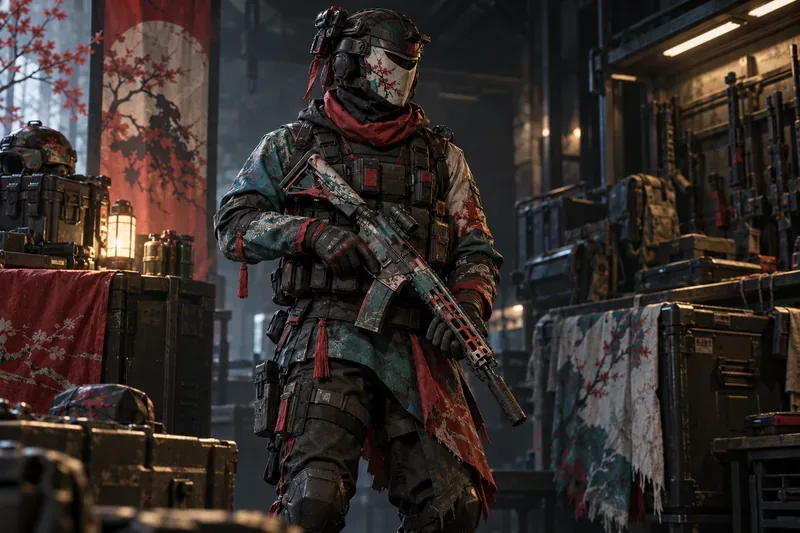
For a current example, Ubisoft’s Doktor’s Curse announcement says the event runs from October 15 through November 2, 2026. It lists a free G36C weapon skin for Ash and Iana from event challenges, a free Spear 308 skin for Finka and Thunderbird through Twitch Drops, and a free event pack for the first login during the event. The limited-time collection also includes the M590A1 Memento Masterpiece for 4,100 R6 Credits, bundled with five event packs. Check the in-game event menu for what is still available before spending.
4. Alpha Packs: random cosmetics, not a targeted purchase
Alpha Packs are useful if you are happy to receive a surprise. They can contain cosmetics such as weapon skins, charms, and headgear, but you cannot select the exact item before opening one. Ubisoft says Alpha Packs can come from matches, seasonal rewards, the Battle Pass, or the in-game Shop. Because the contents are random, do not spend Renown or Credits on packs expecting a particular skin. You can check owned packs and rewards in the Locker; see Ubisoft’s guides to Alpha Packs and finding in-game content.
5. Twitch Drops and other official promotions
Free cosmetics sometimes appear in limited-time Ubisoft promotions, including Twitch Drops. When a campaign is active, link your Twitch and Ubisoft accounts, watch an eligible stream for the stated time, and claim the reward in your Twitch inventory. The reward is not automatic until you claim it, and an old promotion page does not mean the offer is still live.
As of October 16, 2026, Ubisoft’s Doktor’s Curse announcement lists a free Spear 308 skin through Twitch Drops during the event, which runs October 15 through November 2. The announcement does not give the viewing-hour requirement, so check the campaign’s Twitch Drops instructions before watching. Link your Twitch and Ubisoft accounts, watch an eligible stream for the stated time, and claim the reward in your Twitch inventory. Check the official Siege news page for new campaigns. Do not assume that an old Prime Gaming bundle or a code found on a random site is still redeemable.
Is the Rainbow Six Siege Marketplace open?
No. As of October 16, 2026, Ubisoft’s official player-to-player Siege Marketplace is closed. In its June 30 economy update, Ubisoft said the Marketplace would remain closed while it works on account security, fraud detection, and a more balanced trading system. That means you cannot currently use the Marketplace to buy another player’s eligible skin or sell one for R6 Credits. The old Marketplace page or an older guide may still appear in search results, but it does not override Ubisoft’s latest status notice.
Ubisoft has not announced a confirmed reopening date in that update. If the Marketplace returns, use the official Ubisoft site and follow the new access rules there. For now, the in-game Shop, Battle Pass, event collections, packs, and announced promotions are the routes to use.
Read Ubisoft’s Marketplace and economy update for the closure and Season 3 currency changes.
Where to buy R6 Credits safely
Buy R6 Credits through the purchase flow in Rainbow Six Siege or an official Ubisoft/platform storefront linked from the game. The available purchase options and prices can vary by platform and region, so check the final checkout screen rather than relying on a price listed for another country. Ubisoft’s Shop page provides official Credit purchase links for supported platforms.
If you play on more than one platform, make sure each platform account is linked to the same Ubisoft account before you make a purchase. Ubisoft’s cross-platform content sharing guide explains which Siege content can be shared across linked platforms. Cosmetics are tied to your game account; buying an account that already owns a rare skin is not a safe substitute.
Why third-party skin sellers are not worth the risk
A site offering cheap Siege skins, account logins, or “instant” transfers is not an official store. Ubisoft’s Rainbow Six Siege Code of Conduct explicitly prohibits buying accounts or cosmetics through third-party sellers. Ubisoft says violations can lead to restrictions, suspensions, or bans.
- Do not give a seller your Ubisoft password, email access, or two-factor authentication code.
- Do not install a launcher, extension, or file offered as a way to unlock skins or Credits.
- Do not buy an account to get a cosmetic; account buying and selling is prohibited.
- Use the in-game item listing or an official Ubisoft/platform checkout, and verify the item and currency before confirming.
Quick answer: which option should you use?
- You want one specific cosmetic: check the in-game Shop and see whether it accepts Renown or requires R6 Credits.
- You want a seasonal set: compare the Battle Pass and current event collection, including the end date and total cost.
- You want a random reward: consider an Alpha Pack only if you are comfortable with any eligible drop.
- You want a free cosmetic: follow Ubisoft’s current news for active Drops and claim a reward before its campaign expires.
- You want to trade with another player: wait for Ubisoft to announce that the Marketplace has reopened; it is currently closed.
Frequently asked questions
Can you buy Rainbow Six Siege skins with real money?
Usually, you buy R6 Credits with real money through an official purchase flow and spend them on eligible skins, bundles, or the Premium Battle Pass. Some items can instead be bought with earned Renown. The item’s own listing shows the accepted currency.
Can you buy skins from another player in 2026?
Not right now. Ubisoft says the official Siege Marketplace remains closed, and third-party cosmetic sellers are prohibited by the Code of Conduct.
Are there free Rainbow Six Siege skins?
Yes. Free-track Battle Pass rewards, match and seasonal rewards, Alpha Packs, and occasional official promotions can award cosmetics. Check the current in-game reward track and Ubisoft announcements because event and Drop availability changes.









