Deciding what to recycle or sell in ARC Raiders is one of the quickest ways to grow stronger between raids. Every piece of loot you bring home from the surface can become either crafting materials or currency, and choosing the right path for each item keeps your stash tidy, your Workbench fed, and your wallet healthy. This guide breaks down exactly which items to recycle, which to sell, and which you should never give up.
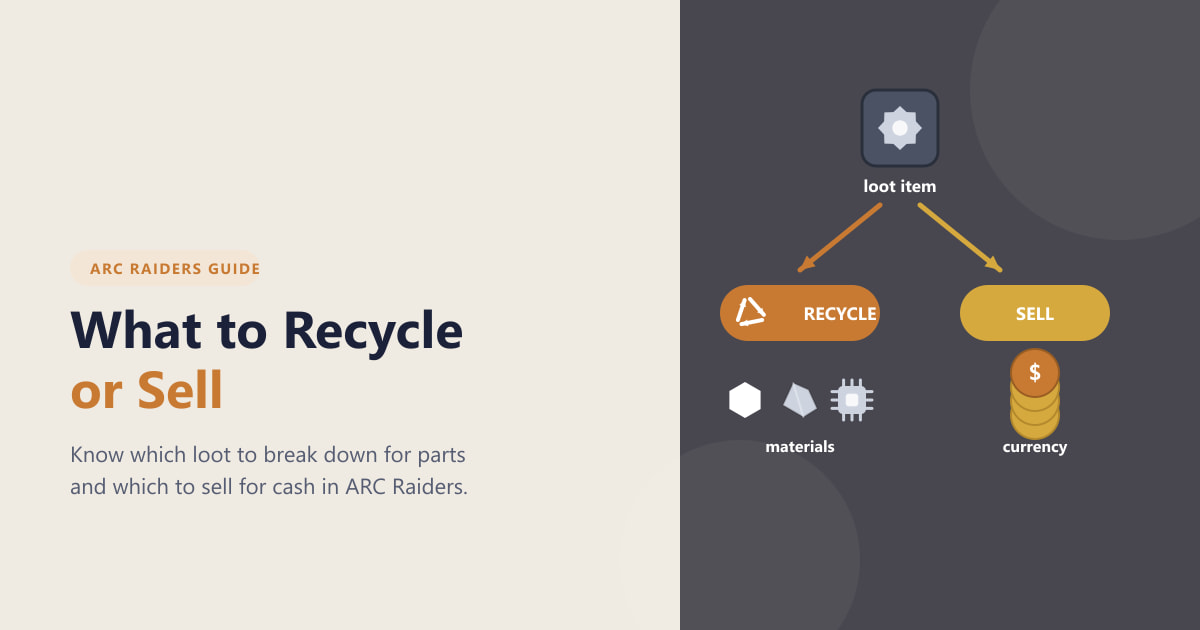
The choice almost always comes down to one question: is this item worth more as raw materials for crafting, or as currency to spend at a vendor? Below you'll find a simple framework, real examples of what falls into each category, and a quick rule of thumb you can apply to any item in your inventory.
What you need to know first
- Recycling breaks an item down into raw crafting materials and components you use to build and upgrade gear.
- Selling trades an item to a vendor for currency, which you spend on weapons, ammo, and other supplies.
- Keeping matters too — quest items, recipe materials, and gear you actively use should stay safely in your stash.
- Recycling and selling both usually happen back at your hideout in Speranza, so sort your haul there after each raid.
How to decide what to recycle or sell in ARC Raiders
-
Step 1: Understand the core decision
Before you scrap anything, remember that each item gives you one of two rewards. Recycling converts low-value clutter into materials you'll burn through while crafting and upgrading. Selling converts high-value loot into spendable currency. The trick is matching each item to the path where it's worth more — junk to the recycler, valuables to the vendor.
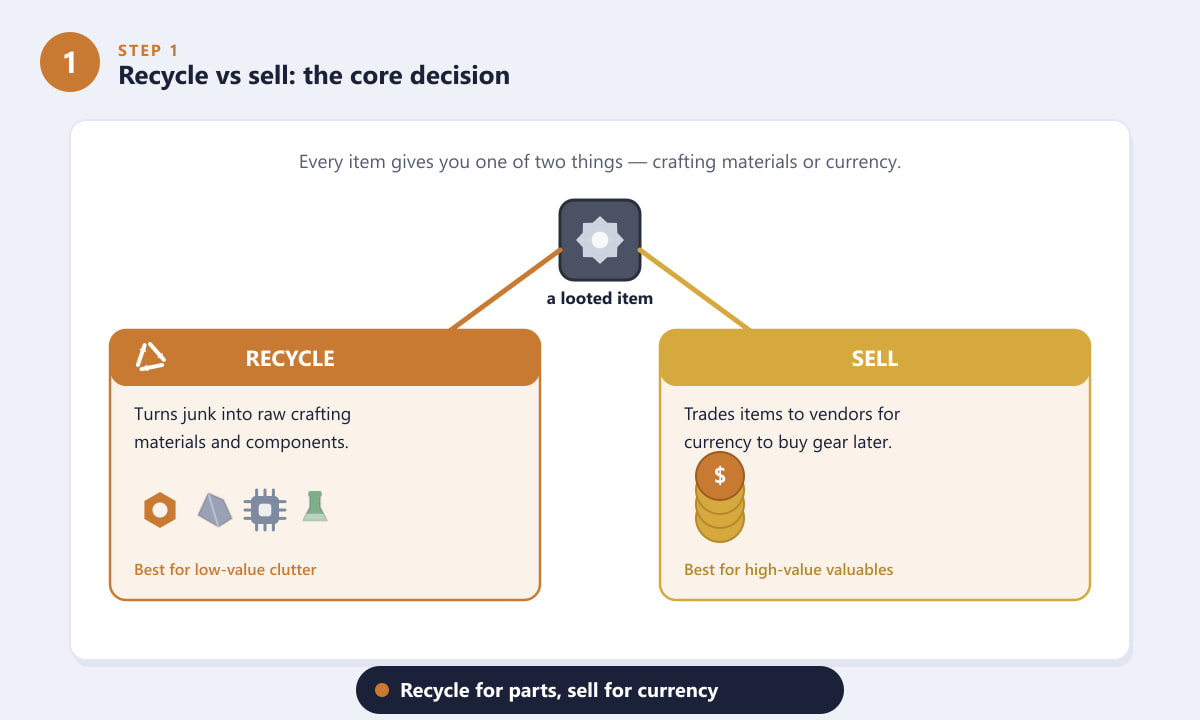
Recycle for crafting materials, or sell for currency — pick whichever is worth more. -
Step 2: Recycle common loot for crafting materials
Recycle the everyday junk that piles up fast: loose scrap, springs, gears, cables, broken electronics, cheap household items, and spare low-tier gear you'll never equip. These sell for almost nothing at a vendor, so they're far more useful broken down into metal parts, electronics, chemicals, and other components. Recycling also clears stash space and keeps a steady supply flowing to your Workbench.
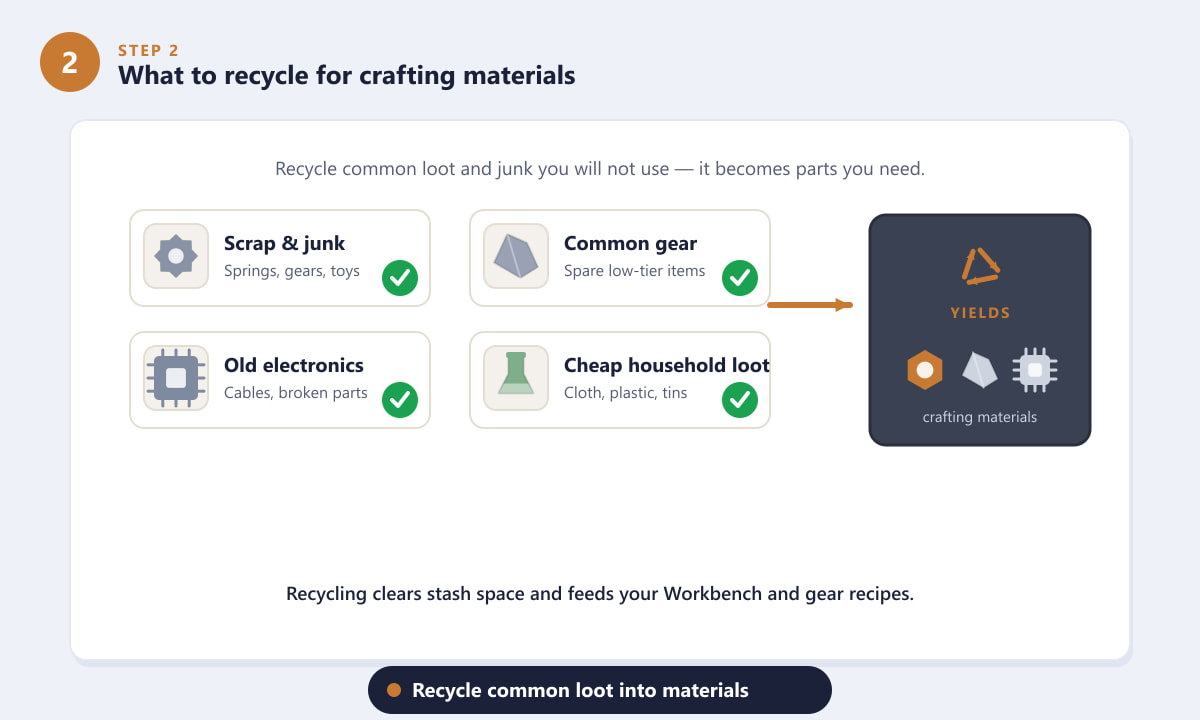
Common junk and surplus gear are best recycled into raw crafting materials. -
Step 3: Sell high-value loot to vendors
Save the sell tab for items with a genuine price tag. Valuable ARC parts, rare collectibles, sought-after components, and surplus high-tier gear typically fetch far more as currency than they'd ever return as a handful of scrap. If something looks shiny, unusual, or clearly more valuable than ordinary clutter, check its sell value before you recycle it — once it's scrapped, you can't get that cash back.
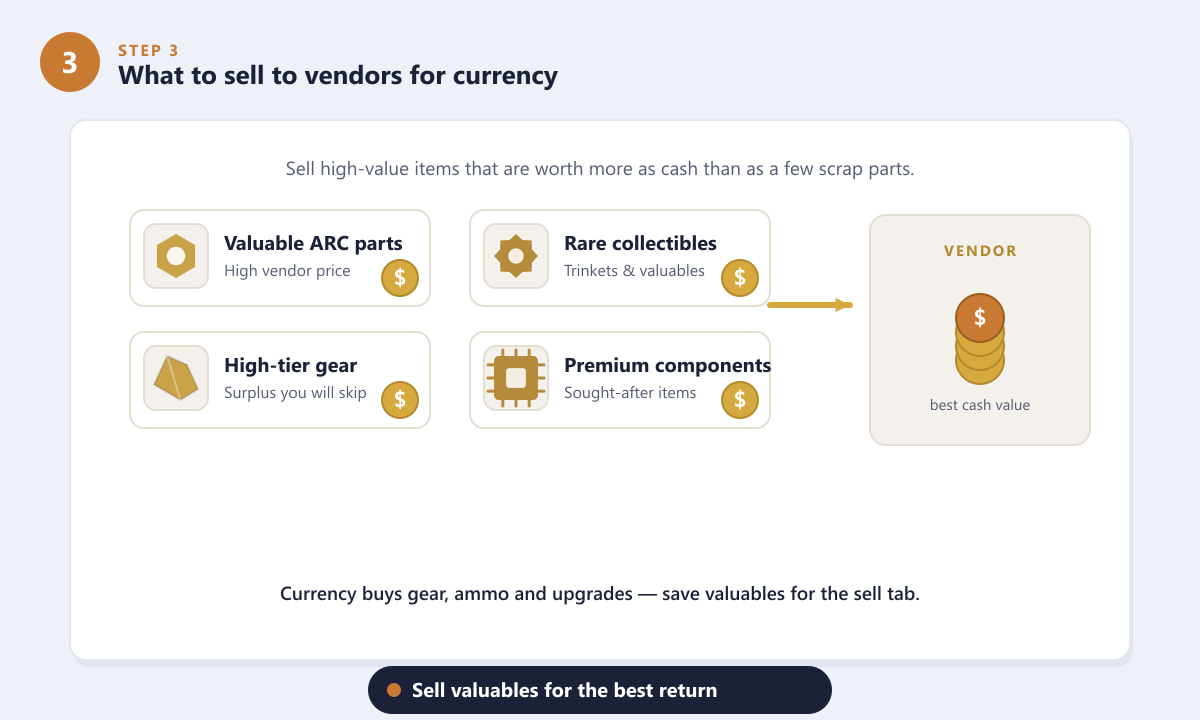
Sell valuable parts and rare items for the best currency return. -
Step 4: Keep what you'll actually need
Some loot should never be recycled or sold. Hold onto quest items, materials tied to recipes or Workbench upgrades you're working toward, and consumables and gear you actually use, such as medical items and ammo. Accidentally scrapping a quest item or a part you needed for a craft can cost you a full raid's worth of progress, so when in doubt, leave it in your stash.
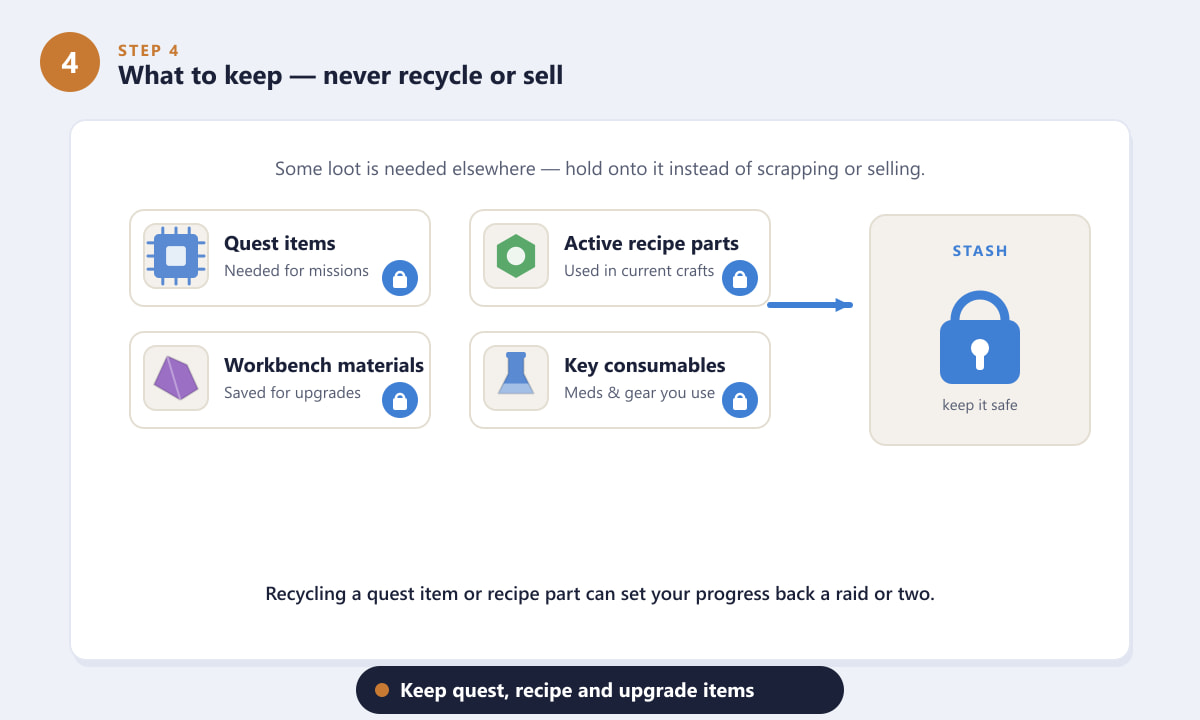
Quest items, recipe materials, and key consumables belong in your stash. -
Step 5: Apply a quick rule of thumb
When you're sorting a full inventory, run each item through three questions. First, do I need it for a quest, recipe, or upgrade? If yes, keep it. Second, is it a high-value or rare valuable? If yes, sell it. If neither is true and it's just common junk or surplus, recycle it. This keep-sell-recycle order stops you from giving away anything important while still clearing the clutter.
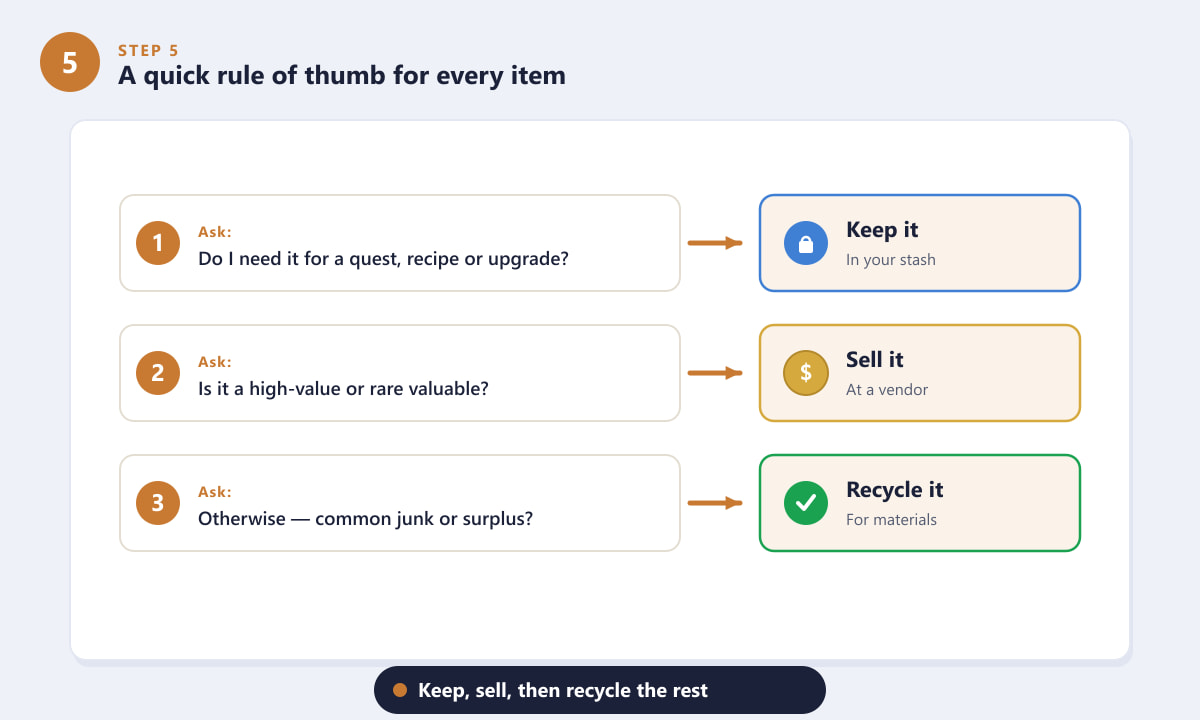
Ask three quick questions: keep it, sell it, or recycle the rest.
Tips for smarter recycling and selling
- Sort after every raid. Empty your bag at the hideout while the loot is fresh in mind, instead of letting your stash overflow.
- Check recipes first. If you're saving up for a Workbench upgrade or a piece of gear, hold the materials that craft needs before recycling anything similar.
- Don't blanket-recycle. Recycling everything wastes valuables that vendors would have paid well for. Skim for the shiny items first.
- Keep a small buffer. Hang onto a modest reserve of common materials so you're never caught short mid-craft.
- Free up slots before a run. Recycle or sell leftovers before heading out so you have room for fresh loot.
Common mistakes to avoid
I recycled something I needed for a quest
Always read item tooltips before scrapping. Quest and mission items are usually flagged, and keeping anything unfamiliar in your stash until you're sure is the safest habit.
I'm always short on currency
You're probably recycling items that should be sold. Make a habit of checking the vendor value of rare-looking loot before sending it to the recycler.
I never have enough crafting materials
You may be selling common loot that's worth more as parts. Junk, scrap, and surplus low-tier gear should go to the recycler, not the vendor.
Frequently asked questions
Should I recycle or sell items in ARC Raiders?
Recycle common junk and surplus gear for crafting materials, and sell high-value or rare items to vendors for currency. Keep anything tied to quests, recipes, or upgrades.
What should I never recycle in ARC Raiders?
Avoid recycling quest items, materials needed for active recipes or Workbench upgrades, and consumables or gear you regularly use.
How do I know if an item is worth selling?
Check its vendor value. If an item sells for a meaningful amount of currency, it's usually worth more sold than as the small number of scrap parts you'd get from recycling it.
Where do I recycle or sell items?
Both are handled back at your hideout in Speranza, so sort and process your loot there after each raid rather than dropping items in the field.
Is recycling or selling better overall?
Neither is strictly better — it depends on the item and what you currently need. Use recycling to top up crafting materials and selling to build a currency reserve.
Final thoughts
Knowing what to recycle or sell in ARC Raiders turns a messy post-raid stash into steady progress. Keep what you need for quests and crafting, sell the valuables for currency, and recycle the rest into materials. Apply the keep-sell-recycle rule to every item and you'll always have the parts and cash you need for your next run. For the latest details on the game, check the official ARC Raiders website.









