Tacter for TFT is a third-party companion app that reviews your Teamfight Tactics games and turns them into clear, personalized coaching tips. Instead of guessing why you keep landing in the bottom four, Tacter looks at your real match history and tells you exactly what to fix — your economy, your positioning, your roll timing, and more. This guide explains what Tacter actually does, how it works, whether it's free, and how to get started.
Teamfight Tactics is a deep auto-battler, and improving on your own can feel slow. Tacter sits outside the game as an optional helper: it connects to your account, studies how each match went, and surfaces advice in plain language. Below are the five things you most need to know.
What you need to know first
- What it is: a separate companion/coaching tool, not made by Riot Games.
- What it does: reads your match history and explains your mistakes.
- What you need: a Riot account and a few recent TFT games.
- Cost: free to start, with optional paid features.
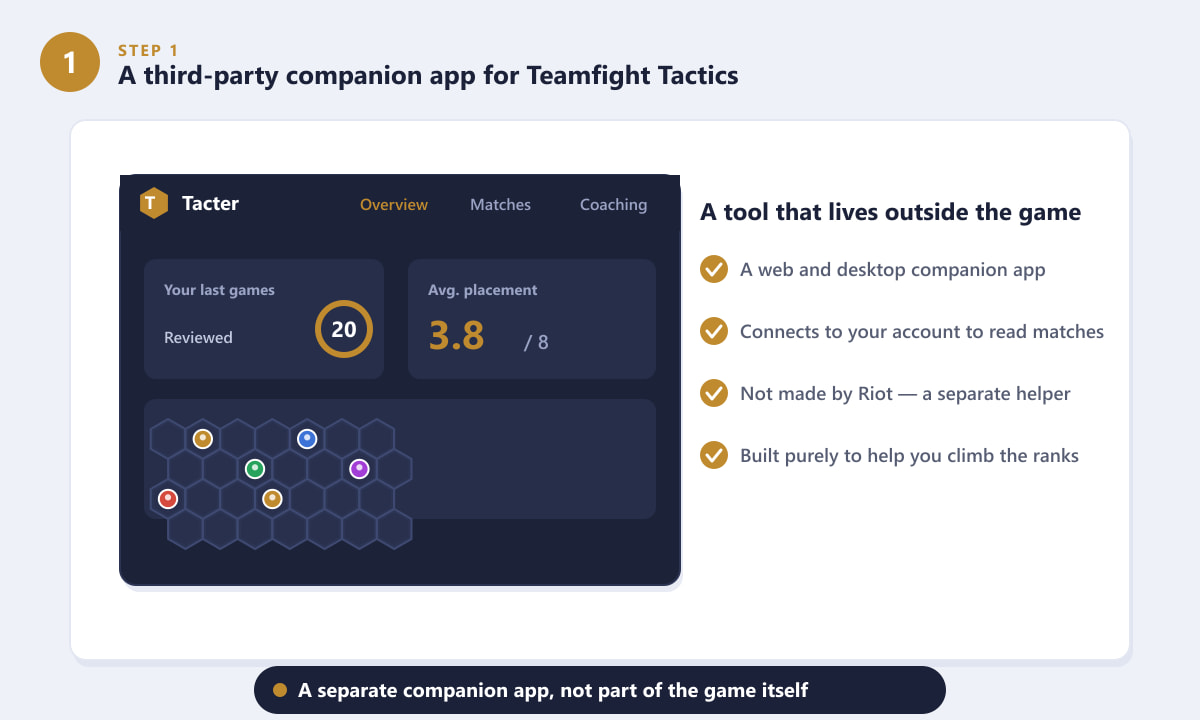
1. Tacter is a third-party companion app for TFT
Tacter is a coaching and analytics platform that works alongside Teamfight Tactics rather than inside it. You access it through your browser (and a desktop companion), and it focuses on one goal: helping you climb the ranked ladder. It is an independent tool, so it is separate from the official game and entirely optional — you only use it if you want extra help improving.
2. It reads your match history and breaks it down
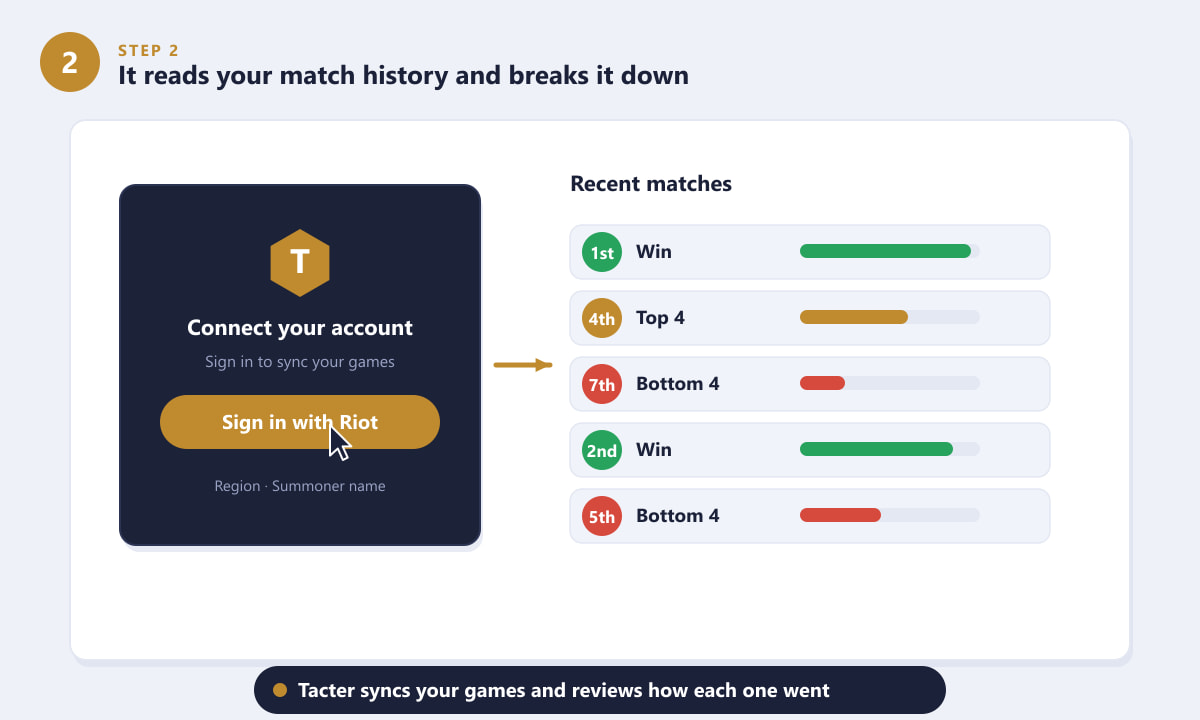
After you sign in with your Riot account, Tacter syncs your recent Teamfight Tactics matches. It then reviews each game automatically — your final placement, the comp you ran, how your economy trended, and where things went right or wrong. The result is an organized history that shows your wins and losses at a glance, so patterns in your play become obvious instead of hidden.
3. You get personalized coaching tips
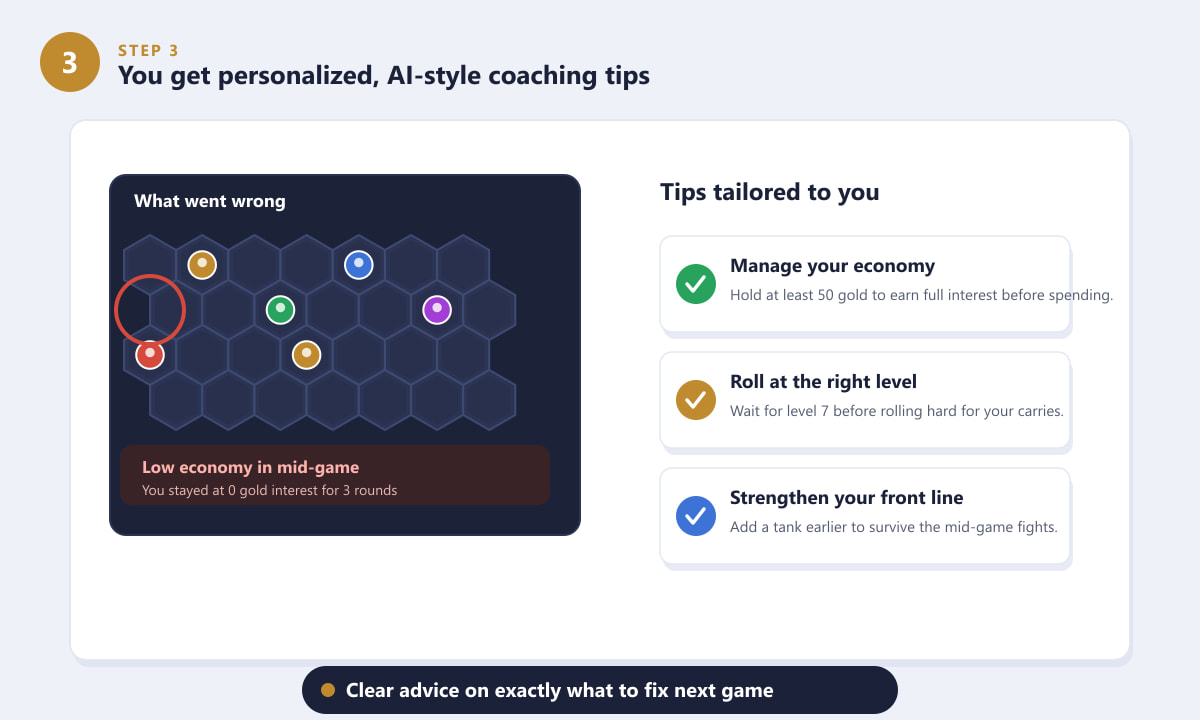
This is the part that sets Tacter apart from a plain stats site. Rather than only showing numbers, it interprets them into actionable, AI-style coaching advice aimed at your games. If you sat on too little gold for too long, it flags weak economy. If you died early in fights, it might suggest a stronger front line or better positioning. Each tip is a small, specific thing you can change in your very next match.
4. It suggests strong comps, items, and stats
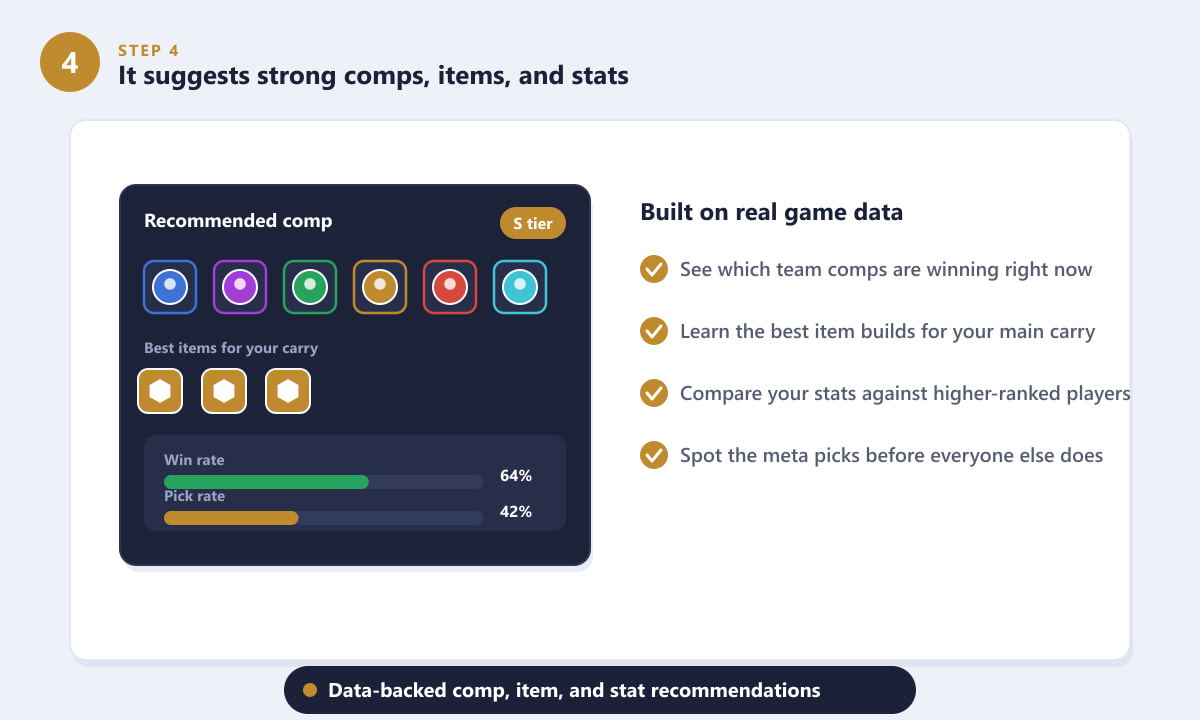
Beyond reviewing your own games, Tacter draws on broader game data to point you toward what's working in the current meta. You can see which team compositions are performing well, learn recommended item builds for your main carry, and compare your stats against higher-ranked players. That makes it easier to pick a winning direction early and avoid forcing a comp that simply isn't strong this patch.
5. Is it free, and how do you get started?
Tacter is free to start. You can sign up, connect your account, and read coaching feedback without paying, while more advanced features are typically offered through optional premium tiers. Getting going only takes a few minutes — and from then on, the app keeps reviewing your matches in the background.
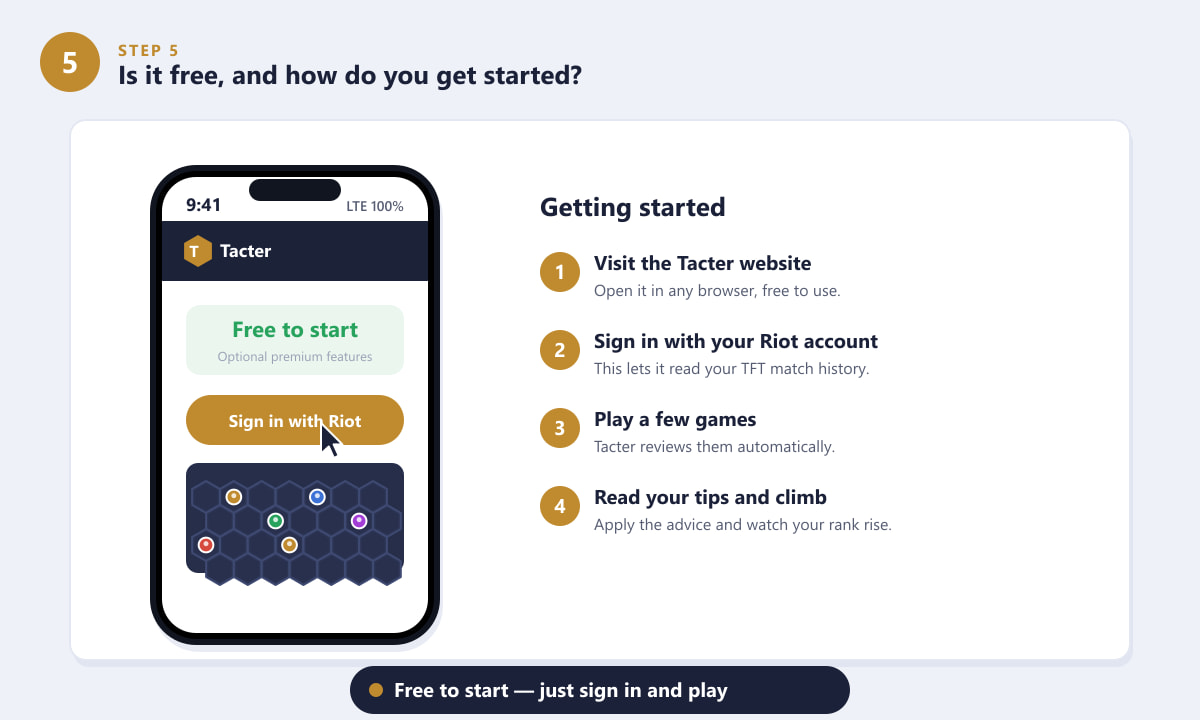
To begin: open the Tacter website in any browser, sign in with your Riot account so it can read your TFT match history, play a few games as normal, then check your reviewed matches and apply the advice. The more games you play, the better the picture it builds of your habits.
Tips for getting the most out of Tacter
- Play a handful of games first. A single match is a small sample; several games reveal real patterns in your economy and positioning.
- Pick one tip at a time. Trying to fix everything at once is overwhelming — focus on a single weakness, like roll timing, until it improves.
- Cross-check the meta. Use the comp and item suggestions as a starting point, then adapt to the units and items you're actually offered in-game.
- Review after a session. Looking back at a batch of games together makes recurring mistakes much easier to spot.
Troubleshooting
My matches aren't showing up
Make sure you signed in with the correct Riot account and region, and that you've actually played a recent TFT game. New matches can take a little while to appear after they finish.
Is it safe to connect my account?
Tacter uses Riot's official sign-in, so you authorize access rather than handing over your password. As with any third-party tool, only ever log in through the official Tacter website.
I don't see coaching tips yet
Tips are generated from your games, so play a few matches first. If you've only just connected, give the app time to sync and review your history.
Frequently asked questions
Is Tacter for TFT free?
Yes, Tacter is free to start. You can connect your account and read coaching feedback at no cost, while more advanced tools are usually available through optional premium features.
Is Tacter made by Riot Games?
No. Tacter is an independent, third-party companion app. It connects to your Riot account to read your match history, but it is not an official Riot product.
Does Tacter work for ranked TFT?
Yes. Tacter reviews your ranked Teamfight Tactics games and gives advice aimed specifically at helping you climb the ladder and improve your average placement.
Do I need to download anything?
You can use Tacter in a web browser. There is also a desktop companion experience, but at its core you simply sign in and let it review your games.
Will using Tacter get my account banned?
Tacter reads your match history through Riot's official sign-in and does not modify the game. As always, only log in through the genuine Tacter website to keep your account safe.
Final thoughts
Tacter for TFT is essentially a personal coach that lives outside the game: it reviews your Teamfight Tactics matches, explains your mistakes in plain language, and points you toward stronger comps and habits. It's free to start, quick to set up, and genuinely useful if you want to climb without spending hours analyzing replays yourself. To learn more about the game it works alongside, see the official Teamfight Tactics website.









