What Is Rainbow Six Siege? A Beginner’s Guide (2026)
Rainbow Six Siege is a tactical first-person multiplayer shooter built around close-quarters, objective-based team rounds. In its main format, five attackers face five defenders, and each player chooses an Operator with a distinct gadget. Instead of respawning immediately after a mistake, players in standard rounds sit out until the round ends, so information, positioning, and teamwork can matter as much as aim. Ubisoft’s current game pages present the experience as Rainbow Six Siege X, the major evolution of Siege that launched in 2025. In 2026, new players can start through Free Access, with some modes and Operators available at no charge.
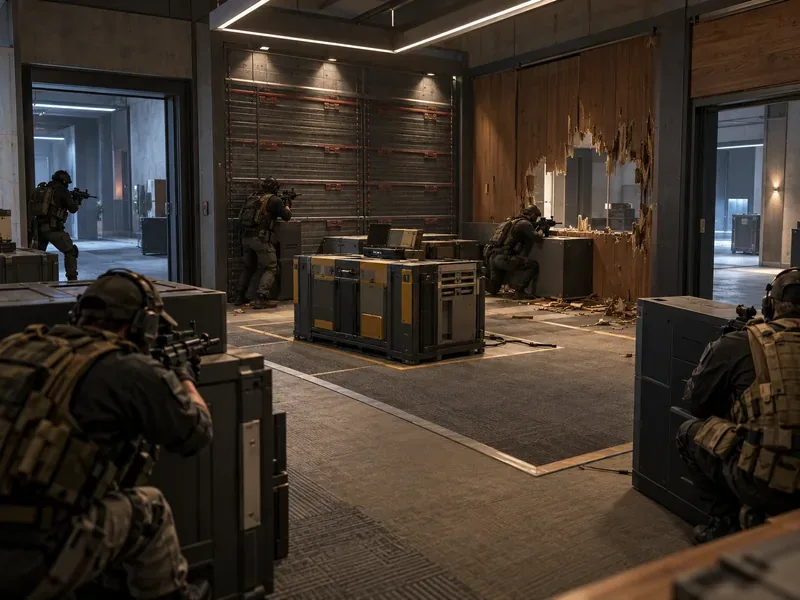
This beginner’s guide explains the core attack-versus-defense loop, how Operators and destruction affect a match, what Free Access includes, and where to begin. For Ubisoft’s current overview, see Discover Siege.
What kind of game is Rainbow Six Siege?
Rainbow Six Siege, often shortened to R6 or Siege, is a competitive team shooter from Ubisoft. Its signature format is a series of short, round-based attacks and defenses inside buildings and other compact maps. The two sides have different jobs and tools: attackers gather information and find an entry, while defenders prepare the site and try to control the routes into it.
That structure makes Siege feel deliberate. A team may spend time checking cameras, placing equipment, listening for movement, and deciding which wall or doorway to use. A single elimination changes the numbers for the rest of that round. A player can win a round through the objective or by eliminating the opposing team, subject to the mode’s rules.
Siege X is an evolution of the long-running game, rather than a separate numbered sequel. Ubisoft launched it on June 10, 2025, with upgrades to core systems and a free-access option. Existing players kept their progression and inventory through that change, according to Ubisoft’s Siege X launch guide.
How a standard Siege round works
- Defenders prepare. They locate the objective, reinforce selected walls, place gadgets, and set up cameras or other defenses. The team has to decide which approaches to protect and which to leave open.
- Attackers scout. Attackers use small wheeled drones to look for defenders, gadgets, and possible routes. Information can help a team avoid a trap or coordinate an entry; a drone that survives can continue to provide useful intel.
- The action phase begins. Attackers move into the building and work toward the objective. Defenders use cover, cameras, sound, and their equipment to slow or stop the push. Both teams can change the map by opening or blocking certain surfaces.
- The round is decided. The exact objective depends on the playlist. In Bomb, attackers try to plant a defuser at a bomb site while defenders try to prevent the plant or disable the defuser. The opposing team can also be eliminated. Teams switch sides during a match, so players learn both roles.
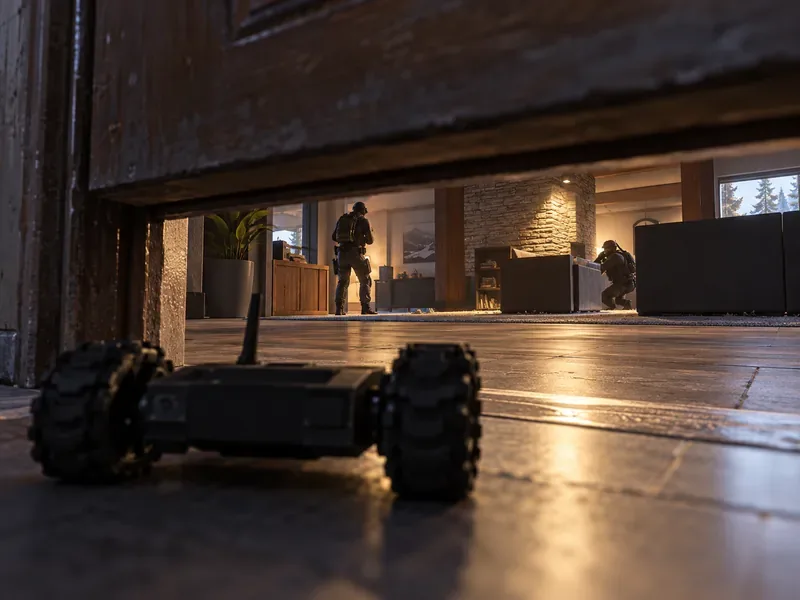
There is no universal route into a room. A good push usually combines information, timing, and more than one angle. If a teammate spots an enemy, a brief callout about the room or direction is more useful than a vague warning. On defense, cameras and sound can reveal a push before an opponent is visible.
Operators: characters with different tools
Players choose from a roster of Operators, each assigned to attack or defense in the standard mode. Every Operator has a signature gadget and a customizable weapon loadout. Gadgets can support jobs such as scouting, breaching, blocking enemy information, protecting a doorway, or stopping an entry. The game’s depth comes partly from combining those tools: one teammate can gather information while another creates a route or protects the objective.
Beginners do not need to memorize the entire roster. Pick one or two Operators on each side and learn what their gadgets do, when they are most useful, and how to avoid wasting them. A simple, well-timed gadget can help the team even when you are still learning to aim or read a map.
Why destructible walls change the map
Destructible environments are one of Siege’s defining features. Many interior walls, floors, and barricades can be damaged or opened, while defenders can reinforce certain walls to make them harder to breach. This creates new lines of sight and routes during a round. Some maps also let teams use openings above or below an objective, which is why listening and checking vertical angles matter.
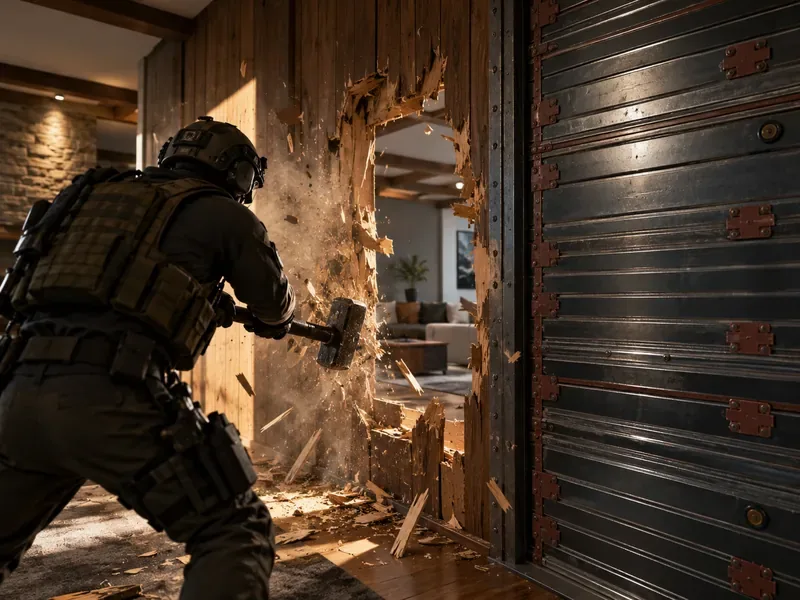
Destruction is selective: not every surface can be opened, and reinforced sections behave differently from soft walls. A breach can help attackers create an angle, but it also makes noise and tells defenders where pressure is coming from. For defenders, reinforcement is a limited resource, so teams usually prioritize walls that protect the objective or prevent a dangerous line of sight.
Is Rainbow Six Siege free to play in 2026?
Yes. Ubisoft’s current Free Access page lists Quick Match, Unranked, and Dual Front, along with a selection of Operators. A paid offer adds more Operators and unlocks competitive modes such as Ranked and Siege Cup as players progress to level 50. The available lineup and purchase options can change, so check Ubisoft’s store page for your platform before buying.
Quick Match and Unranked are the clearest places to learn the familiar 5v5 attack-and-defense format. Dual Front is a separate 6v6 mode that combines attackers and defenders and has respawns, so its faster flow is different from the standard round-based loop. Ubisoft’s roadmap describes Dual Front as a permanent mode. Ubisoft’s 2025 launch information notes that Dual Front is not supported on PlayStation 4 or Xbox One; mode availability can vary by platform.
A practical way to start as a beginner
- Complete the tutorials and training first. Learn movement, aiming, gadgets, and the basic objective before entering a live match.
- Use your drone on attack. Check the room and likely entry before committing. Avoid driving it directly into a defender if you can keep it available for later information.
- Learn cameras on defense. Use the information your team has, then return to controlling your Operator instead of staying on a camera without a reason.
- Play the objective. Chasing every opponent can leave the site open. Keep track of where the objective is and how much time remains.
- Pay attention to sound. Running, breaching, reinforcing, and gadget use can reveal a player’s location. Move deliberately when staying quiet matters.
- Review a death. Watch the rest of the round and note the angle, gadget, or route that caught you. Map knowledge grows through repetition.
Siege has a learning curve because maps, gadgets, and sound all interact. Early losses are common; learning one room, one route, and a small group of Operators at a time makes the game easier to follow. The central idea stays simple: attackers use information and coordinated entries to reach an objective, defenders use preparation and positioning to stop them, and the map itself can change during the fight.









