The Best Brawlers in Brawl Stars, Ranked (2026)
Amber is the safest all-around pick in Brawl Stars in October 2026, while Shade brings the most punishing close-range pressure and Wendy is the strongest team-support choice. Cosmo, Gus, and Kenji round out the current top tier. The best choice still depends on the map, mode, draft, and your upgrade level, so use this ranking as a practical shortlist rather than a permanent verdict.
This is an editorial snapshot for October 2026, based on versatility, team value, role coverage, and how reliably a Brawler can contribute across different matchups. Supercell publishes balance changes, but not one official ranking that applies to every mode. The latest official notes include September 16 adjustments to Shade and Gus, so check the patch notes before spending heavily.
Best Brawlers in Brawl Stars: October 2026 tier list
| Rank | Brawler | Best use | Why pick them |
|---|---|---|---|
| 1 | Amber | Reliable lane control | Consistent pressure and flexible area denial make her a safe choice across many maps. |
| 2 | Shade | Close-range pressure | Strong mobility and wall-based threat can disrupt teams that rely on tight cover. |
| 3 | Wendy | Team support | Shields and defensive utility help teammates hold space and survive objective fights. |
| 4 | Cosmo | Control and setup | His orbiting shots and target-focused Super reward coordinated pressure. |
| 5 | Gus | Support with ranged damage | He can help keep allies in the fight while still contesting lanes himself. |
| 6 | Kenji | Assassination and cleanup | A high-impact close-range pick when the map and enemy draft give him room to enter safely. |
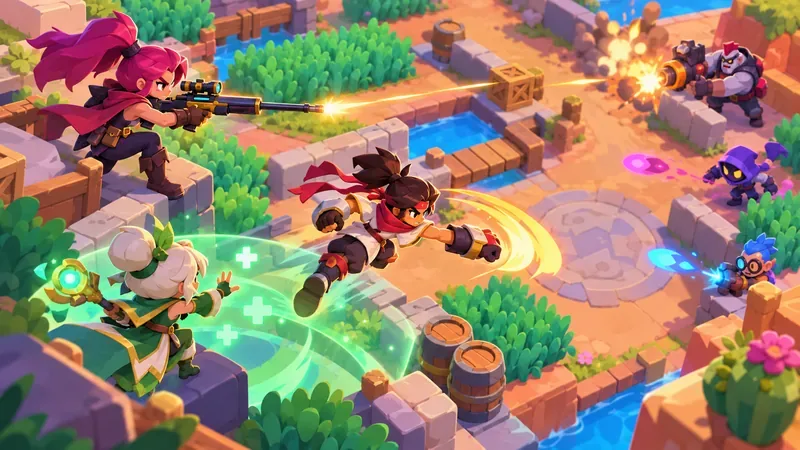
Why these Brawlers rank at the top
1. Amber: the safest all-around pick
Amber is the best first choice if you want one Brawler who can pressure a lane without relying on a narrow trick. Her sustained attacks make opponents respect the space in front of her, and that pressure can help a team advance or protect an objective. She is easier to get value from than a precision marksman, but still rewards careful positioning: use cover, avoid walking into burst damage, and keep an escape route open.
2. Shade: the strongest aggressive option
Shade is especially threatening on maps with walls and tight routes, where his movement and close-range threat can force opponents out of comfortable positions. He is powerful, but not a blind pick: open maps give long-range enemies more room to punish an early entry. Supercell reduced parts of Shade’s kit in its September 16 balance maintenance, including Super charge near enemies and Gadget effects. That makes timing and matchup selection more important than simply charging forward.
3. Wendy: the best team-first pick
Wendy offers team value through shields and defensive tools. Pick her when your team needs help surviving a push or holding a position, especially in objective modes where keeping teammates alive can matter more than chasing a knockout. Her support kit does not remove the need to aim or rotate well; place her protection where teammates can actually use it, and avoid leaving the group isolated.
4. Cosmo: a high-upside controller
Supercell classifies Cosmo as a Controller. His orbiting projectiles create a different aiming pattern from a straight-shot Brawler, while his Super can help teammates focus fire on a marked enemy. His area-reveal Gadget can also expose hidden opponents and restrict movement abilities inside the affected area. Cosmo is a smart pick when your team can capitalize on that setup, but his value drops if allies ignore the target or if you cannot predict enemy movement.
5–6. Gus and Kenji: utility or direct pressure
Gus combines ranged attacks with support tools, giving him more than one way to contribute in a team fight. Recent balance changes adjusted his healing and Gadget cooldown, so use his support abilities deliberately instead of treating them as unlimited saves. Kenji is the more direct alternative: he can punish isolated opponents and help finish weakened targets, but he needs good timing and a route out. If the other team has reliable control or the map is too open, a safer lane pick may be better.
Best Brawler by role and player need
| If you need… | Try | What to look for |
|---|---|---|
| Flexible lane pressure | Amber | Space control and steady damage |
| A close-range disruptor | Shade or Kenji | Walls, cover, and isolated targets |
| Team protection | Wendy or Gus | Teammates who can stay near your support tools |
| Control and coordinated focus | Cosmo | Allies who can follow up on your target setup |
| Long-range practice | Piper, Mandy, or Maisie | Open lanes and room to aim safely |
| A forgiving starter | Shelly, Nita, or Poco | Simple fundamentals, close-range defense, or team healing |
Map and mode can change the ranking
A tier list is only useful if you match it to the battlefield. On open maps, long-range Brawlers such as Piper, Mandy, or Maisie can control lanes from a distance. Walls and bushes create safer routes for close-range picks such as Shade or Kenji, but they also make it easier to get trapped if you rush alone. In objective modes, Wendy, Gus, Amber, and Cosmo can help a team hold or contest space. In a draft, account for the enemy picks and bans: the best Brawler on paper can be a poor choice into a direct counter.
Before locking in, ask three quick questions: Is this map open or crowded? Does my team already have a way to control the objective? Can the opposing lineup punish my range or movement? Answering those questions is more useful than choosing the same “top” Brawler every match.
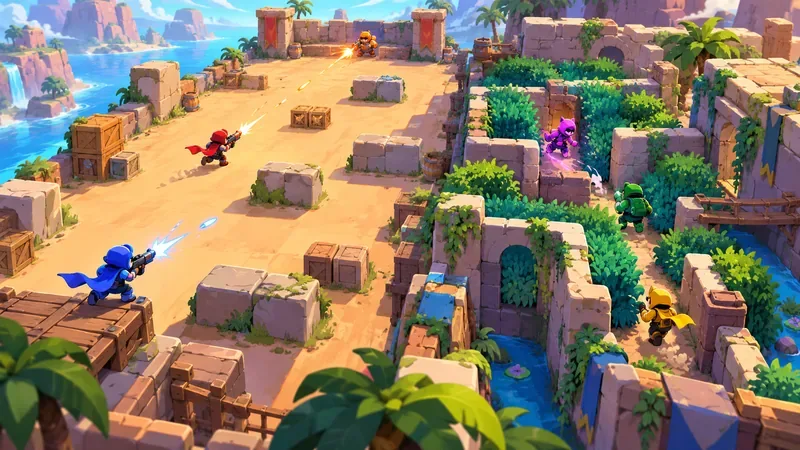
Best beginner Brawlers
If you are new, start with a Brawler whose job is easy to understand. Shelly is a straightforward close-range option and a useful way to learn when to hold position or push. Colt teaches aiming and lane spacing. Nita’s bear can draw attention and help you contest space, while Poco introduces team support with a simple healing role. You do not need to chase the newest release before learning how to dodge, use cover, and save your Super for a useful moment.
Practice one ranged pick and one close-range pick before expanding your roster. That gives you a fallback when a map or draft makes your favorite uncomfortable. In Ranked, also learn a support or controller so you can help fill a team gap instead of competing for the same role as your teammates.
Who is still strong but not an automatic top pick?
Spike, Surge, and Gene can still be useful, especially when their abilities suit the map or team composition. They are not bad Brawlers; they are simply less reliable as universal recommendations than the names above. Spike can pressure clustered enemies, Surge can become more dangerous as a match develops, and Gene can create openings with well-timed pulls. Treat each as a matchup pick, then check the current map rotation before investing or drafting around them.
How to unlock and upgrade the best Brawlers
The unlock path changed in 2026. Credits now progress you toward Brawler Blast, which replaces the old Starr Road flow. When a Blast opens, you knock down targets in a shooting-gallery screen; the last Brawler standing is the one you unlock. New releases may use a separate timed Brawler event, so check the Brawlers collection and the in-game event details rather than assuming every character is immediately available through the same route. See Supercell’s official Brawler unlocking guide for current routes.
After unlocking someone, concentrate Coins and Power Points on a small core that covers different jobs. Upgrade a Brawler you will actually play, then add the Gadget, Star Power, Gear, Hypercharge, or Buffie that fits your maps and matchups. Supercell’s support page explains how Brawl Stars currencies are used, while its update overview explains how Buffies enhance Gadgets, Star Powers, and Hypercharges. A balanced, upgraded roster is more useful in Ranked than several underpowered unlocks you rarely select.
When to check the ranking again
Revisit this list after balance updates, new Brawler releases, or a major change to the Ranked map pool. The official August 2026 Brawl Stars release notes include later maintenance changes dated September 16, including adjustments to Shade and Gus. For the newest changes, read the latest official notes and then compare a Brawler’s role with the mode you plan to play. A ranking is a starting point for decisions, not a guarantee that one pick will win every matchup.
Frequently asked questions
Who is the best Brawler in Brawl Stars in 2026?
Amber is the safest all-around recommendation in this ranking. Shade is a strong aggressive pick, and Wendy is a better choice when your team needs protection. The strongest option changes with the map and mode.
What is the best Brawler for beginners?
Shelly is a simple starting point. Colt, Nita, and Poco are also useful for learning aim, positioning, and team support without relying on a complicated game plan.
Are Spike, Surge, and Gene still worth upgrading?
Yes, if you enjoy them or need their strengths for a particular map. They are better treated as situational picks than as automatic first upgrades for every player.
Should I unlock a new Brawler or upgrade one I already use?
Upgrade a small group you can play confidently, then broaden your roster to cover missing roles. A new unlock is most valuable when it fills a gap in your collection or fits the current maps.









