This Terraria for beginners starter tutorial walks you through your very first hour, from the main menu to surviving night one. Terraria is a 2D sandbox adventure where you dig, build, fight and explore. There is no rigid quest line telling you what to do next, which is exciting but can feel overwhelming when you spawn into a fresh world with nothing but a few basic tools. Follow the steps below in order and you will have wood, weapons, a safe home and your first ore before the sun goes down.
What you need to start
All you need is a copy of Terraria on PC, console, or mobile, and a few minutes to set up a character and a world. Every platform shares the same core loop, so the steps here apply whether you play with a keyboard and mouse, a controller, or a touchscreen. New players should stick to the default Classic difficulty for both the character and the world, since Expert and Master add tougher enemies that are best saved for later. Keep an eye on the day/night clock in the top corner, because monsters become far more dangerous after dark.
Terraria starter tutorial: step by step
-
Step 1: Create a character and a world
From the main menu, choose Single Player, then Create Character. Pick the Classic difficulty so you keep your items when you die, customize the look if you like, and confirm. Next select Create World, again choosing Classic, a small or medium size, and any name. Load in and your character will spawn at the surface, usually standing next to the Guide NPC, who offers crafting hints whenever you talk to him.

Create a Classic character first, then a Classic world to start your adventure. -
Step 2: Chop trees to gather wood
Wood is your most important early resource, and you start with a basic axe to collect it. Stand next to a tree and left-click (or use your attack button) repeatedly until it breaks into wood you can pick up. Gather at least 50 to 100 wood while it is still daytime. Trees regrow over time, and you can plant acorns later, so do not worry about running out. This is also a great moment to grab any loose stone and explore the immediate area.
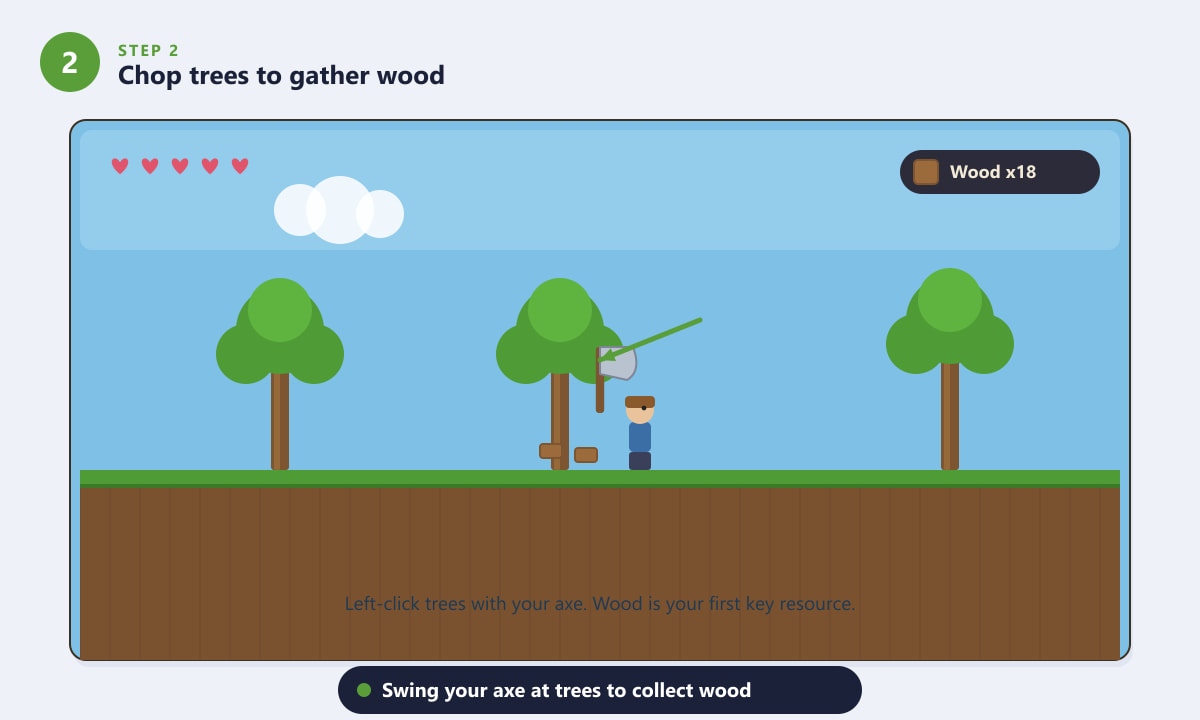
Swing your axe at trees to stockpile wood, your first key crafting material. -
Step 3: Open the inventory and craft tools
Open your inventory (the Esc key on PC, or the inventory button on console and mobile) to reveal the crafting list in the corner. With wood in hand you can immediately craft a Work Bench, which unlocks many more recipes when you stand near it. Place the bench, then craft a Wooden Sword, Wooden Pickaxe and Wooden Axe. Make a stack of torches too once you find some Gel from slimes, as light keeps you safe and helps you see underground.
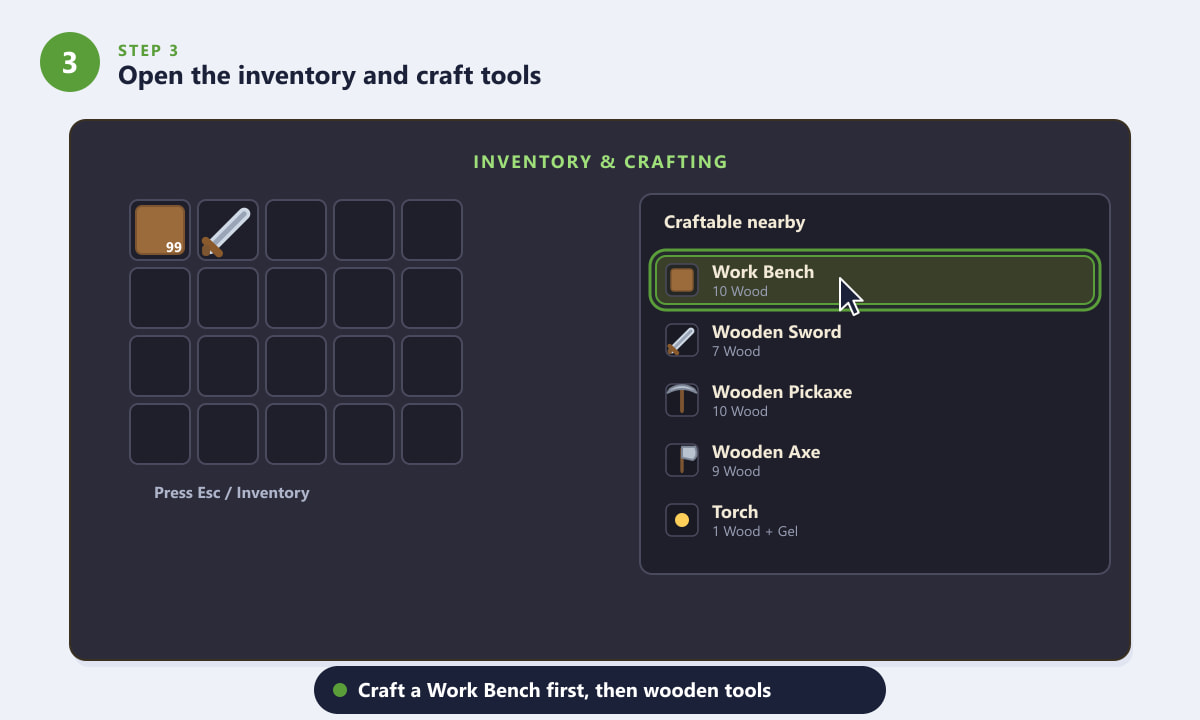
Craft a Work Bench first, then your starter wooden sword, pickaxe and axe. -
Step 4: Build a simple shelter before nightfall
When night falls, zombies and flying Demon Eyes appear, so you need a home. Use your wood to enclose a small room: solid blocks for the outer walls and roof, a background wall filling the inside, a door to get in and out, and a torch for light. Add a crafted table and chair to make it count as a proper house. A sealed, lit room keeps enemies out and, just as importantly, will let NPCs move in later.
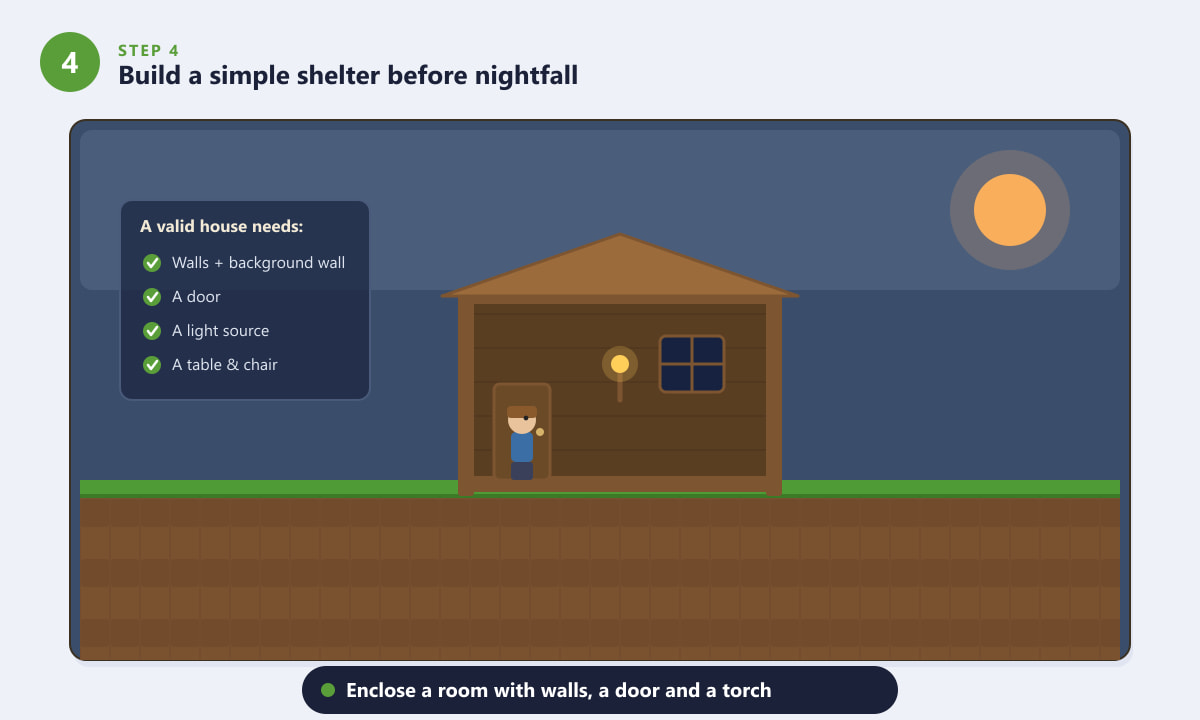
Enclose a lit room with walls, a door and furniture to make a valid house. -
Step 5: Dig underground to mine ore
Once you are safe, dig down with your pickaxe to find metal ore. Carry plenty of torches to light tunnels and place blocks to climb back out. Look for veins of Copper or Tin, then deeper down Iron or Lead, Silver or Tungsten, and Gold or Platinum. Watch your footing near drops and lava, and keep a few blocks handy to wall off dangerous areas. Caves also hide chests, pots and coins worth grabbing along the way.
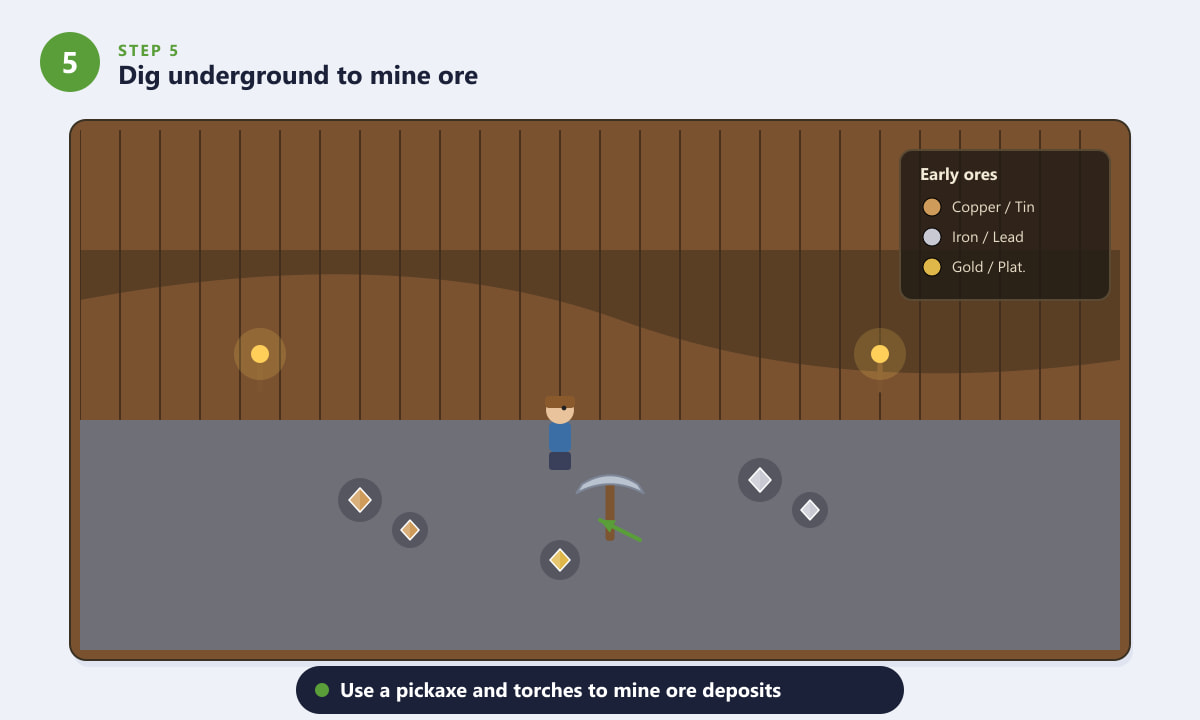
Use a pickaxe and torches to mine early ores like copper, iron and gold. -
Step 6: Smelt ore, upgrade gear and gain NPCs
Back at base, craft a Furnace to smelt your ore into bars, then use those bars at an Anvil to forge stronger pickaxes, swords and armor. Better metal tools mine faster and let you reach tougher materials. As you collect coins and meet simple requirements, NPCs such as the Merchant and Nurse will move into spare houses you build. From here, improved gear and more helpers open the door to bosses, new biomes and the rest of Terraria's huge progression.
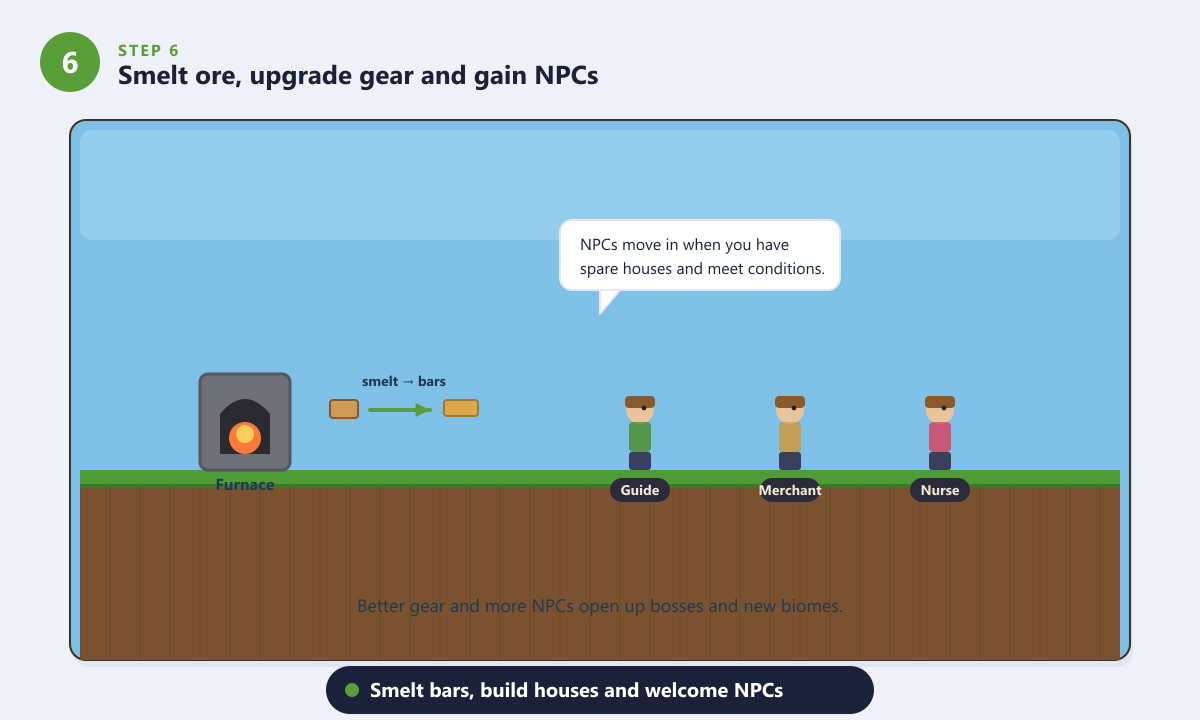
Smelt bars, upgrade your gear and build houses so NPCs can move in.
Beginner tips
- Always carry torches and spare blocks. Light reveals danger, and a few blocks can wall off enemies or bridge a gap in seconds.
- Talk to the Guide often. Hand him an item and he shows you exactly what it can craft, which saves a lot of guesswork.
- Build before dark. Your first night is the most dangerous, so prioritize a sealed, lit room over exploring.
- Explore floating islands and the surface horizontally. Early chests often hold useful weapons and accessories with no digging required.
- Save your coins. They attract NPCs like the Merchant and let you buy handy early items such as a piggy bank and rope.
Troubleshooting
Enemies keep getting into my house
Your shelter probably has a gap or is missing background walls. Make sure every outer space is a solid block, fill the interior with a placed background wall, and keep a torch lit inside. Doors must be fully framed by blocks above and below to stop zombies from breaking through.
I cannot craft something I expected
Many recipes only appear when you stand near the right station. Place and stand beside a Work Bench, Furnace or Anvil, then reopen your inventory and the new recipes will show in the crafting list.
My pickaxe will not break certain blocks
Tougher ores and stone need a stronger pickaxe. Smelt copper or iron into bars and craft a metal pickaxe, which has the power to mine materials a wooden one cannot.
Frequently asked questions
Is Terraria hard for beginners?
Terraria has a learning curve because it does not hold your hand, but Classic difficulty is forgiving. If you gather wood, craft tools and build a lit shelter before your first night, the early game becomes very manageable.
What should I do first in Terraria?
Create a Classic character and world, chop trees for wood, craft a Work Bench and basic tools, and build a small shelter before nightfall. Then start mining for ore to upgrade your gear.
How do I survive the first night in Terraria?
Enclose yourself in a small room made of blocks with a background wall, a door and a torch. Sealed and lit, it keeps zombies and Demon Eyes out until morning.
Do I need to fight bosses right away?
No. Bosses are optional and best attempted after you have metal armor and weapons. Focus first on gathering resources, building a base and recruiting a few NPCs.
Can I play Terraria with a controller or on mobile?
Yes. Terraria is available on PC, PlayStation, Xbox, Nintendo Switch and mobile. The controls differ slightly, but the same starter steps in this tutorial apply on every platform.
Final thoughts
Those first steps are the foundation of every Terraria adventure: make a world, gather wood, craft tools, build a shelter and start mining. Once you are smelting bars and welcoming NPCs, the game truly opens up with bosses, exotic biomes and endless building projects. Take it at your own pace, experiment freely, and check the official Terraria website for the latest updates. Welcome to the world of Terraria, and happy digging.









