Playing Honor of Kings in China: A 2026 Setup Guide
Playing Honor of Kings in China means using the mainland Chinese client, 王者荣耀, rather than assuming the international app will connect to the same account environment. To get started, install the correct client from an official listing, choose an available sign-in method, and complete Tencent’s real-name verification. Players under 18 are also subject to China’s restricted play schedule.
The main practical hurdles are the Chinese-language interface, app-store availability, identity checks, and the strict minor time window. Tencent’s official system provides an overseas-document route, but some cases require customer-service review, so a visitor should complete verification before planning a long play session.
What you need before you start
| What to check | What to expect |
|---|---|
| Correct game | The China edition is listed as 王者荣耀. The international Honor of Kings app is a separate store listing. |
| Language | Apple’s mainland China listing currently lists Simplified Chinese for the China app. |
| Sign-in | On iOS, the listing shows QQ, WeChat, and guest options. Available options can vary by platform. |
| Identity | Real-name verification applies to all ages. Tencent provides instructions for non-mainland identity documents. |
| Minor schedule | Under-18 accounts can play only in a one-hour window on specified days. |
How to play Honor of Kings in China
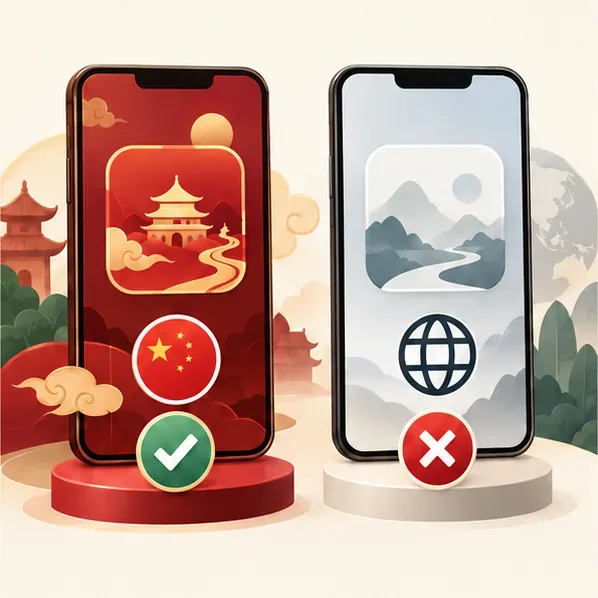
1. Choose the China client if you want 王者荣耀
Check the Chinese title and publisher before downloading. Tencent’s mainland iOS listing is named 王者荣耀 and identifies Shenzhen Tencent Tianyou Technology Ltd as the developer. The international Honor of Kings listing is published by Level Infinite. These are distinct app listings; the official pages do not describe a general progress-transfer path, so do not assume that a global account, rank, or inventory will appear in the China client.
2. Install from an official or verified listing
On iPhone or iPad, open the mainland China App Store listing for 王者荣耀 and check the developer name before installing. If it is not available in your current storefront, availability may depend on your Apple account’s country or region. On Android, start at Tencent’s official 王者荣耀 portal and follow the current download route for your device. Avoid random APK mirrors or repackaged installers.
The China iOS listing currently marks the app free with in-app purchases and lists Simplified Chinese as its language. Plan for Chinese menus and prompts; a translation tool can help you understand setup screens, but it cannot replace the identity check.
3. Pick your sign-in route before building progress
The sign-in choices shown depend on your device. Apple’s current mainland China listing names three iOS options: QQ, WeChat, and guest. It also says game data does not interoperate among those three login methods on iOS. Choose the route you intend to keep using instead of switching casually later.
A guest option is not a way around verification. China’s National Press and Publication Administration says game companies must require real identity information and may not provide game service to unverified users, including through guest mode. In other words, a guest button may appear, but it does not remove the real-name requirement.
4. Complete Tencent real-name verification
Follow the in-game prompt or use Tencent’s Game Health System. Tencent’s official help page says users with non-mainland identity documents can use its mobile Health System mini-program and select the relevant Hong Kong, Macao, Taiwan, or overseas document category. If the automated path is unavailable or does not accept your document, Tencent says overseas users may need customer-service verification.
Enter your own accurate details and use only a document accepted by the official flow. Do not borrow another person’s ID or submit guessed information: the verified age determines which protection rules apply, and identity details may be difficult to change after confirmation. Allow extra time if the system directs you to manual review.

5. Check the under-18 play-time window and your connection
The national rule applies to players under 18: game companies may provide one hour of play only on Fridays, Saturdays, Sundays, and statutory public holidays, from 20:00 to 21:00. The NPPA notice states the hours without printing a time-zone label; within mainland China, that is China Standard Time (UTC+08:00). If you are outside mainland China, check the time displayed by the game or confirm with Tencent support rather than converting the window to your own city’s clock.
These are minor-specific limits; they do not remove the real-name requirement for adults. The China client is listed in Simplified Chinese, and playing from abroad can add network delay depending on your route. If your priority is an English-language experience, check whether the official international edition is available in your local store instead.

Common problems
The game does not appear in my store
Search the exact Chinese title 王者荣耀 and verify the publisher. Apple storefronts differ by country or region. For Android, follow Tencent’s official game portal or a marketplace listing that clearly identifies Tencent; do not install an APK from an unknown mirror.
My identity check fails
Use Tencent’s official Health System route for non-mainland documents and follow its instructions. If the option is missing or the form rejects your document, contact Tencent customer support through the official health-system page; the published guidance notes that overseas cases can require manual review.
My progress looks missing
Confirm that you signed in through the same QQ, WeChat, or guest route you originally used. On iOS, Tencent’s App Store listing specifically says progress is not shared between those login methods. Also make sure you have the China client rather than the international app.
Frequently asked questions
Can someone without a mainland Chinese ID play?
Possibly. Tencent’s official Health System describes a non-mainland document path, and says some overseas users need customer-service verification. It does not promise that every document will pass automatically, so check the live instructions for your document before relying on access.
Is the China version available in English?
Apple’s mainland China listing currently lists Simplified Chinese. For an English interface, check the official international Honor of Kings listing and its availability in your store; it is a separate app.
Store and policy details checked October 16, 2026. Availability and in-app prompts can vary by device, storefront, account, and identity document.









