Playing Brawl Stars Online: What You Need (2026)
To play Brawl Stars online, install the official mobile app on a compatible iPhone, iPad, or Android device and connect to the internet. The game is built around quick, real-time multiplayer matches, so a steady Wi-Fi or mobile-data connection matters. You can download and play for free; in-app purchases are optional. A Supercell ID is the recommended way to protect your progress and make it easier to recover your account if you change devices.
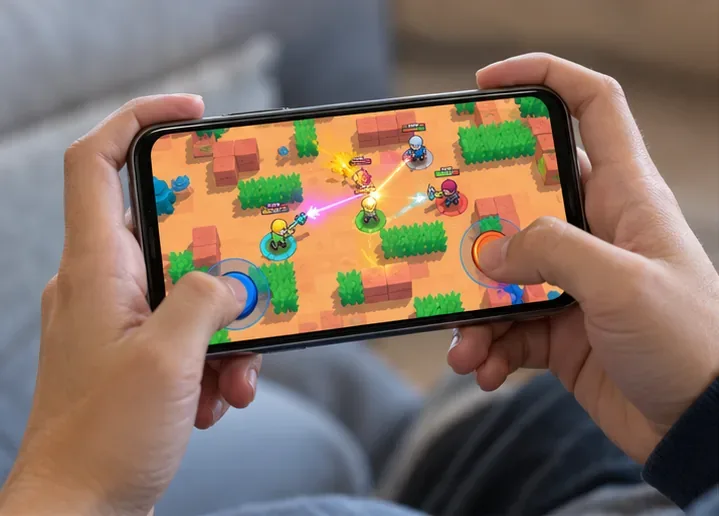
What you need to play Brawl Stars online
| What you need | What to check |
|---|---|
| Compatible mobile device | Use an iOS or Android phone or tablet that meets the current requirements in its official app-store listing. |
| Official game app | Install Brawl Stars through the Apple App Store or Google Play listing linked from the official Brawl Stars page. |
| Internet connection | Wi-Fi or mobile data can work. A consistent signal and low delay are more useful in a live match than a high advertised download speed alone. |
| Protected account | Link a Supercell ID so you have an account-recovery path if you replace or lose your device. |
The official game page describes Brawl Stars as mobile multiplayer and links to the iOS and Android stores. It does not present a Windows client. If you want to play on a computer, check Supercell's current official information first; third-party emulator support should not be assumed.
Brawl Stars is an online multiplayer game
Brawl Stars online matches connect players for real-time combat. The current official listings feature team battles as well as solo or duo battle-royale-style play; the exact event and mode lineup can change, so check the in-game events before choosing a match. Even when you queue alone, the game is still an online experience rather than an offline campaign.
Plan to stay connected while playing. If your internet drops, the match may pause, reconnect, or end before your progress is fully recorded. The official material reviewed here does not specify an offline mode for regular matches, so download the app and open it while you have a reliable connection.
Choose a stable connection for smoother matches
A reliable home Wi-Fi network is often convenient, while 4G or 5G mobile data can work when its signal is strong. For a fast arena game, latency (the delay between your action and the response) and connection stability matter. A connection that repeatedly drops packets can make movement feel delayed even if a speed test shows a high top speed.
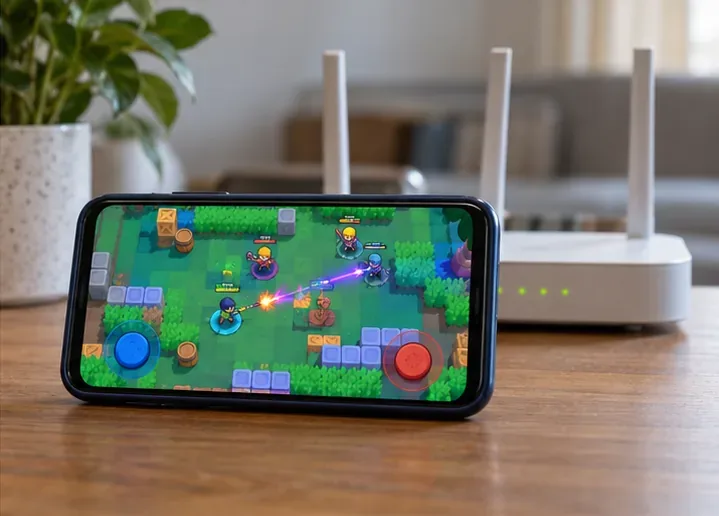
Supercell's public game listings do not give a minimum internet speed or a fixed amount of data used per match. Avoid relying on a universal megabytes-per-hour estimate. If you play on a limited mobile plan, check your phone's data-usage counter after a few sessions and keep app updates on Wi-Fi when practical.
Quick connection fixes
- If the game disconnects, confirm that other apps can reach the internet, then close and reopen Brawl Stars.
- If controls feel delayed, move closer to the router or switch between Wi-Fi and mobile data to compare the connection.
- Pause large downloads or video streams on the same network during a match.
- Install the latest game update from the official store, then restart the device if connection trouble continues.
- If several devices lose internet at once, restart the router. For persistent game-specific problems, open Settings > Help and Support in Brawl Stars.
Play with friends or queue on your own
You can enter a match by yourself or invite friends to team modes. The official Brawl Stars store listing describes 3v3 and 5v5 play, along with solo and duo options. Clubs provide another way to find players and coordinate. Because maps and events rotate, check the current in-game selection instead of expecting one mode to be available every day.
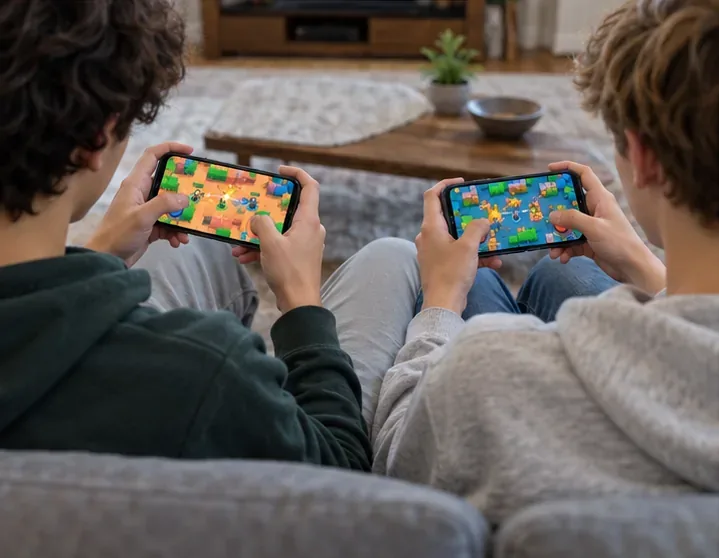
To connect with someone, Brawl Stars support says you can add friends with a Player ID or Supercell ID, share an invite, or scan a QR code. Depending on the match and current version, you can also send a friend request from the end-game screen. For the current steps, use the official Friends help page.
Use Supercell ID to protect your progress
Linking a Supercell ID is a sensible early step if you plan to keep playing. It associates your game account with a sign-in method and helps you restore access when moving to another supported device. Open the game's Settings and follow the Supercell ID prompts; wording and screens can change between updates.
Keep verification and recovery codes private. Supercell says it does not use passwords for Supercell ID sign-in and warns players not to share verification codes with anyone other than Supercell Support. If something goes wrong, contact support from inside the game rather than giving a code to someone who claims they can recover your account.
Play safely and keep spending in your control
Brawl Stars is free to download and play, but it offers optional in-app purchases. You do not need to buy items to start an online match. If a child uses the device, a parent or guardian can review the device's purchase approvals, spending limits, and screen-time settings. Store age recommendations vary by country, so check the listing shown in your local app store.
Do not share your real name, location, passwords, or account codes with other players. Supercell support documents a Report option after Trophy and Ranked battles; use it when an eligible match includes disruptive behavior. The company's Parent's Guide explains its safety, social, privacy, and purchase controls.
Frequently asked questions
Can you play Brawl Stars online in a browser?
Supercell's official page directs players to the mobile app stores and describes Brawl Stars as a mobile game. Use the official app rather than a browser-based download site.
Can you play Brawl Stars offline?
The game's regular matches are online multiplayer. The official sources reviewed do not document an offline campaign, so you should have an internet connection available to play.
Can you play online with friends?
Yes. Add friends in-game, share an invite, or use a QR code, then invite them to a compatible team mode. The exact choices can depend on the current game version and event.
How much data does a match use?
Supercell does not publish a fixed data-per-match figure in the official listing. Measure usage with your device's network settings if you play on a capped plan; downloading updates may use more data than a short match.
Ready for your first match
Install the official app, make sure your phone or tablet has a dependable connection, and link a Supercell ID to protect your progress. Then choose a current event, invite a friend if you want a team, and use the in-game support and reporting tools when needed. For downloads, current game information, and account help, start with the official Brawl Stars site.









