Can You Play League of Legends Online in Your Browser?
No. You can use a browser to visit Riot’s official site, create or manage an account, and download the game, but you cannot run a standard League of Legends match inside a browser tab. As of October 16, 2026, Riot’s official download page offers Windows and Mac installers, and its current system requirements list Windows and macOS as supported operating systems. The game runs from an installed desktop client and connects to Riot’s online servers.
What your browser can do—and what it can’t
The search phrase play League of Legends online in your browser can mean two different things. If you mean “use a browser to get the game and then play online,” yes: the browser is the first step. If you mean “open a webpage and play a live match without installing anything,” Riot does not offer that browser version.
Use a browser for Riot’s official download and account pages. After installation, Riot Client handles sign-in, updates, and launching League. A match runs in the separate game application, not in Chrome, Edge, Firefox, or Safari. Riot’s League of Legends download page lists Windows and Mac installers.
What you need before installing
- A free Riot account for the League region you intend to use.
- A supported Windows PC or Mac. Riot lists Linux and other operating systems as unsupported.
- An internet connection for the installer, game updates, sign-in, and online matches.
- Enough free storage for the current minimum requirements shown below.
Riot’s system-requirements page was updated on September 22, 2026. Its published minimums include:
| Platform | Riot’s listed minimums |
|---|---|
| Windows | Windows 10 Build 19041 or later, or Windows 11; 64-bit; DirectX 11 feature level 11_0; 2 GB RAM; 16 GB free storage. |
| macOS | macOS 12; Metal-capable graphics; 40 GB free storage; 8 GB unified memory. The chart lists Apple M1. |
Mac compatibility needs a closer check: Riot’s same requirements page contains conflicting support notes. Its introduction says native support is for Intel macOS, while its chart lists Apple M1 and a later note says support is focused on Apple Silicon. If you use a Mac—especially an Intel model—check the live Riot system requirements before installing. These are Riot’s published chart values, not a guarantee that every computer meeting them will perform well.
How to play League of Legends online: four setup steps
-
1. Open Riot’s official League page
Go to the official League of Legends website and choose its download or play option. The download page provides the Windows and Mac installers. Avoid third-party “browser versions,” download mirrors, or files advertised in search ads; the official site is the safe starting point.
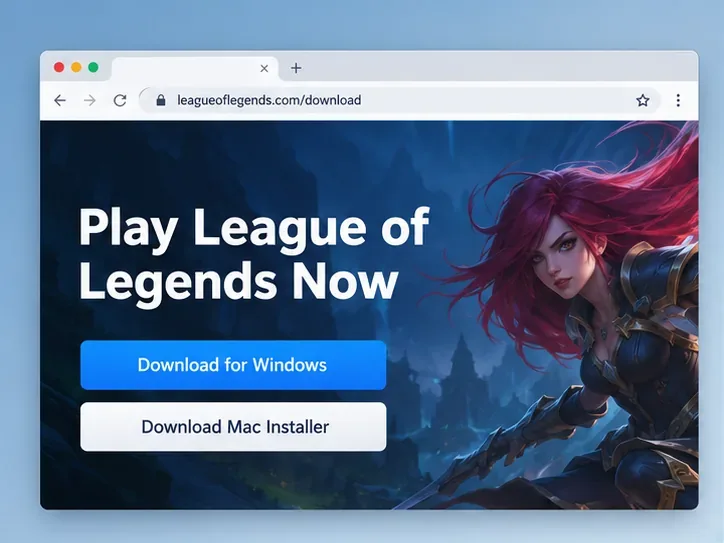
Illustrative browser layout showing the two installer choices. Riot’s live page may look different; use the official download link above. -
2. Create or sign in to a Riot account
If you are new, follow the official Riot account signup page. If you already have a Riot account, use it instead of creating another one. Riot ties each account to a League region; its regional-server guide says you select a region the first time you enter the game. Choose the region where you plan to play, and check the account’s region if sign-in fails. You may need an account associated with a different region to play there.
A generic account-form illustration; the real signup page and its prompts can change. -
3. Download and install the desktop client
Choose the installer for Windows or Mac and open the downloaded file. Follow your operating system’s prompts, then let Riot Client download and patch League of Legends. The browser has only started the download—the game files and updates are installed on your computer. Do not rely on the old article’s 9–16 GB estimate; check Riot’s current storage requirements and allow the update to finish.
Conceptual installer illustration; the actual interface, download size, and time can vary. -
4. Launch League from Riot Client and join a mode
When patching is complete, open Riot Client, sign in, select League of Legends, and choose Play. Riot says PC games are being routed through Riot Client on every launch as a phased 2026 rollout, so seeing that screen before the game is expected. Its current Riot Client FAQ says the new League client is planned to roll out in 2027; follow the prompts in the version you have.
Then pick a mode from the client and queue. If you are new, start with an unranked, practice, or player-versus-AI option when available; you do not need to begin with ranked play. Riot’s current League page features modes including Summoner’s Rift and ARAM, but the in-client mode list is the source to use for what is available to your account.
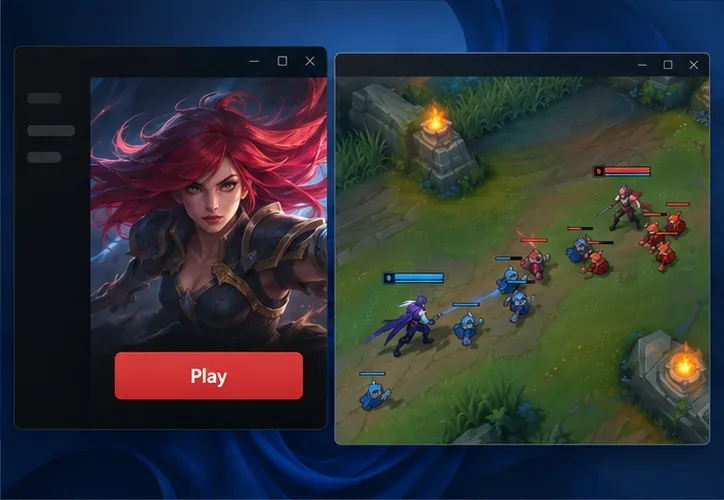
The launcher and match are separate desktop windows; this interface illustration is not a screenshot of a live session.
Common questions
Can I play League of Legends in Chrome without downloading it?
No. The official flow downloads and installs a desktop client. A browser can open Riot’s website, but it cannot host a standard League match.
Is League of Legends free to play?
Riot’s official homepage labels League “Play for Free.” You still need a Riot account, a supported computer, and an internet connection. The installer is not a paid browser game.
Can I play on a Chromebook or Linux?
Riot’s current requirements page lists Windows and macOS as supported and says it does not support Linux, SteamOS, or Bazzite. ChromeOS is not listed as a supported platform either. Do not assume that a browser tab, compatibility layer, or unofficial launcher is supported by Riot.
Why does the website open but the game will not start?
Opening the site only confirms that the webpage loaded. Check that you installed the correct desktop version, let its patch finish, have enough disk space, and meet Riot’s current operating-system requirements. If you cannot connect, check Riot’s service status page and confirm that your account is using the intended League region. For further help, use Riot’s official Player Support site.
The practical answer
You can start in a browser, but playing League of Legends online requires the installed Riot Client and desktop game. Visit Riot’s official site, use the account for the region you want, install the Windows or Mac client that matches your system, and launch a mode from the client. If you need a game that runs entirely in a browser with no installation, League of Legends is not that game.









