Matching Your VALORANT Sensitivity in Overwatch 2
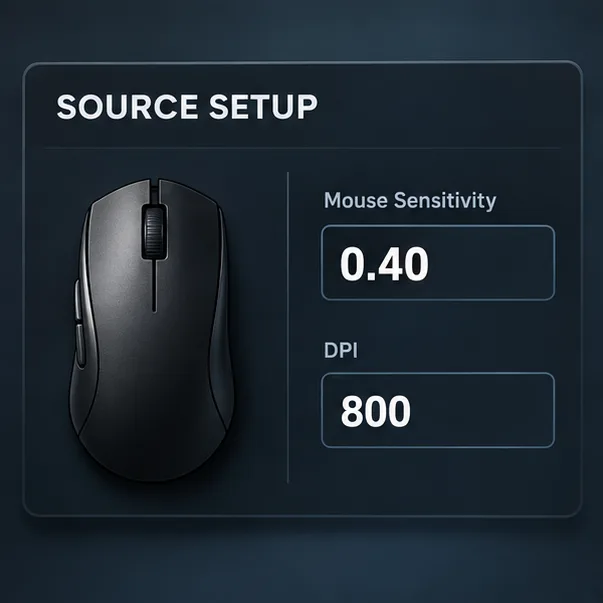
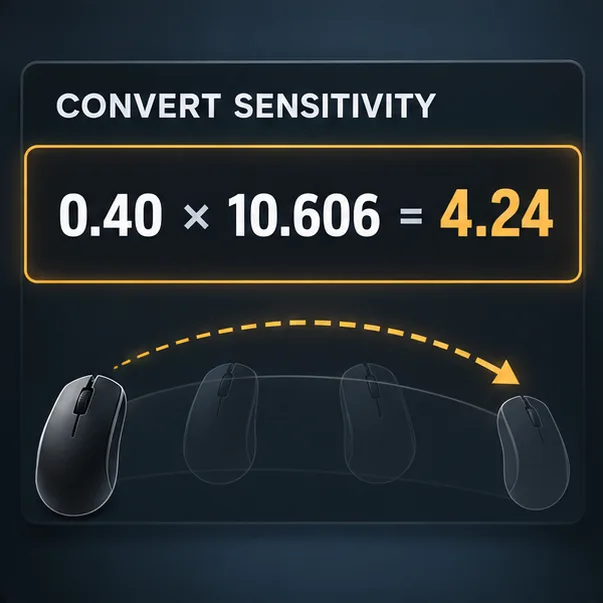
To match your VALORANT sensitivity in Overwatch 2 on PC, multiply your base VALORANT aim sensitivity by about 10.606 when both games use the same mouse DPI. For example, VALORANT sensitivity 0.40 converts to about 4.24 in Overwatch 2. If the DPI differs between games, adjust the result by the ratio of the two DPI values. This matches the physical distance needed for a 360-degree turn; it does not automatically match scoped aim or every visual aspect of how the games feel.
Use the correct VALORANT-to-Overwatch 2 conversion
The two games use different mouse-turn scaling, so entering the same sensitivity number in both will not preserve your turn distance. A common conversion uses yaw values of 0.07 for VALORANT and 0.0066 for Overwatch 2. Dividing the first by the second gives 10.6061. That factor is a calculation based on the games’ mouse-turn scaling values, not a setting shared by the publishers. The documented open-source sensitivity converter method describes the same counts-per-360 approach and lists those constants.
Same DPI: Overwatch 2 sensitivity = VALORANT sensitivity × 10.6061.
Different DPI: Overwatch 2 sensitivity = VALORANT sensitivity × 10.6061 × (VALORANT DPI ÷ Overwatch 2 DPI).
For instance, 0.40 at 800 DPI becomes 4.24 at 800 DPI. If VALORANT is at 800 DPI and Overwatch 2 is at 1,600 DPI, the corresponding value is about 2.12. Keep the same DPI in both games when possible; it makes the conversion easier to check.
Common sensitivity conversions at the same DPI
| VALORANT sensitivity | Overwatch 2 sensitivity |
|---|---|
| 0.15 | 1.59 |
| 0.20 | 2.12 |
| 0.25 | 2.65 |
| 0.30 | 3.18 |
| 0.40 | 4.24 |
| 0.50 | 5.30 |
Values are rounded to two decimal places. If you have seen 3.18 described as the conversion multiplier, that is a mix-up: 3.18 is the approximate Overwatch 2 result for a VALORANT sensitivity of 0.30. It is not the multiplier for every starting value.
How to match your mouse sensitivity step by step
1. Note your VALORANT aim sensitivity and DPI
In VALORANT, open Settings and copy the base aim sensitivity used for unscoped aiming. Do not substitute a scoped or ADS multiplier. Check your mouse software for the active DPI profile as well. A value such as 800 DPI is only useful if that profile is active in both games; some mouse software can switch profiles automatically when a game launches.
2. Calculate the Overwatch 2 value
Use the same-DPI formula if your DPI is unchanged, or include the DPI ratio if it is different. For example, with 0.40 in VALORANT at 800 DPI and 800 DPI in Overwatch 2: 0.40 × 10.6061 = 4.2424, which rounds to 4.24. Keep a few decimal places during the calculation, then round only to the precision the game accepts.
3. Enter the result in Overwatch 2
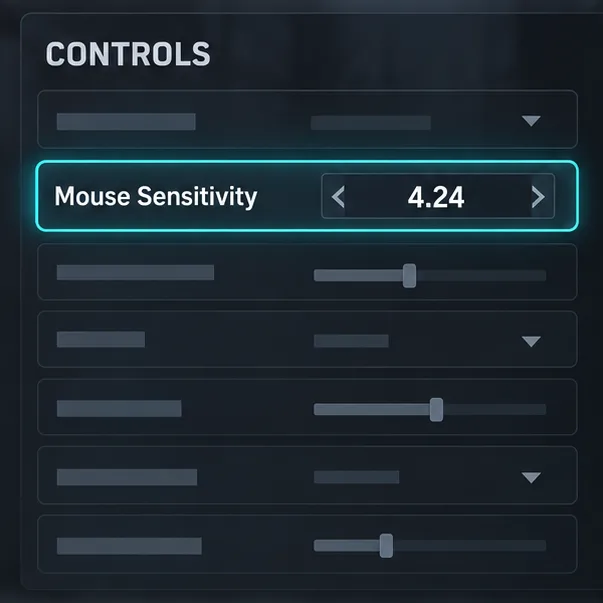
Open Options, go to Controls, and set the general Mouse Sensitivity value to your converted result. Use the All Heroes profile for a shared baseline, then check whether the hero you are testing has an individual override. If the setting allows direct numeric entry, type the value instead of approximating it with a slider.
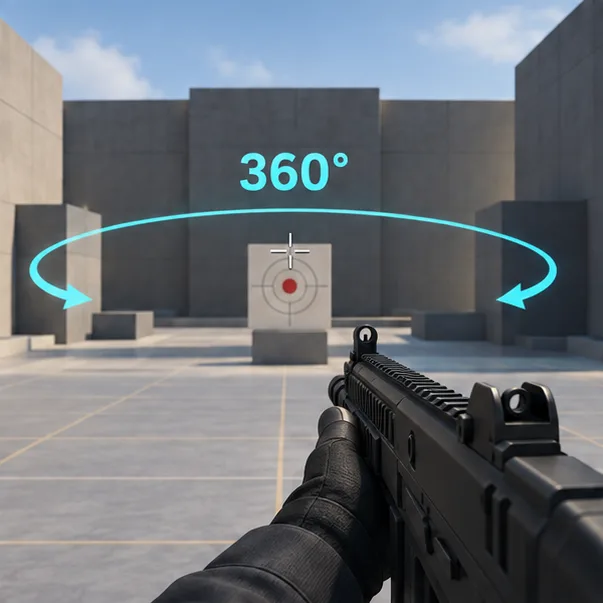
4. Verify the physical turn in the Practice Range
Use the Practice Range to make a repeatable mouse sweep while watching a fixed target or landmark. The same physical travel should produce the same angle of rotation in both games; a full turn should take the same mouse distance. If the sweep is clearly off, check DPI first, then check the converted number and any hero-specific override before making small adjustments.
What cm/360 tells you—and what it does not
cm/360 is the physical mouse distance required to rotate the camera one full circle. Matching it is a practical baseline for carrying over unscoped turn distance and muscle memory between games. DPI affects how many mouse counts occur over a given distance, which is why a different DPI needs the ratio in the formula.
Matching cm/360 does not make the games visually identical. Field of view, weapon behavior, movement, target speed, and each game’s aiming environment can change how a flick or tracking motion appears. Effective DPI (DPI multiplied by the in-game sensitivity) is useful when comparing values within one game, but it is not enough to compare two games with different yaw scaling.
Scoped aim and hero-specific settings
The main conversion matches base, unscoped mouse rotation. VALORANT’s scoped sensitivity and Overwatch 2’s zoom or hero-specific aim controls are separate settings, so do not apply the base number to them blindly. If you play scoped heroes such as Widowmaker or Ashe, tune those options after the unscoped baseline is stable. A scope changes the view and perceived movement; choose a separate zoom-matching method if your goal is a particular on-screen distance rather than the same full-turn distance.
Quick troubleshooting
- Overwatch 2 feels much faster: confirm the DPI profile in each game and make sure you multiplied by 10.6061 only once. If the DPI differs, use the DPI ratio.
- One hero feels different: check that hero’s individual Controls profile for an override.
- The field rounds your value: use the closest value the game accepts, then compare the same physical sweep. The table is already rounded to two decimals.
- The numbers match but the aim still feels different: that can happen because cm/360 only matches unscoped turn distance. Recheck FOV and scoped settings separately rather than changing the baseline immediately.
Frequently asked questions
Do I need the same DPI in both games?
No, but it is the simplest setup. If DPI differs, multiply by the VALORANT DPI divided by the Overwatch 2 DPI in addition to the 10.6061 factor.
Is 10.606 an exact match?
It is an approximate conversion based on commonly used yaw constants. Rounding and game-specific options can affect the final feel, so verify the base turn in the Practice Range.
Does this convert controller sensitivity?
No. This formula is for mouse input on PC. Controller sensitivity uses different controls and does not use the same mouse cm/360 calculation.
For most players, the reliable baseline is straightforward: copy the unscoped VALORANT sensitivity, account for DPI, multiply by about 10.6061, and verify the turn distance in Overwatch 2. Fine-tune only after those inputs are confirmed.









