Is Overwatch 2 Crossplay? Full Cross-Platform Guide (2026)
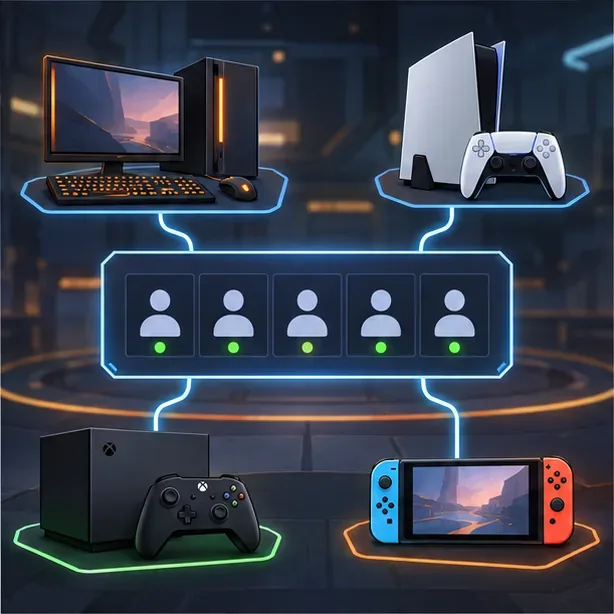
Yes—Overwatch 2 supports crossplay across PC, PlayStation, Xbox, Nintendo Switch, and Nintendo Switch 2. You can invite friends on different systems into the same group for non-Competitive modes. Competitive has a separate rule: matchmaking uses a Controller Pool and a Mouse and Keyboard Pool, so the selected input pool matters as much as the platform.
Crossplay lets different people play together; cross-progression carries one player’s eligible account progress between linked systems. Both use Battle.net, but they solve different problems. Here’s how the platforms, queues, friend invites, and account linking work.
Which platforms support Overwatch 2 crossplay?
The supported PC and console versions connect to the shared Overwatch player community:
| Platform | Versions |
|---|---|
| PC | Battle.net and Steam |
| PlayStation | PS4 and PS5 |
| Xbox | Xbox One and Xbox Series X|S |
| Nintendo | Nintendo Switch and Nintendo Switch 2 |
Blizzard’s original cross-play announcement lists PC, PlayStation, Xbox, and Switch. Blizzard later announced the game’s arrival on Switch 2 in 2026 while continuing to describe Overwatch as a cross-play game across platforms. That puts Switch 2 in the current platform lineup. The PC version is available through either Battle.net or Steam; a PC storefront does not create a separate player pool.
How crossplay matchmaking works
Crossplay is enabled by default. Quick Play, Arcade, and custom games support cross-platform groups, including parties with PC and console players. Console players can also opt out of crossplay in the game settings; Blizzard says PC players cannot opt out. Turning it off narrows the available player pool, which can make queues longer and removes Battle.net friends from the friends list while crossplay is disabled.
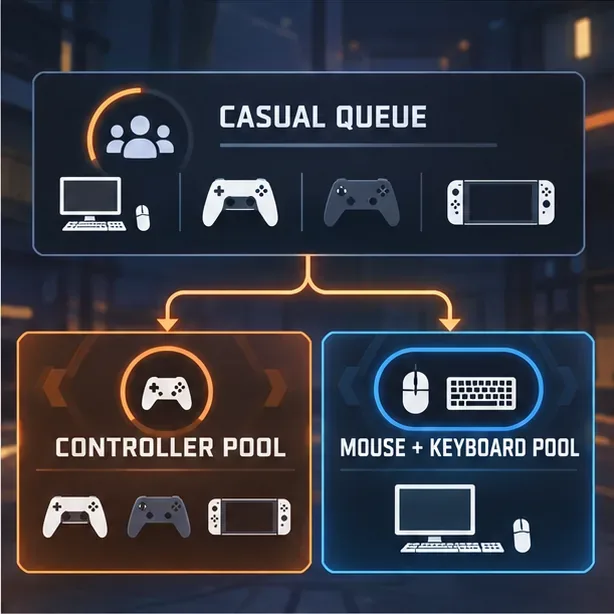
Competitive is different. Blizzard renamed the old PC and console matchmaking categories the Mouse and Keyboard Pool and Controller Pool in 2025, when it added native mouse-and-keyboard support on consoles. PC players stay in the Mouse and Keyboard Pool, even if they use a controller. Console players using a controller normally play in the Controller Pool.
- Controller Pool: Competitive matchmaking for console players using controller input.
- Mouse and Keyboard Pool: Competitive matchmaking for PC players and console players who select this pool. Console players who enter it do not have aim assist in Competitive, even if they pick up a controller.
A console player can switch pools in Gameplay Options. If you’re forming a Competitive group with a PC friend, check that everyone is eligible for the same pool first. If your group’s settings or inputs do not line up, use Quick Play or Arcade instead. Blizzard’s current pool explanation is in its Defense Matrix: Peripheral Vision update; the underlying cross-play mode and opt-out details are in Blizzard’s Cross-Play FAQ.
How to add cross-platform friends
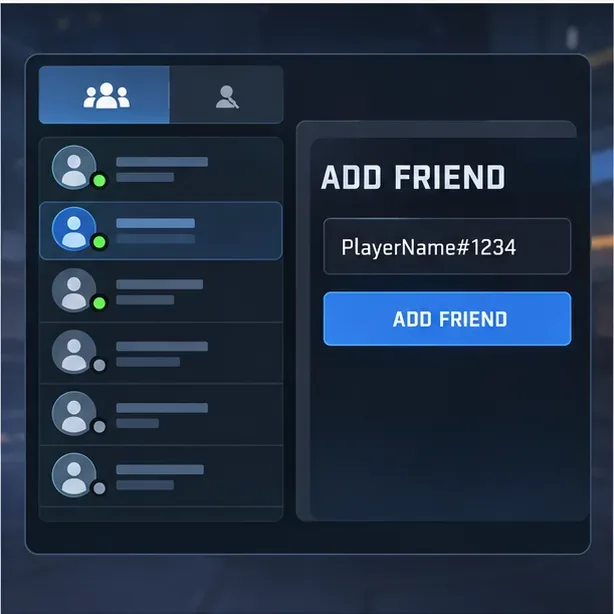
Use Battle.net’s social layer to find someone who plays on another system. A friend request sent through Overwatch becomes a Battle.net friend request, so you can invite one another even if your console friend lists are separate.
- Link your console profile to Battle.net. Blizzard requires a Battle.net account to play Overwatch on every platform.
- Ask for your friend’s BattleTag. Enter the full BattleTag if the game asks for it, including its suffix, such as PlayerName#1234.
- Open the Social or Friends menu in Overwatch and choose the add-friend option.
- Send the request, accept it, and invite your friend to your group from the in-game friends list.
- Choose a mode that fits your group. Quick Play is a straightforward way to confirm that everyone can join before you try Competitive.
If a friend does not appear, double-check the spelling and suffix in the BattleTag, confirm that both accounts are linked to Battle.net, and make sure console crossplay has not been disabled. Voice chat and other social actions, such as muting or reporting, are also available across systems.
Crossplay versus cross-progression
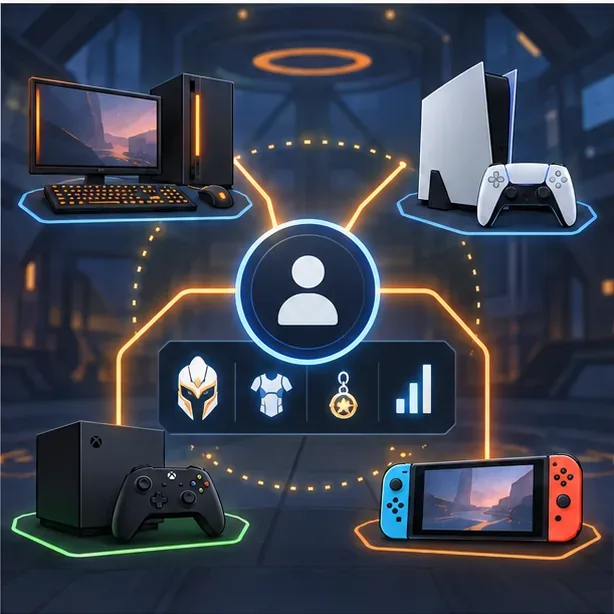
Crossplay connects players in the same match. Cross-progression connects your own eligible cosmetics and account progress across the PC and console profiles linked to one Battle.net account. It does not mean every setting or Competitive rating is identical on every system: Blizzard keeps gameplay settings per platform and separates Competitive ranks and statistics by input pool.
Before linking accounts, sign in to the Battle.net account you intend to use and check which console profiles are connected. If progress or cosmetics seem missing on a new device, verify that the game is using the same Battle.net account and that the intended platform account is linked. Blizzard’s account-merge and cross-progression FAQ explains which account data is combined and which settings remain separate.
Quick answers
Can PC and console players play Overwatch together?
Yes. PC, PlayStation, Xbox, and Nintendo players can group up in cross-play modes such as Quick Play and Arcade. Competitive matchmaking depends on the group’s selected input pool.
Can I turn crossplay off?
Console players can disable crossplay in the game’s settings. Blizzard says PC players cannot opt out. Disabling it can reduce the number of available matches and hides Battle.net friends while the setting is off.
Does Overwatch crossplay share skins and rank?
Eligible cosmetics and account progression can carry across linked platforms through cross-progression. Competitive rank is tracked by input pool, so it does not simply become one identical rank across every platform.
Does Overwatch support crossplay on Nintendo Switch 2?
Overwatch arrived on Nintendo Switch 2 in 2026. Blizzard describes its current game as supporting cross-play and cross-progression across platforms; see the Season 2 announcement for the Switch 2 release.
Official sources
- Blizzard: Cross-Play is Now Live — supported platforms, cross-play settings, and social features.
- Blizzard: Defense Matrix—Peripheral Vision — current Competitive input pools and console mouse-and-keyboard play.
- Blizzard: Cross-Progression and Account Merge FAQ — account linking and progression behavior.
- Blizzard: Season 2—Summit — Nintendo Switch 2 availability.









