How to Watch League of Legends Live (2026 Guide)
To watch League of Legends live, open the official LoL Esports schedule, choose an upcoming or live match, and select a stream provider offered for that event. Riot’s esports coverage is available through LoL Esports and, depending on the tournament, broadcasters such as Twitch, YouTube, and KICK. You do not need to install the game to watch a professional broadcast. The League client is only needed if you want to spectate an eligible friend’s game.
This guide covers the official match schedule, where to find the stream, what changed in 2026, how to catch a replay, and the separate in-client spectator option. The images are conceptual illustrations rather than screenshots of the current site or client.
Where to watch League of Legends esports
The LoL Esports live stream hub is the best place to start because it brings event information and match listings together. The broadcast provider can vary by league, event, region, language, and date, so use the match page or event announcement to confirm the right feed instead of assuming one channel carries every game.
| Option | Best for | What to know |
|---|---|---|
| LoL Esports | Finding the schedule and official event coverage | Start here to see current matches, event details, and the viewing options listed for a broadcast. |
| Twitch | Live chat and following a channel | Riot and regional leagues may use different channels. Follow the event’s official listing to the correct feed. |
| YouTube | Watching a broadcast or finding official video replays | Check the LoL Esports channel and the league’s own channel for regional coverage and VODs. |
| KICK | Watching Riot events carried on the platform | Riot began adding KICK broadcasts with MSI 2026. Its announcement covers global and regional events except China and Korea; availability still depends on the event. |
Riot’s KICK distribution announcement is dated June 26, 2026. It is a useful reminder that platform lineups can change. For rewards, read the specific event rules: for example, Riot’s MSI 2026 primer required viewers to watch on LoL Esports or KICK while signed in with a Riot ID to be eligible for that event’s Drops. That rule should not be assumed for every tournament.
How to watch a live match: four steps
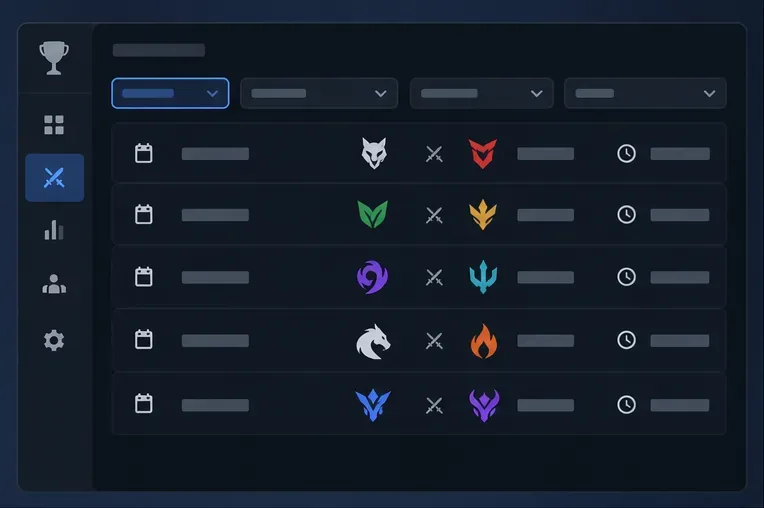
1. Open the official schedule
Go to lolesports.com/watch/live. Browse the match list by date and competition, then find the league or international event you want. The schedule includes past and upcoming match entries as well as games that are live. If you are planning ahead, confirm the date and the time-zone label shown on the page; do not rely on an old screenshot or an unlabeled time copied from social media.
2. Choose the match and an available stream
Open or select the match entry and use the provider options shown for that game. Depending on the event, you may see an embedded player or a choice that takes you to a broadcaster’s platform. If you want a particular language, look for the regional or language-specific feed in the official event information. A stream from a creator or co-streamer may have different commentary from Riot’s main broadcast, so check its label before you start.
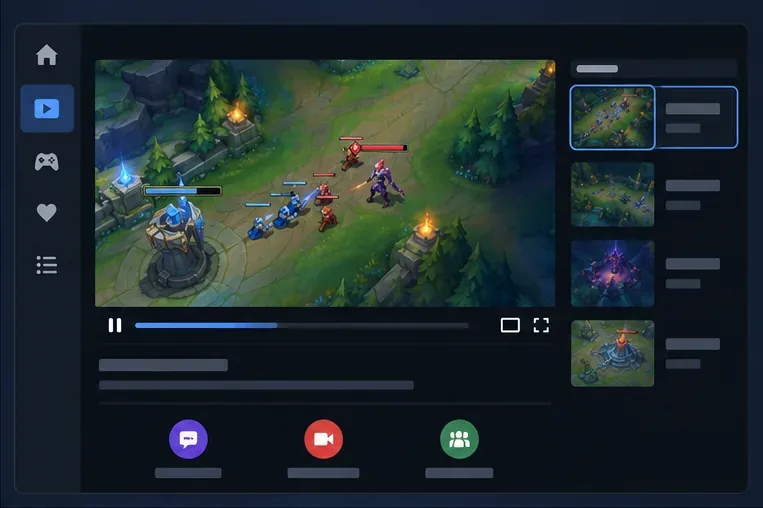
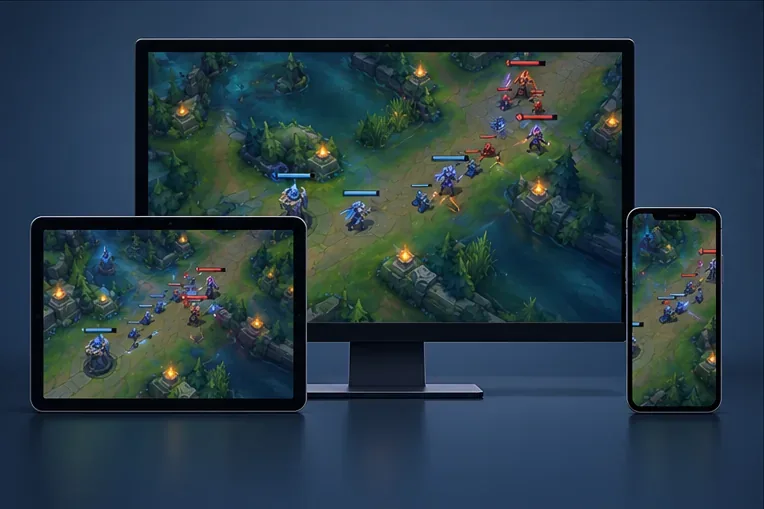
3. Play the broadcast on a supported device
Watch in a web browser or use the official app for the provider you selected, if it is available on your device. On a phone or tablet, rotate the screen for a larger video and use the player’s quality menu if playback stutters. Chat, following, and notifications are controlled by Twitch, YouTube, or KICK; they may require an account even when the video itself is publicly viewable.
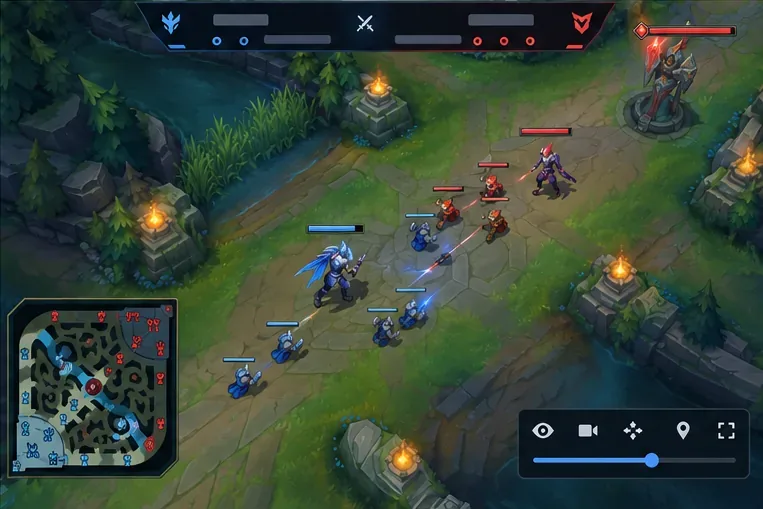
4. Use the League client to spectate a friend
If you mean a friend’s current match rather than professional esports, open the League of Legends client and check the friend list for someone marked as in a game. Use the Spectate option if it is available. The client launches a spectator view with in-game camera and map controls. This is not a real-time view; Riot’s Patch 14.1 notes explain that spectators wait through a delay, and that timing may differ by region.
Spectating is not a substitute for the pro broadcast, and the option may not appear for every match or account setting. If it is unavailable, ask your friend to share an approved stream or wait for a replay. Riot also replaced the old shortcut for spectating live ranked games from leaderboards with a match-history and replay shortcut in its Patch 25.23 notes. Avoid third-party sites that promise access to any player’s live game.
How to watch a match you missed
When a series has ended, check the LoL Esports VOD library or the official league and LoL Esports video channels. Search by event, teams, or match date. Regional leagues may publish their own videos, so a VOD may appear on a league-specific channel rather than the global LoL Esports channel. If avoiding spoilers matters, do not open the match listing until you are ready; scores may be visible beside completed games.
Quick fixes if the live stream will not play
- No live match appears: check the schedule for the next event or replay. The esports calendar changes through the year, so a league may simply have no match in progress.
- The listed stream is unavailable: return to the event page and choose another provider or language feed if one is listed. Regional broadcast rights and platform availability can differ.
- The video buffers: lower playback quality, close extra video tabs, or open the same official feed in the provider’s own player.
- Spectate is missing or disabled: make sure you are viewing a friend’s active match in the League client. Spectating depends on match eligibility and settings; use the professional broadcast or a replay if the option is not offered.
Frequently asked questions
Do I need League of Legends installed to watch esports?
No. Use the LoL Esports website or the provider listed for the event. Install and launch the game only if you want to spectate an eligible friend’s match inside the client.
Can I watch every League match on one platform?
No single platform should be assumed to carry every event, language, or regional broadcast. Start with the official schedule and select a provider listed for the match. Riot’s 2026 announcement adds KICK for many global and regional events, with China and Korea excluded from that distribution plan.
Can I watch a random ranked player live in the client?
The old ranked-leaderboard shortcut was replaced with a route to match history and replays. The client’s Spectate option is for eligible live games, such as a friend’s match, when the option is available.









