How to Upgrade Your Barn in Stardew Valley
To upgrade your barn in Stardew Valley, bring the required wood, stone, and gold to Robin at the Carpenter's Shop, open the building upgrade menu, and select your existing Barn. Upgrade in order: a Barn becomes a Big Barn, then a Big Barn becomes a Deluxe Barn. Each upgrade costs different materials and takes two in-game days. The Big Barn adds goats and room for eight animals; the Deluxe Barn holds 12, adds sheep and pigs, and includes an automatic hay feeder.
The most important planning detail is to use the upgrade costs below, not the cost of building the first Barn. You cannot skip a tier, and Robin checks the materials you carry when you place each order.
Stardew Valley barn upgrade costs, time, and animal unlocks
| Building tier | Cost | Capacity | What it adds | Time |
|---|---|---|---|---|
| Barn | 6,000g, 350 Wood, 150 Stone | 4 animals | Cows | 3 days to build |
| Big Barn | 12,000g, 450 Wood, 200 Stone | 8 animals | Unlocks goats; enables animal pregnancy | 2 days |
| Deluxe Barn | 25,000g, 550 Wood, 300 Stone | 12 animals | Unlocks sheep and pigs; adds automatic feeding | 2 days |
If you already own a Barn, upgrading all the way to a Deluxe Barn costs 37,000g, 1,000 Wood, and 500 Stone across the two orders. If you are starting from an empty farm and gather all building materials yourself, the Barn plus both upgrades total 43,000g, 1,350 Wood, and 650 Stone. These figures cover the building orders only; buying missing materials from Robin costs extra. The Stardew Valley Wiki Barn reference lists the current tiers and features.
How to upgrade your barn: five steps
-
1. Make sure you have a Barn on the farm
Robin can only upgrade a Barn that has already been built. If you have not built one yet, the starter Barn costs 6,000g, 350 Wood, and 150 Stone and takes three days to construct. Once it is ready, the first upgrade is the Big Barn. After that work is complete, you can order the Deluxe Barn. There is no direct jump from the starter Barn to the Deluxe tier.
-
2. Gather the materials for one upgrade
For the Big Barn, bring 450 Wood, 200 Stone, and 12,000g. For the Deluxe Barn, bring 550 Wood, 300 Stone, and 25,000g. Chop trees for Wood and break rocks with your pickaxe around the farm or in the Mines for Stone. Keep the upgrade materials in your inventory when you place the order; supplies sitting in a chest are not part of the building menu's available materials.
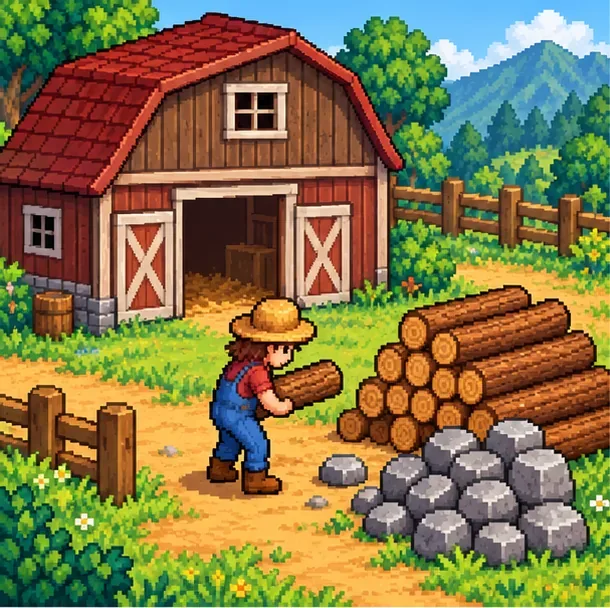
Set aside a separate Wood and Stone supply for each barn upgrade. You can buy a shortfall from Robin, but material prices rise in Year 2: Wood increases from 10g to 50g each, and Stone from 20g to 100g each. Chopping and mining are usually the cheaper way to prepare, especially if you need both upgrades.
-
3. Visit Robin at the Carpenter's Shop
Robin's shop is inside her home at 24 Mountain Road in the Mountain area, north of Pelican Town. The shop usually serves customers from 9:00 a.m. to 5:00 p.m.; it is closed on Tuesdays and closes early at 4:00 p.m. on Fridays. It can also be closed while Robin is working on your farm, so choose a day when she is available. The Carpenter's Shop reference has the schedule and building list.
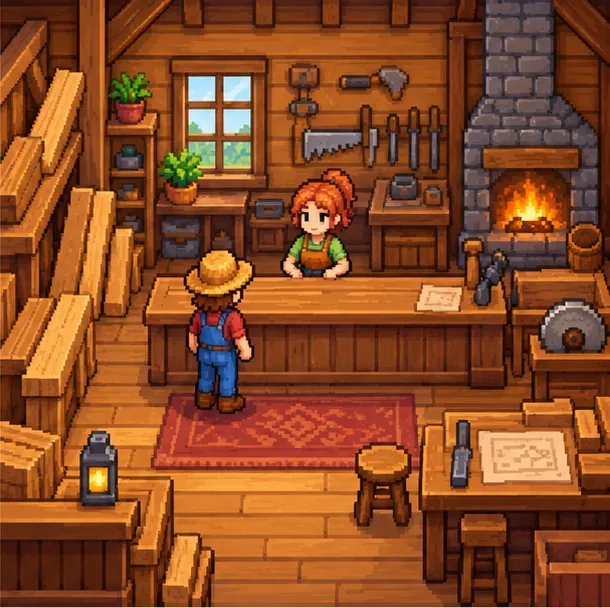
Robin's Carpenter's Shop is where you order farm-building upgrades. -
4. Select your Barn and confirm the upgrade
Open Robin's farm-building interface and choose the upgrade option. On the farm map, select the existing Barn. If you own the starter Barn, choose Big Barn; if you already have a Big Barn, choose Deluxe Barn. Check the cost before confirming. Robin starts construction the day after the order is placed, and each Barn upgrade takes two in-game days. Festival days can delay construction. Your Barn remains usable while Robin works, so you do not need to move your animals out.
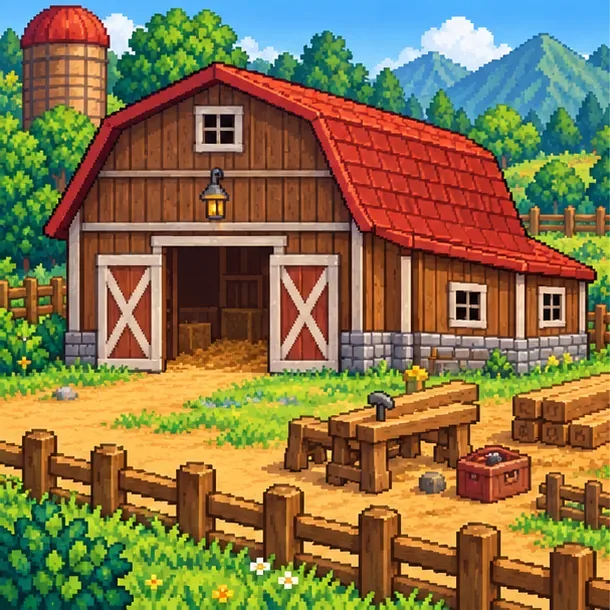
The upgraded Barn remains available for your animals during construction. -
5. Buy animals that match the new tier
After the upgrade is complete, visit Marnie's Ranch to buy the animals you have unlocked. Goats cost 4,000g and require a Big Barn. Sheep cost 8,000g and pigs cost 16,000g; both require a Deluxe Barn. Cows remain available with the starter Barn. Goats produce milk every other day when cared for, sheep provide wool when shorn, and pigs find truffles when they can forage outdoors. Leave an outdoor area clear if you plan to raise pigs.
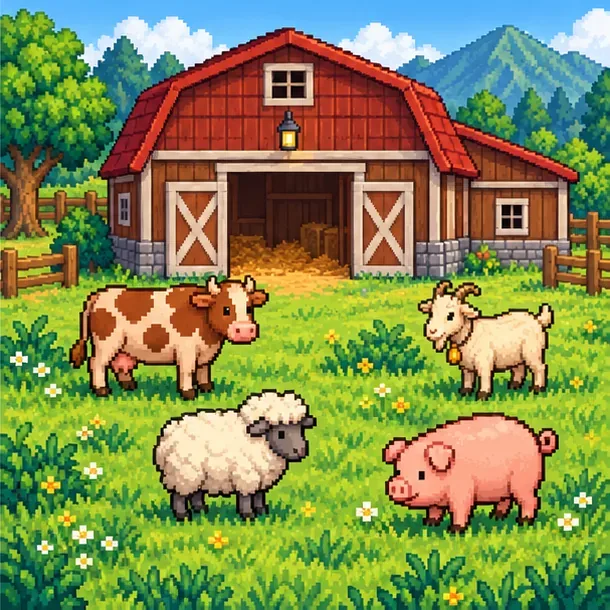
The Big Barn unlocks goats; the Deluxe Barn unlocks sheep and pigs. One late-game animal is an exception: ostriches are not bought from Marnie or unlocked simply by upgrading to Deluxe. To raise one, obtain an Ostrich Egg and use a crafted Ostrich Incubator placed inside any Barn. The recipe comes from Professor Snail after completing the Island Field Office collection; see the Ostrich Incubator reference for the requirements.
Tips for planning the upgrade
- Budget for both orders separately. Robin takes the upgrade cost when you place each order, so save the Deluxe Barn materials and 25,000g after finishing the Big Barn.
- Keep the Silo stocked. The Deluxe Barn's automatic feeder puts hay on the feeding bench, but it still needs hay stored in your Silo. The Big Barn does not add the automatic feeder.
- Leave room for the animals you want. The Big Barn holds eight animals and the Deluxe Barn holds 12. Make space before buying replacements or expanding a herd.
- Plan around the calendar. Robin does not work through every festival day, so an order placed near a festival may finish later than expected.
Common barn upgrade problems
Robin's upgrade option is unavailable
Check that you selected an existing Barn, have the correct current tier, and carry enough Wood and Stone with sufficient gold. You must finish the Big Barn upgrade before you can order Deluxe. If the missing resources are in a chest, move them into your inventory before returning to Robin.
The barn upgrade is taking longer than expected
Robin begins work the day after an order, and a festival can pause or delay the job. Allow two working days for the upgrade, then check the Barn after the next day change. The building can still be used while the upgrade is underway.
Frequently asked questions
How much does it cost to upgrade a Barn to a Deluxe Barn?
Starting with a built Barn, both upgrades together cost 37,000g, 1,000 Wood, and 500 Stone: 12,000g/450 Wood/200 Stone for Big Barn, then 25,000g/550 Wood/300 Stone for Deluxe.
Can I upgrade straight from a Barn to a Deluxe Barn?
No. Upgrade the Barn to Big Barn first. Once that work is finished, Robin can upgrade it again to Deluxe Barn.
Do animals need to leave while Robin upgrades the Barn?
No. The Barn remains usable during an upgrade, and your animals can stay inside. You can keep caring for them while construction is in progress.
Does the Deluxe Barn unlock ostriches?
No. Ostriches are hatched from Ostrich Eggs in an Ostrich Incubator placed inside a Barn. They are a separate unlock, not an animal sold by Marnie after the Deluxe Barn upgrade.
For the full building and shop reference tables, consult the Stardew Valley Wiki's Barn, Carpenter's Shop, and Marnie's Ranch pages.









