How to Unlock Mounts in FFXIV
The fastest way to unlock mounts in FFXIV is to follow the Main Scenario Quest until you join a Grand Company, then complete the level 20 quest “My Little Chocobo”. You buy a Chocobo Issuance with Company Seals and exchange it with your Grand Company’s Chocobokeep. That gives you your first ride. Afterward, story quests, currency vendors, reputation, duties, and achievements open up more mounts. Flying is a separate zone unlock, so owning a mount does not automatically let you fly everywhere.
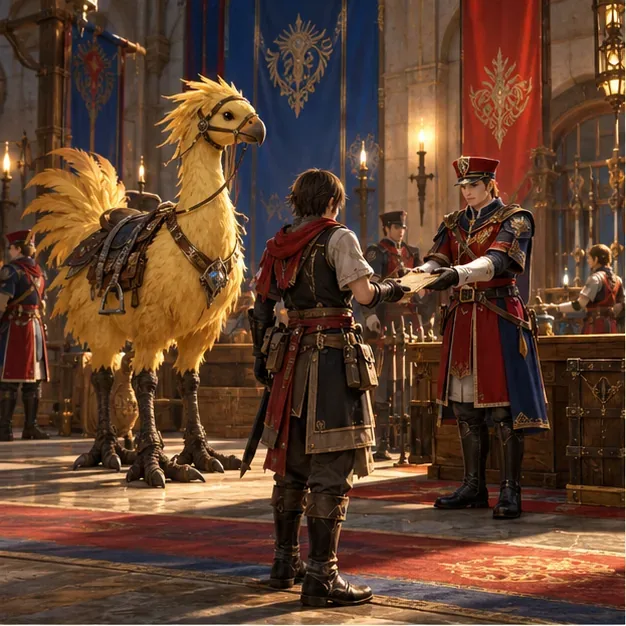
How to get your first mount: the Company Chocobo
Your first mount is tied to the level 20 Main Scenario, not simply to reaching character level 20. The official FFXIV mount guide lays out the sequence: choose a Grand Company, join it, accept the matching chocobo quest, and trade in a Chocobo Issuance.
- Reach the Grand Company choice in the MSQ. At the appropriate story point, choose the Maelstrom in Limsa Lominsa, the Order of the Twin Adder in Gridania, or the Immortal Flames in Ul’dah. Your choice determines which company’s quest and quartermaster you use.
- Finish the company’s joining quest. After its completion makes you a member, speak with your Grand Company commander to accept the faction-specific My Little Chocobo quest. The preceding company quest is Till Sea Swallows All for the Maelstrom, Wood’s Will Be Done for the Twin Adder, or For Coin and Country for the Immortal Flames.
- Buy a Chocobo Issuance. At your company’s quartermaster, purchase the issuance for 200 Company Seals. The initial Grand Company quest gives seals toward this purchase; see the official Eorzea Database entry for My Little Chocobo. If you are short, use the seal-earning activities shown at your company’s personnel officer; the current price is displayed at the vendor.
- Turn in the issuance to the Chocobokeep. Return to the quest giver or the Chocobokeep associated with your Grand Company and complete My Little Chocobo. The chocobo reward registers your first mount. Check the Mount Guide afterward if it does not appear immediately.
The mount quest is separate from My Feisty Little Chocobo, a later level 30 quest that lets your chocobo fight beside you as a companion. You do not need the companion quest to ride.
Where to unlock more FFXIV mounts
Follow the Main Scenario and side quests
Keep progressing through the MSQ and pick up relevant side quests as you explore. Some quest chains award a mount directly, while others unlock a duty, vendor, or reputation track that can lead to one. Quest rewards are a dependable route because they do not rely on a random drop. Read the reward preview before accepting a long side-quest chain if you are collecting mounts deliberately.
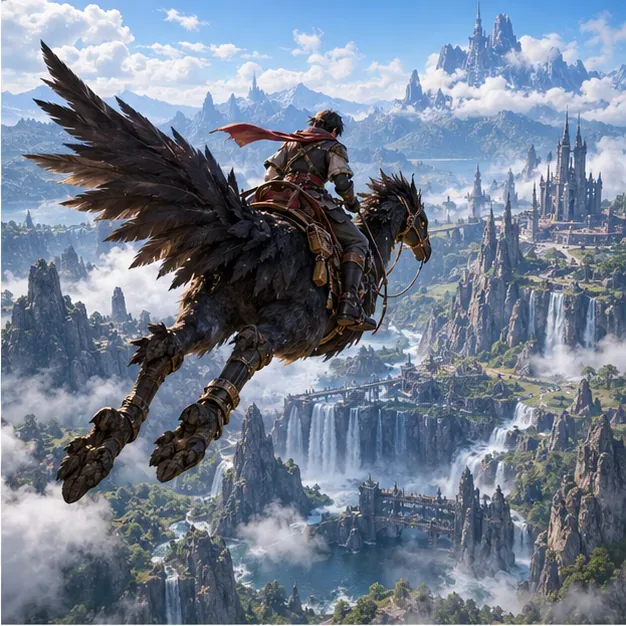
Spend currencies or raise vendor reputation
Several mounts are direct purchases. Grand Company quartermasters offer rewards for Company Seals; the Gold Saucer has mounts for MGP; and certain society vendors add rewards as you raise reputation through their quest lines. Other content vendors accept currencies or tokens earned in specific duties. These are useful choices when you prefer a clear progress bar over waiting for a drop. Check the item’s vendor and requirements in the Eorzea Database or in-game before spending a currency you also need for gear or other rewards.
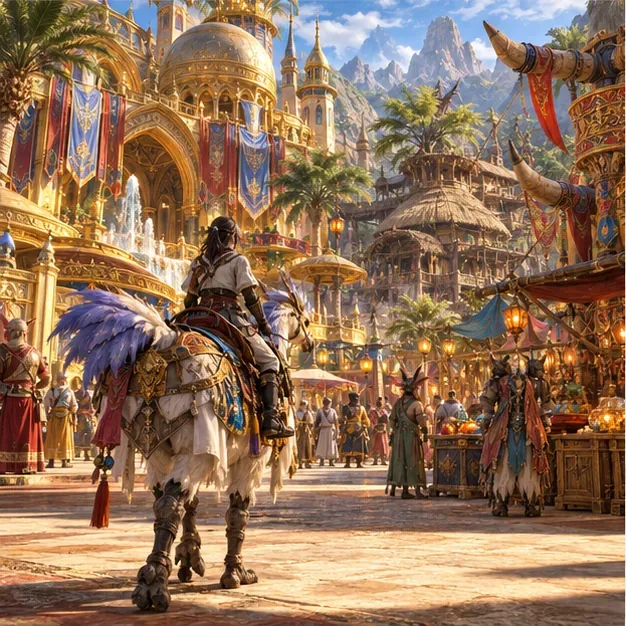
Clear duties and claim achievement rewards
Trials, raids, treasure-related activities, and other duties can reward mounts, mount-collecting tokens, or achievements. In particular, some Extreme trials have a mount tied to their reward pool; repeat clears or a token exchange may be available, depending on the duty. Drop chances and exchange rules differ, so check the current duty and vendor details rather than assuming every clear guarantees a mount. Achievement mounts are another option: open the Achievements menu and inspect the reward for a collection or challenge before you start working toward it.
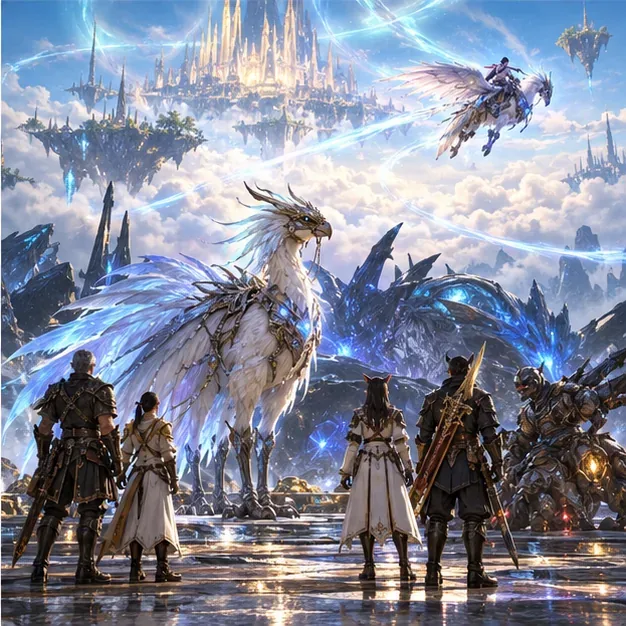
How to summon a mount and unlock flying
Open the Mount Guide from the Character menu to review mounts you have acquired. The official game manual describes it as the menu for mount information. You can also enter /mountguide. To summon a random favorite, place Mount Roulette on a hotbar from Actions & Traits; add mounts to your favorites if you want the roulette to draw from a smaller selection.
Flight depends on the zone:
- A Realm Reborn areas: flight is unlocked after you complete The Ultimate Weapon and My Little Chocobo, in areas where flying is permitted. This rule was added in Patch 5.3; it does not require collecting expansion-style Aether Currents in each ARR zone. See the official Patch 5.3 notes.
- Expansion areas: attune to every Aether Current required in that zone. Currents can be found in the field or awarded by quests. Use the Aether Compass and the Aether Currents window to track what remains; the official flight guide from the Heavensward patch notes explains the system. Patch 7.0 also reduced the number of currents required in Endwalker areas, so older checklists may show outdated totals; see the official Patch 7.0 notes.
Once a zone’s flight requirement is complete, mount a flying-capable mount and jump to take off. Some areas do not allow flight, and a mount’s availability in the Mount Guide does not override a zone restriction.
Quick troubleshooting
I joined a Grand Company but cannot summon a mount
Joining alone is not enough. Complete My Little Chocobo, including the Chocobo Issuance handoff, then check the Mount Guide. If you accepted a mount item from another reward, use it from your inventory if the reward instructions require registration.
My mount works, but it will not fly
Check the zone first. In ARR areas, confirm that you completed The Ultimate Weapon as well as the chocobo quest. In expansion zones, open Aether Currents and finish the missing field or quest attunements.
What is the easiest way to get another mount?
Start with guaranteed quest rewards and direct vendor purchases for currencies you already earn. Duty drops and achievement goals can be worthwhile, but their time and requirements vary by reward.
Sources and current game details
For the first chocobo, see the official “How can I get a mount?” UI guide. For flight requirements, consult the official Patch 5.3 notes for ARR and Patch 7.0 notes for the Endwalker Aether Current adjustment. Vendor prices and duty reward rules can change, so verify those in the current game client. The official Patch 7.5 notes are a useful reference for recent content additions and adjustments.









