Learning how to play Rainbow Six Siege starts with one big idea: this is a slow, tactical 5v5 shooter where planning and teamwork beat fast reflexes. Two squads of five face off each round — one side attacks, the other defends — and matches are won by smart positioning, sound, gadgets and clear communication. This guide walks you through everything a new player needs, from choosing your first Operator to climbing the playlists.
Siege has a famously steep learning curve, but you do not need to learn everything at once. Get comfortable with the basics below, and the deeper tactics will follow naturally as you play.
What you need to get started
- A free Ubisoft account and a copy of the game on PC, PlayStation or Xbox.
- A headset — sound is information in Siege, and footsteps win rounds.
- About 20 minutes for the in-game tutorial and Basic Training.
- Patience. Your first matches will be a learning experience, and that is normal.
How to play Rainbow Six Siege step by step
-
Step 1: Pick your side and choose an Operator
Every round you play either Attack or Defend, and you pick an Operator for that side. Each Operator has a unique signature gadget — a breaching charge, a deployable shield, a trap, a camera and so on — so your choice shapes how you play. As a beginner, start with simple, low-difficulty Operators (the ones marked with 1 or 2 stars) and learn one or two on each side before branching out.
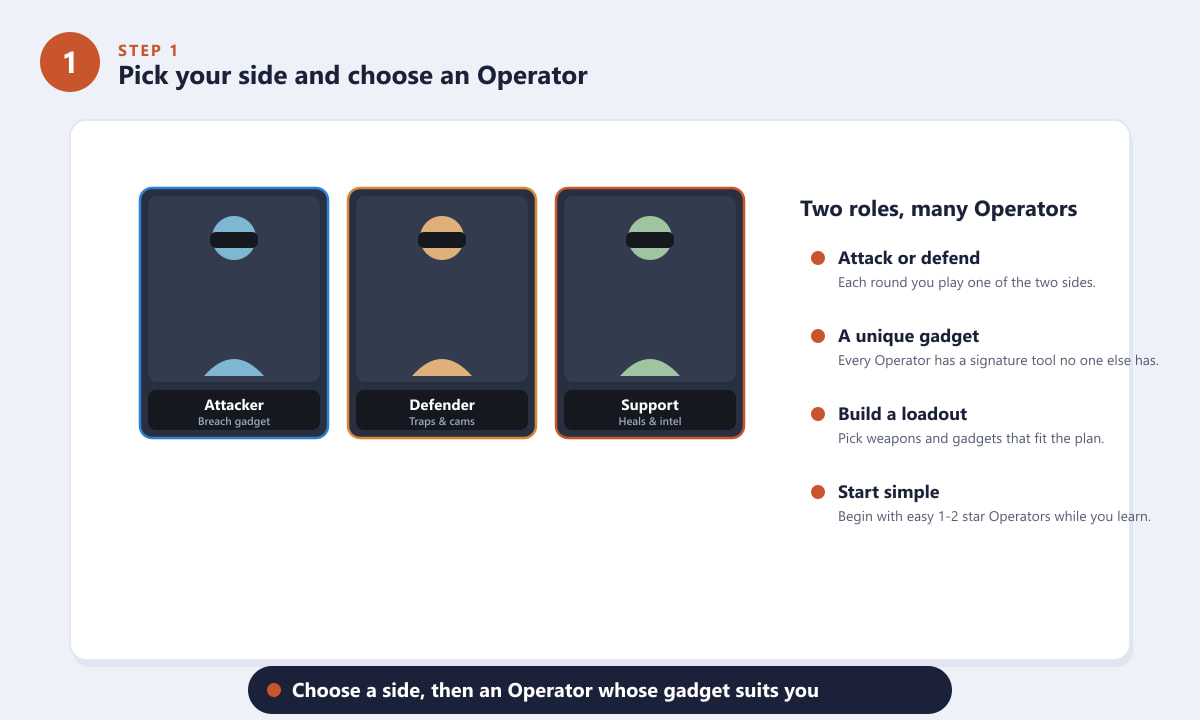
Pick a side, then an Operator whose gadget matches how you want to play. -
Step 2: Use the Prep Phase to scout and fortify
Each round opens with a short preparation phase. Attackers control a small wheeled drone to scout the building, locate the objective and spot defenders. Defenders use this time to reinforce key walls and hatches, place cameras, and set traps and barbed wire around the site. Never skip this phase — the information you gather (and the walls you armour) decide most rounds before a shot is fired.
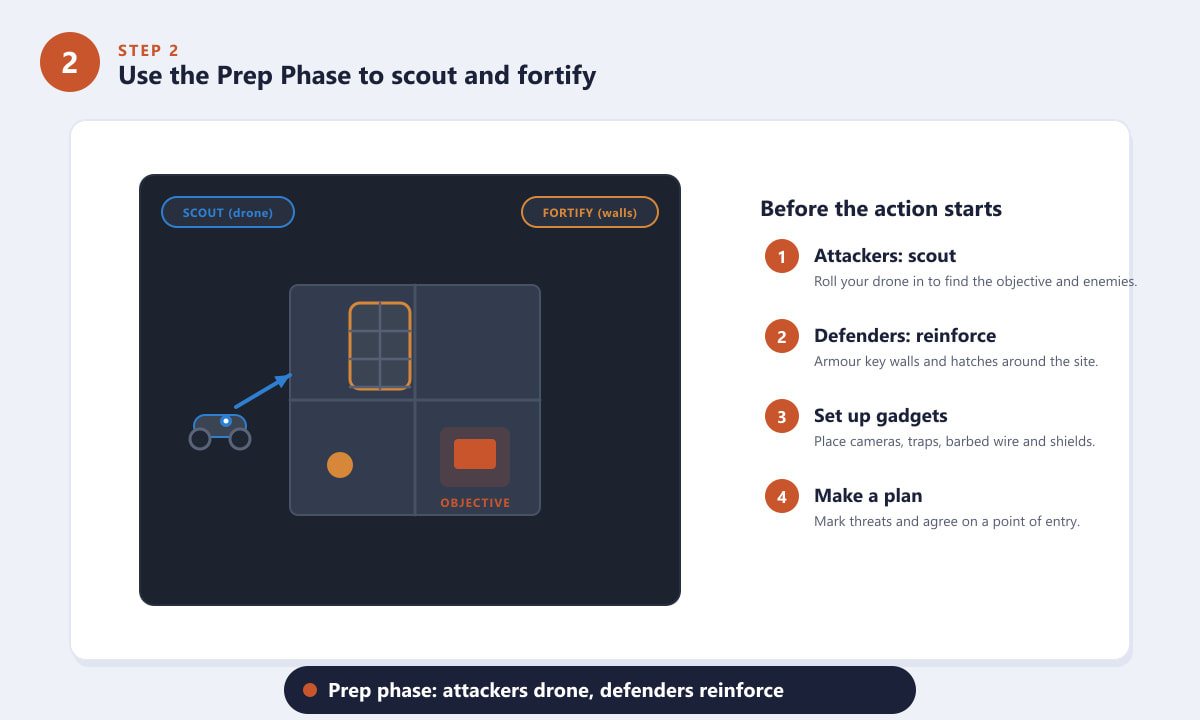
Attackers drone for intel while defenders reinforce walls and set up gadgets. -
Step 3: Learn the core controls
The fundamentals are quick to pick up. On PC, move with WASD, lean around corners with Q and E, aim down sights with right-click, and fire with left-click. Crouch and walk to stay quiet, since moving slowly hides your footsteps. On console the layout maps to the sticks and triggers, with the bumpers for leaning. Spend a few minutes in Training Grounds until movement, leaning and aiming feel natural.
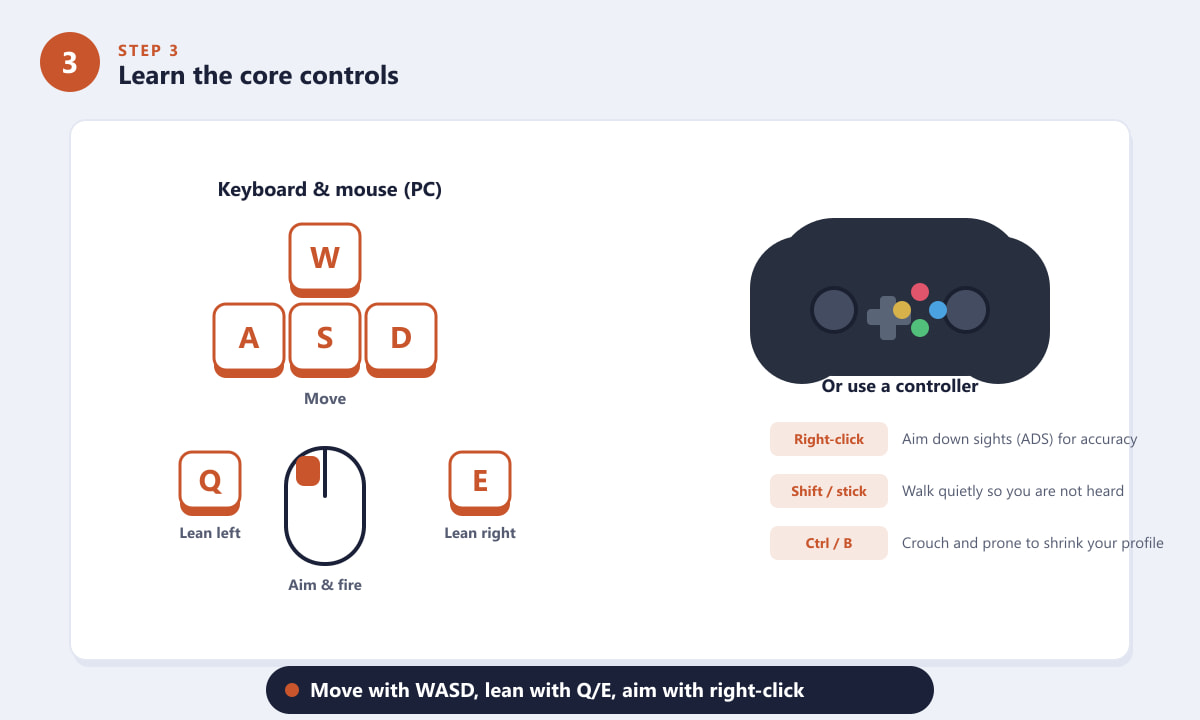
Move with WASD, lean with Q and E, and aim down sights for accuracy. -
Step 4: Communicate and play the objective
Siege has three objective modes: Bomb (attackers plant a defuser while defenders try to stop it), Secure Area (hold the room with the objective) and Hostage. Whatever the mode, the round is about the objective, not your kill count. Call out enemy positions, stick with teammates so you can trade kills, and avoid pushing alone. A coordinated team almost always beats five solo players.
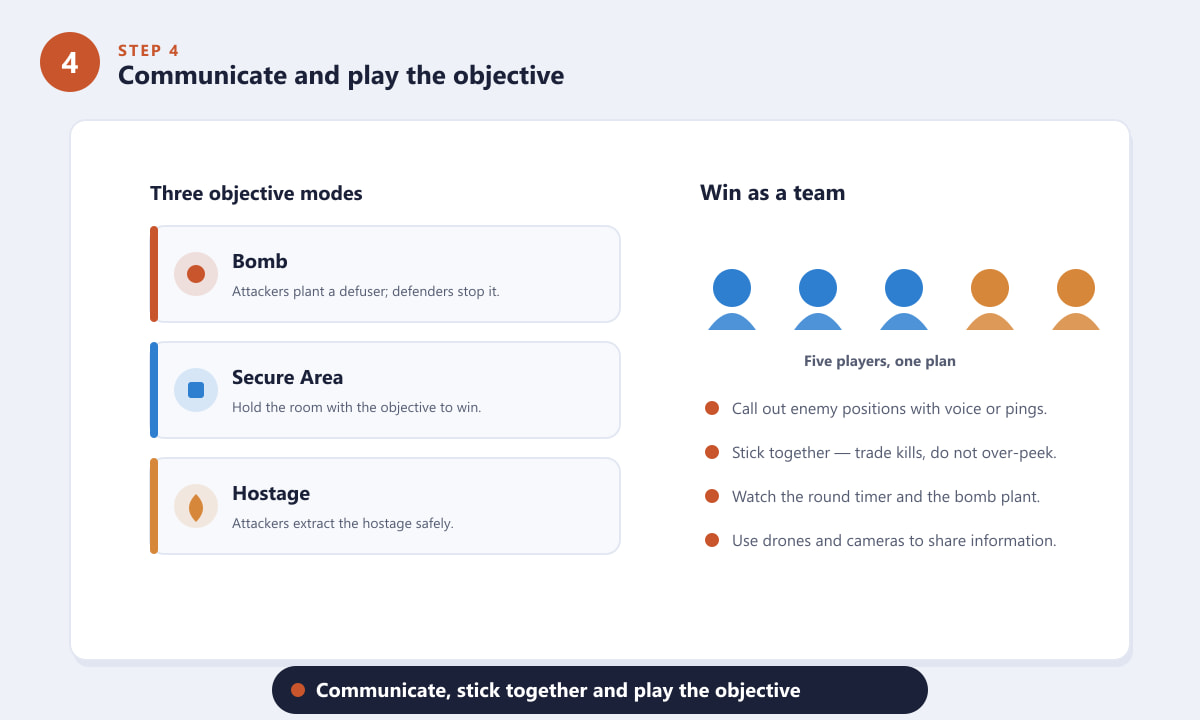
Learn the three objective modes and win by communicating as a five-player squad. -
Step 5: Practise, then climb the playlists
Build your skills in order. Finish the tutorial and Basic Training, warm up in Training Grounds against bots, then play casual matches (Quick Match or Standard) with no rank pressure. Once you know a few maps and Operators well, step up to Ranked. Learn one map at a time, use headphones, drone and reinforce every round, and review what kills you — steady habits improve you far faster than chasing flashy plays.
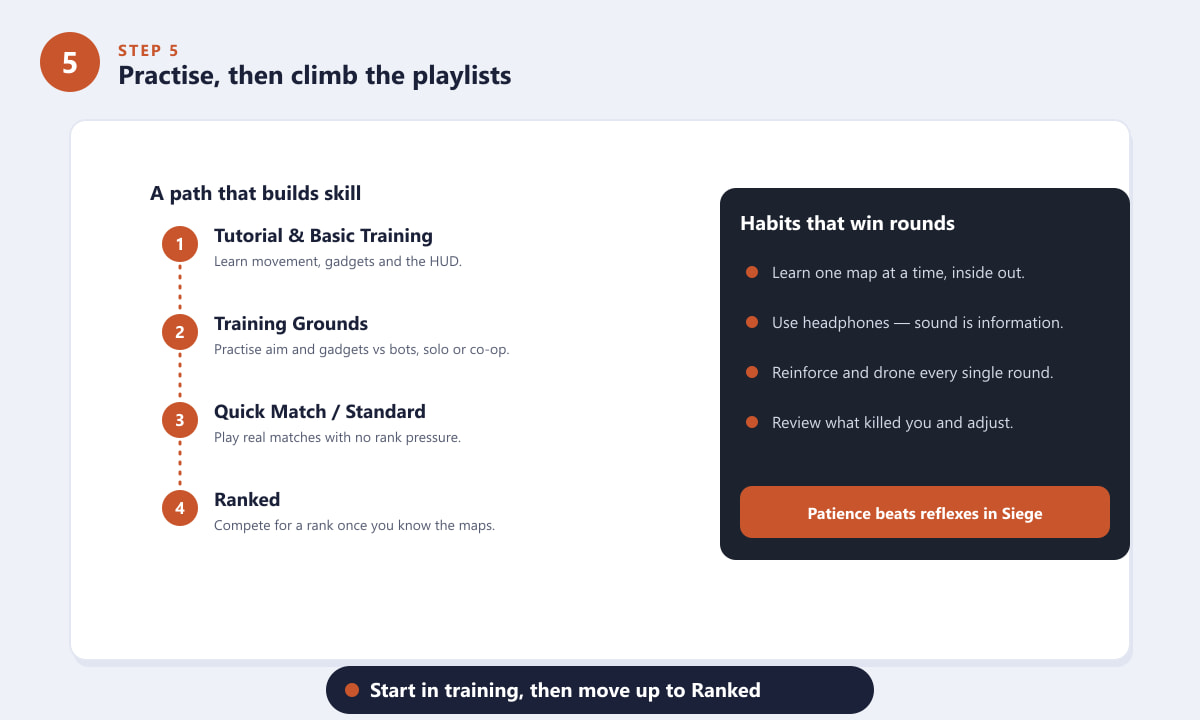
Move from training to casual matches, then to Ranked as your map knowledge grows.
Beginner tips that actually help
- Sound is everything. Walk to mask your steps, and listen for the enemy doing the opposite.
- Reinforce smart, not everything. Defenders should armour the walls that protect the objective, not random rooms.
- Drone before you push. A quick look around a corner with the drone saves you from blind deaths.
- Hold angles, do not over-peek. Patience and a steady crosshair win more fights than fast strafing.
- Watch the timer. On Bomb, the defuser takes time to plant and complete, so manage the clock.
Common beginner mistakes
I keep dying instantly when I peek
You are likely over-extending or peeking with no information. Drone the area first, lean to expose only part of your body, and pre-aim where an enemy is likely to be instead of running into open sightlines.
My team loses even when I get kills
Kills do not win rounds on their own — the objective does. Make sure someone is planting or stopping the plant, and that defenders are holding the actual site rather than roaming too far.
The game feels overwhelming with so many Operators
Stick to two or three Operators per side at first. Knowing a small pool well is far stronger than dabbling with everyone.
Frequently asked questions
Is Rainbow Six Siege hard to learn?
It has a steep learning curve, but the basics are simple: pick an Operator, scout or fortify in the prep phase, and play the objective with your team. Skill comes from learning maps, sound cues and gadget interactions over time.
What is the best Operator for a beginner?
Start with low-difficulty Operators that have forgiving gadgets and strong weapons. Friendly first picks include simple attackers with breaching tools and defenders with cameras or anchoring gadgets, so you can focus on movement and aim.
Do I need a microphone to play Rainbow Six Siege?
A mic helps a lot because communication wins rounds, but you can still call out information using in-game pings. At minimum, use a headset so you can hear footsteps and gadgets.
How many players are in a Rainbow Six Siege match?
Standard matches are 5v5 — five attackers against five defenders — played out over multiple rounds where the sides swap between attack and defence.
Should I play Ranked right away?
No. Finish the tutorial, practise in Training Grounds, and play casual matches first. Move to Ranked once you know a few maps and feel comfortable with your Operators.
Final thoughts
Once it clicks, Rainbow Six Siege is one of the most rewarding tactical shooters around. Remember the core loop: choose your side and Operator, use the prep phase to gather intel or fortify, master the controls, and always play for the objective with your team. Take it one map and one Operator at a time, and you will climb steadily. For editions, free trials and the latest updates, check the official Rainbow Six Siege website.