How to Play PUBG on Mac in 2026
How to play PUBG on Mac depends on which Mac you own. PUBG: BATTLEGROUNDS does not have a native macOS client; Steam lists the PC version for Windows. For most MacBook and iMac owners, cloud gaming is the practical option: a remote Windows gaming PC runs the game while your Mac streams the picture and sends your controls. A published NVIDIA Mac supported-games catalog lists PUBG, and GeForce NOW works on Mac, but catalogs can vary by region and change, so check the live catalog before paying for a plan.
Intel Macs have a second possibility, Boot Camp, but it is a limited fallback in 2026. Apple documents Boot Camp for Windows 10 on Intel Macs, and Microsoft ended standard Windows 10 support on October 14, 2025. Apple Silicon Macs (M-series) cannot use Boot Camp. This guide covers the current cloud setup first and explains the Intel caveat below.
Which way to play PUBG on a Mac fits your setup?
| Option | Mac compatibility | What to know |
|---|---|---|
| Cloud gaming | Intel and Apple Silicon | Best starting point. Needs a supported regional catalog and a steady, low-latency connection; service plans and limits vary. |
| Boot Camp | Intel Macs only | Runs a Windows install on the Mac, but Apple's documented setup is Windows 10, which no longer receives standard security updates. |
| PUBG MOBILE | Separate mobile game | The official mobile release is a different title for iOS and Android, not the Mac version of PUBG: BATTLEGROUNDS. |
How to play PUBG on Mac with cloud gaming
The steps below use GeForce NOW as the example because it supports Mac and NVIDIA's published Mac game list includes PUBG. Other services may use different menus or have a different catalog. Verify the exact game, region, and plan on the service you intend to use.
-
1. Check the live catalog and your connection
Open the cloud service's current game catalog and search for PUBG: BATTLEGROUNDS or PLAYERUNKNOWN'S BATTLEGROUNDS. Do this before subscribing: the availability shown in a published list may not match every region or partner service. NVIDIA's current Mac guidance calls for at least 25 Mbps for 1080p at 60 FPS, recommends Ethernet or 5 GHz Wi-Fi, and requires less than 80 ms latency to an NVIDIA data center. Those are service requirements, not a promise that every connection will feel equally responsive.
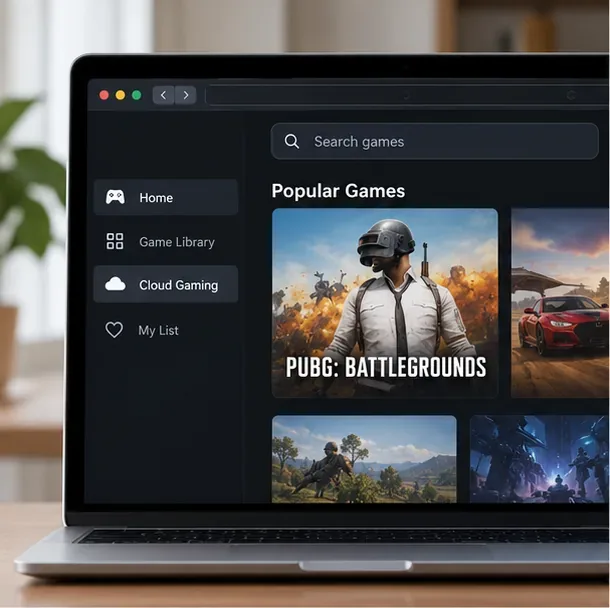
A sample cloud-game catalog makes it easy to confirm the title before choosing a plan. Service screens and regional catalogs vary. -
2. Add the free PC game to Steam
Create or sign in to a Steam account, then open the official PUBG: BATTLEGROUNDS page on Steam and add the game to that account. Steam currently lists the PC game as free to play, though optional in-game purchases are available. Keep track of which Steam account owns the library entry; the cloud session will ask you to verify that account. A cloud subscription, where required, is separate from the game's price.
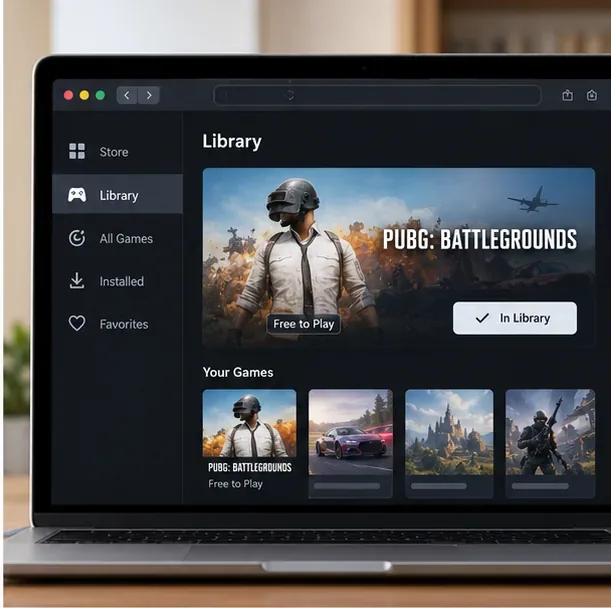
The free-to-play title should be attached to the Steam account you will use in the cloud session; the mockup is illustrative. -
3. Open the cloud app or browser and launch PUBG
Install the GeForce NOW app for macOS or use a supported browser, then sign in. Search for PUBG, add or sync your Steam library if prompted, and select the game. NVIDIA's setup instructions say the service verifies ownership through the connected game-store account before launching the remote gaming rig. Sign in to Steam inside the session when asked, accept any game prompts, and wait for the lobby to load. The game is running on a remote Windows PC; your Mac is displaying the stream, so you do not need to install the full PC game locally.
A remote game stream appears in a Mac window; this is a generic illustration, not a PUBG gameplay screenshot. -
4. Tune the stream for stable aiming
Use a USB gaming mouse and keyboard for the PC version; a trackpad is awkward for aiming. For network stability, connect Ethernet if possible or move close to a 5 GHz Wi-Fi router. Pause large downloads and close other apps using your connection. If the stream stutters, lower its resolution or frame rate one step at a time, then test again. A stable 720p stream can feel better than a higher-resolution stream with dropped frames. The exact settings and labels depend on the service.
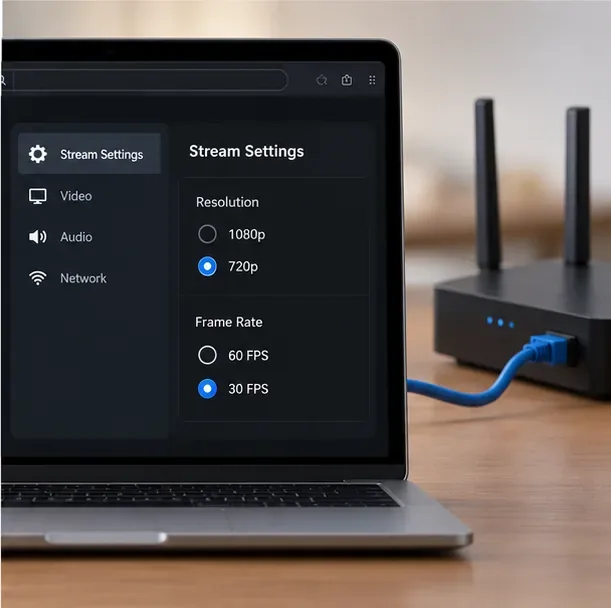
Lowering stream quality can help diagnose stutter; the available controls differ between services.
Can you use Boot Camp on an Intel Mac?
Yes, Boot Camp can install Windows on supported Intel-based Macs, but it is not the route I recommend for a new PUBG setup in 2026. Apple's current instructions describe installing Windows 10 and restarting between macOS and Windows. Microsoft's standard support for Windows 10 ended on October 14, 2025; the system still runs, but without regular security updates unless it is covered by an extended-support option. Apple's documented Boot Camp instructions do not provide a standard Windows 11 setup.
If you already have an Intel Mac with a supported Windows installation and want to use it, confirm the exact Mac model, GPU, storage, and Windows security-update status first. Steam lists PUBG's minimum PC requirements as 8 GB RAM, a GTX 960 2 GB or Radeon R7 370 2 GB graphics card, and 40 GB of available storage; many Mac configurations will not meet them. If you proceed with a compatible Windows install, use Boot Camp Assistant, install Apple's Windows support drivers, then install Steam and PUBG as you would on a Windows PC. See Apple's Boot Camp instructions and Microsoft's Windows 10 end-of-support guidance before setting aside disk space.
Common questions
Can I play PUBG on an M1, M2, M3, or M4 Mac?
Yes, through a cloud service that lists PUBG in your region. Apple Silicon Macs cannot use Boot Camp, and the Steam PC listing specifies Windows rather than macOS.
Is PUBG free on Mac?
The Steam PC game is free to play. Cloud gaming may require a paid membership depending on the service, plan, region, and current session limits.
Is PUBG MOBILE the same game?
No. PUBG MOBILE is a separate mobile release. Its official site links to the App Store and Google Play; it is not a native Mac edition of PUBG: BATTLEGROUNDS. See the official PUBG MOBILE site for its supported download options.
Will a Windows virtual machine run PUBG?
Do not count on it as an officially supported Mac method. Steam lists Windows system requirements and identifies the game as using kernel-level anti-cheat, but the listing does not promise compatibility with a Mac virtual machine. Cloud streaming is the more dependable Mac route to check first.
For most current Macs, the shortest path is to add the free Windows game to Steam, confirm it is available in your local cloud catalog, and stream it with a wired or strong 5 GHz connection. Intel owners can investigate Boot Camp, but should weigh the Windows 10 support gap and their Mac's graphics hardware before committing.









