How to Play Fortnite on a PC: Beginner’s Guide
To play Fortnite on a PC, install Epic Games Launcher for Windows, sign in or create an Epic account, install Fortnite from the launcher, and choose a mode in the lobby. The base game is free, but you need an internet connection and enough drive space for the current game files and updates. This walkthrough covers the Fortnite PC system requirements, download and install steps, simple settings, and what to do in your first match.
Check the Fortnite PC system requirements
Epic’s support page lists the following Windows specifications. Meeting the minimum may let Fortnite run, but it does not promise high graphics quality or a particular frame rate. For a smoother starting point, compare your computer with Epic’s recommended profile before downloading.
| Component | Minimum | Recommended |
|---|---|---|
| Operating system | Windows 10, version 22H2 (64-bit), or Windows 10 Enterprise, version 21H2 (64-bit) | Windows 10 or 11, 64-bit |
| Processor | Intel Core i3-3225 at 3.3 GHz | Intel Core i5-7300U at 3.5 GHz, AMD Ryzen 3 3300U, or equivalent |
| Memory | 8 GB RAM | 16 GB RAM or more |
| Graphics | Intel HD 4000 or AMD Radeon Vega 8 | NVIDIA GTX 960, AMD R9 280, or equivalent DirectX 11 GPU; 2 GB VRAM |
| Storage | Check the installer’s current space requirement | NVMe solid-state drive recommended |
Fortnite’s download size can change as the game updates and optional content changes. The installer is the best place to check the current space needed. Keep additional room free for updates. See Epic’s Fortnite PC system requirements before installing if your hardware is close to the minimum.
How to play Fortnite on a PC, step by step
-
1. Download Epic Games Launcher
On your Windows computer, open the official Epic Games Launcher download page and choose the Windows download. Run the installer you downloaded and follow its prompts. Use Epic’s site instead of third-party download pages so you get the current launcher installer.
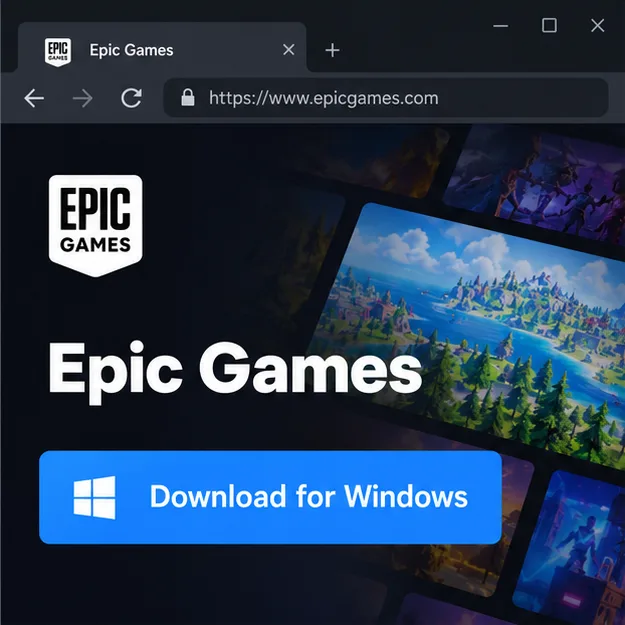
Illustration of the official Windows launcher download step. -
2. Sign in or create an Epic account
Open the launcher and sign in with an Epic Games account. If you are new, choose the account-creation option and complete the requested details and email verification. Keep access to the email attached to the account; you will use the account to launch Fortnite and manage your game profile.
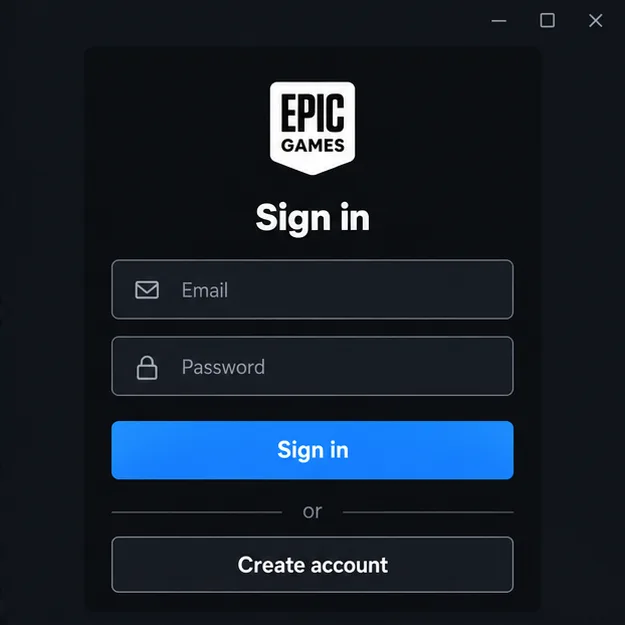
Illustration of the Epic account sign-in screen. -
3. Add Fortnite to your library and install it
In Epic Games Launcher, open the Store and search for Fortnite. Select the game and choose Get to add the free base game to your account. Then open Library, choose Fortnite, and select Install. Pick a drive with enough free space and let the download and any updates finish. The download time depends on your connection, the current file size, and your storage speed; a fixed “minutes to install” estimate is not reliable.
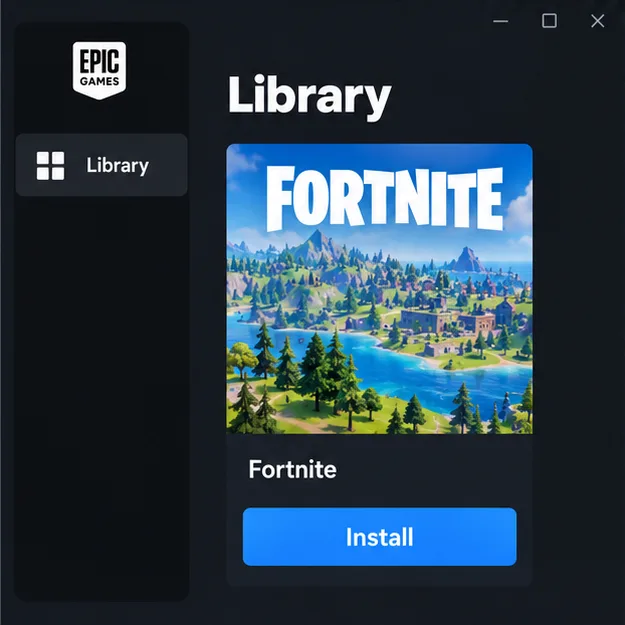
Illustration of Fortnite selected in the launcher library before installation. -
4. Launch the game, adjust controls, and choose a mode
When Fortnite finishes installing, select Launch from the library. On the first run, the game may download more updates. In the lobby, open Settings and set the display resolution to match your monitor. If you are unsure which graphics options your PC can handle, start with a lower quality preset and raise it after checking performance. Review the keyboard and mouse bindings before a match; WASD movement and mouse aiming are common defaults, but your bindings can differ.
Use the lobby’s mode selector or Discover screen to choose a playlist, then select Play. Battle Royale includes building; Zero Build removes player building, so you can concentrate on aiming, movement, and using cover. Epic describes Zero Build as a no-build Battle Royale mode with a recharging Overshield. Menus and playlist names can shift between updates, so use the options shown in your current lobby.
At the start of a match, follow the on-screen prompt to leave the Battle Bus. Steer toward a landing spot, then use the map and on-screen controls to orient yourself. On keyboard and mouse, use the key-bindings screen if a control prompt does not match what you expect.
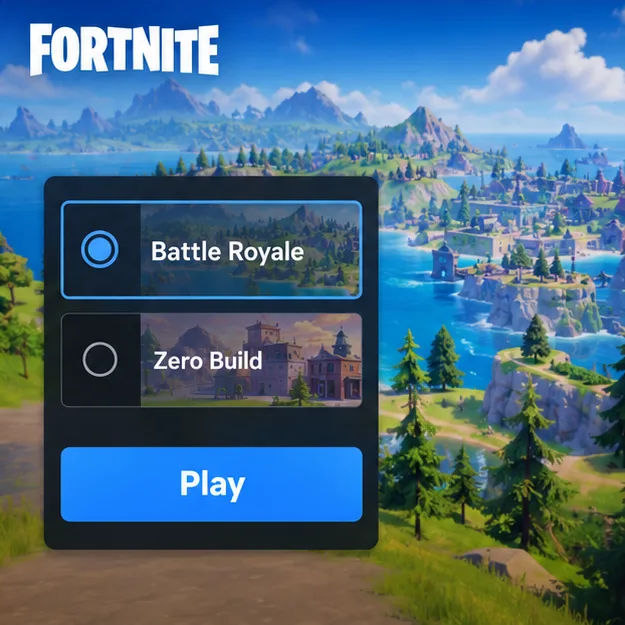
Illustration of the lobby mode selector before starting a match.
Beginner tips for your first Fortnite matches
- Choose a quieter landing. Avoid dropping into the busiest-looking area while you are learning. A less contested spot gives you more time to understand the inventory and controls.
- Pick up essentials before chasing a fight. Find a weapon, ammunition, and shield or healing items if they are available nearby. Check the inventory labels as you collect items.
- Watch the Storm and the map. The safe area changes during a match. Check the mini-map and move toward safety early instead of waiting until the Storm is close.
- Use cover and keep moving. In Zero Build, use terrain and structures for protection. In a build-enabled mode, learn the basic building controls gradually rather than trying to master every technique in your first game.
- Play for practice, not just a win. Focus on one skill at a time, such as looting quickly, tracking the safe area, or switching weapons. The map and available items change with updates, but these habits remain useful.
Quick fixes for common PC problems
Fortnite has low frame rates or stutters
Lower the graphics quality in the in-game settings and close applications you do not need while playing. Check that the PC meets Epic’s recommended specifications, especially for memory and graphics. On a laptop, connect the power adapter and make sure the game is using the intended graphics processor if the system has more than one.
The download or installation will not complete
Check the free space on the selected drive and confirm that the launcher is online. Restart Epic Games Launcher and your PC, then check for pending launcher or Windows updates. If the same error returns, use Epic’s official support pages for the error shown in the launcher rather than deleting game or launcher files at random.
Fortnite on PC: frequently asked questions
Is Fortnite free to play on PC?
Yes. Epic lists Fortnite as free to play in the Epic Games Store. Optional in-game purchases are available, but you do not have to buy them to download the base game and start playing.
How much storage space does Fortnite need?
There is no dependable permanent number because game files and optional content can change. Check the install screen in Epic Games Launcher for the current requirement and leave extra room for updates. An NVMe SSD is part of Epic’s recommended PC profile, but it is not listed as a minimum requirement.
Can a low-end PC run Fortnite?
A PC that meets Epic’s minimum requirements may run the game, but you may need to lower graphics settings and performance can vary by hardware. If your computer is below the listed minimum, Epic does not guarantee that Fortnite will run correctly.
Which mode should a beginner try first?
Try Zero Build if learning the building system sounds like too much at once. Choose Battle Royale if you want to learn building as you play. Both offer the core last-player-standing experience; check the current lobby for available playlists.
Official Fortnite resources
For the current launcher download, use Fortnite’s official download page. You can also review the Fortnite listing in the Epic Games Store and Epic’s PC system requirements. These pages are the best reference when launcher steps or game specifications change.









