How to Play FiveM — GTA 5 Multiplayer Guide (2026)
To play FiveM, install a legitimate, updated PC copy of Grand Theft Auto V, download the matching FiveM client from the official site, sign in with a Cfx account, then choose and join a community server. FiveM adds custom multiplayer experiences such as roleplay, racing, PvP, and free roam. It is separate from GTA Online and does not support PlayStation or Xbox consoles. In 2026, make sure you choose the client for your GTA V edition: FiveM Legacy or the separate FiveM for GTA V Enhanced client, which Cfx currently labels Early Access. Check the current FiveM download options.
What you need before installing FiveM
- A Windows PC that meets the current requirements for the game edition and FiveM client you plan to use.
- A legitimate PC copy of GTA V, fully installed and updated. FiveM does not work with pirated copies or console editions.
- Enough free storage for the game and FiveM’s additional files and server cache. The amount can vary by edition and the servers you visit.
- An internet connection, access to the Rockstar account that owns the game, and a Cfx account for FiveM sign-in.
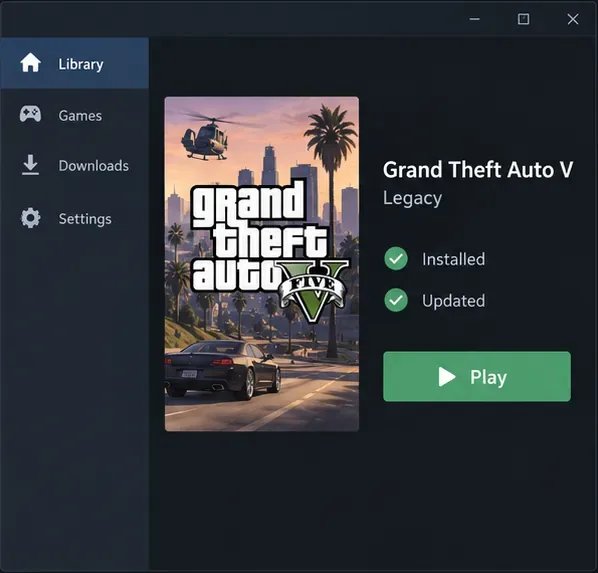
Match the game edition to the client. The standard FiveM client uses GTA V Legacy. The newer FiveM for GTA V Enhanced client needs GTA V Enhanced and is still marked Early Access by Cfx. A server may not support both editions, so check its listing or community instructions before downloading a client. For edition-specific hardware and storage details, use Cfx’s current requirements page and Rockstar’s GTA V PC requirements.
How to play FiveM on PC
-
1. Install and update the right GTA V edition
Install GTA V through the PC store or launcher where you own it, then let its updates finish. If you already have GTA V, check whether it is Legacy or Enhanced before moving on. The two editions have different FiveM clients; selecting the wrong one is a common reason the installer cannot find a compatible game file. FiveM requires a legal, updated game installation. Cfx lists common purchase and installation guidance in its GTAV guide.
-
2. Download and install the matching FiveM client
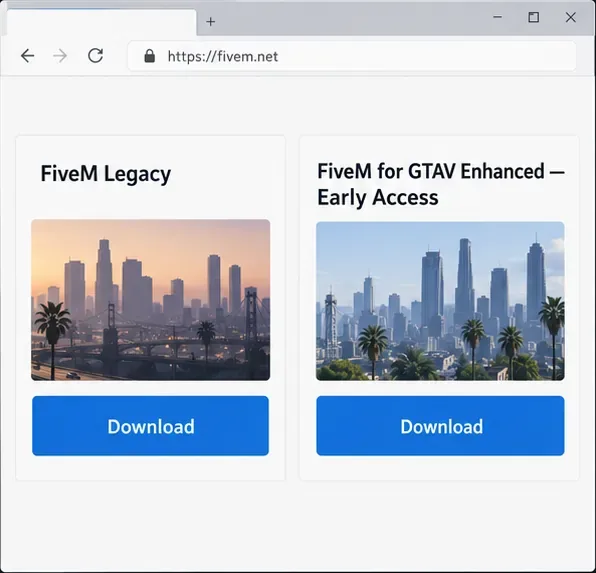
Go to fivem.net and select the download for the game edition you own. Review the Creator Platform License Agreement and run the downloaded installer. For the Legacy client, follow the prompt to locate your GTA V installation and select the game executable when asked. The Enhanced client has a separate installer and its own setup flow. Allow FiveM to prepare or update its local game data; then start it from the Windows Start menu or the shortcut created during setup. Avoid third-party download sites that repackage the installer.
When prompted, sign in with your Cfx account. The official setup guide sends you to a browser to authorize the account, then back to the client to finish. Keep access to the Rockstar account that owns GTA V as well, because the game installation still needs to pass its entitlement checks. See Cfx’s FiveM installation instructions if a screen or prompt differs.
-
3. Find a server that fits the way you want to play
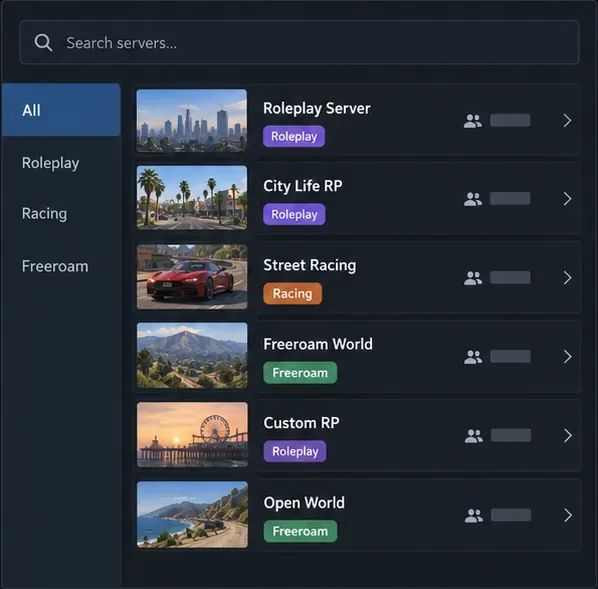
Open FiveM and use its server list to search for a community or browse by the type of experience you want. GTA 5 roleplay servers ask players to act as characters and follow community rules; other servers focus on racing, combat, or open exploration. Read the listing before joining: check the mode, language, rules, voice-chat expectations, queue information, and whether the server is public or requires an application or allowlist. A server’s own website or Discord can explain its jobs, controls, and onboarding process, but join those channels only if you are comfortable with their rules and privacy terms.
If you want to play with friends, agree on the exact server name and game edition first. Search for the same listing and check whether your friends’ accounts need approval. A community can be full, private, or temporarily offline, so a visible listing does not guarantee an instant connection.
-
4. Read the server details and connect
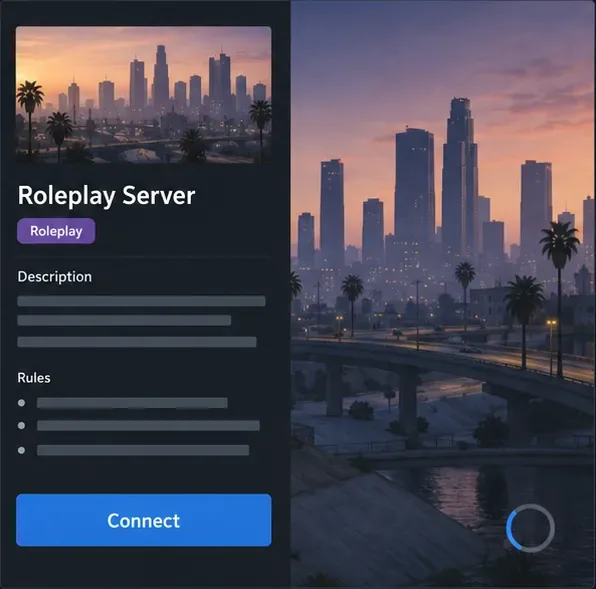
Select a server to review its description and rules, then choose Connect if you meet its requirements. FiveM starts the game and loads the server’s resources. Your first visit can take longer while server content downloads and caches; keep the client open and read any progress or error message rather than repeatedly restarting. Later connections may be quicker, though load times depend on the server, your connection, and the content it uses.
After you spawn, pause long enough to read the welcome instructions. Roleplay communities often have rules about staying in character, interaction, voice chat, and leaving a scene. Some servers require a character setup or tutorial before you can explore. Follow the on-screen prompts and ask the server’s moderators for help if its own menu or onboarding is unclear.
Controls, HUD, and server rules
FiveM builds on GTA V’s PC gameplay, but there is no universal FiveM keybind list for every server. Communities can add their own menus, inventory, interaction, radio, and push-to-talk bindings, and they may change familiar controls. Check the server’s welcome screen, in-game settings, or official guide for its current bindings. The on-foot HUD can also vary because servers add their own interface elements; do not assume every server displays the same map, inventory, cash, or health widgets.
One useful client shortcut is F8, which opens FiveM’s client console. It is mainly for diagnostics and commands, not a replacement for the server’s normal menus. Cfx documents the standard console commands and connection syntax in its client console reference. For ordinary play, use the controls shown by the server you joined.
Common FiveM problems and fixes
| Problem | What to check |
|---|---|
| FiveM cannot find GTA V | Confirm you installed the matching Legacy or Enhanced client, finish the game update, and point the installer to the correct PC game installation when prompted. |
| The server will not let you in | Check whether it is full, private, allowlisted, or limited to a different GTA V edition. Review its rules and status before trying again. |
| The first connection takes a long time | Wait for the download or loading process to finish. If it stops with an error, note the message and consult the server’s support channel or Cfx’s client troubleshooting page. |
| FiveM is stuck, crashes, or is blocked | Restart Windows and the client, make sure Windows and the game are updated, and follow Cfx’s current troubleshooting steps. Cfx notes that some antivirus products can interfere; use its support guidance rather than turning off security protection at random. |
For error-specific steps, start with Cfx’s client issues guide. Avoid deleting files or changing security settings unless the official instructions for your exact error call for it.
FiveM FAQ
Is FiveM free?
The FiveM client is free to download, but it does not include GTA V. You need a legitimate PC copy of the matching game edition.
Can I play FiveM on PlayStation or Xbox?
No. FiveM is for the PC version of GTA V; it is not a console app or a way to join GTA Online on a console.
Does FiveM affect GTA Online?
FiveM and GTA Online use separate multiplayer experiences. Cfx says FiveM does not modify the GTA V installation and that players can switch between FiveM and GTA Online without being banned. Individual FiveM communities can still moderate or ban players from their own servers.
Can I use a controller?
A controller can work for the base game controls, but server-specific menus and text entry may be easier with a keyboard and mouse. Check the community’s instructions for any custom features.
Start with the right client, then follow the server’s rules
Getting into FiveM multiplayer is a short setup process: install the supported GTA V PC edition, download its matching FiveM client from Cfx, authorize your Cfx account, and connect to a server whose style and rules fit you. The main difference from standard GTA Online is that each community can build a different experience. Read its listing before you join, and use its own guide for controls, voice chat, and character setup.









