How to Play Clash of Clans on Mac (2026 Guide)
You can play Clash of Clans on Mac by using Apple’s iPhone Mirroring to control the game running on a nearby iPhone. The Mac displays the iPhone screen in a window; it does not install or run a native Mac version of the game. That distinction matters because the App Store lists Clash of Clans for iPhone, iPad, and iPod touch, while Supercell’s current terms include emulators among the software it restricts. For a supported Mac setup, mirror a real iPhone instead of following emulator instructions.
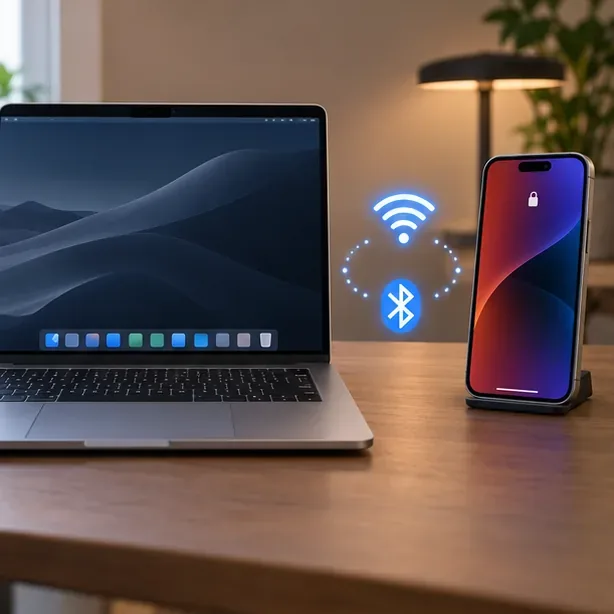
What works for Clash of Clans on Mac?
There is no native macOS version listed for Clash of Clans. Apple’s built-in iPhone Mirroring is a practical way to view and interact with the iPhone app from a compatible Mac. The game still runs on the phone, so the phone must stay nearby and connected.
| Method | What to know |
|---|---|
| iPhone Mirroring | Apple’s supported feature mirrors and controls an iPhone from a compatible Mac. This guide uses this method. |
| Native Mac app | The current App Store listing names iPhone, iPad, and iPod touch as compatible devices, not Mac. |
| Android emulator | Do not treat BlueStacks, NoxPlayer, or another emulator as an approved workaround. Supercell’s Terms of Service list emulators among prohibited tools used to modify or interfere with its services or game experience. |
| Google Play Games on PC | Supercell officially supports Clash of Clans on Windows through Google Play Games. Supercell says that option is for Windows, not Mac. |
Supercell reserves the right to restrict or suspend accounts when it suspects a terms violation. That does not mean every emulator user is automatically banned, but an emulator cannot be described as an official, risk-free way to play. If you want to play on a computer without mirroring a phone, use a supported Windows PC and the official Google Play Games route.
Check compatibility before you start
Apple’s current requirements for iPhone Mirroring are more specific than the requirements for the game itself. The Clash of Clans iPhone listing requires iOS 15 or later, but mirroring requires a newer phone system:
- Mac: macOS Sequoia 15 or later, running on Apple silicon or a Mac with the Apple T2 Security Chip. Not every Intel Mac has a T2 chip.
- iPhone: iOS 18 or later and a passcode. Install Clash of Clans from the App Store on the iPhone first.
- Account and connection: Sign in to the same Apple Account on both devices, enable two-factor authentication, and turn on Wi-Fi and Bluetooth.
- Nearby and ready: Keep the iPhone close to the Mac and locked when mirroring. The Mac cannot be sharing its internet connection or using AirPlay or Sidecar while you connect.
Apple currently says iPhone Mirroring is unavailable in the European Union. Availability can depend on region, so check Apple’s support page if the app or feature does not appear. In places where the feature is unavailable, use Clash of Clans directly on a supported iPhone or iPad.
How to play Clash of Clans on Mac, step by step
Step 1: Install the game and protect your village
On the iPhone, download or update Clash of Clans from the official App Store listing. Check that the app opens and that you can see the village you want to use. If you already play on another device, connect the village to your existing Supercell ID in the game’s settings before switching devices. Sign in with the same Supercell ID when prompted; do not create a new village if you intend to continue an existing one.
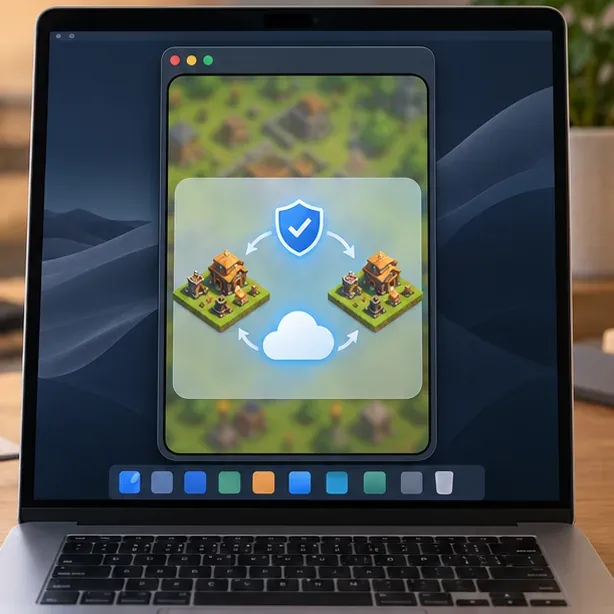
Step 2: Prepare the Mac and iPhone
Update both devices if needed. Confirm that Wi-Fi and Bluetooth are on, both devices use the same Apple Account with two-factor authentication, and the iPhone has a passcode. Place the iPhone close to the Mac. Close AirPlay or Sidecar sessions and turn off internet sharing on the Mac if any of those features are active.
Step 3: Open iPhone Mirroring on the Mac
Open iPhone Mirroring from the Dock, Applications, or Spotlight. Follow the first-use prompts and authenticate if asked. If the Mac asks you to unlock the iPhone during setup, enter its passcode on the phone. When the mirrored screen appears, leave the iPhone locked and nearby. Apple says that the iPhone remains locked while you interact with it through the Mac.
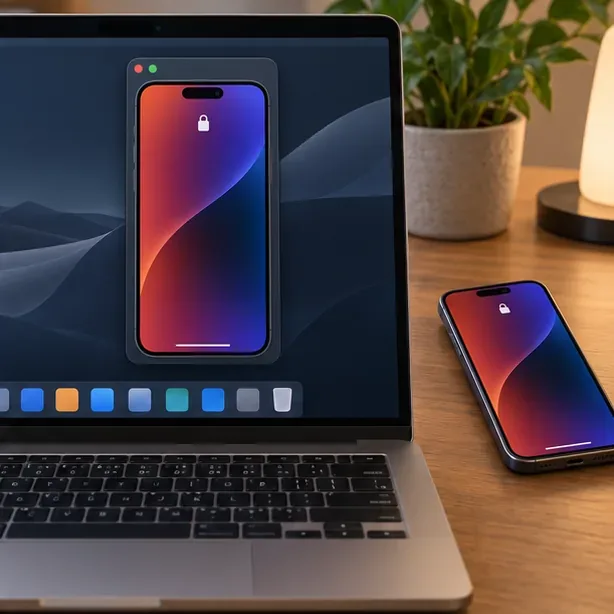
Step 4: Launch Clash of Clans and use Mac controls
Open Clash of Clans from the mirrored iPhone Home Screen. Click or tap with the Mac mouse or trackpad, click and hold for a press-and-hold action, and scroll or swipe to move around the screen. The mirrored window can switch between portrait and landscape as the app changes orientation. Use the View menu in iPhone Mirroring to choose a supported window size.
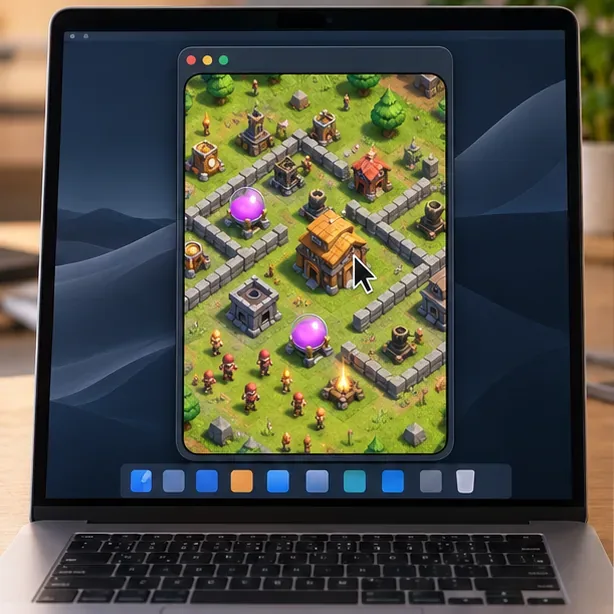
There is no separate keyboard map for Clash of Clans in this method. The mouse and trackpad send touch-style input, while the iPhone continues to run the game and needs a working internet connection. To stop, quit iPhone Mirroring or unlock the iPhone.
Fix common Mac mirroring problems
iPhone Mirroring is missing or will not connect
Check the Mac’s macOS version and whether it has Apple silicon or the T2 Security Chip. Confirm that the iPhone runs iOS 18 or later, has a passcode, and is signed in to the same Apple Account as the Mac with two-factor authentication enabled. Turn on Wi-Fi and Bluetooth, move the devices closer, lock the iPhone, and make sure AirPlay, Sidecar, and Mac internet sharing are off. If you are in a region where Apple does not offer iPhone Mirroring, use the game on the phone or tablet instead.
The village or account is wrong
Open Clash of Clans on the iPhone itself and check which village is loaded. In the game settings, connect or sign in to the Supercell ID associated with that village. If you have multiple Supercell IDs, use the one that already holds your progress; linking a different account will not merge villages.
The game feels slow or awkward to control
Because the iPhone is running the game and sending its screen to the Mac, network quality and device distance can affect the experience. Keep the devices close, check that the iPhone has a stable Wi-Fi connection, and close other heavy network activity. Use the trackpad for swipes or the mouse for taps and drags. If touch-style controls are uncomfortable, playing directly on the iPhone or iPad may feel better.
Frequently asked questions
Can I install Clash of Clans directly on a Mac?
The current Apple listing does not show a native macOS version. You can display and control the iPhone app from a compatible Mac with iPhone Mirroring, but the game remains installed on the iPhone.
Can I play Clash of Clans on Mac without an iPhone?
There is no official Mac version or Mac-compatible Google Play Games client. If you do not have an iPhone to mirror, play on a supported iPhone or iPad, or use a Windows PC with Supercell’s official Google Play Games version.
Will my Clash of Clans progress carry over?
Yes, when you sign in to the same Supercell ID connected to your village. Verify the account on the iPhone before playing, especially if you have multiple villages or IDs.
Is playing Clash of Clans on Mac free?
The game is free to download and play, with optional in-app purchases. iPhone Mirroring is included with compatible macOS versions; you still need a compatible iPhone and Mac.









