How to Make Money in GTA 5 Story Mode (2026 Guide)
The fastest route to serious money in GTA 5 Story Mode is to complete the campaign and its heists, then use Lester’s remaining assassination missions to invest the three protagonists’ cash in the right stocks. Early in the story, missions, store robberies, and random encounters can cover smaller expenses. Properties are a later, slower source of income. One important correction: you cannot sell stolen cars at Los Santos Customs in Story Mode, so GTA Online car-selling guides do not apply.
Quick answer: advance the story for dependable payouts, save the four optional Lester assassinations until after The Big Score, invest separately with each available character, and sell based on the price movement in your save instead of chasing a guaranteed percentage.
How to make money in GTA 5 Story Mode
-
Step 1: Progress through story missions for your first cash
Follow the campaign markers and complete the missions available to the current protagonist. Mission payouts vary, so there is no dependable flat amount to expect from every job. The bigger benefit early on is that campaign progress unlocks new characters, heists, and the later money-making opportunities. If you are short on cash, finish a nearby mission or side activity before spending on optional cars, clothing, or upgrades.
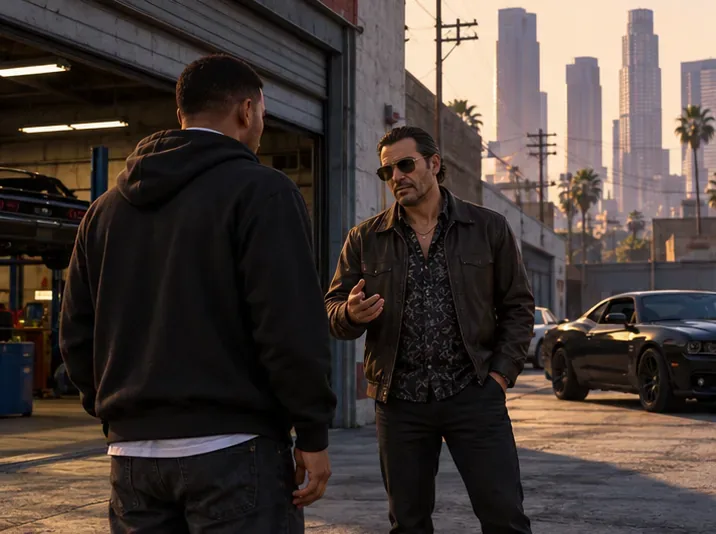
Illustrative scene of a character meeting a contact; story missions unlock the heists that fund the strongest later investments. -
Step 2: Protect the take from each heist
Heists are the campaign’s major one-time paydays. Your net cut depends on the approach, crew choices, and how much money is lost during the job. A low-cost crew member may take a smaller cut, but a weak skill can create a larger loss; weigh the fee against the person’s role instead of automatically hiring the cheapest option. Keep the final heist payout available for stock trades rather than immediately spending it on collectibles or luxury vehicles.

Illustrative heist-planning scene: compare the approach and crew costs before committing; the take you keep matters more than the headline payout. -
Step 3: Use Lester’s stock opportunities after the main story
Lester’s assassination missions create the biggest stock-market opportunities in Story Mode. The Hotel Assassination is required to advance the campaign, but you can delay the other four until after the final heist. Waiting gives you a much larger balance to invest. Make a manual save before a trade and invest separately with Michael, Franklin, and Trevor: each character has a separate wallet and portfolio.
These are the commonly used mission-linked trades. Buy before the mission unless the table says to buy after it. The game does not promise a fixed return, and prices can behave differently across versions or while BAWSAQ is unavailable.
Mission Buy before After the mission The Hotel Assassination Betta Pharmaceuticals (BET) on BAWSAQ After BET’s rise, watch for Bilkinton Research (BIL) on LCN to fall, then buy the dip and sell after its recovery levels off. The Multi Target Assassination Debonaire (DEB) on LCN After DEB’s rise, buy Redwood Cigarettes (RWC) on LCN after its mission-driven fall and sell after the rebound stalls. The Vice Assassination Fruit (FRT) on BAWSAQ After FRT’s rise, buy Facade (FAC) on BAWSAQ after its fall and sell after its recovery peaks. The Bus Assassination No mission-specific purchase Buy Vapid (VAP) on BAWSAQ after the mission pushes its price down; sell when the rebound stops rising. The Construction Assassination GoldCoast (GCD) on LCN Sell after the post-mission rise reaches its highest point in your portfolio. 
Illustrative phone view, not a captured game screen; confirm the ticker and current quote in the exchange inside GTA V before placing a trade. 
Illustrative market-monitoring scene: track each character’s portfolio, advance time in short intervals, and sell when the rise stops or begins to reverse. Do not rely on a percentage copied from an old guide. Check “My Portfolio” after sleeping or advancing time in-game; if the return is still climbing, check again later. When it plateaus or starts to fall, sell with each character. BAWSAQ depends on Rockstar’s online services, while LCN is the better option when you are playing offline. If a BAWSAQ listing is unavailable, keep your pre-mission save and wait rather than substituting a different stock.
Minor ending spoiler: choose Ending C if you want all three protagonists available for the post-game investment sequence. If you choose another ending, invest with the characters who remain playable.
-
Step 4: Use store robberies and security-van events for small top-ups
A convenience-store holdup can put a little cash in your pocket without a setup mission, but it also raises your wanted level and is not a strong long-term grind. Take the money and leave promptly if you use this option.
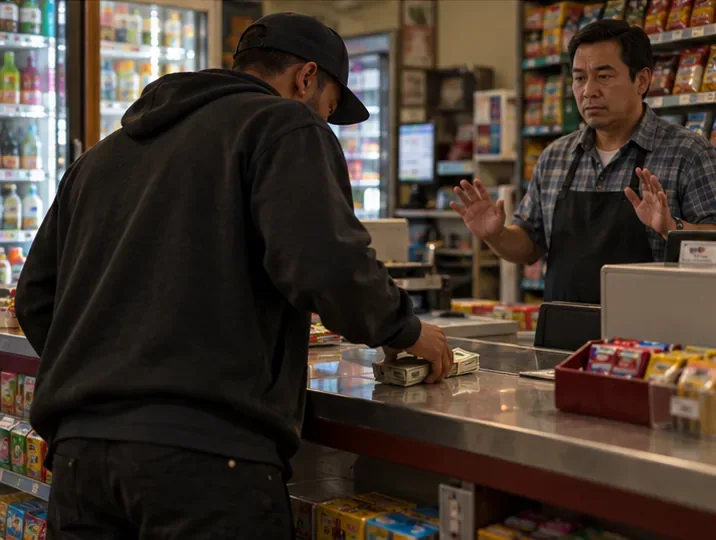
Illustrative store scene: robberies are a short-term cash option, but their modest take and wanted level make campaign payouts more efficient. Story Mode also has Security Van random events. If a blue event marker appears, complete the encounter and collect the cash; treat it as occasional bonus money rather than a loop you can trigger whenever you want. Do not confuse these encounters with Rockstar’s newer “Armored Truck” events, which are specifically part of GTA Online.
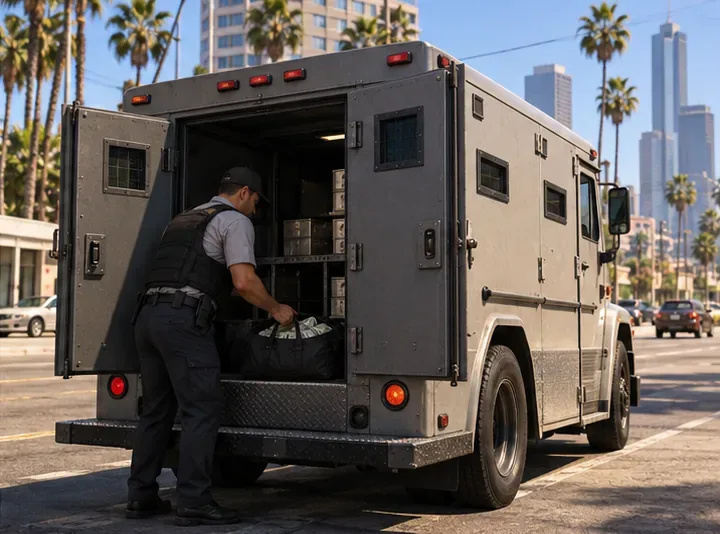
Illustrative security-van scene. A Story Mode encounter can add cash, but it is a random event rather than a guaranteed repeatable payout. -
Step 5: Buy properties only when the cost makes sense
Some purchasable businesses provide periodic income or unlock owner missions, but property earnings are usually modest beside heist and stock profits. Many properties take a long time to repay their purchase price, so buying one early is not a shortcut to fast money. Compare its listed cost with its recurring payment and any missions or benefits you actually want, then buy after funding your investment plan.
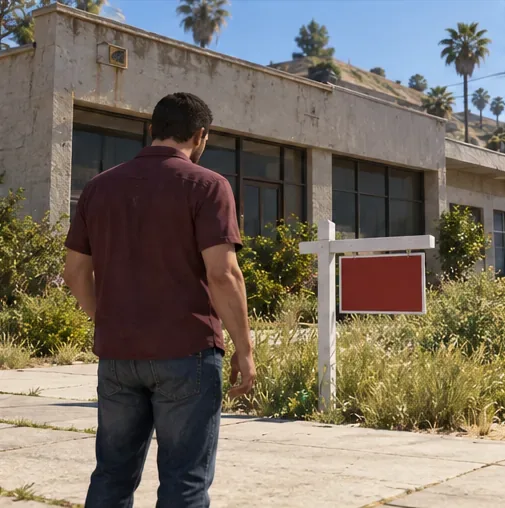
Illustrative property-buying scene: visit in person and inspect the realty sign; availability can depend on the character you are playing. Rockstar’s single-player instructions say to open the pause-menu map, travel to the property, and use the realty sign. The Dynasty 8 website is intentionally unavailable in Story Mode. After buying, check the property’s actual payout and any owner missions rather than assuming every business earns the same amount.
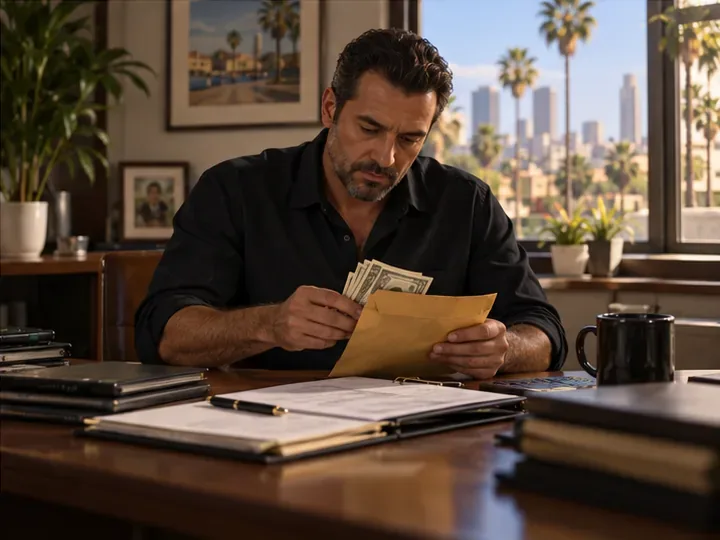
Illustrative business-income scene: property earnings arrive over time, so compare them with the purchase cost before investing.
Money-making advice to skip in Story Mode
You cannot sell stolen vehicles for cash at Los Santos Customs in Story Mode. The garage can repair and modify eligible cars, but the sell option and vehicle resale limits belong to GTA Online. Driving an Infernus or another expensive car into the shop will not turn it into a cash payout. Use vehicles for transport, and use a mission, store robbery, or random encounter if you need immediate money.
Also be skeptical of guides promising a guaranteed “$2 billion” total, a specific stock percentage, or an armored-truck spawn every few minutes. Your result depends on how much each character has to invest, which trades you complete, the market state, and when you sell. The same steps can produce different totals across saves.
The most efficient order
- Complete the campaign and take the heist payouts seriously.
- Do The Hotel Assassination when required; save the other four Lester jobs.
- After the final heist, invest each available character’s cash in the mission-linked stocks and watch for the peak in your own portfolio.
- Use store robberies and random events only for small gaps in your budget.
- Buy properties once the high-value trades are done, especially if you want their side missions or long-term income.
Frequently asked questions
What is the fastest way to make money in GTA 5 Story Mode?
For a large balance, finish the campaign and then use Lester’s remaining assassination missions with the stock trades listed above. Before the endgame, progress through story missions and heists; they are more dependable than repeating small robberies.
Can you make money without doing missions?
Yes, but it is slower. You can rob convenience stores, take cash from available random events, and collect income from properties you already own. The stock strategy also depends on Lester’s missions, so it is not a mission-free method.
Do you need GTA Online to make money in Story Mode?
No. Story Mode money and GTA Online money are separate. Rockstar says Story Mode generally can be played offline on PC, although cloud saves, syncing, and updates may require a connection. BAWSAQ also depends on online services; use LCN trades when playing offline.
How much money can you make in GTA 5 Story Mode?
There is no guaranteed total. The final heist gives you the capital for Lester’s stock opportunities, and the outcome depends on the characters’ balances, the version you play, and your sell timing. Treat very high totals as possible best-case results, not a promised payout.
Official Rockstar references
For the exact Story Mode property purchase flow, see Rockstar’s single-player property instructions. For PC offline play and the limits around cloud syncing and updates, see Rockstar’s offline-mode guide.









