Getting blueprints in ARC Raiders is how you unlock new things to craft — the better weapons, backpacks, shields and gadgets that keep you alive on the surface. A blueprint is simply the recipe that turns a locked item into something you can build at your Workbench, and this guide walks through every reliable way to collect them.
If you have ever opened the crafting menu and seen items greyed out or marked as needing a blueprint, this is exactly what you are after. Below you will find what blueprints are, where they come from, and how to put them to use once you have them.
What you need to know first
- Blueprints unlock recipes — they do not give you the item directly; they let you craft it (and craft it again later).
- Most come from progression — completing quests and raising your standing with merchants is the steadiest supply.
- You still need materials — once a recipe is unlocked, you craft it using parts you loot and recycle out in raids.
- Everything happens at the Workbench — your crafting station in the hideout is where recipes live and where you build them.
How to get blueprints in ARC Raiders
-
Step 1: Open the Workbench crafting menu
Head to your Workbench in the hideout and open the crafting menu. You will see a list of recipes, some already unlocked and some locked. Anything tagged "blueprint needed" is an item you cannot craft yet — it is waiting for you to find or earn its blueprint. Knowing what is locked tells you which blueprints to prioritise.
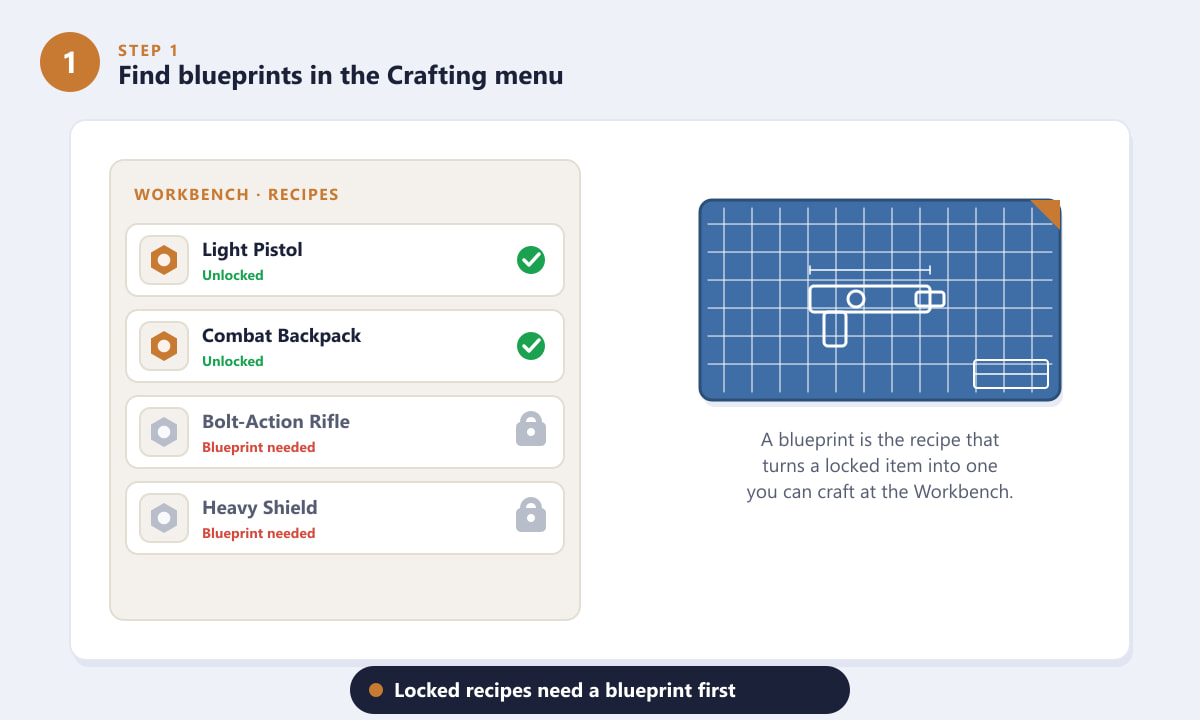
Locked recipes in the Workbench menu are the ones that still need a blueprint. -
Step 2: Earn blueprints from quests
The most dependable way to get blueprints is by completing quests. As you work through the main story and side missions handed out in the hideout, many of them reward a blueprint for a new weapon, piece of gear or gadget. Read each quest's reward before you turn it in — when a blueprint is on offer, finishing that objective instantly adds the recipe to your Workbench.
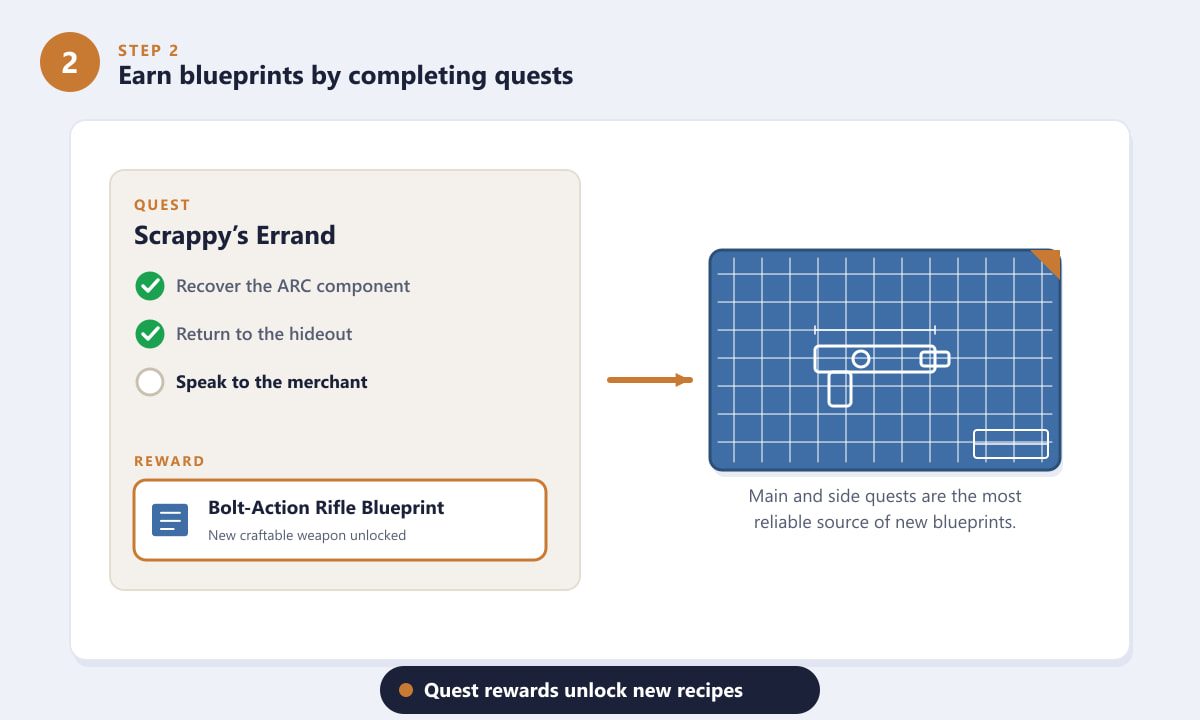
Quest rewards are the most reliable source of brand-new blueprints. -
Step 3: Buy blueprints from hideout merchants
The traders in your hideout also sell blueprints for the in-game currency you collect on raids. Their stock grows as your reputation with each merchant rises, so the more you trade, sell and complete their requests, the more advanced the blueprints they unlock for purchase. Keep some currency in reserve so you can grab a high-value recipe the moment it appears.
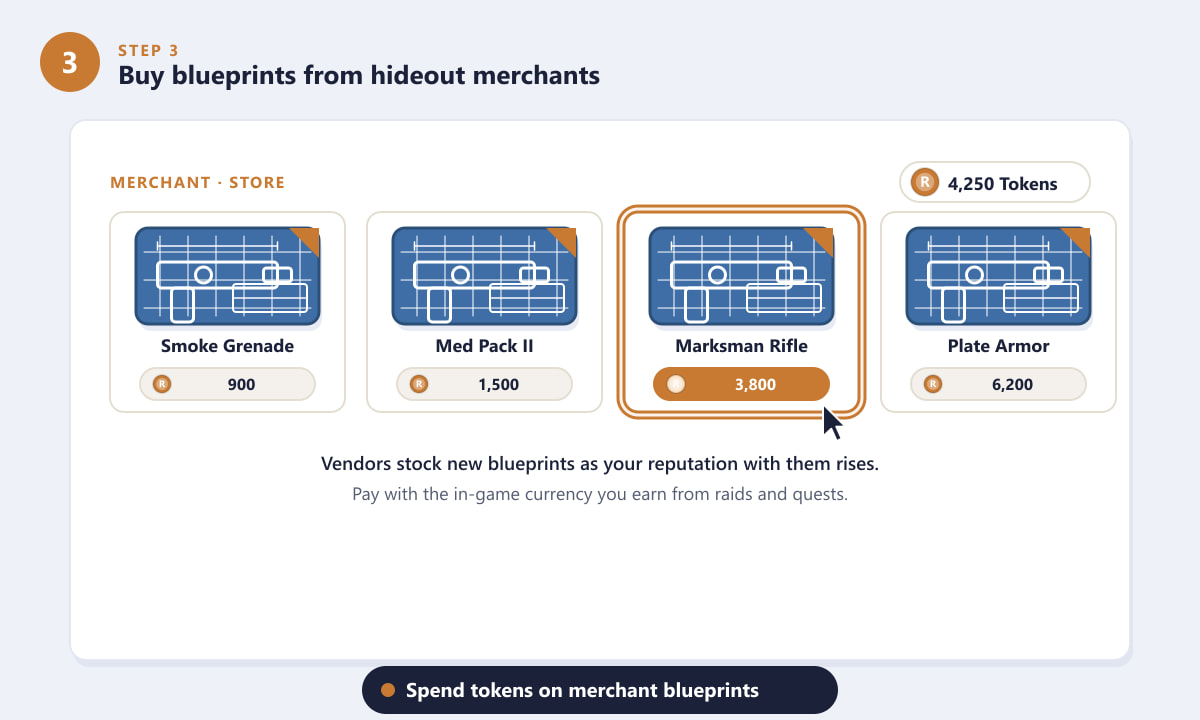
Merchants unlock more blueprints to buy as your reputation with them climbs. -
Step 4: Loot and recycle gear on the surface
Out in the raid, loot containers, ARC drops and points of interest — some blueprints can be picked up directly in the world. Recycling spare weapons and gear at your Recycler is just as important: it breaks items down into the crafting materials you will need to actually build whatever your blueprints unlock. A full stash of parts means a blueprint is ready to use the instant you learn it.
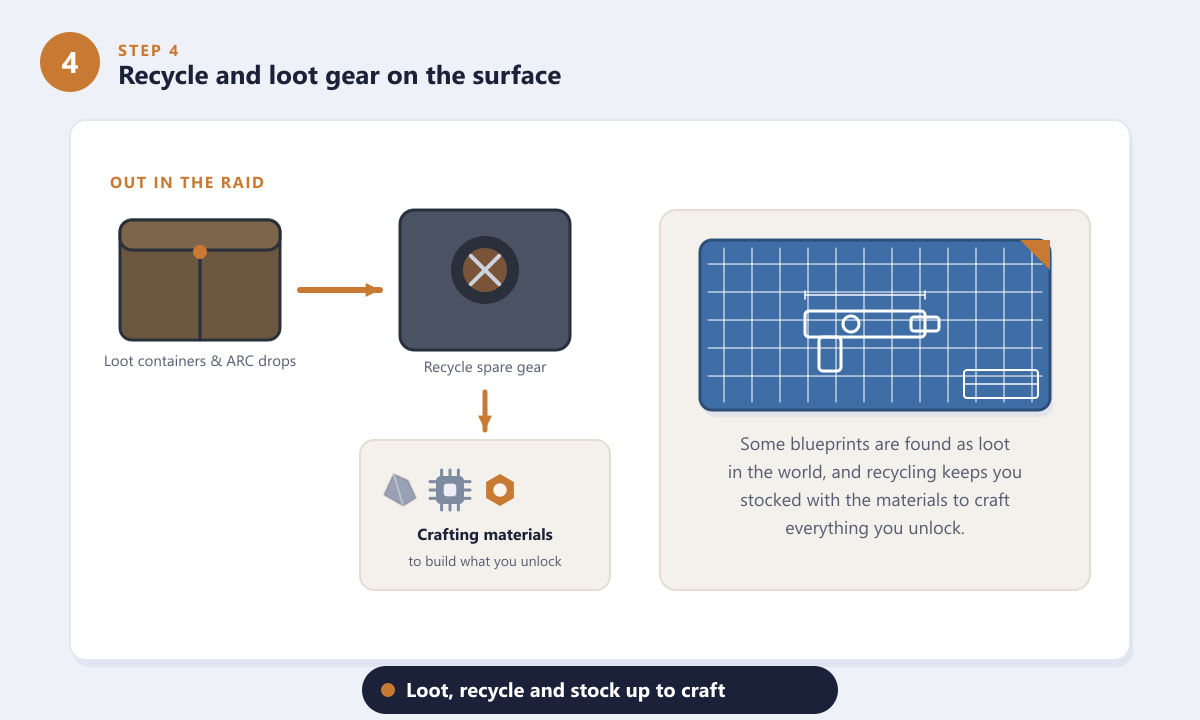
Loot the surface and recycle spare gear to stay stocked with crafting materials. -
Step 5: Craft the item at your Workbench
Once a blueprint is learned, its recipe appears unlocked in the Workbench. Open it, check that you have enough materials (every requirement should show as Ready), and press Craft. The item is built and added to your inventory, and because you own the blueprint permanently you can craft more whenever you have the parts.
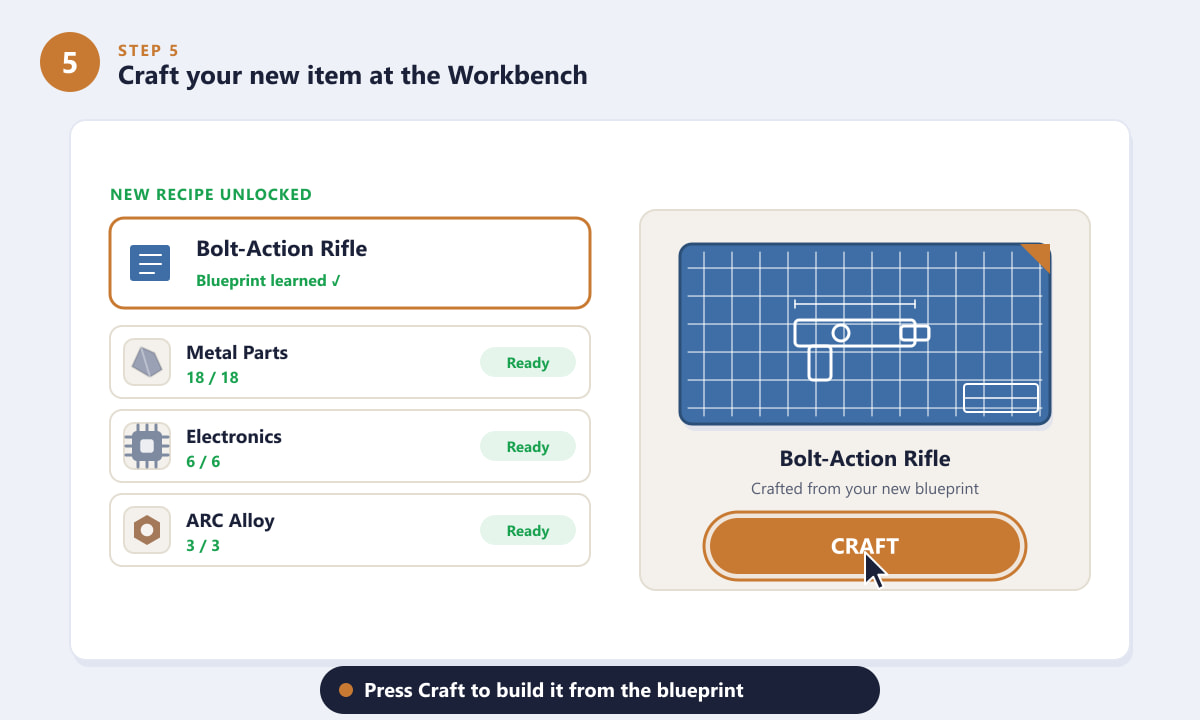
With the blueprint learned and materials ready, hit Craft to build the item.
Tips for collecting blueprints faster
- Chase quest rewards first. They cost no currency and often hand you the strongest early recipes, so clear missions before splurging at merchants.
- Build reputation deliberately. Selling loot and finishing merchant requests raises your standing and opens up better blueprints for sale.
- Recycle aggressively. Duplicate or low-value gear is worth far more as crafting materials than sitting in your stash.
- Plan extractions around loot routes. Hitting container-rich locations on the way out keeps both blueprints and materials flowing.
Troubleshooting
I have the blueprint but still can't craft the item
Owning a blueprint only unlocks the recipe — you still need the materials. Open the recipe and check each requirement; anything not marked Ready means you are short on that part. Loot and recycle to top it up.
A merchant isn't selling the blueprint I want
Higher-tier blueprints are gated behind reputation. Keep trading with and completing tasks for that merchant to raise your standing, and the recipe should appear in their stock later.
I can't find any blueprints out in the world
World drops are not guaranteed every run. Treat looted blueprints as a bonus and lean on quests and merchants as your main sources, while you recycle everything else for materials.
Frequently asked questions
What are blueprints in ARC Raiders?
Blueprints are crafting recipes. Each one permanently unlocks the ability to build a specific weapon, item or upgrade at your Workbench, as long as you have the required materials.
What is the fastest way to get blueprints?
Completing quests is usually the fastest and cheapest route, since story and side missions frequently reward blueprints outright. Merchants then fill in the gaps as your reputation grows.
Do I lose blueprints if I die in a raid?
No. A blueprint is a permanent unlock on your Workbench. You may lose looted items and materials you were carrying, but the recipes you have already learned stay with you.
Do I need materials after unlocking a blueprint?
Yes. The blueprint only unlocks the recipe; you still spend crafting materials each time you build the item. Recycling spare gear is the easiest way to keep those materials topped up.
Can I buy every blueprint from merchants?
Not all of them. Some blueprints are tied to quests or world loot, and many merchant blueprints only appear once your reputation with that trader is high enough.
Final thoughts
Collecting blueprints in ARC Raiders is the backbone of your progression: every recipe you unlock widens the range of gear you can craft and carry into the next raid. Focus on clearing quests for free recipes, build reputation with your merchants for the rest, and keep recycling so you always have the materials to craft what you unlock. For official details and updates, check the official ARC Raiders website.









