How to Get Better at Fortnite (2026 Guide)
To get better at Fortnite, practice one skill at a time and carry it into real matches: choose a manageable drop, improve your aim, learn the mechanics for your mode, build a useful loadout, and rotate before the storm forces a risky sprint. A repeatable routine will help more than changing your sensitivity or copying a pro’s settings every session. The map and loot pool change, so focus on habits that work across seasons.
First choose your lane. Build Mode rewards construction, edits, and quick defensive decisions. Zero Build removes building and puts more weight on aim, cover, movement, and timing. You can train the shared fundamentals in either mode, then add the mechanics that match your playlist.
1. Land with a plan, not just a pin
Your first improvement opportunity comes before the first fight. Watch the Battle Bus route, pick a landing area you can reach consistently, and plan a short path through loot and cover. A quieter edge location can give you time to collect gear and learn the current terrain; a crowded drop can be useful for deliberate fight practice, but it is a poor default if you want to work on mid-game decisions.
Use the same general area for several matches so you learn its entrances, nearby cover, and ways out. You do not need to memorize every chest. Instead, identify a few places to check, a backup route if another player lands nearby, and the direction you will leave when the safe zone appears. Named locations, loot, and routes can change with updates, so check the current island rather than relying on an old map guide.
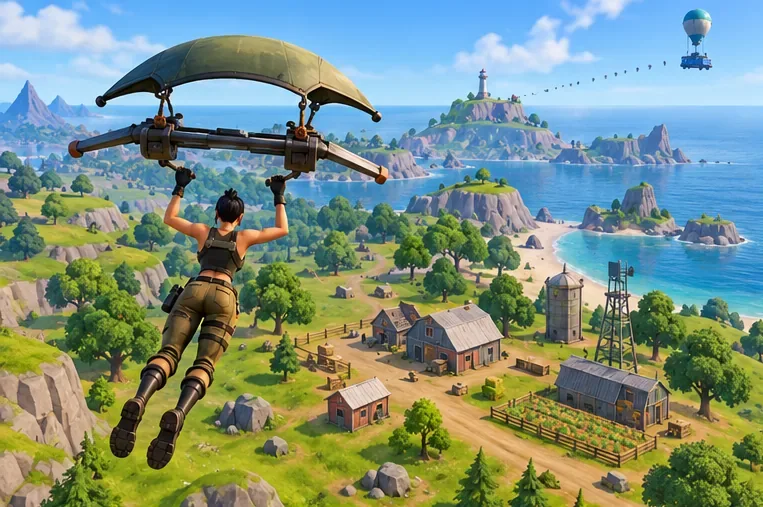
If someone contests your landing, make a quick decision: secure the nearest useful weapon and fight from cover, or disengage toward your backup route. Chasing a full loadout while an opponent is already pressuring you usually gives them the first clean shot.
2. Train the mechanics for your mode
Build Mode: protect yourself before you attack
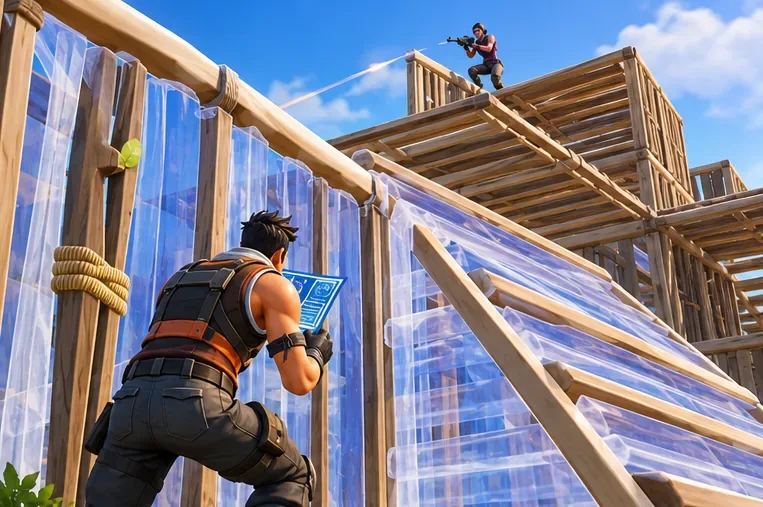
Start with a small set of reliable actions. When you take fire, place cover between you and the opponent. Practice a wall followed by a ramp, then learn to add a floor or roof when the situation calls for it. These basics can help you break line of sight, recover, or contest height without turning every encounter into a complicated build battle.
Use Creative practice islands or a private drill to repeat the same sequence, then test it in a real match. Keep your build controls comfortable and easy to reach on your device. Do not spend every fight climbing straight up: watch your materials, keep track of the opponent, and stop building when cover or a safe exit is the better play.
Zero Build: move between cover
In Zero Build, treat rocks, buildings, ridges, and other terrain as part of your defense. Before crossing open ground, choose the next piece of cover and check whether an opponent can see the route. Use mobility items when they fit your plan, and avoid standing still to trade shots in the open. Epic describes Zero Build as a mode centered on weapons, items, and traversal; its official Zero Build overview provides the mode’s original introduction.
3. Improve aim with repeatable reps
Good aim starts before you press fire. Keep your crosshair near the height and direction an opponent could appear, so you spend less time making a large correction. Track a moving target smoothly, avoid panic firing from long range, and take close-range shots when your weapon and angle suit them. After a miss, reset your aim instead of holding the trigger while the crosshair is far off target.
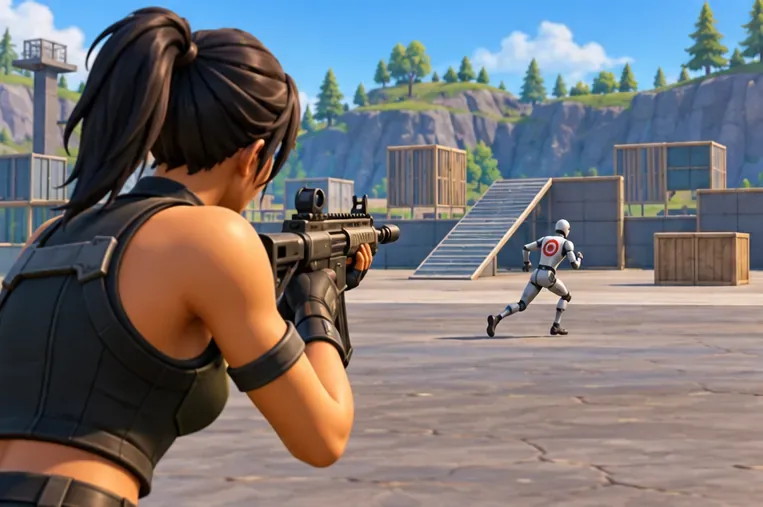
Use an aim-training island or a low-pressure mode to practice tracking, target switching, and weapon control. Give each drill a purpose: for example, follow a moving target without firing, then repeat while taking controlled shots. Change only one setting at a time if your aim feels off. There is no universal mouse or controller sensitivity; keep a setting long enough to judge whether you can track and turn without regularly overshooting.
For a performance or settings problem, begin with the options available on your platform and make small adjustments. Avoid copying a sensitivity number from another player as if it were a guaranteed advantage; screen size, input device, frame rate, and personal control all affect how a setting feels.
4. Give every inventory slot a job
A useful Fortnite loadout is one you can use without pausing to rethink your whole inventory. Give your quickbar a consistent order: a weapon for your common engagement range, a close-range option, shield or healing supplies, and a utility or mobility choice when available. The exact items shift by season, so choose from what is actually in the current loot pool rather than forcing a fixed list of named weapons.
- Keep weapons you can use confidently; rarity alone does not make a weapon the right choice for your aim or the fight distance.
- Carry enough sustain for the match, but do not delay a safe rotation to search endlessly for a perfect item.
- Use cover before healing, and check your health and shield before choosing whether to push or reset.
- Keep the slot order familiar so switching to a close-range weapon, heal, or mobility item becomes automatic.
When comparing two items, ask what role the new one fills and what you would give up. Two weapons with the same range can be intentional, but they leave less room for healing or utility. A clear role-based inventory is usually easier to manage under pressure.
5. Rotate early and arrive with cover
Check the map when the safe zone updates and choose a route before the storm is close. Moving early gives you more time to use cover and respond if another player blocks the path. Avoid crossing open ground without a reason; travel from building to ridge, rock to tree line, or another position that reduces how long you are exposed.
As the final circles get smaller, look for a position with cover and a useful view of likely approaches. The edge of the safe zone can limit some angles, but it is not automatically safe: the next circle may move, and a player behind you can still pressure your route. Stay ready to reposition instead of treating one spot as guaranteed endgame high ground.
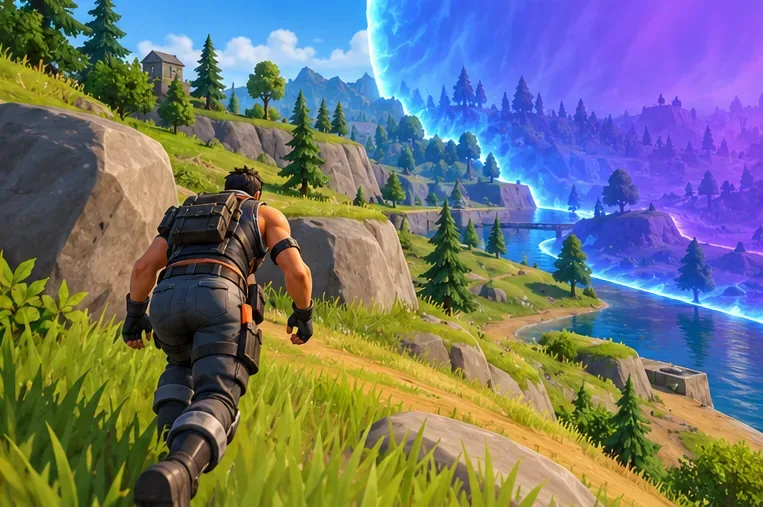
For a particular season, check Epic’s Fortnite News for current map and playlist updates. General rotation habits last longer than memorizing one season’s named locations.
Use this practice loop to improve faster
Aimless matches make it difficult to tell what is improving. Try this simple loop and adjust the time to fit your schedule:
- Pick one goal. Choose aim, building, landing decisions, inventory management, or rotations for the session.
- Warm up with a relevant drill. Use Creative or a lower-pressure playlist for a short, focused set of repetitions. Epic’s Creative page is a starting point for finding player-made experiences.
- Apply the goal in a match. Measure success by the decision you practiced, not only by whether you won.
- Review one mistake. After an elimination, name the first avoidable error: poor cover, rushed aim, late rotation, or an unnecessary fight.
- Keep what worked. Repeat the next session with the same settings and build on one lesson before changing your routine.
If sound cues are hard to distinguish or you prefer visual prompts, Fortnite includes a Visualize Sound Effects option. Epic’s support instructions explain how to find it in Audio settings. Use it according to your preference and accessibility needs.
Frequently asked questions
Do I need to build to get better at Fortnite?
No. You can practice in Zero Build, where positioning, aim, movement, and using terrain for cover matter more. If you play Build Mode, learn basic defensive building so you can respond when opponents construct cover or take height.
What is the best sensitivity for Fortnite?
There is no single best setting for every player or input device. Choose a sensitivity that lets you track targets and turn without constant overshooting, then keep it steady while you practice. Change one control at a time if you have a clear reason.
How long does it take to improve?
There is no fixed timeline. Progress depends on how often you play, the skill you are practicing, and whether you review decisions instead of repeating the same mistakes. Track a small, observable goal—such as taking cover before healing or completing a planned rotation—to see whether your habits are changing.
Make the next match a focused one
To get better at Fortnite, keep the routine simple: land with a backup plan, train the mechanics for your mode, practice aim with a clear drill, organize your inventory by role, and rotate before the storm creates a rush. Choose one skill for your next session, apply it in a match, and review one decision afterward. That gives you a concrete next step whether you play Build Mode or Zero Build.









