How to Cook in Stardew Valley (Complete Guide 2026)
To cook in Stardew Valley, learn a dish’s recipe and use either the kitchen stove in an upgraded farmhouse or a portable Cookout Kit. The first house upgrade costs 10,000g and 450 Wood and takes Robin three days; it adds a stove and refrigerator. You can also craft a Cookout Kit after reaching Foraging Level 3, so you do not have to wait for the house upgrade to make food outdoors.
Put the recipe’s ingredients in your backpack, the kitchen refrigerator, or a Mini-Fridge, interact with the cooking station, and select the dish. Meals restore Energy and Health; some also provide temporary buffs for skills, speed, defense, attack, or luck.
What you need to cook
- A cooking station: the stove added by the first farmhouse upgrade, or a Cookout Kit placed outdoors.
- A learned recipe: Fried Egg is known from the start of a new save; other dishes must be unlocked first.
- The listed ingredients: only items in your inventory, refrigerator, or Mini-Fridge count for the farmhouse stove.
How to cook in Stardew Valley, step by step
1. Unlock the farmhouse kitchen
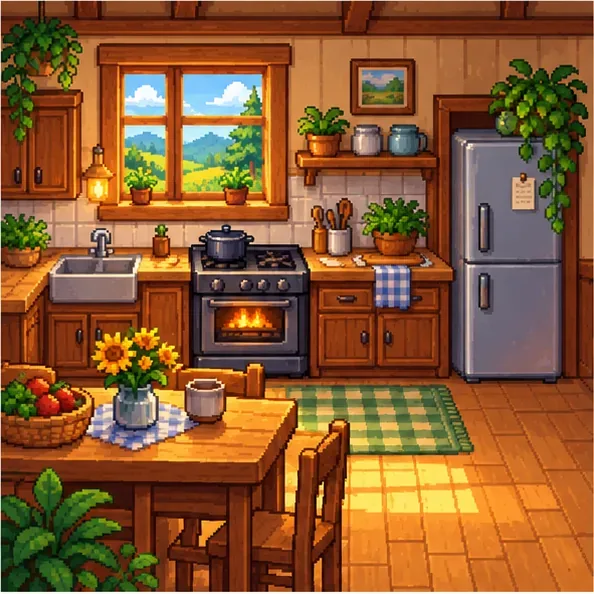
Visit Robin at the Carpenter’s Shop and order the first farmhouse upgrade. It costs 10,000g plus 450 Wood—there is no Stone requirement—and the construction takes three days. When the work is finished, the kitchen includes a stove and a 36-slot refrigerator. Ingredients stored in that refrigerator can be used directly from the cooking interface, so you can keep recipe supplies at home instead of carrying them around. See the farmhouse upgrade details.
2. Learn recipes before you try to make them
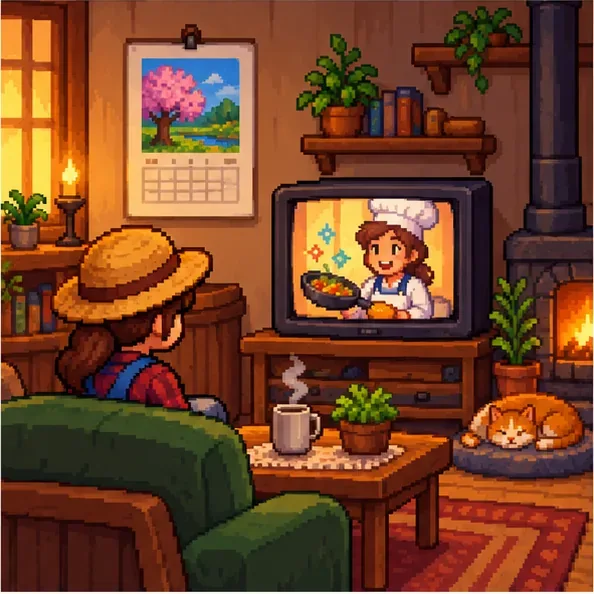
Recipes come from several places. Watch The Queen of Sauce on TV: new episodes air on Sundays during the first two in-game years, beginning Spring 7, while Wednesday episodes are reruns that prioritize recipes you have not learned. Simply watching an unknown recipe teaches it. You can also gain recipes from skill levels, friendship mail, and purchases such as dishes sold at the Stardrop Saloon. The late-game Queen of Sauce Cookbook is another shortcut: after collecting 100 Golden Walnuts, the Bookseller sells it for 50,000g, and reading it teaches every recipe normally taught by the show. The Queen of Sauce schedule and cookbook entry list the details.
Use the in-game Collections > Cooking page to track dishes. A recipe you have learned but not cooked is shown differently from a completed dish, which makes the collection useful when you are working toward cooking achievements.
3. Choose your stove or a portable Cookout Kit
At home, interact with the stove in the kitchen using the control assigned to “use tool / interact” on your platform. The exact button varies by platform and can be changed in Options. For outdoor cooking, craft the Cookout Kit at Foraging Level 3 using 15 Wood, 10 Fiber, and 3 Coal. Place it outside your farmhouse and interact with its fire. A kit left outdoors overnight disappears the next day, so pick it up before sleeping if you want to keep it. The Cookout Kit recipe and rules are documented here.
4. Check ingredients and cook the dish
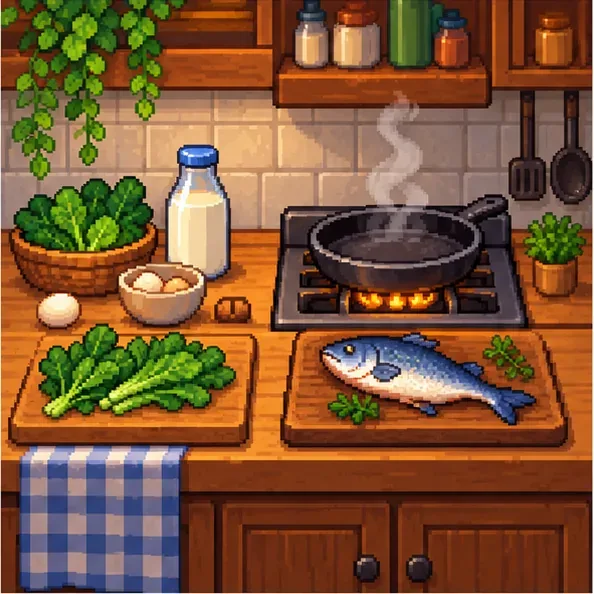
Select a recipe in the cooking screen to review its ingredients and effects. If you know the recipe but lack an ingredient, the dish appears unavailable; check the item list and move the missing item into your backpack, refrigerator, or Mini-Fridge. The stove can draw ingredients from the backpack and refrigerator together, so you do not need to transfer every item into one place. Once the recipe is available, select it to cook; the finished dish goes into your inventory. Repeat while you have enough ingredients.
5. Eat meals with the buff you need
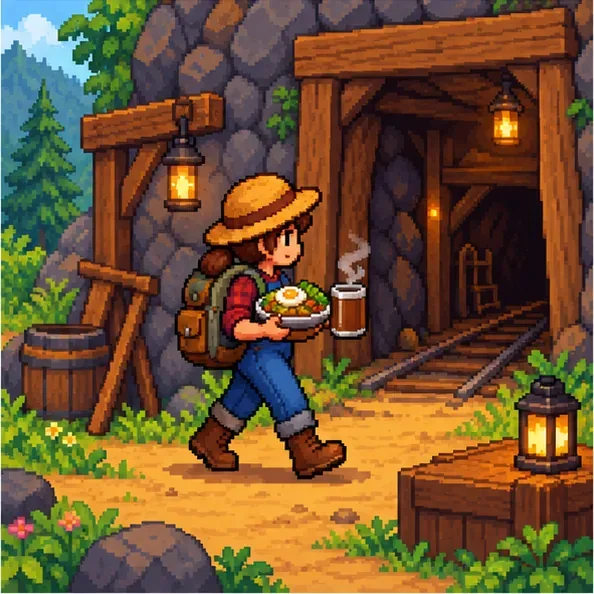
Use food from your inventory when you want to restore Energy or Health, or to activate a dish’s stat bonus. Check the recipe description before a long mine trip, fishing session, or harvest day so the buff matches the task. Food buffs last for different real-time durations; they do not all last until midnight. Sleeping clears active buffs.
Buffs from food and drinks are tracked separately: only one food buff can be active at a time, and eating another buff-granting dish replaces the first one. A drink such as Coffee can add a drink buff alongside a food buff. Food with no buff can restore Energy or Health without removing an active food buff. See the buff rules and duration notes before stacking consumables.
Practical cooking tips
- Use the fridge as ingredient storage. Put common crops, fish, eggs, and other recipe items in the kitchen refrigerator or a Mini-Fridge; they can be used from there while cooking.
- Keep a no-buff recovery meal handy. A dish that restores Energy or Health without granting a stat bonus will not replace an active food buff.
- Plan around the actual buff timer. Buffs count down in real time while the game is running, so eat shortly before the activity you want to boost.
- Use Cookout Kits as temporary field kitchens. They are useful away from home, but clear any kit you want to keep before the day ends.
- Check gift preferences before giving away dishes. Villagers have individual likes and dislikes; cooked food is not automatically a universally good gift.
Cooking troubleshooting
The stove is missing or will not open
The starter farmhouse does not have a kitchen. Order and finish the first upgrade through Robin, then interact with the stove in the new kitchen. If you are away from home, use a Cookout Kit instead.
A recipe is unavailable
If its icon is a dark silhouette or marked with question marks, you have not learned the recipe yet. If you recognize the recipe but it is greyed out, one or more ingredients are missing from your inventory and connected fridge storage. Check the recipe card for the missing items.
My Cookout Kit disappeared
Cookout Kits left outside overnight disappear the following day. Craft another one or use the farmhouse stove, and remember to collect the kit before going to sleep.
Frequently asked questions
Can you cook in Stardew Valley without upgrading your house?
Yes. The first farmhouse upgrade unlocks the permanent indoor kitchen, but a Cookout Kit lets you cook outdoors after reaching Foraging Level 3. It costs 15 Wood, 10 Fiber, and 3 Coal to craft.
Do food buffs last until midnight?
No. Each buff has a set duration that varies by food or drink and counts down in real time while the game is running. All buffs clear when you sleep.
Can I have two food buffs at once?
No. A new buff-granting food replaces the active food buff. One drink buff can be active separately, so a drink such as Coffee can be combined with one food buff.
Sources and recipe reference
For current mechanics and the full recipe list, consult the Stardew Valley cooking reference, farmhouse upgrade page, Queen of Sauce page, and buff reference.









