Home
» 🎮 Esports
»
How to Build a House in Terraria (2026 Guide)
How to Build a House in Terraria (2026 Guide)
How to Build a House in Terraria (2026 Guide)
To build a valid house in Terraria, enclose a room, cover its interior with player-placed background walls, and add a door, a light source, a table or Work Bench, and a chair. The room must contain at least 60 and fewer than 750 total tiles, counting its frame. A straightforward 10-by-8-tile outer rectangle gives you 80 total tiles and plenty of space for the required items.
A house lets you assign town NPCs to a home and organize your base. NPCs still have individual arrival conditions, so building a valid room does not automatically unlock every shopkeeper.
Terraria house requirements at a glance
Requirement
Simple choice
Closed frame
Solid blocks for the floor, side walls, and ceiling
Size
60–749 total tiles, including the frame; use 10 × 8 tiles outside-to-outside for an 80-tile example
Background
Player-placed walls covering the inside
Door
A standard Wood Door
Light
A Torch
Table
A Work Bench or table
Chair
A chair
The size limit is based on the whole house area, including the surrounding frame. It is not a requirement for 60 empty interior tiles. For the 10 × 8 example above, the open interior is 8 × 6 tiles.
How to build a house in Terraria step by step
Step 1: Gather wood and craft a Work Bench
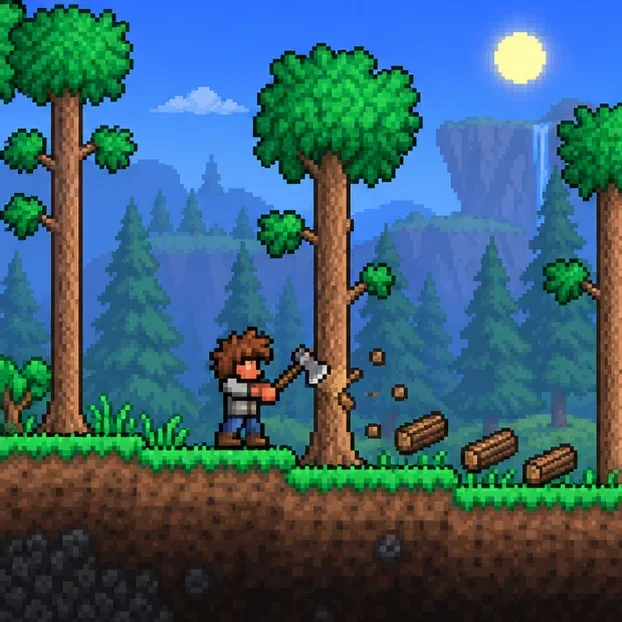
Chop a few trees with your axe, then place a Work Bench so you can craft the wooden pieces. Make Wood Walls, a Wood Door, a chair, and a table or Work Bench for the room. Keep some wood for the frame. You will also need a Torch; craft one from wood and gel, or use another qualifying light item you already have.
Chop nearby trees and collect enough wood for the frame, walls, door, and basic furniture.
Step 2: Build a closed frame
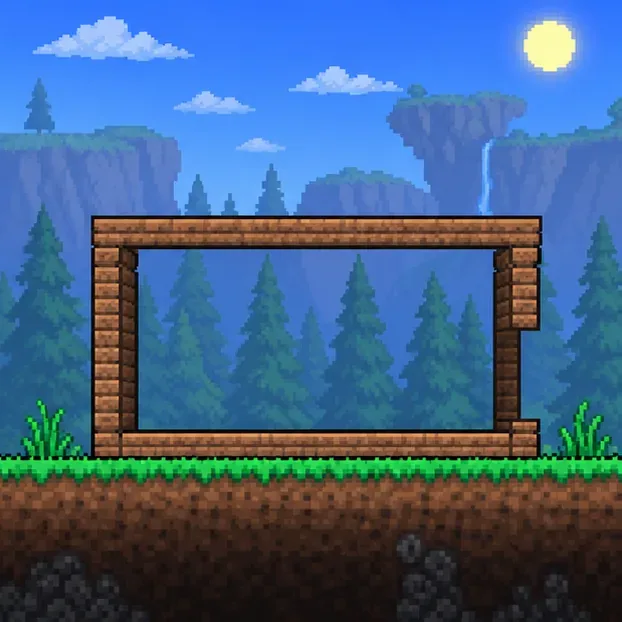
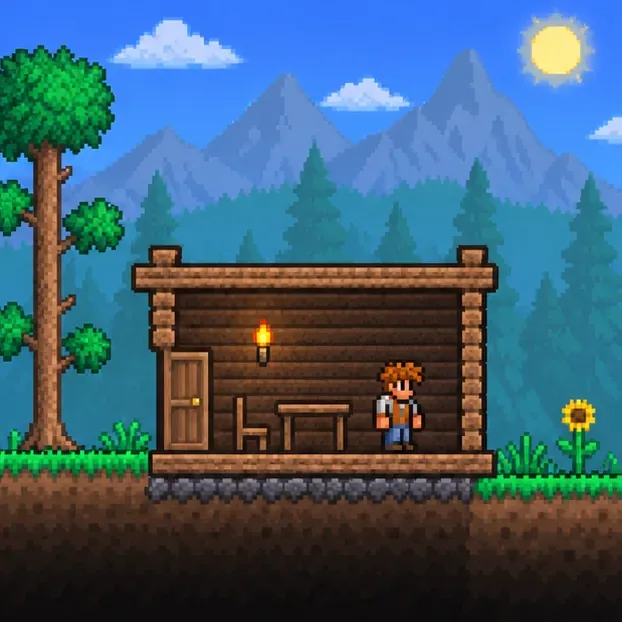
Choose a convenient spot near your base and make a rectangle with a floor, two side walls, and a ceiling. Measure the outside edge of the frame: 10 tiles wide by 8 tiles tall is an easy starter layout. That equals 80 total tiles, safely above the 60-tile minimum and far below the 750-tile maximum. Leave a door-sized opening in one side, then fit the door there in Step 4. Use solid blocks for a simple, reliable frame.
A simple wooden frame gives you a closed room; this guide’s example measures 10 by 8 tiles on the outside.
Step 3: Fill the interior with background walls
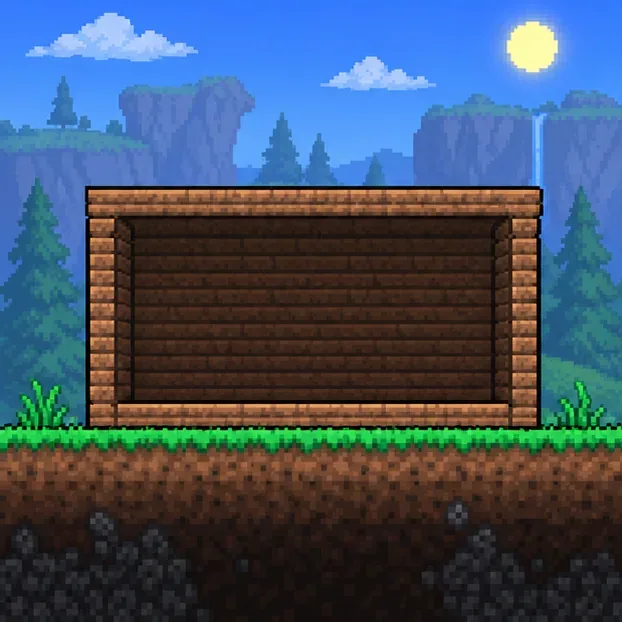
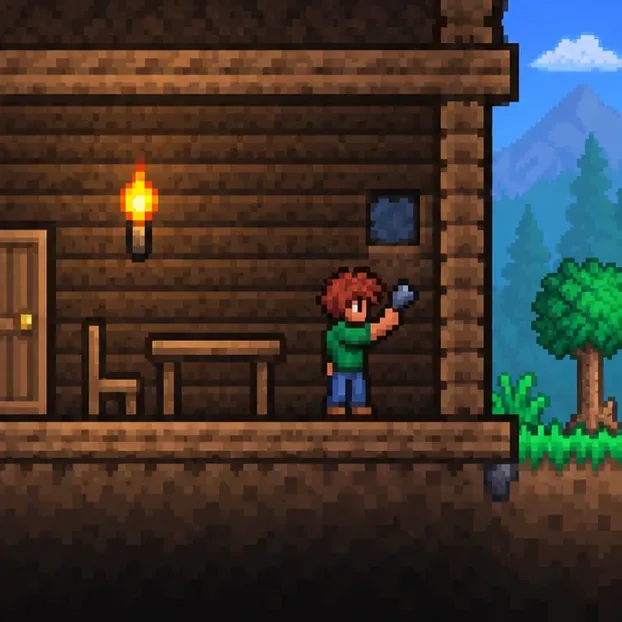
Place your crafted Wood Walls behind every interior tile. A natural cave wall or open background is not a reliable substitute for a complete player-built interior. Cover the corners and the area behind where furniture will go. When troubleshooting a first house, fill the entire interior rather than leaving decorative gaps.
Place background walls across the room’s interior, including the corners.
Step 4: Install a door
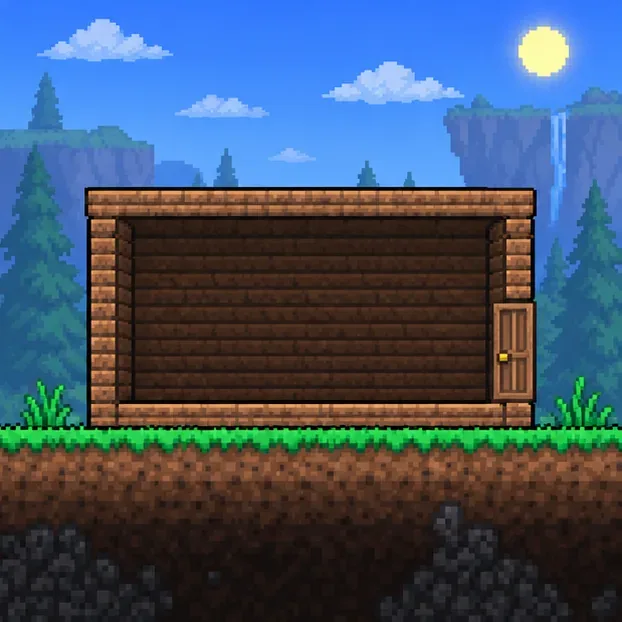
Place a Wood Door in the opening so it lines up with the side of the frame. The door is one of the housing categories the game checks; it also gives you a practical way in and out. Leave enough room around it to open and walk through. For a first build, a standard door is simpler than experimenting with alternate openings.
A standard Wood Door is the easiest way to meet the door requirement and enter the house.
Step 5: Add the required furniture
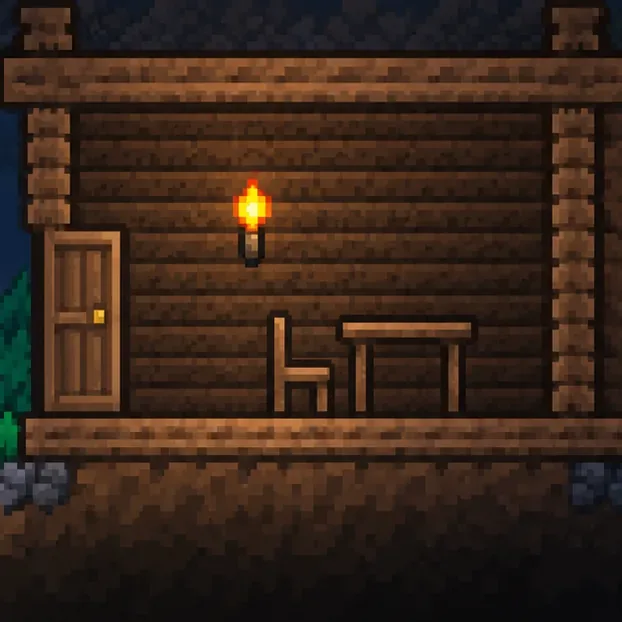
Place one qualifying light source, one table-category item, and one chair-category item inside the room. The simplest combination is a Torch, a Work Bench (or table), and a chair. Not every object that glows counts as house lighting, so use a known housing light such as a Torch. Keep some interior floor space clear so the game can find a usable home spot.
A torch, Work Bench, and chair cover the basic light, table, and chair categories.
Step 6: Check the room and assign an NPC
Open the inventory and the Housing menu, select its query tool (shown as a question mark on many interfaces), and click inside the room. Read the status message; if the housing is suitable, use the NPC housing flags to assign an available town NPC. Controls and menu placement vary by platform, but the housing check works the same way. If no NPC moves in, confirm that the NPC has met its own arrival condition and that the room is unoccupied.
After the housing check passes, assign an eligible town NPC to the room.
Why a Terraria house may fail the housing check
The room is too small or too large: recount the whole area, including its frame. The valid total is at least 60 and fewer than 750 tiles.
A wall is missing: check every interior tile for a placed background wall, especially near the door and corners.
A furniture category is missing: confirm that the room has a door, a Torch or other valid light source, a Work Bench or table, and a chair.
The room has no usable home spot: move furniture away from the open area and run the query again. The 1.4.5 housing check can give more specific feedback when it cannot find a place to stand.
An NPC is still homeless: a valid house is only one part of the process. Check the NPC’s individual arrival requirement and assign the room in the Housing menu.
Corruption or Crimson is nearby: too many evil-biome tiles close to a house can make it unsuitable. Build your starter rooms away from those areas if the query points to a biome problem.
Use the housing query to find and patch missing background-wall tiles.
Expand your base into an NPC town
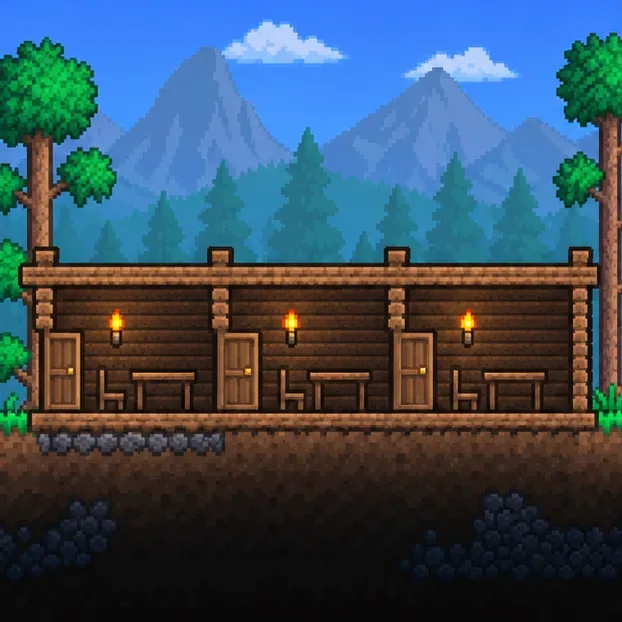
Once the first room passes, build additional rooms beside it or stack them above it. Every separate room needs its own valid housing setup, including its own door, light, table-category item, chair-category item, and player-placed background walls. Shared outer blocks can make a row of rooms compact, but run the query on each room so you know which one needs repair.
Repeat the requirements in each separate room as your town grows.