Home
» 🎮 Esports
»
How Crossplay Works in Overwatch 2 Competitive (2026)
How Crossplay Works in Overwatch 2 Competitive (2026)
How Crossplay Works in Overwatch 2 Competitive (2026)
Overwatch 2 Competitive crossplay is organized around two input pools. PC players queue in the Mouse and Keyboard (M&K) pool, even if they use a controller. Console players can queue in the Controller pool or opt into the M&K pool. The Controller pool connects console players across supported console platforms; the M&K pool connects PC players with console players who join that pool. So a PC and console friend can play ranked together only when the console account is in the M&K pool. Blizzard says aim assist is unavailable in that pool, including when a player picks up a controller.
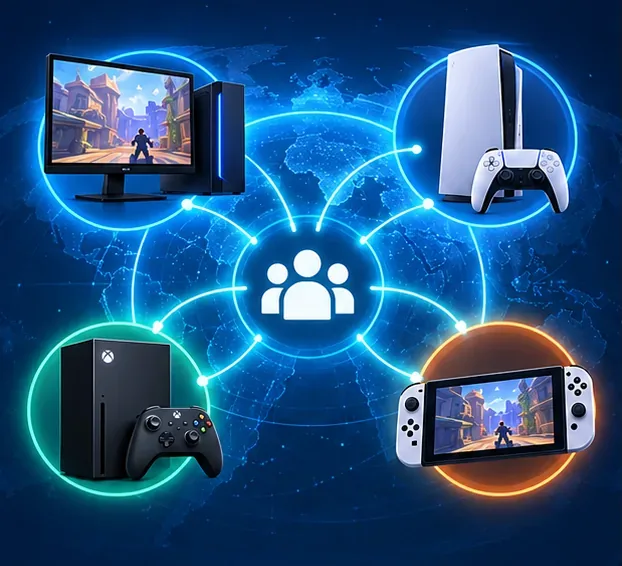
Illustration of supported Overwatch platforms sharing crossplay connections; it is a concept graphic, not an in-game screenshot.
What crossplay means for Competitive
Crossplay lets friends on different supported systems play together, but it does not put every player into one ranked queue. Older guides describe the split as “PC pool” versus “console pool.” Blizzard later added native mouse-and-keyboard support on console and described the pools by input instead: Mouse and Keyboard Pool and Controller Pool. Some older posts or in-game wording may still use the earlier names, so use the input rules below to understand where a match will place you.
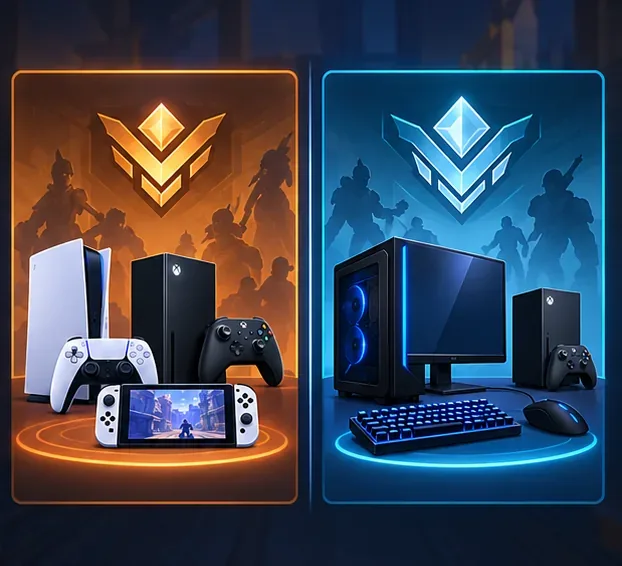
The Controller and Mouse and Keyboard pools use separate Competitive matchmaking.
Overwatch 2 Competitive pools at a glance
Platform and input
Competitive pool
What to expect
PC, with mouse and keyboard or controller
Mouse and Keyboard
PC remains in this pool regardless of the device used. PC players cannot enter the Controller pool.
Console using a controller
Controller
Queues with players on supported consoles who are also in the Controller pool.
Console opting into mouse and keyboard
Mouse and Keyboard
Can queue with PC and other console players in this pool. Aim assist is off in this pool, even if the player later uses a controller.
The terms describe matchmaking groups, not simply which box is connected to a screen. A controller user on PC is still in the M&K pool. A console player who switches to M&K matchmaking is also using that pool’s separate rating history, rather than carrying over a Controller-pool rank.
Can PC and console friends play Competitive together?
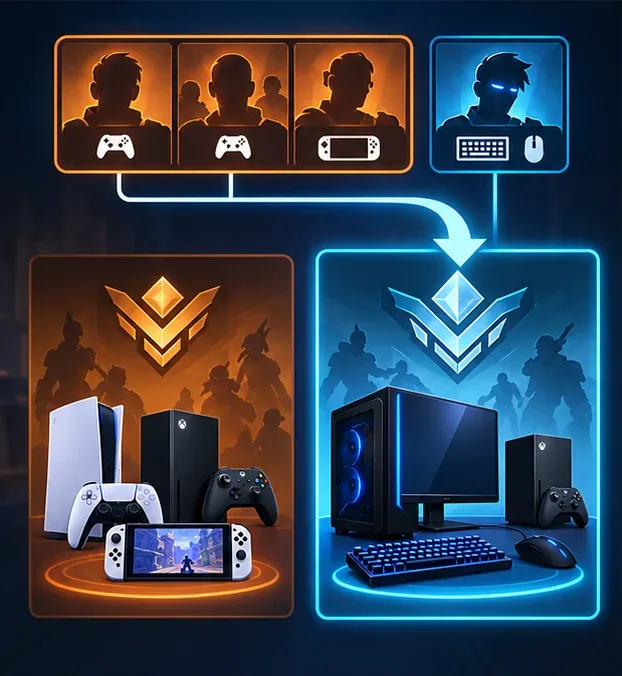
Yes, if the console player joins the Mouse and Keyboard pool. Competitive matchmaking separates players by pool, so a PC player cannot queue into a party whose console members remain in the Controller pool. The practical setup is for the console player to select M&K matchmaking before queuing with a PC friend. That does not mean the console player must keep using a mouse and keyboard throughout the match; it does mean aim assist is unavailable while the account is in that pool.
If a console player stays in the Controller pool, they can still crossplay with friends on other consoles. A console player using a controller can also join a PC friend in cross-play-enabled modes such as Quick Play or Arcade, but those casual matches do not use the Competitive pool rules. Blizzard explains these distinctions in its Season 18 crossplay and input-pool overview.
A console account must join the Mouse and Keyboard pool to share a Competitive pool with a PC player.
How to choose a Competitive pool on console
Open Overwatch’s Options and go to Gameplay Options.
Find the matchmaking-pool or input-pool selection. Choose Controller to queue with console controller players, or Mouse and Keyboard to queue in the PC-connected pool.
If you connect a mouse and keyboard, accept the prompt to switch pools if you want those devices to control gameplay. Blizzard says those inputs will not control gameplay if you decline; you can also change pools manually in Gameplay Options.
Before you queue with friends, confirm everyone is eligible for the same pool. For a PC–console Competitive party, that means the console account must be in the M&K pool.
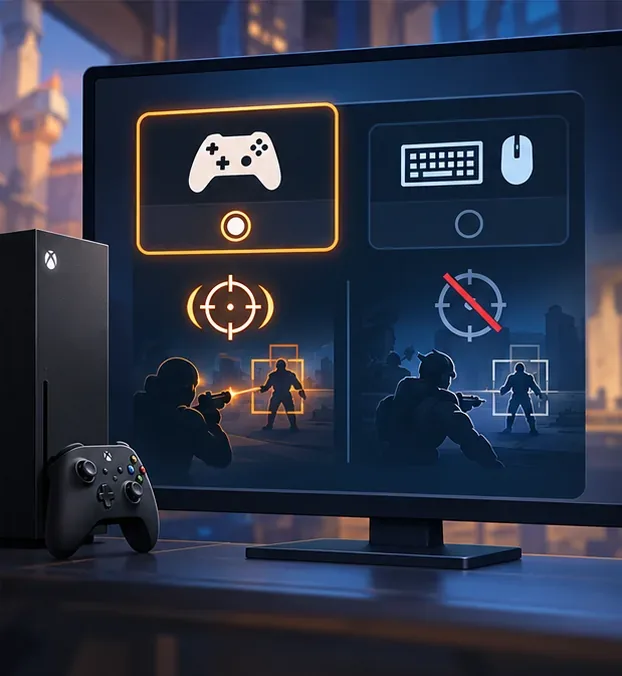
Pool choice affects matchmaking and aim assist; this is an explanatory illustration rather than the exact game menu.
The Cross-Platform Play setting is a separate control. It governs whether cross-platform matchmaking is enabled on console; it does not select the Competitive input pool. If friends cannot join at all, check the game’s cross-platform setting and the console’s privacy or communication permissions. Blizzard’s cross-play FAQ says crossplay is enabled by default and console players can opt out; disabling it can reduce the available player pool. Menu wording can change between updates, so follow the labels shown in your current game client.
Ranks, aim assist, and cross-progression
Competitive skill ratings are tracked by input pool. Your Controller-pool rank and your M&K-pool rank can differ, and switching pools does not transfer a Controller rank into the M&K queue. Blizzard also states that a console player entering the M&K pool uses that pool’s own MMR, rank, and skill-rating history, including any earlier PC-pool history associated with the account.
Aim assist is another important difference: it is not available in the Competitive M&K pool, even if you use a controller there. PC players using controllers remain in the M&K pool and do not get console aim assist. In the Controller pool, console-specific aim-assist settings may apply as configured for the game mode.
Crossplay and cross-progression are related account features, but they are not the same thing. Linking console and Battle.net accounts supports cross-platform play and account progression; it does not make Competitive ratings identical across input pools. For account-linking and account-merge details, see Blizzard’s official account-merge FAQ.
Common Competitive crossplay problems
My PC friend and I cannot queue ranked
Check the console player’s selected pool first. A PC player is in the M&K pool; a console friend who remains in the Controller pool is not in the same Competitive queue. Switch the console account to M&K matchmaking, then check that cross-platform play and platform privacy settings allow the group.
Why was a console player in my PC match?
Console players can enter the M&K pool. Seeing a console platform in a ranked M&K match does not necessarily mean the game mixed the Controller pool into a PC match; that player may have opted into M&K matchmaking.
Why did aim assist disappear?
Check the pool, not only the device in your hands. Aim assist is disabled in the M&K pool, including for a console player who switches back to a controller without changing pools.
Quick answer
Overwatch 2 Competitive crossplay is possible across PC and console when players queue in the same input pool. PC is always in the Mouse and Keyboard pool. Console players can stay in the Controller pool or opt into the M&K pool to join PC players. Keep the pool distinction in mind when forming a ranked party, and expect separate rank histories and no aim assist in M&K matchmaking.