Home
» 🎮 Esports
»
Fishing in Lava: A Terraria Guide to Rods, Bait, and Loot
Fishing in Lava: A Terraria Guide to Rods, Bait, and Loot
How to Fish in Lava in Terraria
Yes, you can fish in lava in Terraria, but you need at least one lava-fishing method: use a Hell Butterfly, Lavafly, or Magma Snail as bait; fish with the Hotline Fishing Hook; or equip the Lavaproof Fishing Hook (or its Lavaproof Tackle Bag upgrade). The critter-bait method works with any fishing pole and is the most accessible way to start before Hardmode. A normal pole with ordinary bait alone will not work.
This distinction corrects a common mix-up: Flarefin Koi is a fish, not a fishing rod, and the Scarab Fishing Rod does not let you fish in lava by itself. Here is how to choose the right setup, build a safe pool, and know what the lava catch table can give you. These instructions follow the current Desktop, Console, and Mobile rules; older legacy editions may differ.
A Lavaproof Bug Net lets you catch the Underworld critters used as lava bait.
What lets you fish in lava?
There are three ways to meet the lava-fishing requirement. You only need one to get a catch, though combining them makes bites come faster.
Method
What it does
When it helps
Underworld critter bait
Hell Butterflies, Lavaflies, and Magma Snails let any fishing pole catch in lava.
Best early route; available before Hardmode.
Hotline Fishing Hook
This fishing pole works in lava with any bait.
A rare Angler reward available in Hardmode after you have completed 25 quests.
Lavaproof Fishing Hook
This accessory lets any pole use any bait in lava. The Lavaproof Tackle Bag retains that ability.
Found in lava-fishing crates, so use critter bait or the Hotline Hook to get your first one.
In the current fishing system, using any two of these three enablers increases catch frequency; using all three gives a further boost. That makes lava critter bait useful even after you obtain the Hotline Fishing Hook or Lavaproof Fishing Hook. For item details, see the Official Terraria Wiki’s fishing guide, its pages for the Hotline Fishing Hook and Lavaproof Fishing Hook.
How to fish in lava: a step-by-step setup
1. Choose a lava-fishing method
If you already have the Hotline Fishing Hook or Lavaproof Fishing Hook, equip it and bring bait. Otherwise, plan on using one of the three lava critters as bait. The Hotline Fishing Hook is a rare Hardmode reward from the Angler, so it is not a dependable first step. The Lavaproof Fishing Hook comes from Obsidian or Hellstone Crates, which also require you to fish in lava first. For a new lava-fishing setup, critter bait solves that catch-22.
2. Catch lava bait in the Underworld
Bring a Lavaproof Bug Net or Golden Bug Net to the Underworld and catch Hell Butterflies, Lavaflies, or Magma Snails. A standard Bug Net cannot catch these lava critters. You can craft the Lavaproof Bug Net at a Hellforge with one Bug Net and 15 Hellstone Bars. Keep the captured critters for bait; each one qualifies you to fish in lava with any pole. The Lavaproof Bug Net reference lists its recipe and the critters it catches.
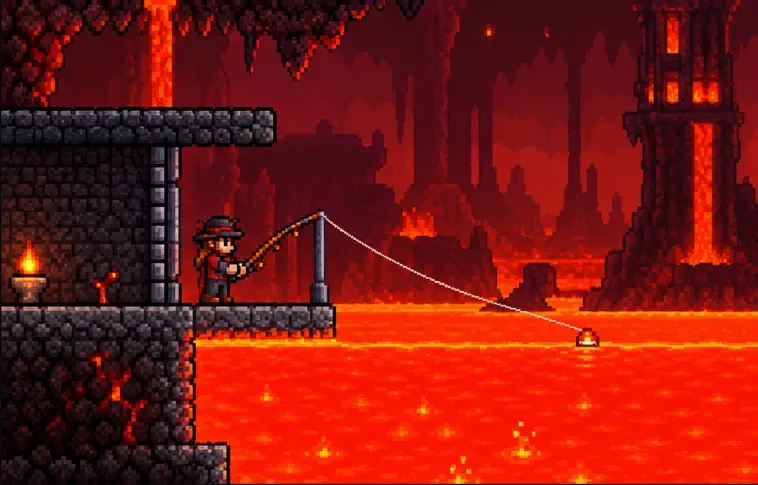
Build or find a broad pool, and keep a solid platform between your character and the lava.
3. Find or make a fishable lava pool
Natural lava lakes are common in the Underworld, but you can fish in a lava pool elsewhere too. The pool needs at least 75 connected tiles of liquid to produce catches; 300 tiles is the optimal size for fishing power. A tiny puddle may look usable but will not meet the minimum. If you build a pool, use buckets to move lava and make enough room for a clear cast. The Official Terraria Wiki’s fishing-power guide gives the liquid-size thresholds, including the lava rules.
Make the fishing spot safe before you cast. Stand on solid blocks or a platform beside the pool, not in the lava. A roof or wall can help keep Underworld enemies from interrupting you. Bring an Obsidian Skin Potion or lava-protection equipment if you expect to work near the edge; it is protection for mistakes, not a reason to stand in the pool.
4. Cast, watch the bobber, and reel in
Put compatible bait in your inventory or bait slot, select your fishing pole, and use your platform’s primary-use control to cast toward the lava. Wait for the bobber to dip or splash, then use the rod again to reel in. Button names vary by platform and control layout, but the timing is the same as ordinary fishing. If nothing bites, confirm that the liquid is lava, the pool has enough tiles, and at least one lava-fishing condition is active.
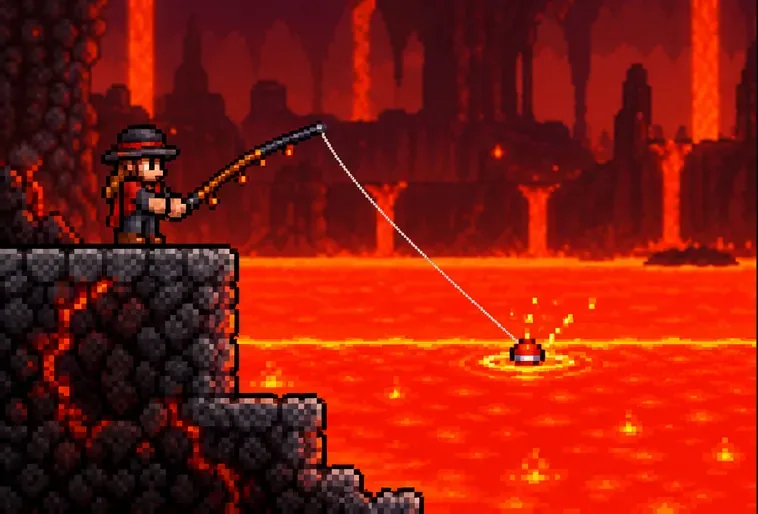
Cast from solid ground and reel in when the bobber signals a bite.
What can you catch in lava?
Lava has its own catch table, so the rewards are different from ordinary water fishing. The main fish and containers to look for are:
Obsidifish: an alchemy ingredient used in recipes including Inferno Potions and Potions of Return.
Flarefin Koi: a rare lava-only fish used in Inferno Potion and Seafood Dinner recipes.
Obsidian Swordfish: a Hardmode spear obtained by fishing in lava.
Obsidian Crates: lava-fishing crates available before Hardmode.
Hellstone Crates: the Hardmode lava-crate type, with a different loot pool.
Crates can contain useful materials and equipment, including the Lavaproof Fishing Hook, so keep opening them if you want to switch to ordinary bait. Do not expect a Toxikarp from lava: it is not one of the lava-exclusive catches. The Obsidifish, Flarefin Koi, and Obsidian Swordfish pages describe their uses and progression requirements.
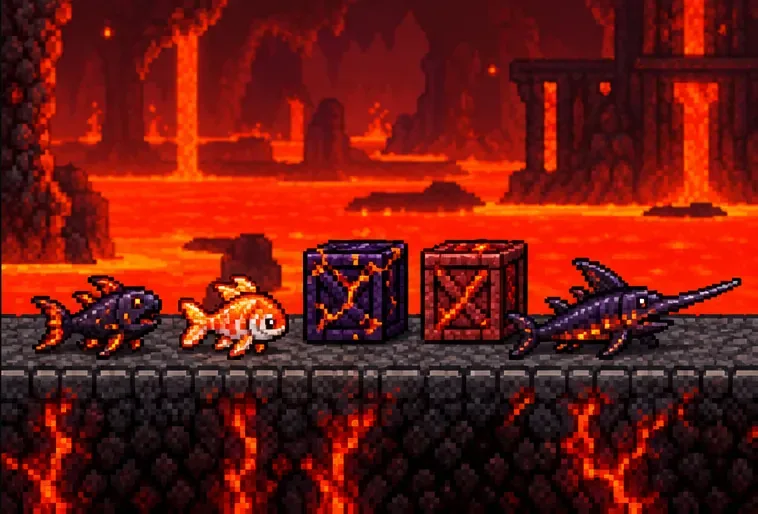
Lava fishing can yield potion fish, Hardmode gear, and crates with additional loot.
Improve your lava-fishing results
Use a larger pool. Reach 300 connected liquid tiles for the optimal pond-size bonus; 75 is only the minimum.
Stack lava-fishing enablers. Use lava critter bait alongside the Hotline Fishing Hook or Lavaproof Fishing Hook when you have them to increase bite frequency.
Raise Fishing Power. A stronger pole, fishing accessories, Angler gear, and a Fishing Potion can improve your overall fishing setup.
Bring extra critters. Bait can be consumed, so take enough for the session and keep spare critters in storage nearby.
Clear the area first. A protected ledge and a nearby safe return point reduce interruptions from Underworld enemies.
Quick troubleshooting
My line will not catch anything
Check for at least one valid method: a lava critter as bait, the Hotline Fishing Hook, or the Lavaproof Fishing Hook/accessory upgrade. Also confirm the pool has at least 75 connected lava tiles.
Can I fish in lava before Hardmode?
Yes. Catch Underworld critters with a Lavaproof Bug Net or Golden Bug Net and use one as bait with any fishing pole. The Hotline Fishing Hook is a Hardmode Angler reward, but it is not required.
Do I need a special rod?
No. The Hotline Fishing Hook works by itself, but lava critter bait works with any rod, and the Lavaproof Fishing Hook accessory lets any rod and bait combination fish in lava.