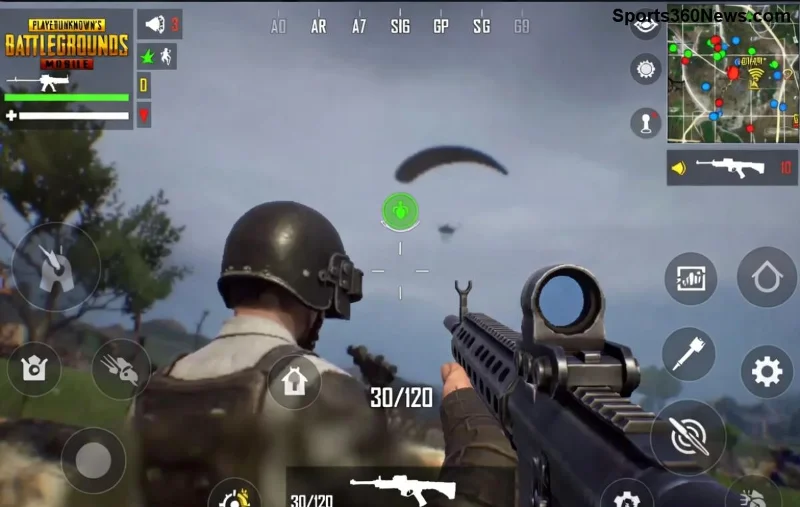
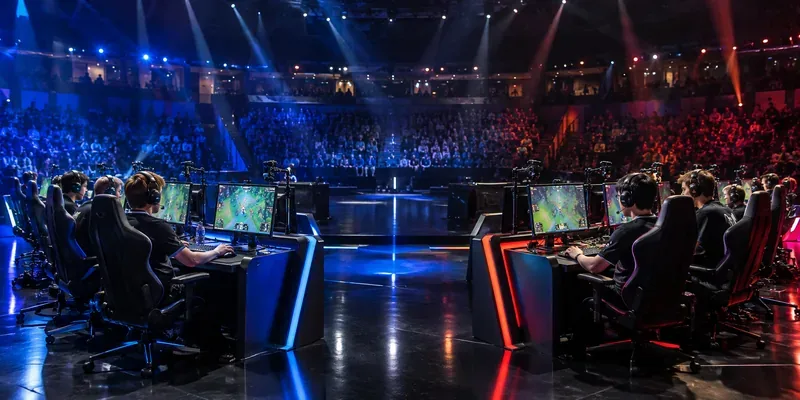
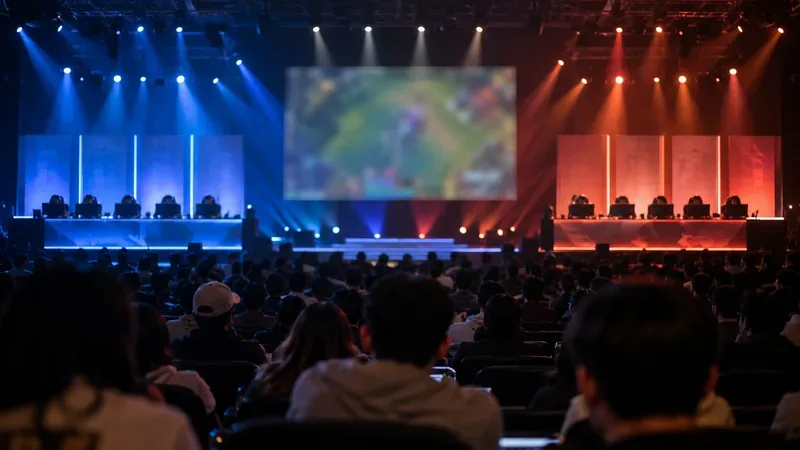
Ready to turn your PUBG Mobile skills into epic loot? The All-Talent Championship is your golden ticket to exclusive rewards like UC, premium skins, and rare crates. This high-stakes event spotlights rising stars and veterans alike, offering thrilling matches and massive payouts. Whether you're a squad grinder or solo legend, this guide breaks down how to use the All-Talent Championship to earn rewards in PUBG Mobile – step by step. Let's dive in and claim your glory! 🚀
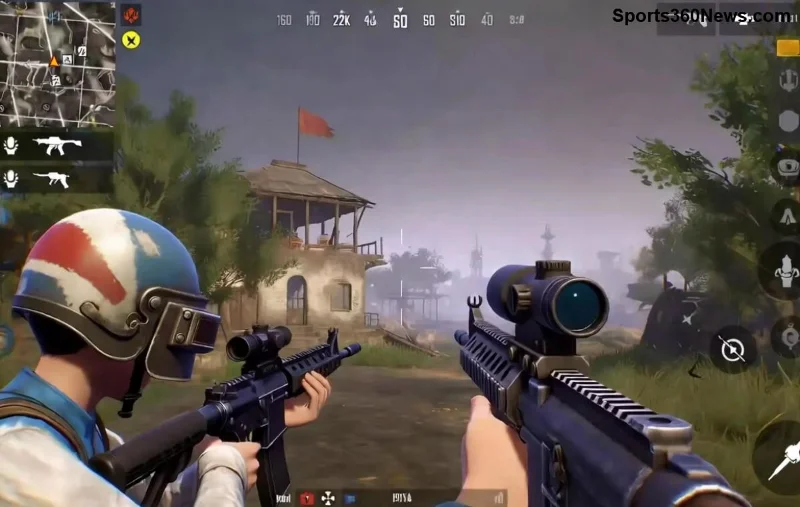
What is the All-Talent Championship in PUBG Mobile?
The All-T Talent Championship is PUBG Mobile's premier talent-scouting tournament, designed to unearth top players through intense qualifiers and finals. It's not just another event – it's a reward bonanza where rankings translate directly to prizes. Participate in classic modes like Erangel or Livik, rack up kills and placements, and watch rewards flood your inventory.
Why join? Beyond bragging rights, top performers snag:
- Thousands of UC for in-game purchases.
- Exclusive PUBG Mobile skins and outfits.
- Crates packed with high-tier gear.
- Global leaderboard recognition. ⭐
Events rotate frequently, so check the in-game Events tab for the latest openings. Perfect for grinding during peak seasons!
Step-by-Step: How to Join and Qualify for All-Talent Championship
Getting in is straightforward. Follow these steps to enter the fray:
- ➡️ Update Your Game: Ensure PUBG Mobile is on the latest version via App Store or Google Play for event access.
- ➡️ Access Events Tab: Launch PUBG Mobile, tap the Events icon (bottom right), and hunt for "All-Talent Championship".
- ➡️ Register Your Squad: Solo or team up (max 4 players). Confirm eligibility – usually open to all levels above Rookie.
- ➡️ Qualifiers Begin: Play assigned matches over 2-3 days. Aim for top 100 in your server bracket.
- ➡️ Advance to Finals: Qualifiers feed into main stages. Consistent top-10 finishes seal your spot.
Pro tip: Form a dedicated squad early. Communication via voice chat turns average teams into champions. Feeling the hype? Keep reading for win strategies! 😎
Mastering Gameplay: Strategies to Earn Big Rewards
Qualifying is half the battle – dominating is where rewards multiply. Focus on these PUBG Mobile All-Talent Championship tactics:
1. Map Mastery and Landing Spots
Hot-drop high-loot zones like Pochinki or Georgopol for early kills, but rotate smartly to circles. Use vehicles for quick flanks – survival = points!
2. Weapon Loadouts for Victory
| Role |
Primary Weapon |
Secondary |
Why It Wins |
| Sniper |
M24 / AWM |
Vector SMG |
Long-range picks + CQC cleanup |
| Assaulter |
M416 + 4x |
AKM |
Versatile spray control |
| Support |
DP-28 LMG |
Groza |
Suppressive fire dominance |
3. Team Synergy and Rotations
Callouts are king: "Enemy north, 150m!" Third-party weakened fights. Prioritize revives in late-game – one clutch save can skyrocket rankings.
Track your progress in the event leaderboard. Each stage boosts multipliers, so every chicken dinner counts toward those juicy rewards.
![PUBG Mobile All-Talent Championship rewards showcase]()
Reward Breakdown: What You Can Earn in All-Talent Championship
Rewards scale with performance. Here's the latest tier structure:
| Ranking |
UC |
Crates |
Other Perks |
| Top 1-10 |
5,000+ |
50+ Classic/Supply |
Legendary Skin Set, Emote |
| Top 11-50 |
2,000-4,999 |
20-49 |
Epic Outfits, RP Cards |
| Top 51-100 |
1,000-1,999 |
10-19 |
Advanced Crates, Silver Frames |
| Qualifier Finisher |
500-999 |
5-9 |
Participation Badges |
Source: Official PUBG Mobile Events Page. Climb higher, earn bigger – simple as that! 👏
Pro Tips to Maximize Your All-Talent Championship Rewards
- ⭐ Practice in Custom Rooms: Simulate brackets with friends for flawless execution.
- ➡️ Optimize Settings: 90 FPS, high graphics for spotting enemies first.
- ⚠️ Avoid Common Pitfalls: Don't loot forever – push aggressively post-10 minutes.
- 💡 Squad Roles: Assign IGL, fragger, healer for balanced plays.
- 🔄 Daily Grinds: Multi-account practice if allowed, but play fair!
These tweaks separate contenders from champions. Imagine unboxing that Mythic skin – it's within reach!
Final Push: Claim Your Rewards Today
The All-Talent Championship isn't just a tournament; it's your PUBG Mobile reward accelerator. From qualifiers to finals, every match builds your legacy and inventory. Jump in now, apply these strategies, and dominate the leaderboards. What's your first reward target? Share in the comments and squad up for victory!
Stay locked in for more PUBG Mobile guides – your next chicken dinner awaits. GG! 🏆