Building Passive Income in GTA Online: 2026 Guide
Building passive income in GTA Online means setting up businesses that generate stock or safe deposits while you stay online and do other activities. It does not mean earning while logged out. For a flexible solo setup, start with a Bunker, add a Nightclub with technicians assigned to useful warehouse categories, and use Nightclub popularity for safe income. If you already own several businesses, Money Fronts can add another safe-based stream.
The key is to separate production from selling: keep the right businesses running, let stock accumulate while you play, then choose a sale session that fits your risk tolerance. The exact value and timing depend on upgrades, business type, current bonuses, and how long you remain online, so use the in-game stock screens instead of relying on old fixed hourly estimates.
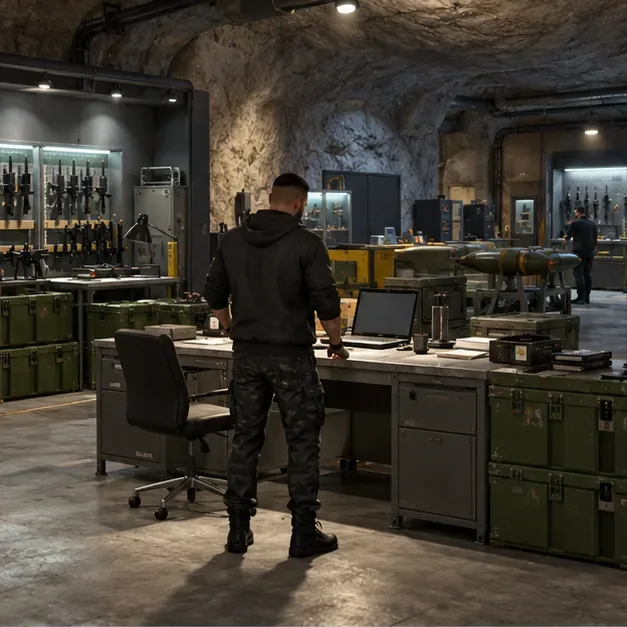
Which GTA Online businesses produce passive income?
Several businesses can build value in the background, but they work differently. A Bunker and Motorcycle Club (MC) businesses manufacture their own sellable product from supplies. A Nightclub has two separate income sources: its popularity adds money to the office safe, while technicians collect goods in the basement warehouse from eligible businesses you own. Money Fronts adds a safe that draws passive income from your established business network.
| Business | What accumulates | What to manage |
|---|---|---|
| Bunker | Weapon stock | Supplies, staff assignment, and upgrades |
| MC businesses | Business-specific product | Setup, supplies, and sell missions |
| Nightclub | Popularity cash and separate warehouse goods | Popularity, technicians, and warehouse sales |
| Money Fronts | Income in the Hands On Car Wash safe | Existing businesses, fronts, and Heat |
How to build a passive income setup
1. Start with a Bunker and choose manufacturing
Buy a Bunker through the in-game Maze Bank Foreclosures website, complete its setup, and use the laptop to manage the Gunrunning business. If your immediate goal is cash, assign staff to Manufacturing; choose Research when you specifically want to unlock equipment or weapon upgrades. Resupply by buying supplies for convenience or stealing them when saving cash matters more than time. The Equipment and Staff upgrades improve production, so prioritize them before optional cosmetic additions. Rockstar explains how Bunker supplies become stock or research in its Gunrunning support guide.
A cheaper property can cost more time during deliveries because of its distance from sale destinations. Choose a location you can afford and are comfortable selling from; move later only if shorter routes are worth the trade-in cost and lost setup progress.
2. Add only the MC businesses you can maintain
Buy a Clubhouse to access MC businesses, then complete the setup mission for each business you plan to operate. Cocaine, Meth, and Counterfeit Cash are common choices for a compact Nightclub network, but you do not need to buy every business at once. Each MC business has its own supply and sale cycle; supplies run out, and its stock does not turn into cash until you complete a sell mission.
Keep the distinction clear: the MC business's own stock and the Nightclub warehouse are separate inventories. Selling one does not sell the other. Start with one business, learn its delivery workload, and expand when you have enough cash and time to manage another.
3. Buy a Nightclub and assign technicians to different goods
The Nightclub warehouse is a strong long-term addition because technicians can gather goods tied to businesses you already own. Common categories include Cargo and Shipments (a Hangar or Special Cargo Warehouse), Sporting Goods (Bunker), South American Imports (Cocaine Lockup), Pharmaceutical Research (Meth Lab), and Cash Creation (Counterfeit Cash). Assign each available technician to a different category so you are not leaving a slot idle or doubling a category unnecessarily.
Complete the setup mission for the source business and make sure it has not been shut down. The Nightclub warehouse is separate from that business's own production and sales. For Nightclub cash in the safe, keep popularity up by managing the club; for warehouse value, check technician assignments and sell accumulated goods.
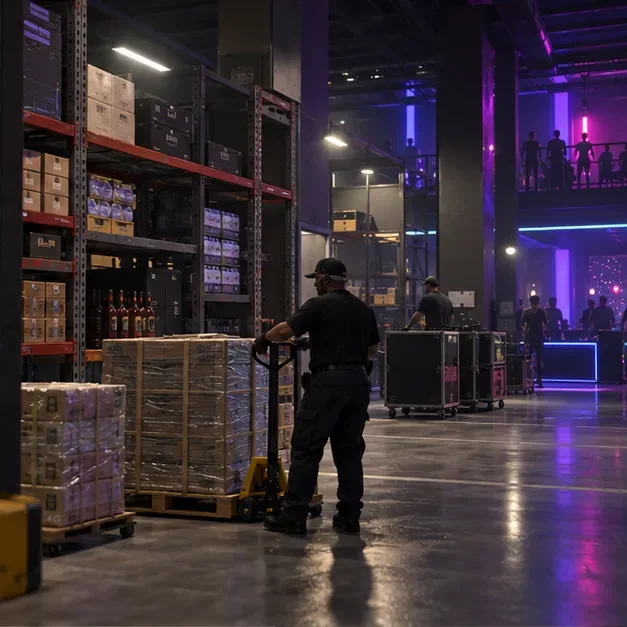
4. Keep Nightclub popularity high for safe deposits
Popularity income is different from warehouse stock. Use the Nightclub management options and available club activities to keep popularity from falling, then collect the deposit from the office safe before it reaches capacity. This stream needs occasional attention, but it does not require you to sell warehouse cargo each time you collect it. Rockstar's GTA Online starter tips describe popularity as a way to generate income over time.
5. Expand into Money Fronts when you own a business network
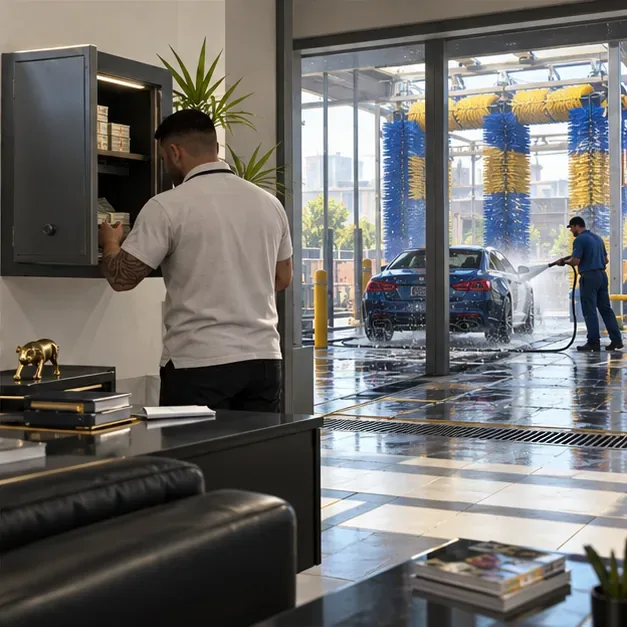
The Hands On Car Wash is the entry point for Money Fronts. Rockstar says its safe draws passive income from your established network, with income increasing according to the number of different businesses you own. You can expand with Smoke on the Water and Higgins Helitours for additional operations. This makes Money Fronts more attractive after you have built a business base than as your first purchase. Money laundering work can raise Heat, so balance it with the legal activities the game provides to keep the operation running. See Rockstar's current Money Fronts overview and Title Update 1.71 notes.
When and where should you sell?
Sell regularly instead of waiting for a full business to become difficult to manage. Large stock can produce longer or multi-vehicle deliveries, so solo players should sell a quantity they can finish within the mission timer. Exact vehicle thresholds vary by business and sale setup; the old blanket rule to sell every business below one dollar amount is unreliable.
For lower interference, use an Invite Only session. Rockstar's Criminal Enterprises update made business activities, including Sell Missions, available in private Invite Only, Crew, and Friends sessions. Public sales with rival players can offer a high-demand bonus, as reflected in the Title Update 1.61 notes, but they carry more risk of interference. Choose the extra risk only when the bonus is worth it to you.

Session and production checks
Passive businesses do not continue producing after you log out. If a stock bar stops moving, check that the setup mission is complete, the business is open, supplies are available for its own manufacturing, and the Nightclub has a technician assigned to the intended category. Also make sure you are playing as a CEO or MC President where required.
There is a wording mismatch across Rockstar's official guidance: its business troubleshooting checklist still lists a public session as a production condition, while the later Criminal Enterprises announcement says business activities, including sales, are available in private sessions. If a meter does not advance in Invite Only, test production in a public session and recheck the business status. For solo sales, private sessions are explicitly supported.
A simple solo routine
- Start online and check Bunker supplies, staff assignment, and stock.
- Restock or complete the setup needed for the business you intend to run.
- Check Nightclub popularity, collect the office safe, and confirm technician assignments.
- Play missions or other activities while businesses build stock; stay online.
- Sell manageable batches in Invite Only, then claim any available Nightclub or Car Wash safe income.
For most players, the practical order is Bunker first, Nightclub and a few useful linked businesses next, then Money Fronts once the wider network is in place. Review Rockstar's weekly updates before buying or selling: limited-time bonuses and discounts can change which business deserves your attention that week.









