A Guide to the Rainbow Six Siege Shop in 2026
The Rainbow Six Siege shop is the in-game storefront for eligible Operators, cosmetics, weapons, gear, bundles, and packs. Open Shop from the game’s main menu, check the price card for the currency an item accepts, preview what you are buying, and confirm only when the details are clear. The store can change with seasons and platform updates, so use the live item card for current prices and availability instead of relying on an old price list.
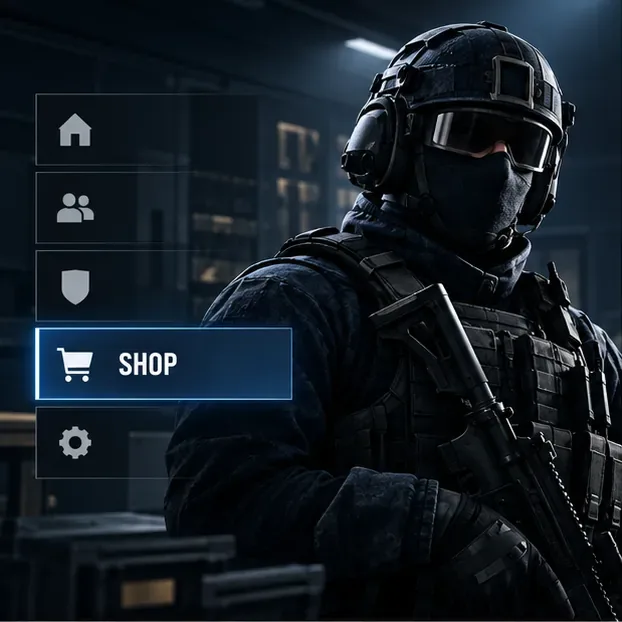
How to open the Rainbow Six Siege shop
Start Rainbow Six Siege and wait until the main menu is available. Select Shop in the menu to browse offers outside a match. The exact placement and navigation controls can differ between PC and console, and Ubisoft can revise the menu between updates. If you do not see the storefront immediately, return to the main menu and look for the Shop label rather than following an old screenshot or a platform-specific button guide.
Ubisoft also has an official Rainbow Six Siege web shop. It highlights featured items, seasonal offers, esports bundles, and R6 Credit packs. The web page is useful for checking official promotions, but the in-game store is where you can inspect your account balance and the item’s current in-game purchase options.
Renown vs. R6 Credits: know the price before you confirm
Siege uses two main currencies. Ubisoft Help says Renown is earned by playing game modes and matches, while R6 Credits are purchased through the in-game Shop or Ubisoft Store. Both currencies can be used for eligible Operators, gear, weapons, and customizations, but the accepted currency is item-specific. Check the price shown on the exact item page; do not assume every offer accepts both currencies.
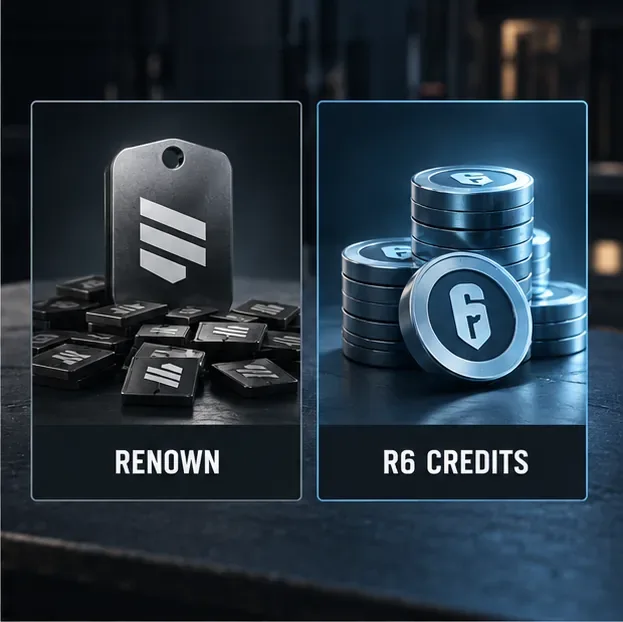
| Currency | How you get it | What to check |
|---|---|---|
| Renown | Earned by playing game modes and matches. | Confirm the item’s Renown price and that you have enough in your balance. |
| R6 Credits | Purchased through the in-game Shop or Ubisoft Store. | Review the platform store, region, and displayed credit amount before paying. |
For current currency details and delayed balance updates, use Ubisoft’s Renown and R6 Credits support article. Prices for paid credit packs vary by storefront and market, so this guide does not quote a single global cash price.
What you can find in the shop
Featured items and bundles
The Featured area surfaces current promotions and selected cosmetics. Some offers are time-limited, and Ubisoft’s official store page says availability can change. A bundle may group several customizations together; read its contents before buying so you know which Operator, weapon, uniform, headgear, charm, or animation is included. A displayed end date or season notice is more reliable than assuming an offer will return later.
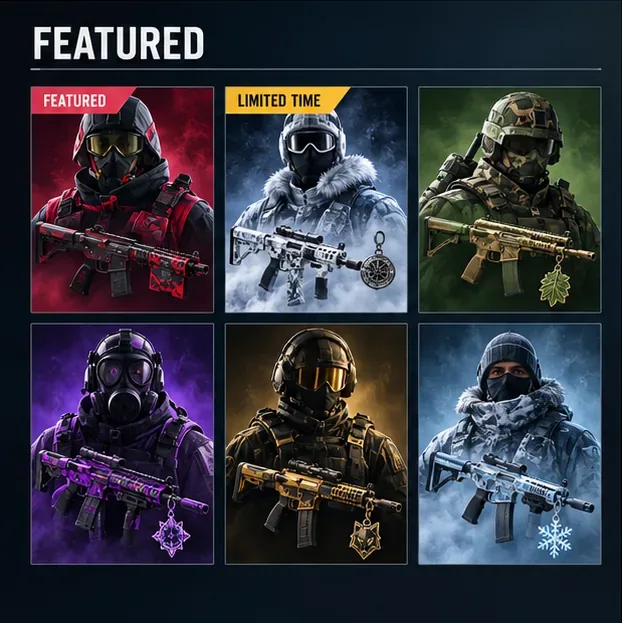
Operators and individual cosmetics
If you want to expand your roster, open the Operator offer and compare its available payment options. Ubisoft’s support documentation lists Operators among the things Renown and R6 Credits can acquire, but individual prices and eligibility can vary. If your goal is gameplay variety, an Operator may be more useful than a cosmetic; if you want one specific appearance, buying that item directly avoids spending on unrelated contents.
Weapon skins, uniforms, headgear, charms, and other customizations are cosmetic choices. Preview the item and verify the selected Operator or weapon before confirming. Keep in mind that a bundle can be account-specific or tied to a particular platform offer; rely on the terms shown in the live store.
Alpha Packs, event packs, and the Battle Pass
Alpha Packs give a random cosmetic reward, so they are not a way to select one exact skin. Ubisoft Help says packs can be earned from matches, Battle Pass and seasonal rewards, or the in-game Shop; if a pack awards an item you already own, the duplicate is converted into Renown. Check the pack tile for its current cost and availability instead of relying on older guides that quote a fixed price.
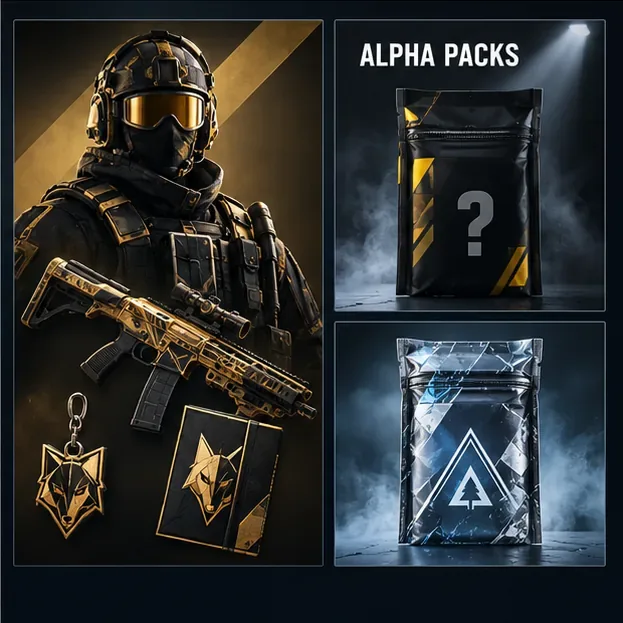
Event pack rules changed in 2026. In its June 30 economy update, Ubisoft said that starting in Season 3, newly released event packs would use R6 Credits only. Older collections that return may have dual-currency options. Read the current event page and each pack’s price before spending Renown or Credits. Ubisoft also said the Marketplace remains closed; it is a separate player-trading system, not another Shop tab. See Ubisoft’s Marketplace and economy update dated June 30, 2026 for the policy details.
The Battle Pass has its own section. Ubisoft’s current Battle Pass page describes a Premium Pass purchased with R6 Credits and season-specific rewards; it is not the same as buying an individual Featured item. Review the current season page for its rewards, dates, and price before deciding whether to upgrade.
A quick checklist before buying
- Open the item’s details and confirm the exact cosmetic, Operator, bundle, or pack.
- Check whether the displayed price uses Renown, R6 Credits, or real-money checkout through your platform.
- For a bundle, read the complete contents; for a pack, remember that the reward is random.
- For time-limited and event offers, check the live end date and current payment rules.
- Review the confirmation screen and platform account before completing a paid purchase.
A useful spending rule is to use Renown on eligible Operators or items you know you want, and reserve paid Credits for offers you have checked carefully. Avoid buying a random pack when you would only be satisfied with one specific cosmetic. If you are uncertain about the item, leave it in the store and recheck the details before confirming.
Shop purchase problems
Renown or Credits have not appeared
Ubisoft says Renown can take up to 15 minutes to update and R6 Credits can take up to 24 hours. First check the balance again after that interval and review the transaction history of the store where you bought Credits. If the Credits are still missing after 24 hours, contact Ubisoft Support with the transaction details and a screenshot of the purchase record. Do not repeat the transaction just because the balance has not refreshed yet.
An offer disappeared or a purchase is not visible
Featured content can be time-limited, so a removed offer may no longer be available; do not assume it will return on a particular date. After a successful purchase, check the relevant Operator or loadout customization screens. If the item is still missing, use Ubisoft Support and include the platform, item name, and transaction information.
Common questions
Can you unlock Operators without paying real money?
Yes. Renown is earned by playing, and Ubisoft lists Operators among the items it can buy in the in-game Shop. The live Operator page shows the current Renown cost and any other available option.
Are event packs still available for Renown?
Not all of them. Ubisoft’s 2026 policy says new event packs from Season 3 use R6 Credits only, while some older collections that return can offer both currencies. Check the live event and pack details.
Is the Rainbow Six Siege Marketplace part of the Shop?
No. Ubisoft describes Marketplace as a separate trading system and said on June 30, 2026 that it remains closed while the company works on rebuilding it. Use the in-game Shop and official Ubisoft pages for currently available offers.









