Stardew Valley Clothing Guide: Sewing, Dyeing, and Boots (2026)
To make clothing in Stardew Valley, collect at least one Cloth, watch Emily's tailoring introduction on a sunny morning, and use the Sewing Machine in her house. Put Cloth in the lower-left feed and another item in the upper-right spool to make a shirt, pants, skirt, or eligible hat. For new colors, use Emily's Dye Pots or dye a garment at the Sewing Machine. Boots work differently: they provide Defense and Immunity, and their appearance can be customized without losing the stats you want.
This Stardew Valley clothing guide covers the full wardrobe process, including how to get Cloth, unlock your own Sewing Machine, choose tailoring ingredients, change colors, and manage hats and footwear. The details reflect the game's version 1.6-era tailoring systems, including additions documented for 1.6.9.
How clothing works: a quick reference
| Item | How to obtain it | Gameplay effect |
|---|---|---|
| Shirts | Tailoring, some shops, or certain rewards and drops | Cosmetic |
| Pants, skirts, and shorts | Tailoring or starting outfit | Cosmetic |
| Hats | Hat Mouse, tailoring, events, and other activities | Cosmetic |
| Boots and shoes | Mines, other loot, or the Adventurer's Guild | Defense and/or Immunity |
Step 1: Get Cloth for tailoring
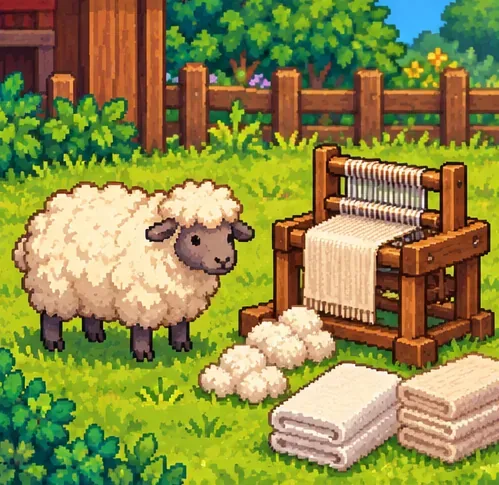
Cloth is the basic sewing material. An established way to make it is to process Wool in a Loom. Sheep and rabbits can provide Wool, so a barn or coop can eventually support a regular supply. Each tailoring recipe for a new garment uses one Cloth plus a second ingredient.
You do not have to raise livestock to begin. Cloth can also come from Mummies in the Skull Cavern, recycling Soggy Newspaper in a Recycling Machine, occasional mail from Emily, and certain merchants. The Recycling Machine uses Soggy Newspaper, not Slime; confusing those materials is a common dead end.
Step 2: Unlock Emily's Sewing Machine
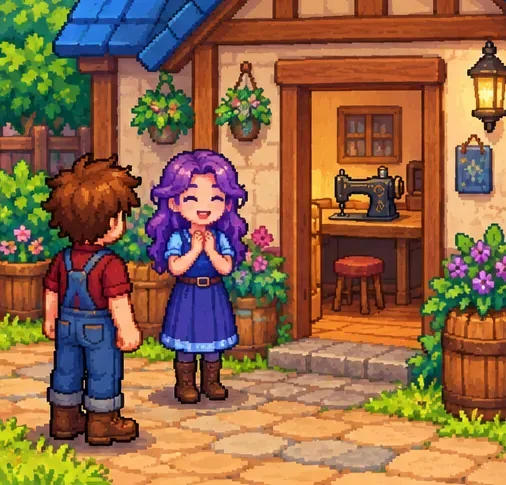
After obtaining at least one Cloth, leave your farmhouse between 6:00 a.m. and 11:00 a.m. on a day without rain. Emily will introduce tailoring in a cutscene. There is no two-heart friendship requirement and no need to wait for winter. Once the introduction has happened, you can use the Sewing Machine and Dye Pots inside Emily and Haley's house at 2 Willow Lane in Pelican Town.
Want a machine for your farmhouse? Complete Emily's “Rock Rejuvenation” special order, which requests a Ruby, Topaz, Emerald, Jade, and Amethyst. The reward is a Sewing Machine delivered by mail. It works the same way as the public machine in her house. If a previously acquired home machine is lost, version 1.6.9 and later provide a replacement option at the Lost Items Shop in the Secret Woods.
Step 3: Sew a shirt, pants, skirt, or hat
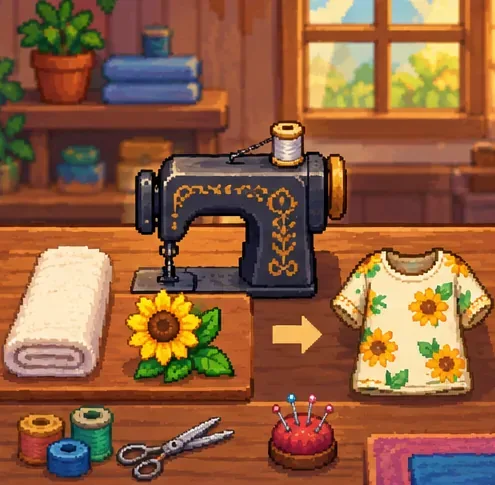
- Interact with a Sewing Machine and open the tailoring interface.
- Put Cloth in the feed at the lower left.
- Put the second ingredient in the spool at the upper right.
- Review the result shown by the game, then complete the craft when you are satisfied.
- Move your newly made garment into the matching equipment slot in your inventory.
The second ingredient determines the garment rather than merely tinting a generic shirt. It is worth checking recipes before consuming hard-to-replace items. Here are four confirmed examples:
| Tailoring ingredients | Result | Why try it? |
|---|---|---|
| Cloth + Pumpkin | Button Down Shirt | A dyeable everyday shirt |
| Cloth + Grape | Shorts | An easy mix-and-match bottom |
| Cloth + Honey | Simple Dress | A different silhouette from ordinary pants |
| Cloth + Dinosaur Egg | Dinosaur Hat | A themed hat for a playful outfit |
The clothing catalogue is more varied than shirts alone. Some ingredients produce skirts, shorts, glasses-like hats, or other distinctive pieces. Not every item is a valid recipe, and not every shirt is dyeable. The shirts selected during character creation cannot be dyed, even when a separately tailored equivalent can.
Step 4: Dye clothing with the Dye Pots or Sewing Machine
Use Emily's six Dye Pots for precise color control
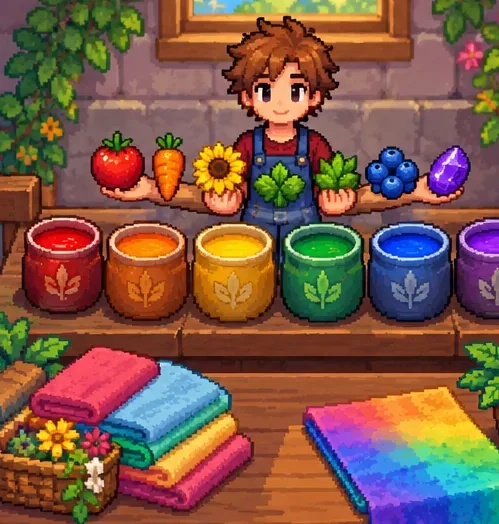
At 2 Willow Lane, the six pots represent red, orange, yellow, green, blue, and purple. Wear the dyeable item you want to change, interact with the pots, and place one accepted inventory item into each of the six color pots. When all six are filled, select the dye bottle to open Hue, Saturation, and Value controls. The ingredients are consumed, and eligible worn items can be recolored.
For example, Ruby belongs in the red pot, Topaz in yellow, Kale in green, and Amethyst in purple. Hovering over a pot in the game reveals compatible items you already carry. The quality stars of dye ingredients do not make stronger colors, so save premium-quality produce for other uses.
Use the Sewing Machine for a simpler recolor
To dye at the Sewing Machine, replace the Cloth with an existing dyeable garment in the feed and put a suitable dye ingredient in the spool. The preview shows the new shade. A single item may add only part of the desired color, so stronger changes can require repeated dyeing. A Rainbow Shell or Prismatic Shard used as the dye ingredient offers slider-based color selection instead.
Important: A Prismatic Shard has a different effect when combined with Cloth for tailoring: the result is one of several random prismatic garments, not a guaranteed specific “Prismatic Shirt.” Do not spend a rare shard assuming you can choose the exact piece.
Step 5: Choose boots for stats, then tailor their appearance
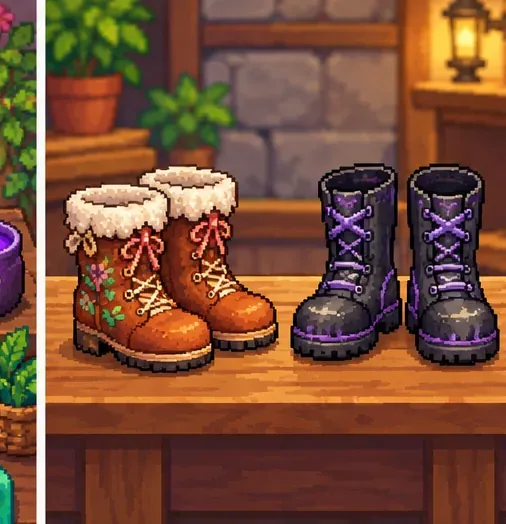
Unlike a hat or shirt, footwear affects gameplay. Boots can increase Defense, which helps reduce incoming damage, and Immunity, which helps resist negative status effects. They do not grant an inherent walking-speed bonus. You can find boots in the Mines or other treasure sources, and buy unlocked pairs at the Adventurer's Guild.
For reference, Space Boots provide +4 Defense and +4 Immunity, while Genie Shoes provide +1 Defense and +6 Immunity. Neither is universally best; pick the mix that matches the hazards you face. Stronger-looking footwear is not necessarily more protective.
To keep one pair's appearance but use another pair's stats, place the pair you want to look like in the lower-left feed and the pair whose stats you want in the upper-right spool. Complete the custom-tailoring process. The spool pair is consumed, so double-check which boots hold your preferred bonuses before proceeding.
Step 6: Equip and store your outfits
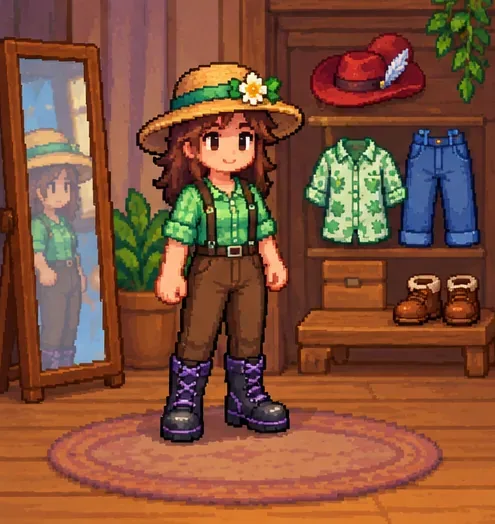
Open the farmer's inventory and place the new clothes in the appropriate hat, shirt, pants, or footwear equipment slots. On a keyboard, the inventory is normally opened with E; controller and touch controls vary by platform and personal settings. The farmer's appearance changes when cosmetic clothing is equipped, while boot bonuses apply from the equipped pair.
For a growing collection, place a dresser in your farmhouse. Dressers can store clothing, hats, shoes, and rings, keeping the backpack free for seeds, tools, and mine loot. Dressers are more practical than filling ordinary chests with one-off festival outfits.
More ways to find clothes without sewing
- Hat Mouse: The Abandoned House in Cindersap Forest opens as a hat shop after your first achievement. Further achievements unlock more hats, with prices that vary by item.
- The Oasis: Once you can access the shop in Calico Desert, it sells a rotating shirt for 1,000g.
- Festivals and rewards: Some cosmetic pieces come from seasonal celebrations or special activities instead of tailoring recipes.
- Version 1.6 cosmetic drops: Certain shirts and hats can occasionally appear from activities such as fighting monsters, breaking crates, digging Artifact Spots, interacting with trees, and panning. These drops are not a reliable way to farm a specific outfit.
Clothing questions that commonly cause confusion
Why won't my dye pots work?
Make sure you are wearing a dyeable piece of clothing and have supplied an acceptable ingredient for all six pots. If you are trying to recolor a character-creation shirt or a non-dyeable garment, switch to a dyeable tailored item.
Can you make boots from Cloth?
No. The Sewing Machine can custom-tailor existing boots by transferring stats between pairs, but it does not create new footwear from Cloth.
Can you dye hats and boots?
Regular dyeing primarily applies to dyeable shirts and bottoms. Hat designs are generally fixed, while boot appearance is changed through custom-tailoring rather than standard color dyeing.
Do I have to be friends with Emily to sew clothes?
No friendship milestone is needed for the basic tailoring introduction. The essential trigger is acquiring Cloth and leaving the farmhouse during the required non-rainy morning window.
Where to verify recipes and current mechanics
For comprehensive garment combinations and the latest documented changes, consult the Stardew Valley Wiki's tailoring recipes, dyeing mechanics, footwear stats, and Sewing Machine details. The game's developer also posts major updates at the official Stardew Valley website. These are especially useful if a later game update changes recipes or equipment behavior.









