This beginner's tutorial for ARC Raiders walks you through everything a new Raider needs to survive your first runs. ARC Raiders is a squad-based, third-person extraction shooter where you descend from a safe underground hub to a dangerous surface, scavenge valuable loot while dodging hostile machines and rival players, and then race to an exit to keep what you found. Below you'll learn the core loop and the exact steps that turn a panicked first raid into a confident one.
Unlike a standard battle royale, every match is a self-contained heist. You bring in only what you're willing to lose, and you only keep what you carry out alive. That risk-and-reward tension is the heart of the game, so the goal of these steps is simple: gear up smart, loot efficiently, and extract in one piece.
What you need before your first raid
- A copy of ARC Raiders on PC, PlayStation 5, or Xbox Series X|S.
- A few minutes at your hub, Speranza, to set up a starter loadout.
- A basic weapon, some ammo, a shield item, and at least one healing item.
- Patience — your earliest goal is simply to survive and extract, not to win fights.
How to play your first ARC Raiders run
-
Step 1: Understand the raid loop
Every session follows the same rhythm. You start in Speranza, the underground hub, where you manage gear and accept quests. You then deploy to the surface to fight the robotic ARC and scavenge loot. Finally, you must reach an extraction point and escape to bank everything you collected. If you die on the surface, you lose the gear you brought and found, so internalising this loop is the single most important thing for a beginner.
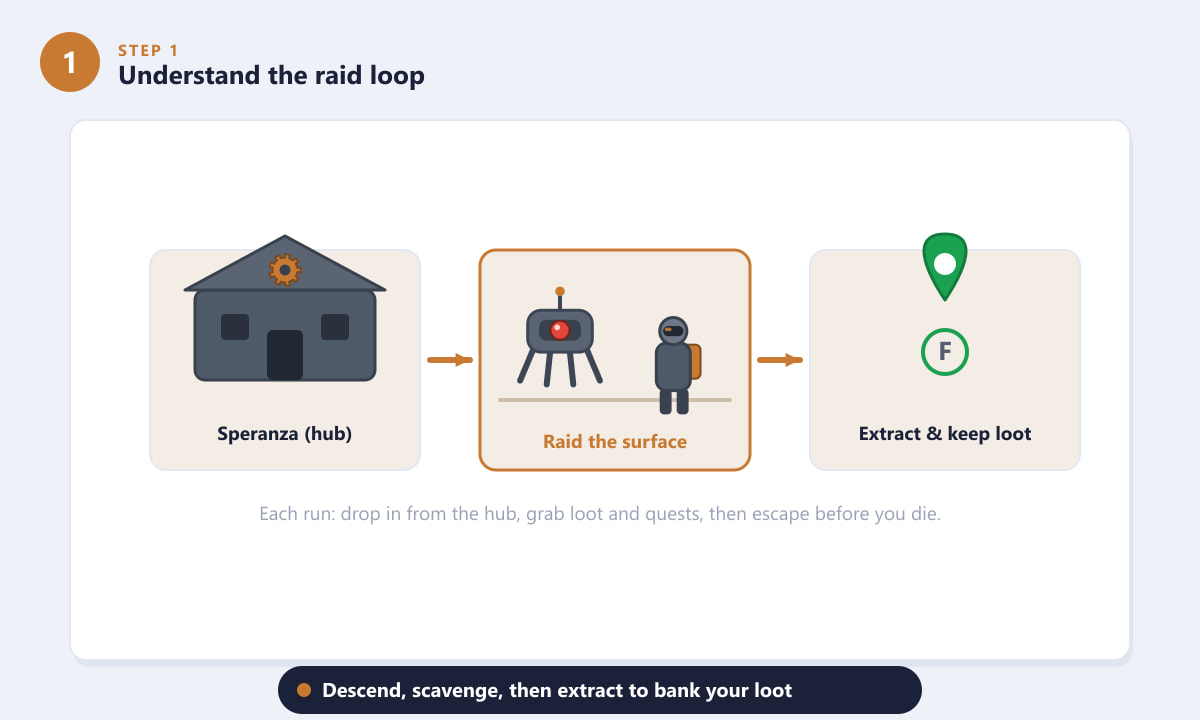
Descend from Speranza, raid the surface, then extract to keep your loot. -
Step 2: Gear up at Speranza before you drop
Before deploying, open your loadout and equip the essentials: a weapon, spare ammo, a shield item for extra protection, and at least one medkit or healing item. Assign your heals, shields, and gadgets to the quick slots so you can use them under pressure. As a new player, resist the urge to take your best gear on every run — bring only what you can comfortably afford to lose if things go wrong.
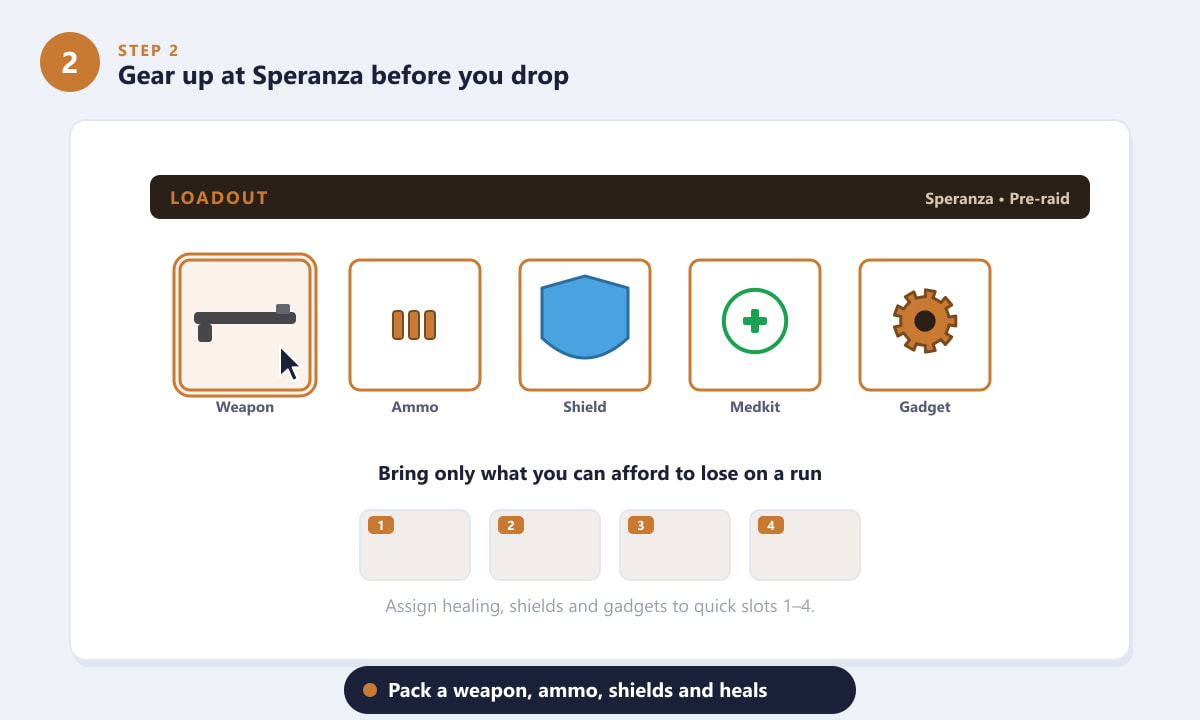
A balanced starter loadout: weapon, ammo, shield, heals, and a gadget. -
Step 3: Drop in and scavenge loot and quests
On the surface, your job is to gather loot and chip away at quest objectives. Search crates, lockers, drawers, and fallen Raiders — valuable scrap and crafting components hide everywhere. Keep an eye on your map and HUD: loot icons mark worthwhile spots, while quest markers point you toward objectives that pay out resources and progression. Plan a short route between a few loot clusters rather than wandering across the whole map in the open.
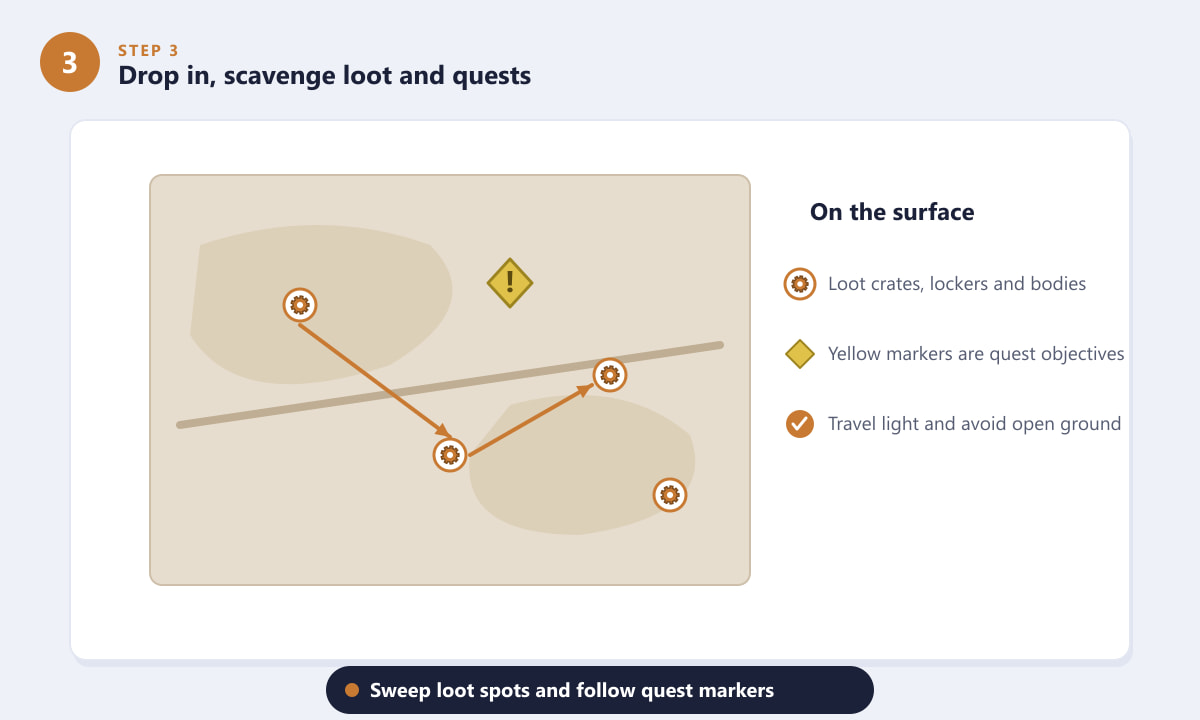
Follow loot icons and quest markers, and avoid crossing open ground. -
Step 4: Survive ARC machines and rival Raiders
The surface is patrolled by hostile ARC machines that hunt by sight and sound, and you'll often run into other player squads too. As a beginner, treat every encounter as a threat to avoid, not a fight to win. Crouch to move quietly, use buildings and rubble as cover to break line of sight, and only open fire when you're cornered or have a clear advantage. Smaller machines can be dealt with carefully; larger ones are best left alone until you're better equipped.
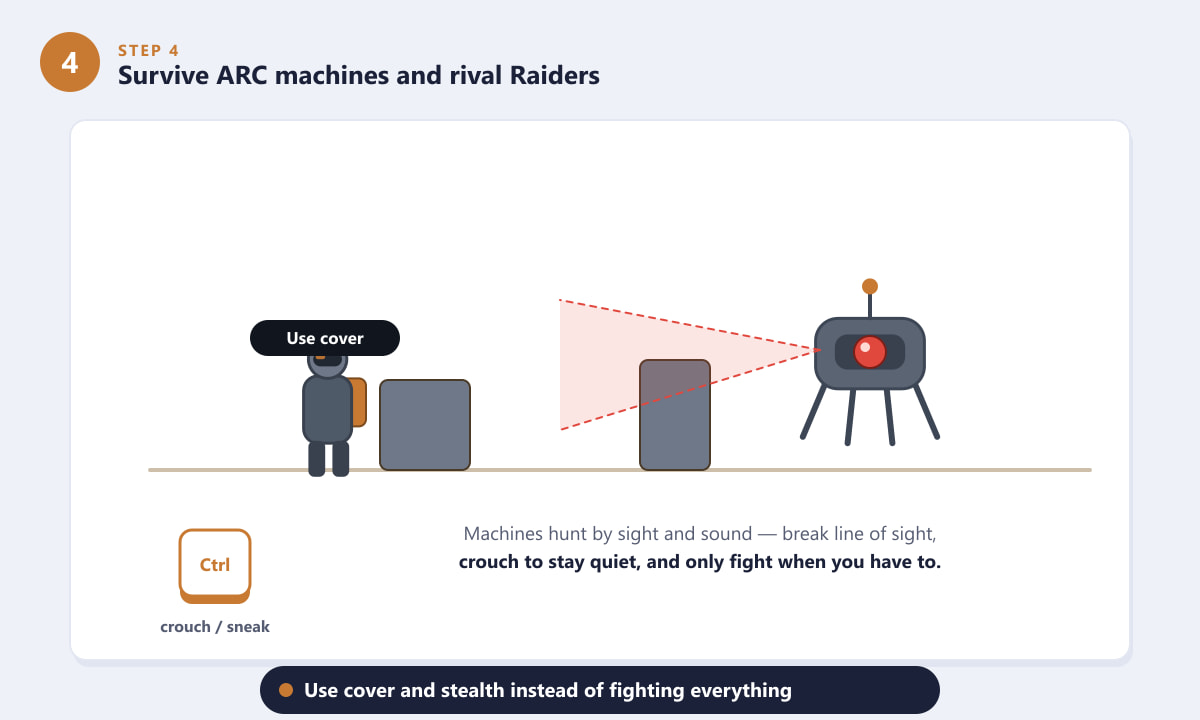
Break line of sight, stay quiet, and fight only when you have to. -
Step 5: Reach an extraction point and get out
Loot means nothing until it's banked. When your bag is filling up or things get dangerous, head for an extraction point marked on your map. Approach the exit, then hold the interact button and stay inside the zone until the timer fills. Extraction can attract attention, so check your surroundings before you commit. Pull this off and everything you carried — including loot you found — is yours to keep back at Speranza.
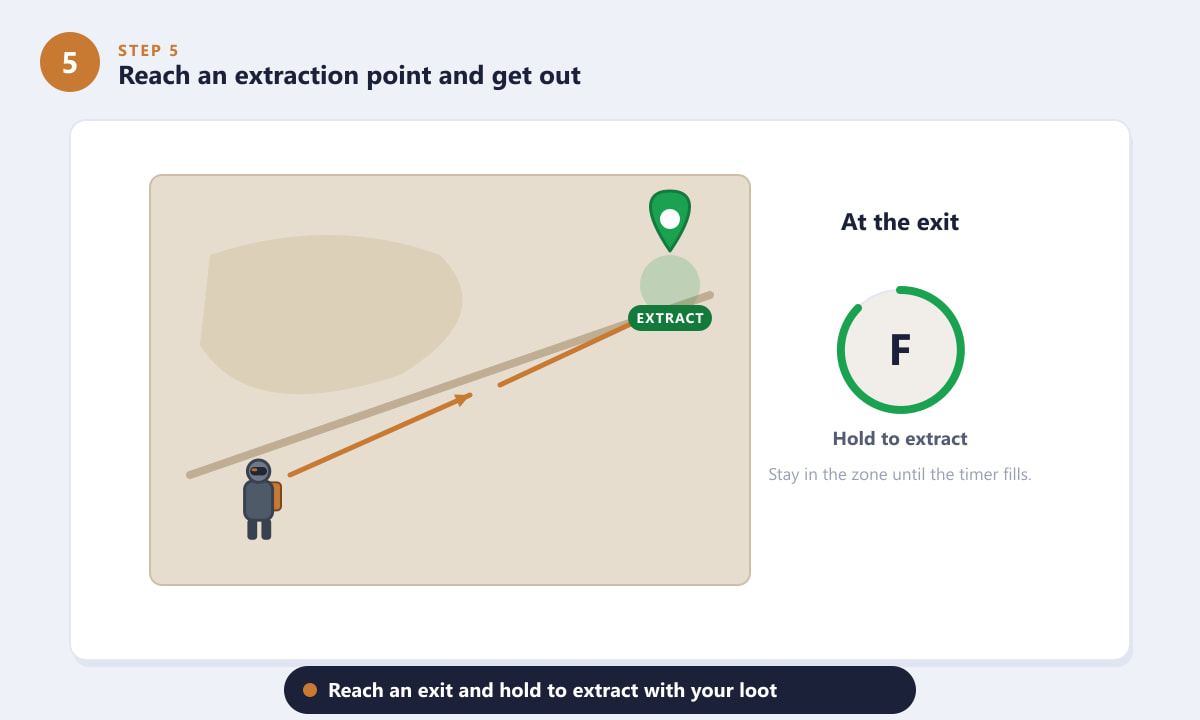
Reach an exit and hold the prompt until the extraction timer completes.
Beginner tips that make a difference
- Extract early and often. A modest haul you actually keep beats a huge haul you lose by getting greedy. Bank loot, then go again.
- Use your ears. Footsteps, gunfire, and the whir of machines all telegraph danger. Sound is your best early-warning system.
- Recycle and craft. Break down spare loot into components back at the hub to build better gear and consumables over time.
- Play with a squad. ARC Raiders is built for teams — a partner can revive you, watch your flank, and double your loot capacity.
- Learn one zone first. Knowing a single area's loot spots and exits well is far more useful than half-knowing the whole map.
Common beginner mistakes
I keep dying and losing all my gear
You're likely over-committing to fights or staying out too long. Bring cheap gear, prioritise looting over combat, and extract the moment your run feels risky. Dying with an empty-ish bag costs far less than dying loaded.
The machines spot me instantly
You're probably sprinting in the open or standing in their line of sight. Crouch to reduce noise, move between cover, and watch which way machines are facing before you advance.
I can't find anywhere to extract
Open your map and look for marked extraction points. Exits can vary between runs, so head toward the nearest one early rather than waiting until you're being chased.
Frequently asked questions
What kind of game is ARC Raiders?
It's a third-person, squad-based PvPvE extraction shooter. You scavenge a hostile surface for loot while avoiding machines and other players, then extract to keep what you gathered.
Do I lose my loot if I die in ARC Raiders?
Yes. If you're killed on the surface before extracting, you lose the gear you brought in and the loot you found. Only items you successfully extract are kept.
Can I play ARC Raiders solo as a beginner?
You can, and it's a great way to learn the maps quietly. That said, the game is balanced around squads, so playing with friends makes survival and looting noticeably easier.
Should I fight every machine I see?
No. Early on, avoid most machines and rival Raiders. Use stealth and cover, and only engage when you're cornered or have a clear, safe advantage.
What should I prioritise looting first?
Grab ammo, healing items, and shields to stay alive, then collect crafting components and valuables. Completing quest objectives also rewards useful resources.
Final thoughts
ARC Raiders clicks the moment you stop treating it like a fast shooter and start treating it like a careful heist. Gear up sensibly, loot with a plan, dodge the machines, and always have an exit in mind — extract often and your stockpile will grow run after run. For the latest details and platform information, check the official ARC Raiders website. Now drop in, stay calm, and bring something home.









