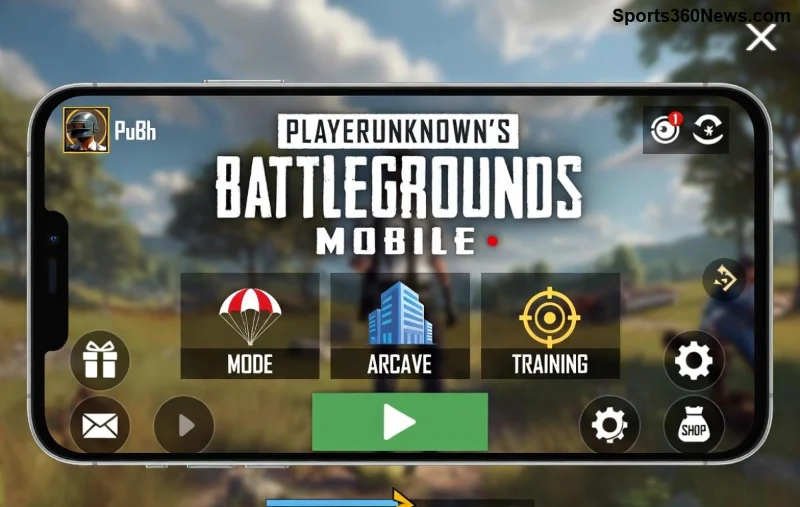
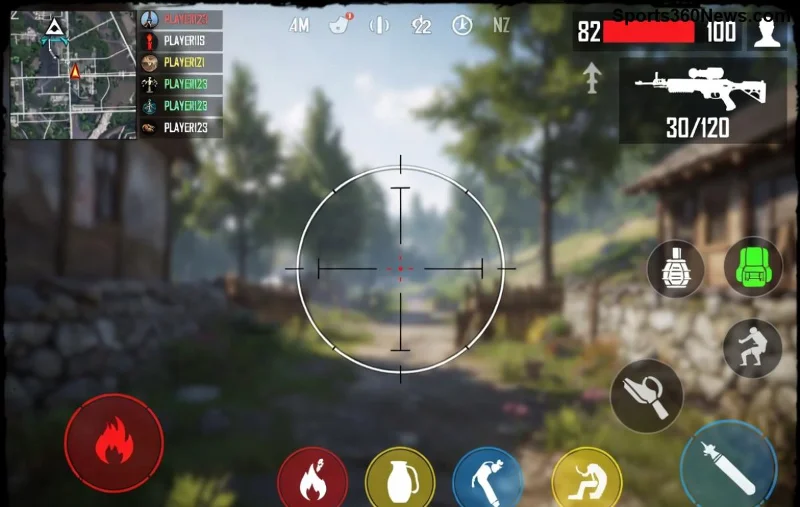
Ready to dominate the battlefield with the smoothest gameplay, exclusive PUBG Mobile KR Version skins, and lightning-fast servers? 😎 The Korean edition of PUBG Mobile is a game-changer for serious gamers, packed with unique events, premium cosmetics, and optimized performance. Whether you're on Android or iOS, this how to download PUBG Mobile KR Version guide delivers foolproof steps, pro tips, and zero fluff. Let's drop in and secure that chicken dinner! 🦅
Why Choose PUBG Mobile KR Version? The Edge You Need
Unlike global versions, PUBG Mobile KR Version shines with:
- 🏆 Ultra-low ping on Asian servers for seamless squad wipes.
- ⭐ Exclusive KR-only outfits, weapons, and Royale Pass rewards.
- ⚡ Latest updates first – think cutting-edge graphics and anti-cheat tech.
- 👥 Vibrant Korean community for epic team-ups.
Pro tip: Pair it with a VPN for global access without region locks. Now, dive into the downloads! 👇
📱 How to Download PUBG Mobile KR Version on Android – Quick & Safe
Android users, rejoice! Skip shady APKs – use trusted platforms like QooApp for the official PUBG Mobile KR Version APK. Here's your step-by-step:
- Install QooApp: Head to the official site QooApp. Download the installer APK (safest method).
- Enable Unknown Sources: Go to Settings > Security > Toggle "Install from unknown sources."
- Search & Download: Open QooApp, search "PUBG Mobile KR," and hit install. It's auto-updated! 🚀
- Launch & Login: Use a Korean guest account or link Facebook/Apple ID. Enable VPN if needed (e.g., Korea server via ExpressVPN).
| Android Device |
Recommended RAM |
Storage Needed |
Pro Tip |
| Samsung Galaxy S series |
6GB+ |
2.5GB |
Enable Game Booster for 90FPS |
| Google Pixel |
8GB+ |
2.5GB |
Use GFX Tool for HDR graphics |
| OnePlus |
8GB+ |
2.5GB |
Zen Mode = Zero distractions |
Done in under 5 minutes! Feeling the hype? Keep reading for iOS mastery. 🔥
🍎 Step-by-Step: Download PUBG Mobile KR Version on iOS
iOS? No jailbreak needed. Tap into Korea's App Store magic or sideloading tools. Follow these:
![PUBG Mobile KR Version iOS download interface]()
- Create Korean Apple ID: Log out of your current ID. Go to appleid.apple.com, select "South Korea" region, and verify with a burner email (no phone needed).
- Switch App Store Region: Settings > Apple ID > Media & Purchases > View Account > Country/Region > South Korea.
- Download from Store: Search "PUBG Mobile KR" in App Store – official link via Apple's KR Store. Install instantly!
- Alt Method – AltStore/Sideload: For non-region switchers, use AltStore (PC/Mac required). Download IPA from trusted sources like the official PUBG KR page.
- Game On: Launch, log in, and tweak graphics to Ultra HD. VPN recommended for stable pings.
Warning: Region changes may pause subscriptions – back up first! 💡
🔧 Installation & Setup: Avoid Common Pitfalls
Post-download bliss:
- ✅ Clear cache if crashes occur (Settings > Apps > PUBG > Storage).
- ✅ Update to latest PUBG Mobile KR Version via in-app checker.
- ❌ Skip modded APKs – instant bans await! 🚫
- 🌟 Bind account early for cross-save glory.
| Platform |
File Size |
VPN Needed? |
Update Method |
| Android (QooApp) |
~2.5GB |
Sometimes |
Auto via QooApp |
| iOS (App Store) |
~2.8GB |
Often |
App Store push |
![PUBG Mobile KR Version exclusive skins and events]()
🎮 Pro Tips for Crushing in PUBG Mobile KR Version
Elevate your game:
- Sensitivity Mastery: Copy KR pro settings – ADS 120%, Gyro 300%.
- Exclusive Events: Farm KR Royale Pass for M416 Glacier skin. Limited time! ⏰
- Squad Hacks: Voice chat in Korean channels for god-tier callouts.
- Performance Boost: Close background apps, enable 90FPS mode.
- Stay Updated: Follow official PUBG KR site for patches.
Imagine clutching 1v4 with that shiny KR loadout... You're one install away! 👏
❓ Troubleshooting FAQ: Fast Fixes
Q: Login errors? A: Use VPN to Korea IP. Refresh network.
Q: Black screen on launch? A: Reinstall or check device compatibility (Android 5.1+, iOS 11+).
Q: Region locked? A: Full region switch or TestFlight beta via official Discord.
Still stuck? Drop a comment below – we've got your back! Now go claim victory. Chicken dinner awaits! 🏆
Level up your squad: Share this guide and tag your battle buddies. More PUBG secrets coming soon – stay locked in! 🔥