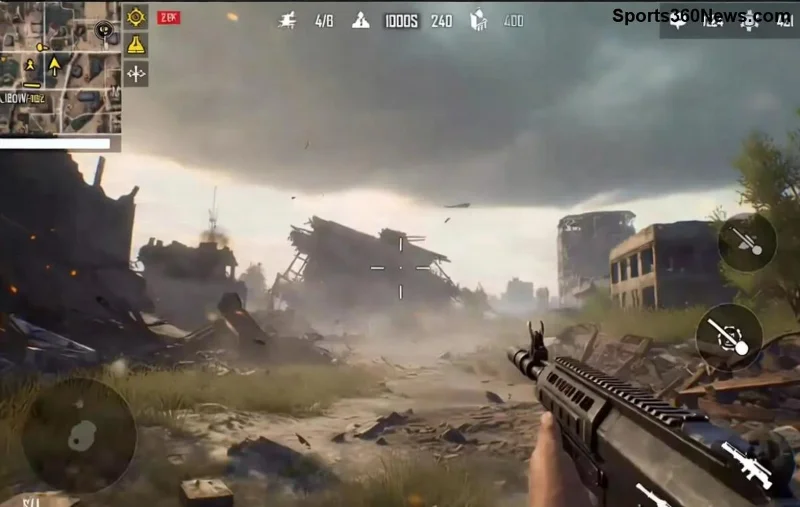
Hey, fellow PUBG Mobile warriors! 😤 Nothing kills the hype like staring at that endless PUBG Mobile "Loading Screen Stuck" glitch right when you're geared up for a chicken dinner. Whether it's freezing on the match queue or hanging during login, this annoyance hits millions of players. But don't rage-quit yet— we've got your back with quick, effective fixes that work like a charm. Follow these steps, and you'll be dropping hot in no time. Let's crush this glitch together! 🚀
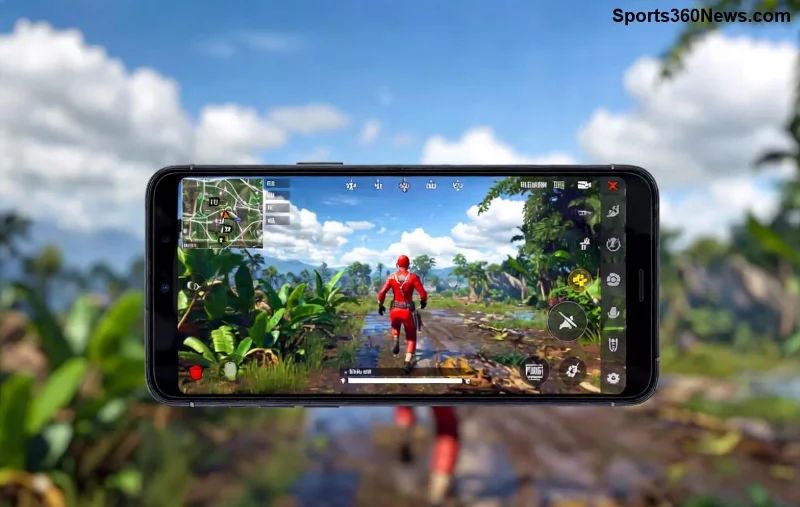
⚠️ Why Does the PUBG Mobile Loading Screen Stuck Glitch Happen?
Understanding the root causes helps you fix it faster. Common culprits include:
- 🔴 Cache overload: Temporary files pile up and clog the loading process.
- 🔴 Outdated app or device software: Bugs in older versions cause hangs.
- 🔴 Weak internet connection: PUBG relies on stable servers—lag spikes freeze everything.
- 🔴 Low storage or RAM: Device struggles to load assets.
- 🔴 Server-side issues or regional restrictions during peak hours.
Spot on? Jump straight to the fixes below. These are battle-tested on the latest PUBG Mobile updates for Android and iOS. No fluff—just results! 💪
✅ Step-by-Step: How to Fix PUBG Mobile "Loading Screen Stuck" Glitch
Start with the simplest ones. Most players fix it in under 5 minutes. Pro tip: Test after each step by launching PUBG.
- 1️⃣ Force Close and Restart
Swipe PUBG out of recent apps (Android: Recent button; iOS: Double-tap Home/Swipe up). Restart your device. This clears minor glitches instantly.
- 2️⃣ Clear Cache and Data
Android: Settings > Apps > PUBG Mobile > Storage > Clear Cache (then Clear Data if needed—note: you'll re-login).
iOS: Offload App via Settings > General > iPhone Storage.
Boom—frees up junk files causing the loading screen stuck!
- 3️⃣ Update PUBG Mobile and Your Device
Head to Google Play/App Store. Grab the latest version—developers patch these glitches regularly. Also, update your OS for compatibility.
- 4️⃣ Check Your Internet Connection
Switch to a stronger Wi-Fi or mobile data. Run a speed test (aim for 10+ Mbps). Disable VPN if active, or try one for server routing issues.
- 5️⃣ Free Up Storage and RAM
Delete unused apps/files. Close background apps. On Android, enable Game Booster; iOS users, try Low Power Mode off.
![Step-by-step PUBG Mobile loading screen fix guide]()
🚀 Advanced Fixes for Stubborn PUBG Loading Screen Stuck Issues
If basics don't cut it, level up with these:
| Problem |
Solution |
Expected Time |
| Graphics Overload |
Launch PUBG > Settings > Graphics > Set to Smooth/Low. Disable Anti-Aliasing. |
1 min |
| Corrupted Files |
Reinstall PUBG (backup account via Facebook/Google). Use official APK from PUBG Mobile site. |
10-15 min |
| Server Problems |
Check Downdetector for outages. Switch regions in-game. |
5 min |
| Device Overheat |
Cool down device, play in cooler environment. |
Immediate |
These tweaks have saved countless squads. Feeling the fix working already? Keep reading for prevention gold! ⭐
🛡️ Prevent PUBG Mobile "Loading Screen Stuck" from Coming Back
- ✅ Clear cache weekly.
- ✅ Play on stable Wi-Fi; use 5GHz band.
- ✅ Keep 2-3GB free storage.
- ✅ Enable auto-updates.
- ✅ Avoid peak server times—queue early!
Implement these, and you'll rarely see that glitch again. Smooth lobbies await! 🎮
❓ FAQ: PUBG Mobile Loading Screen Stuck Quick Answers
Q: Does reinstalling delete my progress?
A: No, if linked to social login.
Q: iOS vs Android—which is worse?
A: Both equal; fixes are universal.
Q: What if nothing works?
A: Contact PUBG support via in-game menu or official forums.
Got more questions? Drop them in comments—we're all in this battle royale together! 👇
Back to dominating PUBG Mobile! These steps fixed it for thousands—now it's your turn. Share your success story below and tag a squadmate who's stuck. Chicken dinner incoming! 🏆