Home
» 🎮 Esports
»
Xbox Controller Blinking While Charging? What It Means and How to Fix It
Xbox Controller Blinking While Charging? What It Means and How to Fix It
Xbox Controller Blinking While Charging? What It Means and How to Fix It
If your Xbox controller is blinking while charging, first check which light is blinking. A flashing Xbox button usually means the controller is trying to connect or pair; it is not an orange-or-white battery code. Also check the battery type: a USB cable does not recharge standard AA cells inside a regular Xbox Wireless Controller. Work through the checks below to separate a connection problem from a real charging problem.
What a blinking Xbox controller light means
On a standard Xbox Wireless Controller, the Xbox button is primarily a power and connection indicator. If that button flashes while a cable is attached, the cable may be supplying power while the controller is still searching for a wireless host. A charging dock or third-party battery pack can have its own indicator, and its colors or blink patterns depend on that accessory. Do not use a generic orange/white chart to diagnose every Xbox controller.
Before troubleshooting, identify the controller and battery setup. Many standard Xbox Wireless Controllers use two AA batteries or a separate rechargeable battery pack. Models vary: match the cable to the port on your controller—USB-C on newer models and Micro-USB on some older Xbox One controllers. Controllers with a built-in battery have different instructions, so do not open the shell or try to remove an internal battery.
Seven checks for an Xbox controller blinking while charging
1. Confirm which battery is installed
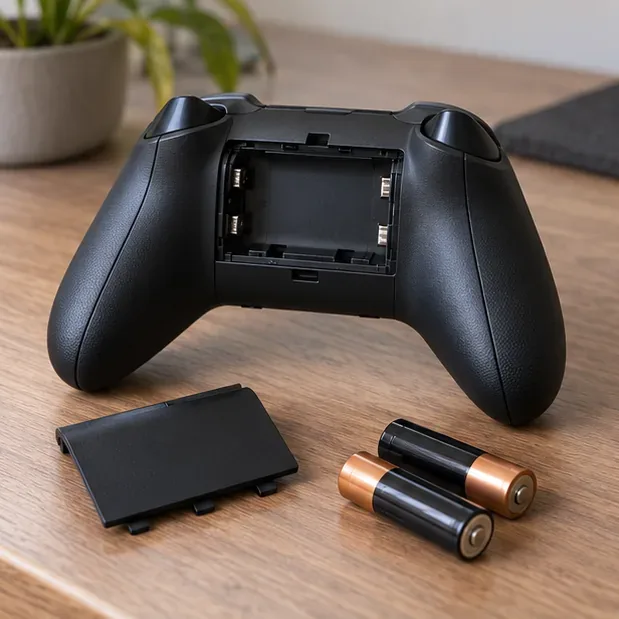
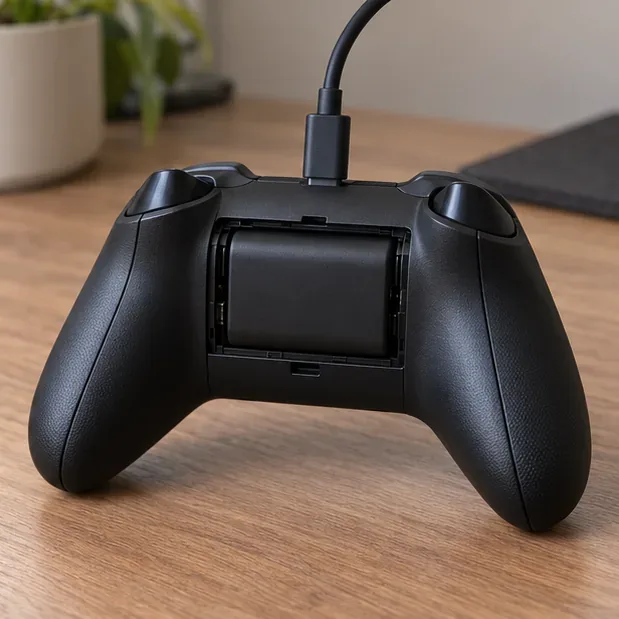
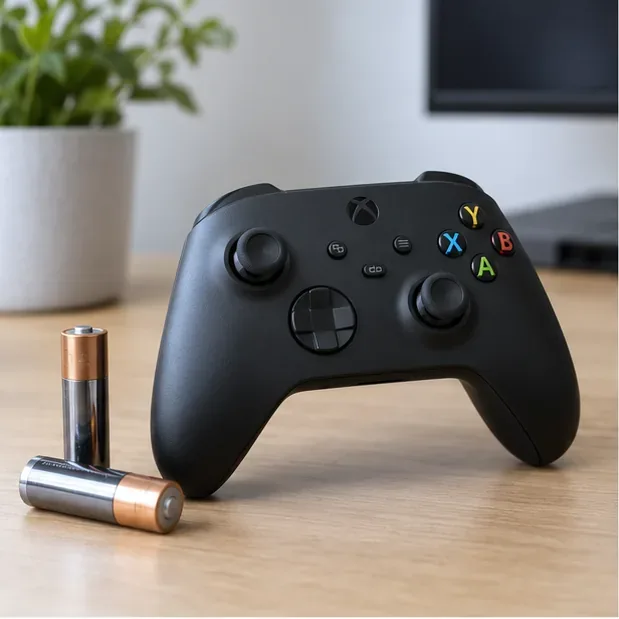
If the compartment contains disposable AA batteries, replace them with a fresh, correctly oriented pair or use a compatible rechargeable pack. The controller does not turn ordinary AA batteries into rechargeable cells when you plug in USB. Rechargeable AA cells must be charged in a charger made for them. If you have an Xbox rechargeable pack, make sure it is seated fully and use a cable that fits the controller. Microsoft’s Xbox Rechargeable Battery + USB-C cable details specify compatibility with Xbox Wireless Controllers that have a USB-C port.
The removable AA cells are outside the controller; a USB cable does not recharge standard AA batteries.A compatible rechargeable pack is the battery type that can charge through the controller’s cable.
2. Inspect the controller port without probing it
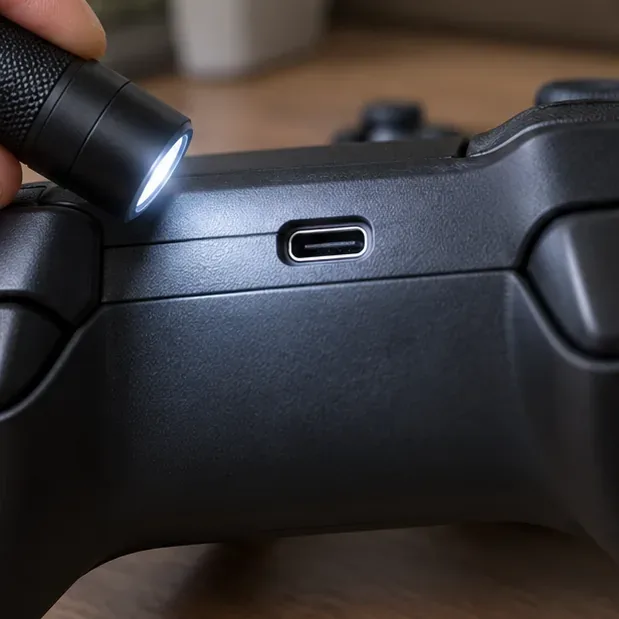
Unplug the cable and look for lint, bent contacts, looseness, or visible damage. Wipe the outside of the connector with a dry, lint-free cloth. Avoid inserting a toothpick, pin, metal tool, or liquid into the port; pushing debris farther inside can damage the connector. If the port feels loose or the cable only works at a particular angle, stop wiggling it and test another cable before assuming the battery is bad.
Check the port visually; do not insert a tool or liquid into it.
3. Try a known-good cable and direct USB port
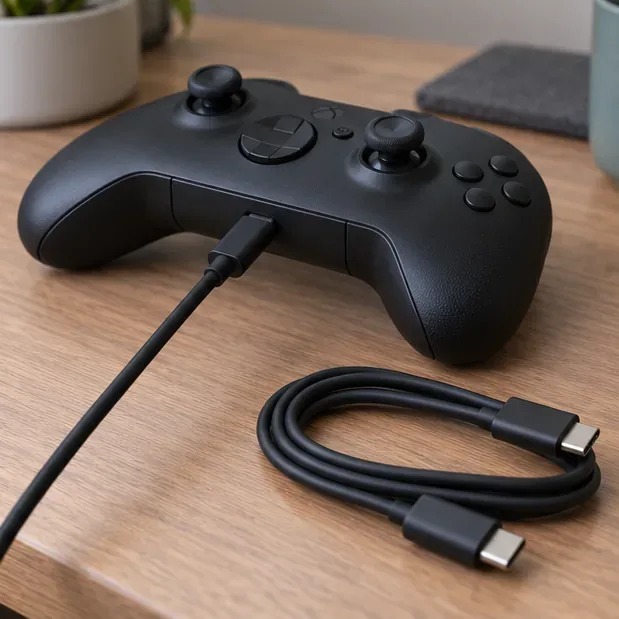
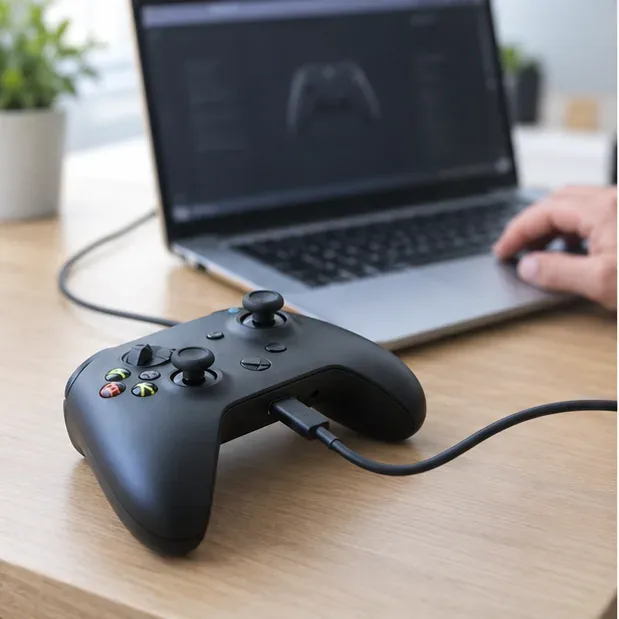
Use a cable with the correct connector and connect the controller directly to a working USB port on the Xbox or a computer. Bypass a hub, charging dock, and extension cable while testing. Then change one thing at a time: keep the same cable and try another port, then keep the working port and try another cable. For firmware updates from a PC, use a USB cable that supports data, since some cables provide power only.
Test a known-good cable and a direct USB port, changing one item at a time.
4. Power-cycle the controller
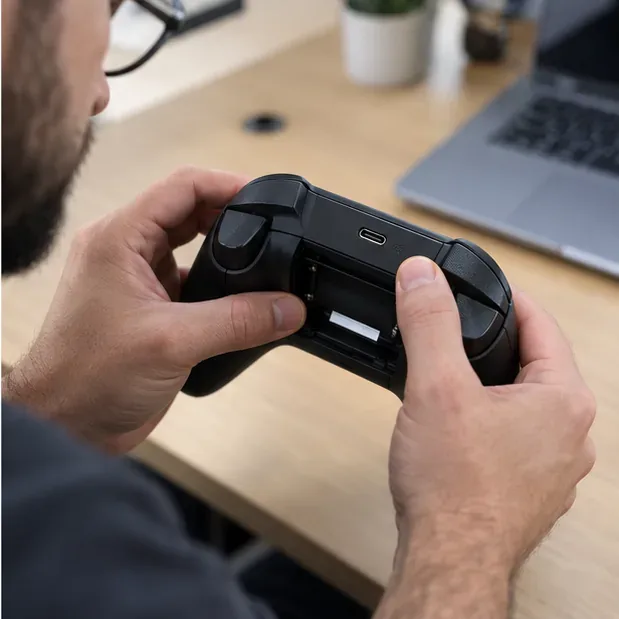
Hold the Xbox button until the controller turns off. If it uses removable AA cells or a removable rechargeable pack, take them out, wait about 30 seconds, then reinstall them with the polarity marks matched. Turn the controller on again and reconnect the cable. If the controller has an internal battery, simply turn it off and back on; do not open the case. This refreshes the controller’s power state without using a nonexistent pinhole reset.
For a controller with removable cells or pack, reseat the battery after a short power reset.
5. Pair it again if the Xbox button keeps flashing
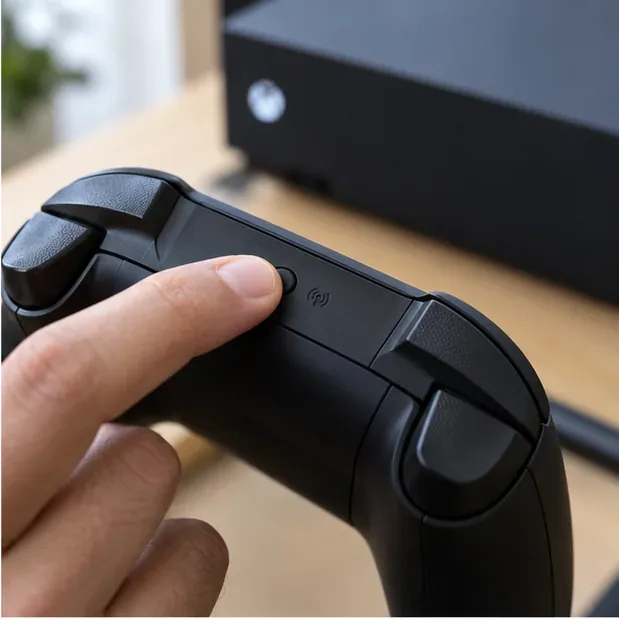
If the controller works over USB but the Xbox button continues to blink when you use it wirelessly, treat that as a connection issue. Press the Pair button on the Xbox console, then hold the controller’s Pair button until the Xbox button flashes; wait for the light to become steady when pairing completes. On a Bluetooth-capable Windows PC, open Settings > Bluetooth & devices > Add device and choose the Xbox controller. If pairing steps differ on your model, follow the Xbox Wireless Controller quick-start guide.
Use the Pair button when the Xbox button keeps blinking because the controller is not connected.
6. Check for a controller firmware update
If the cable and pairing tests do not help, connect the controller to an Xbox or Windows PC and check for a firmware update. On Windows, install or open the Xbox Accessories app, connect the controller with a USB data cable, select the controller, and follow any update prompt shown in the app. On console, open the controller accessories settings and check the firmware options. Keep the cable connected until the update finishes. See Xbox’s controller update instructions for current steps.
Xbox Accessories can check for controller firmware updates over a supported USB data connection.
7. Stop troubleshooting and check for hardware damage
If a rechargeable pack will not hold charge, the controller never responds on more than one known-good cable and USB port, or the connector is damaged, the controller or battery pack may need service. Stop using a pack that is swollen, leaking, unusually hot, or giving off an unusual odor; do not puncture or open it. Check your device’s warranty and contact Xbox Support for model-specific repair options rather than opening the controller.
A loose port, battery damage, or failure across known-good cables may need service.
Quick symptom guide
What you notice
Most useful next check
Xbox button flashes while a cable is attached
Try pairing; the button is signaling connection state, not a charge level.
Controller works on USB but not wirelessly
Pair it again and check the wireless connection or firmware.
AA batteries stay low after plugging in USB
Replace them or use a compatible rechargeable pack; USB does not charge standard AA cells.
Rechargeable pack does not gain charge
Test a known-good cable and direct USB port, then check pack compatibility and condition.
Only a dock light blinks
Check the dock or battery maker’s manual; indicator meanings vary by accessory.
When the blink is not a charging problem
The fastest diagnosis is to separate the two jobs: the battery pack needs power, and the controller needs a connection to your Xbox or PC. A cable can address the first while the Xbox button still flashes for the second. Confirm the battery type, test a direct USB connection, and re-pair only if the Xbox button—not a separate dock light—is blinking. If those checks fail or you see battery damage, use the official support route for your exact controller model.