Home
» 🎮 Esports
»
PSN Region Mastery: How to Choose the Right Region for Your New Account
PSN Region Mastery: How to Choose the Right Region for Your New Account
PSN Region Mastery: How to Choose the Right Region for Your New Account
The safest PSN region for a new account is the country or region where you actually live and can use the available payment options. Your account’s country determines which PlayStation Store you use, can affect available content and services, and is locked after account creation. Before signing up, compare the local game catalog, payment methods, vouchers, PlayStation Plus offer, language, and disc compatibility. There is no universally “best” region, and a low listed price is not useful if you cannot pay or redeem codes there.
Why your PSN account region matters
Your PSN account region is a permanent storefront choice, not a setting you can switch whenever another sale looks better. PlayStation’s current country/region guide says the account country cannot be changed after creation. Sony also notes that Store content and services vary by country or region. That can affect what appears in the Store, which payment methods are offered, and which local services are available.
Purchases and wallet funds also need planning. PlayStation voucher codes must match the account’s country or region, and Sony says funds or content cannot be transferred between accounts. A second account is therefore not a simple way to move a library, wallet balance, or subscription. Read the account creation guide before entering your details; it explains that the date of birth cannot be changed later and that preferred language is a separate signup choice.
Four checks to make before you choose a PSN region
1. Start with your residence and billing details
Choose the country or region where you reside, and make sure the account and billing information you plan to use are compatible. Sony’s March 2026 U.S. Terms of Service require selecting the country or region of residence and providing accurate, complete account information; terms can vary by country, so check the version that applies where you live. Avoid a made-up address or a VPN workaround. Besides creating payment and support problems, false account information can put access at risk under the applicable terms.
If your country/region is not listed or PlayStation online services are not offered where you live, check Sony’s current country/region guide and local terms/support before proceeding instead of entering an address for a place where you do not live.
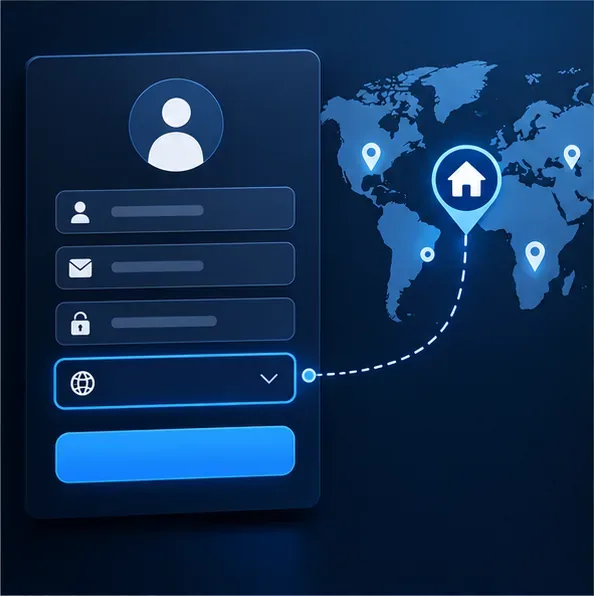
A conceptual country selector and map. Confirm the correct region before you create the account; actual PlayStation screens may look different.
2. Check the games, language, and subscription you actually want
Open the official Store for the country you are considering and search for several games you expect to buy—not just one headline release. Check the edition, supported languages, add-ons, and current price at checkout. Store catalogs, services, and offers change, so old “best region” lists can quickly become inaccurate.
Compare the current PS Plus plans and benefits in that Store as well. Review the local price, renewal terms, game catalog, and whether features you care about are offered in that country. Sony says PlayStation content and services can vary by country and can change, so verify the live local offer instead of relying on an old regional comparison. Choose a region you can keep paying for over time, not one that looks attractive only during signup.
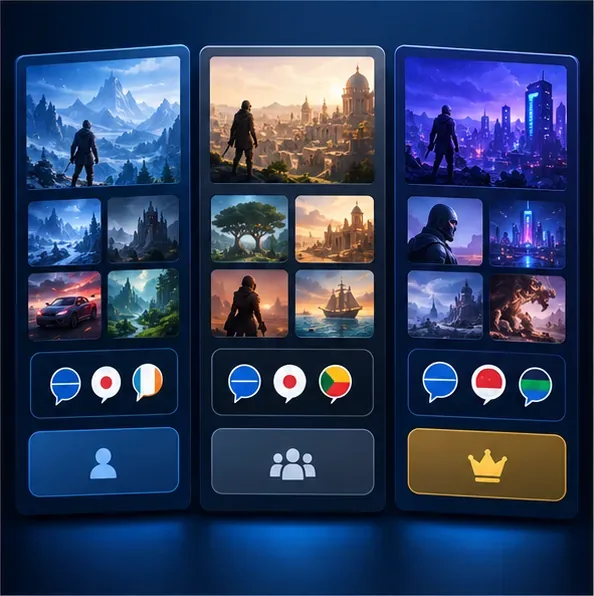
Storefront comparison illustration. The cards are generic; use the live Store for your chosen country to verify actual games, languages, and PS Plus details.
3. Confirm a workable payment and voucher path
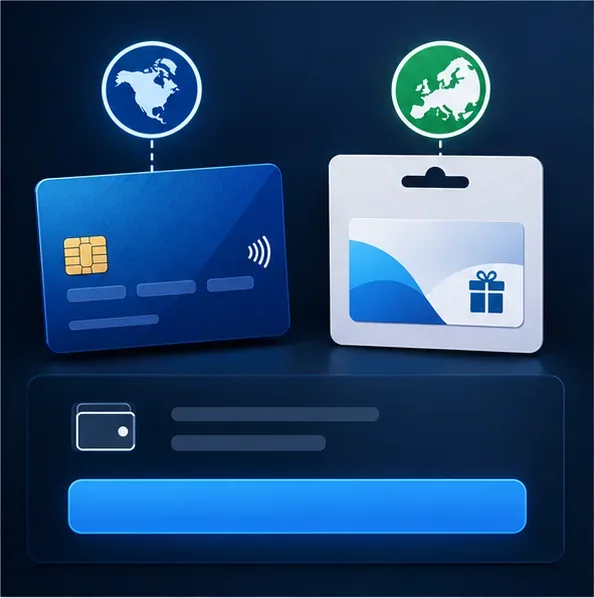
Review PlayStation’s accepted payment methods for the account’s country before you create it. Payment choices are country-specific, and a card registered in a different country from the Store region may not link. If you plan to use a wallet top-up card, confirm that the voucher is issued for the exact account region and buy only from a seller you trust. PlayStation’s voucher guidance says codes must match the account’s region; it also warns that redeemed funds and content cannot be transferred to another account.
When comparing cost, calculate the price you will actually pay, including any displayed tax, currency conversion, or bank fees that apply to your payment method. Do not assume another country’s advertised price will be available to you or that a foreign gift card will solve a payment mismatch.
Before committing to a region, verify that the payment method and voucher you intend to use are accepted for that Store country.
4. Match the Store to the games and add-ons you use
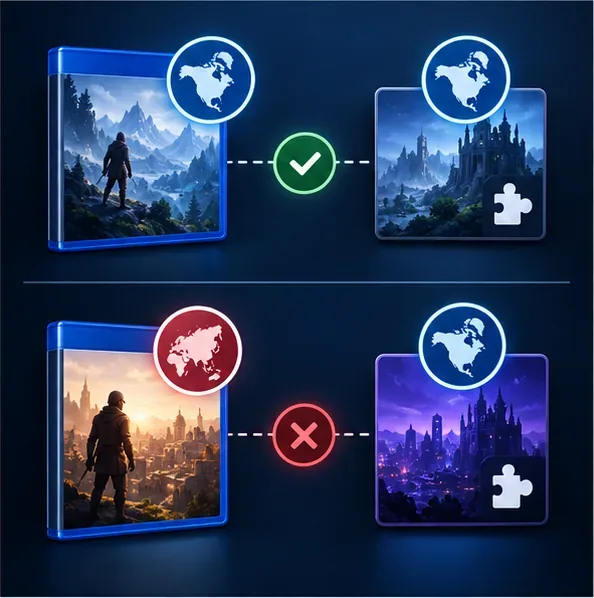
If you buy physical games, check the license region printed on the game box before buying downloadable content. PlayStation’s add-on troubleshooting guide explains that a disc game and its Store add-on need compatible country/region licensing. A disc that works in your console may still be the wrong edition for a particular add-on. Check the exact game release and add-on listing rather than guessing from the disc’s language or the retailer’s location.
Check the game’s licensed region and the add-on listing together; matching compatibility matters for disc-based games.
Quick PSN region decision table
What matters most
Check before signup
Good decision rule
Reliable purchases
Accepted local payment methods and billing compatibility
Choose the region where you can pay using supported details.
Specific games
Current Store listing, edition, language, and add-ons
Confirm your actual wishlist is available before creating the account.
PS Plus
Local plans, price, renewal terms, catalog, and features
Compare the current offer, not a dated list or a rumored perk.
Voucher use
Country/region printed on the code
Buy codes that match the account’s Store region.
Physical games
Disc license and the region of the add-on
Check compatibility for each game you plan to expand.
Account language and support
Preferred language and local help options
Remember that language selection does not change the account country.
When you are ready to create the account
Once those checks point to your actual country or region, use PlayStation’s official signup flow. Enter accurate personal details, choose the correct country/region and a language you can use, verify an email address you control, and secure the account with a strong password or a supported sign-in security option. You do not need to provide payment details just to create an account, according to PlayStation’s current signup guide, so take time to confirm the region before adding a payment method or redeeming a code.
If you later move, remember that the account’s country/region remains fixed. Contact PlayStation Support for guidance about your circumstances, but do not assume that purchases, wallet funds, or a subscription can be moved to a different country. The best PSN region for a new account is the one that fits your real residence, day-to-day payment options, preferred games, and long-term support needs.
Frequently asked questions
Can I change my PSN region after creating the account?
No. PlayStation says you cannot change the country/region on an existing account. Review the Store and payment details first; if you selected the wrong region, contact official support for options rather than entering false information.
Will a voucher from another country work?
Usually not. PlayStation requires a voucher code to match the account’s region. Check the printed country/region before buying, because a code redeemed on the wrong account cannot be moved afterward.
Does the account region set the language?
No. Account creation asks for a preferred language separately. That language controls the Store display and some PlayStation screens and emails, while country/region controls the registered Store market and local service availability. What languages appear for a particular game still depends on that game’s listing.
Is the cheapest PSN region automatically the best?
No. A lower listed price does not help if your payment method is rejected, the voucher does not match, a desired game or add-on is unavailable, or you cannot use the local service. Compare the complete experience and choose a region you can legitimately support.