Home
» 🎮 Esports
»
Fix PSN Account Lockout Fast: How to Restore PlayStation Network Access
Fix PSN Account Lockout Fast: How to Restore PlayStation Network Access
Fix PSN Account Lockout Fast: How to Restore PlayStation Network Access
If you’re facing a PSN account lockout, first identify what PlayStation is actually reporting. A password problem, a two-step verification (2SV) issue, a temporary limit on an action, a service outage, and an account suspension require different fixes. Stop entering guesses, record the exact message or error code, and use Sony’s official account recovery flow. There is no single wait time that applies to every sign-in problem.
Identify the sign-in issue before changing settings
Check the exact wording on the console, PlayStation App, or browser. Then check the official PlayStation Network status page. If a relevant service is disrupted, wait for Sony’s status update before repeatedly changing your password or console settings.
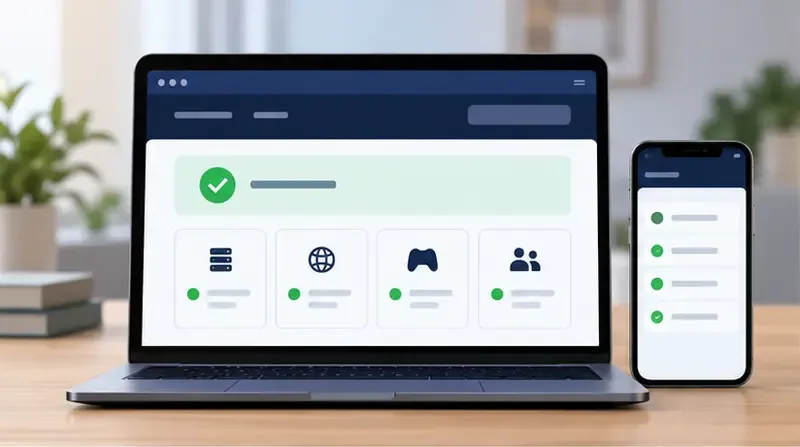
This is a generic status-dashboard illustration, not a live PlayStation Network reading. Check the official status page for current service health.
What you see
What it may indicate
Best next step
“Too many attempts” or a specific action-limit code
A temporary limit on that action
Stop retrying and follow the wait time on the message or Sony’s page for that exact code. For WC-40378-2, PlayStation says the action was attempted too many times in a short period and advises waiting one hour; its instructions specifically address PS Store use on PS4.
Incorrect sign-in ID or password
Credentials may be wrong, outdated, or changed
Use PlayStation’s official password-reset and account-recovery steps.
Missing or rejected 2SV code
The code may have expired, or you may have lost access to the registered phone or app
Request a fresh code, use a saved backup code, or contact PlayStation Support if you have no recovery method.
Suspension notice or codes WS-37368-7 / WS-116367-4
A suspension, not an ordinary password lockout. Sony associates these codes with a reversed purchase charge.
Use Sony’s account-suspension guidance and official support process.
Account works on the web but not on one console
A console, network, or service connection issue may be involved
Check status, restart the console and router, and follow Sony’s connection troubleshooting.
Do not assume every “locked” message clears after 15 or 30 minutes. PlayStation publishes code-specific instructions; for example, the one-hour wait for WC-40378-2 is not a universal timer for every PSN sign-in failure.
How to fix a PSN account lockout: five steps
Step 1: Stop retrying and capture the exact message
Write down the complete error code and note whether it appears while signing in, opening the PlayStation Store, or confirming a purchase. If PlayStation tells you to wait, honor that interval and avoid another series of guesses. Check the network status page as well. Repeated attempts cannot prove ownership and may keep triggering an action limit.
Step 2: Reset your password through PlayStation
Open PlayStation’s official password-reset guide and follow the Account Management recovery flow. Select Trouble Signing in?, then Recover Your Account, and complete the on-screen steps. Use the sign-in ID (the email address registered to the account), then check the inbox and spam folder for Sony’s secure recovery email.
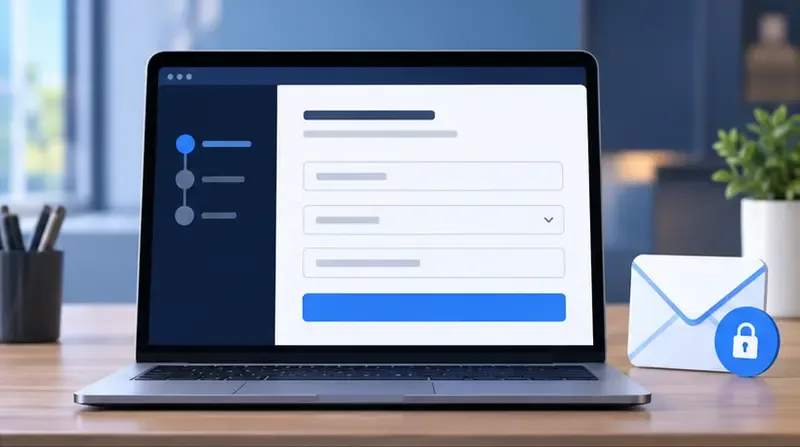
A generic secure-recovery flow. Start from PlayStation’s official Account Management sign-in page and use the email linked to your account.
If the reset email does not arrive, confirm that you entered the correct sign-in email and allow a few minutes before requesting another link. If you no longer have access to that email, forgot the sign-in ID, or see account details changed without permission, use PlayStation’s Account & Security support page to find the recovery option for your region. For a child account, Sony says the family manager must reset the child’s password.
Step 3: Recover 2SV or passkey access
If your password works but verification blocks sign-in, use the newest code from your authenticator app or registered phone. Sony says a 2SV code is valid for 10 minutes after the sign-in attempt; if it expires, request another from the sign-in screen. If you saved backup codes, use one as directed by the PlayStation 2-step verification guide.
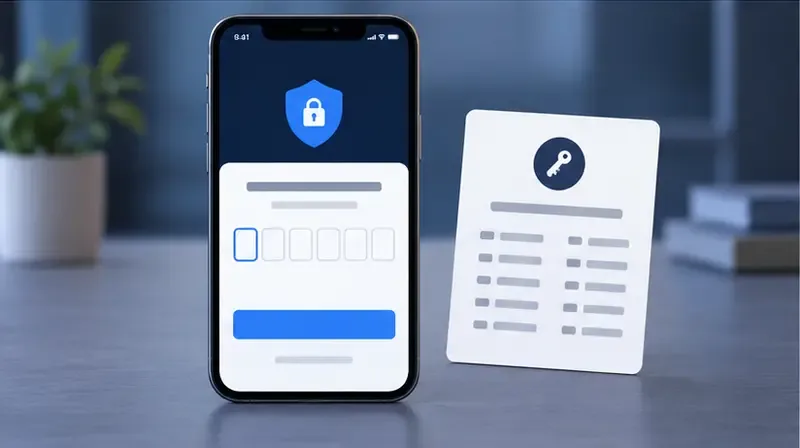
A generic 2SV prompt and backup-code card. Keep real verification and backup codes private; never post them in screenshots.
If you lost your phone and do not have backup codes, cannot access the registered number, or receive unexpected verification messages, Sony directs you to contact PlayStation Support to restore account access. See its 2SV troubleshooting guide. If you use a passkey and it fails, choose Can’t Sign In with Passkey on the sign-in screen and follow the available alternate method; consult Sony’s passkey support guide.
Step 4: Check whether the problem is only on your console
Try signing in to Account Management from a trusted browser. If that works but the console still refuses the account, update the console system software, turn the console and router off and back on, and test the connection again. If you use Wi-Fi, Sony suggests trying a wired connection when practical. The official sign-in troubleshooting guide covers these checks.
Console cache clearing, database rebuilding, changing DNS servers, or disabling a VPN will not reset an account-level security block. Use network changes only when the error points to connectivity and follow PlayStation’s instructions for your specific model.
Step 5: Contact PlayStation Support when self-recovery cannot work
Use the official PlayStation Support hub and choose the account-recovery or sign-in route shown for your country or region. Contact support promptly if your email or sign-in ID was changed without permission, you cannot access the registered email or 2SV method, you have no backup codes, or the account displays a suspension notice.
Before opening the official support flow, have your sign-in ID and exact error details ready. Share other account information only if PlayStation’s secure support process requests it.
Have the sign-in email, online ID, exact error code, console model, and a short description of what happened ready. Provide a serial number or purchase information only if an official PlayStation support flow asks for it. Never give your password, one-time verification code, backup code, or remote access to someone who contacts you unexpectedly.
After you regain access
Set a unique password or, if supported for your account and devices, a passkey. Sony’s account security guidance explains current options.
Turn on 2SV if you use password sign-in, and store backup codes somewhere private and recoverable.
Secure the email account tied to PlayStation with its own unique password and verification method.
Sign out when using a shared console, and never share PlayStation account credentials.
Ignore third-party “instant unlock” services and unsolicited messages asking you to scan a QR code or reveal a code.
PSN account lockout questions
How long does a PSN account lockout last?
It depends on the message and the cause. Sony’s published guidance does not give one wait period for every sign-in issue. It specifies a one-hour wait for the particular WC-40378-2 action-limit error; for password, 2SV, or suspension problems, use the matching recovery path instead of guessing a timer.
Will clearing the PS5 cache unlock my account?
Cache clearing is not part of Sony’s published account-recovery steps. If your account also works in Account Management but not on the console, treat that as a separate console or connection problem and follow PlayStation’s sign-in troubleshooting.
For a genuine PSN account lockout, the quickest reliable route is to read the exact message, stop repeated attempts, use Sony’s password or 2SV recovery, and escalate through official support when account verification is needed.